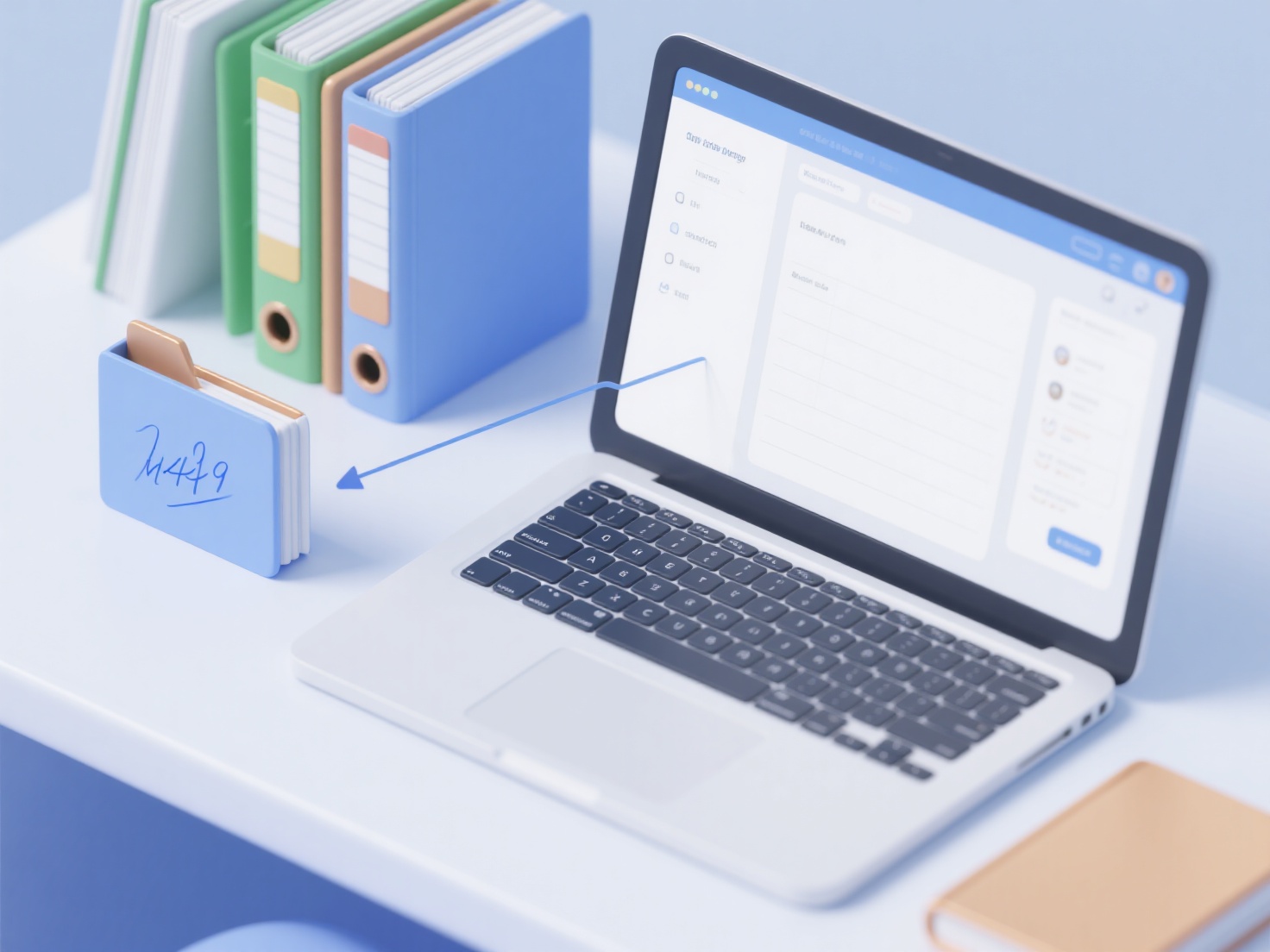
To store research notes effectively, you should use a centralized digital system that links a reference manager for your source PDFs directly to your personal insights and annotations.
When conducting a literature review, writing a thesis, or preparing a manuscript, relying on scattered Word documents or physical notebooks quickly leads to lost information. A structured digital workflow ensures that every insight, quote, and critique is easily retrievable when it is time to start writing.
1. Choose a Note-Taking Framework
Before downloading new software, decide how you want to structure your thoughts. Many researchers rely on the Zettelkasten method, which focuses on creating interconnected, single-idea notes to build a web of knowledge. Others prefer a literature matrix—a spreadsheet that categorizes papers by methodology, findings, and limitations. Choose a framework that matches your thinking style and the scope of your project.
2. Centralize Your PDFs and Annotations
Keep your source materials and your notes in the same ecosystem whenever possible to avoid constant context-switching. Instead of juggling multiple local folders on your desktop, using a tool like WisPaper's My Library allows you to organize papers like a traditional reference manager while letting you chat with your uploaded documents via AI to instantly retrieve your past notes and highlights.
3. Link Notes to Specific Citations
A common pitfall for early-career researchers is writing down a brilliant idea but forgetting which paper it came from. Always attach the author, year, and exact page number to your notes. If you use external note-taking apps like Notion, Obsidian, or Roam Research, create a dedicated page for each academic paper and link it back to your master database to maintain a clear audit trail of your references.
4. Use Consistent Tags and Folders
Whether you are storing notes locally or in the cloud, organization relies on consistency. Tag your notes by overarching themes, methodologies, or specific project chapters (e.g., "#qualitative_analysis" or "#chapter_2_background"). This metadata makes searching your database significantly faster when you need to synthesize multiple sources into a single paragraph.
5. Back Up Your Research Database
Never store your research notes in just one vulnerable location. Ensure your note-taking system automatically syncs to a secure cloud service. It is also a smart practice to periodically export your notes in a universal, non-proprietary format—such as plain text or Markdown—to future-proof your hard work against unexpected software changes or data loss.