
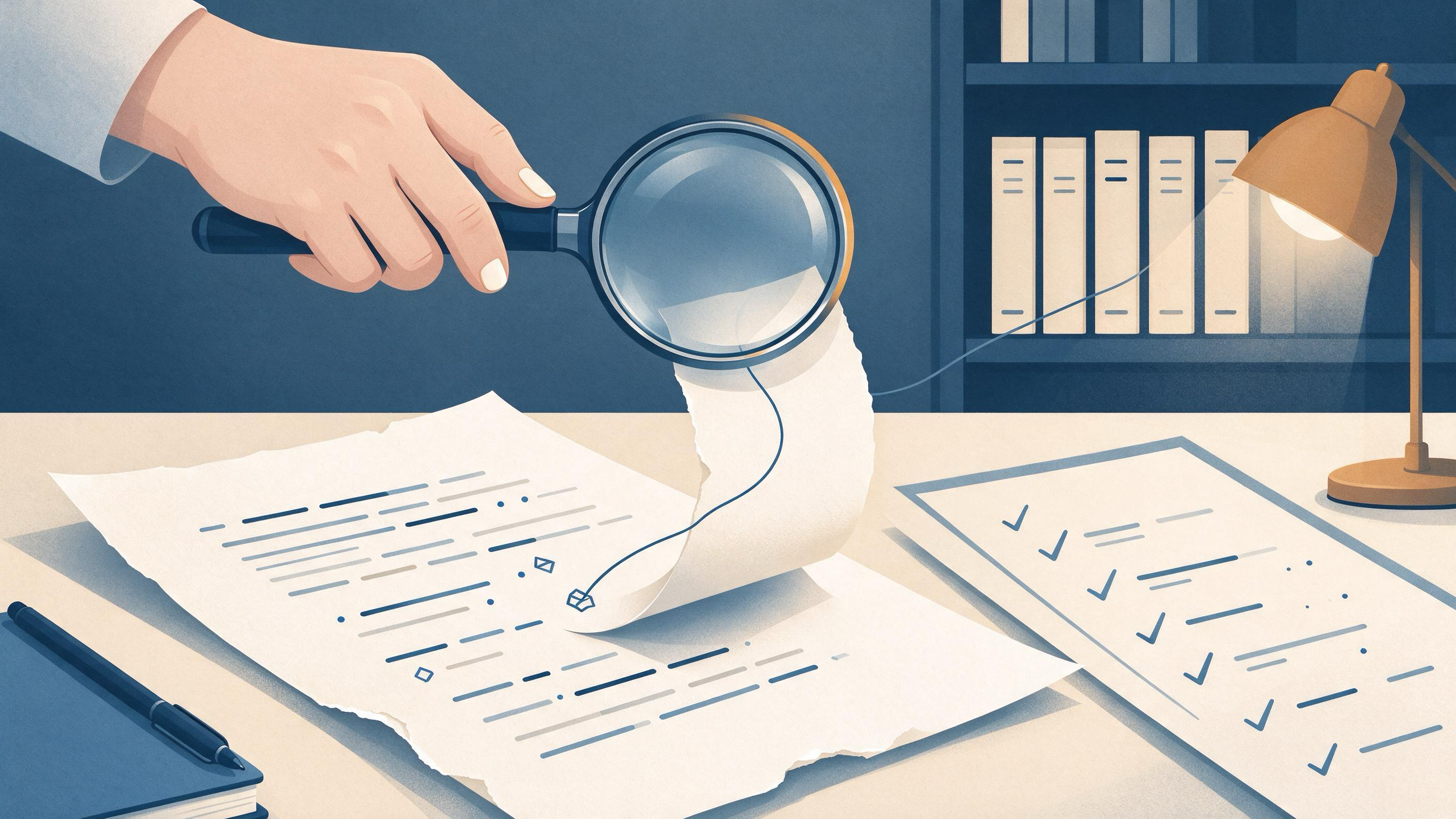
A citation has "moved" when the identifier in your manuscript no longer points to the work that actually supports the sentence. The DOI resolves, the link opens, the reference looks plausible — but the destination has changed, or the field you pasted was never the right one. The claim in your prose stayed put. The evidence underneath it did not.
The practical answer is to treat this as a two-part repair: first re-establish the identity of the cited work, then re-establish that the work supports the specific claim. A DOI can be resolved through doi.org to the current destination registered for that identifier, but resolution only helps locate a work; the bibliographic fields and the source text still need to be checked for identity and claim support. Those are separate checks, and skipping either one leaves the drift in place.
This article walks through a concrete manuscript case, the decisions that close it, and the artifacts that make the repair auditable for coauthors, reviewers, and future readers.
The starting state: a plausible reference that no longer matches
Picture a review manuscript in its second revision. A coauthor flags one sentence in the discussion: a claim about a mechanism, supported by a single citation. The reference entry has a DOI, a journal name, and a year. Nothing looks broken.
But three quiet problems can sit under that surface:
- The identifier resolves somewhere else. The DOI still resolves, but to a different destination than the one the original author intended, because the registered destination for that identifier has changed.
- The fields were reconstructed, not copied. Titles, author lists, venues, and dates were retyped or assembled from memory, so the entry is close but not identical to the deposited record.
- The claim outran the source. The cited work exists and is correctly identified, but the sentence asserts more than the source text supports.
Each problem produces the same symptom — a citation that looks fine and a claim that is not actually anchored. The diagnosis has to separate them before any repair begins.
Decision one: is this an identity problem or a support problem?
Before editing anything, decide which failure you are looking at. The two require different work.
Identity problems are about the reference itself: wrong DOI, wrong year, wrong venue, an author list that does not match the deposited metadata, or a link that resolves to a different record than the one you meant to cite. Publisher-deposited metadata available through Crossref's REST API includes titles, authors, venues, dates, identifiers, licenses, funding, ORCID and ROR identifiers, abstracts when deposited, and post-publication updates from trusted sources. That makes deposited metadata the natural place to confirm what a work actually is.
Support problems are about the sentence: the reference is correct, but the claim is broader, narrower, or different from what the source states. No amount of metadata checking fixes this. You have to return to the source text.
A useful rule: resolve first, then read. Resolution tells you where the identifier currently leads. Reading tells you whether the sentence belongs there.
Decision two: how to re-find the work when the identifier drifts
When a DOI no longer leads to the work you remember, do not simply accept the new destination. Re-find the work from its bibliographic footprint.
Google Scholar documents searching by author and title, date sorting and date limits, Cited by and Related articles, citation export, library access links, email alerts, and ways to locate alternative versions of a work. Those are the levers for reconstructing identity: search by author and title, use date limits to narrow a crowded result set, and check Related articles and alternative versions when the version you cited is not the one that surfaces first.
If you are rebuilding the search itself, a scholarly search interface lets you run the author-and-title query directly and pull candidate records. WisPaper's scholarly search interface is one place to run that lookup; the public Scholar Search page explains the entry point for finding academic papers.
Record what you did while you do it. The audit trail for this step is short but essential: the query you ran, the date you ran it, the candidates you saw, and the reason you selected one. That note is what lets a coauthor reproduce your decision six months later.
Decision three: confirm the fields against deposited metadata
Once you have a candidate record, confirm the fields rather than trusting the first export. Check the elements that matter for identity: title, author list and order, venue, date, and the identifier itself. Where the deposited record carries ORCID and ROR identifiers, those help disambiguate authors and institutions with common names.
Two cautions belong here. First, abstracts are included in deposited metadata only when deposited — their absence is not evidence that a work has no abstract. Second, post-publication updates from trusted sources can change what the record says, so a field that looked right in an earlier draft may legitimately differ now.
This is also the moment to screen the reference list as a whole, not just the one drifted entry. If one citation drifted, its neighbors may have been assembled the same way. BibTeX screening against real academic databases is what TrueCite is built for: it flags hallucinated references. Running your .bib file through TrueCite turns a one-off fix into a list-wide check, so you catch the entries you did not think to inspect.
Decision four: re-read the source against the sentence
With identity settled, return to the claim. Read the source passage that the sentence depends on and ask a narrow question: does this passage support this sentence as written?
Three outcomes are common:
- The sentence is supported. Keep the citation, and note in your audit trail that you verified support, not just identity.
- The sentence overreaches. Narrow the claim to what the source states, or add a second citation that carries the broader assertion.
- The sentence is supported by a different work. Replace the citation and record why the original was wrong.
For a review with many claims, this reading step is where most of the time goes. If the papers are already gathered in one place, question-answering over that collection speeds up the first pass. Library QA is designed for asking questions based on papers uploaded to My Library or added from search results, so you can query the gathered sources before committing to sentence-level edits. Save or upload the relevant papers in My Library first, then work through the claims.
Building the audit trail as you repair
A repaired citation is only durable if the reasoning behind it survives. Build the trail alongside the fix, not after it. A workable record for each changed citation includes:
- the original reference entry and the original identifier;
- what the identifier resolved to, and when you checked;
- the query or lookup that re-found the work;
- the fields you confirmed and the source you confirmed them against;
- the sentence before and after the edit;
- a one-line justification for keeping, narrowing, or replacing the citation.
Keep this in the manuscript's working files rather than in an email thread. If the repair spans several sessions or several people, a shared project space keeps the record with the work. WisPaper's Research Projects area is where a new project can hold that work; the point is that the trail lives next to the manuscript, not in someone's inbox.
Handing the repair to a coauthor or reviewer
A drifted citation is a communication problem as much as a bibliographic one. The coauthor who flagged it needs to see that you checked identity and support, and the reviewer needs to see a clean reference without a narrative of the repair.
Prepare two artifacts:
- For the coauthor: the audit trail above, plus a short note naming which of the three failure modes applied.
- For the reviewer: the corrected reference and, where the claim changed, the revised sentence. Response letters should state what changed, not how long it took to find.
If the repair involved a longer literature pass — re-checking whether other works support the same claim — that is a task suited to an agent workflow rather than manual tab-hopping. Scholar Agent is the area for longer research tasks with literature review, inspiration, or reproduction use cases; you can start that work from the Scholar Agent page. Keep its output as candidate material and confirm each reference against deposited metadata before it enters the manuscript.
The corrected deliverable
When the repair is finished, the manuscript should show:
- a reference entry whose fields match the deposited record;
- an identifier that resolves to the intended work;
- a sentence whose scope matches the source passage;
- an audit trail that a coauthor can follow without asking you questions.
The test of readiness is simple: hand the trail to someone who was not involved and ask them to reconstruct your decision. If they can follow the query, the confirmation, and the justification, the repair is done. If they have to ask what you checked, it is not.
Transferable lessons for the next manuscript
Four habits carry over to any project where citations and claims must stay aligned:
- Separate identity from support. Resolve the identifier, then read the source. Never let a working link stand in for a verified claim.
- Confirm fields against deposited metadata, not memory. Titles, authors, venues, dates, and identifiers are checkable; reconstructed entries are where drift starts.
- Screen the whole list, not the flagged entry. One drifted citation is a signal about how the list was assembled.
- Write the trail while you work. A justification recorded at the moment of the decision costs a line; reconstructed later, it costs an afternoon.
For teams starting a new review, these habits are cheapest to adopt at the beginning. A general entry point to the toolset for finding, screening, organizing, and working with papers is the WisPaper homepage, and English readers can start from the English homepage. The specific workflow still matters more than the entry point: resolve, confirm, read, record.
FAQs
Keep Reading
A Clinical Team Needs an Evidence Brief by Tomorrow: A Practical Workflow
A request for an evidence brief "by tomorrow" is really a request for a defensible decision aid: a short document that states a focused question, shows how the evidence was found and selected, separates what the studies
A Guideline Recommendation Does Not Match the Studies You Found
You are preparing a short evidence brief for a team discussion. The guideline says one thing; the studies you pulled say something narrower, older, or aimed at a different population. The instinct is to force a match — e

A New Project Starts Monday and Nobody Has Built the Reading List
A new project starts Monday, and the reading list does not exist yet. Maybe you have a folder of PDFs from a winter-break cleanup, a supervisor's margin comments on a draft chapter, and a vague sense that the literature