
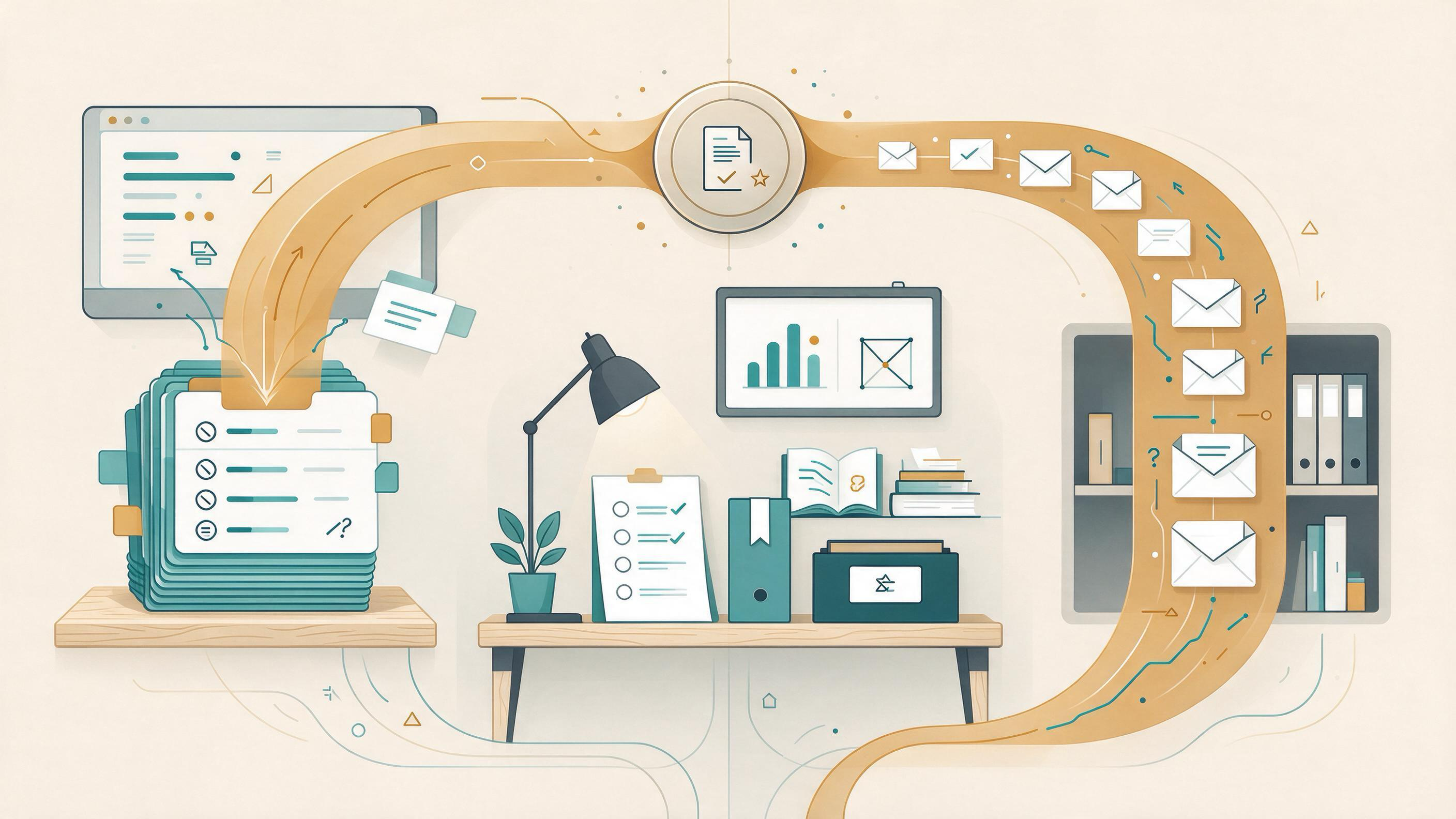
You are revising a manuscript, closing a grant, or handing a review to a coauthor, and someone asks how you found the papers you cite. The honest answer is often "a bit of everything." That answer is fine for a first pass and a problem for a methods section. The real task behind "AI literature search vs. traditional database search" is not picking a winner. It is choosing a search method whose steps you can record, repeat, and defend when a reviewer, coauthor, or future lab member asks.
This guide treats both approaches as tools for the same job. It starts from your actual situation, walks through the decisions and artifacts a defensible search requires, compares the two methods on identical criteria, and shows where each one breaks down. It ends with a decision table and a combined workflow that keeps an auditable trail from first query to final reference list.
Start by diagnosing what you actually need
Before comparing tools, name the job. The same phrase, "literature search," covers very different tasks, and each one has different evidence requirements.
- A quick orientation search. You are new to a topic and need to know what the conversation looks like. Speed and breadth matter more than exhaustiveness.
- A systematic or review-grade search. You need to find and select studies against stated eligibility criteria, and the process itself must be documented.
- A citation check. You have a reference list and need to confirm the entries correspond to real, findable work.
- A preservation task. You are closing a project and need the search trail to survive the people who built it.
Cochrane's guidance on searching for and selecting studies is a useful benchmark because it describes what a defensible search looks like: plan the search from eligibility criteria, use multiple sources, combine free-text terms with subject headings, document the process, deduplicate records, screen in stages, link multiple reports of one study, and rerun searches before publication. That is a high bar. Not every task needs it, but knowing the bar helps you decide how much structure to build.
Write one sentence describing your job before you open any tool. "I need a defensible search for a scoping review on X" and "I need to know whether this field has a name" lead to different methods.
What traditional database search gives you
Traditional database search is built on explicit, inspectable mechanics. PubMed, for example, supports field tags, phrase searching, filters, Advanced Search, saved searches, Similar Articles, citation lookup, and links to full text when available. Crucially, PubMed's search details reveal how your terms were translated and combined. That transparency is the core strength: you can see what the database did with your query and explain it to someone else.
Google Scholar offers a different traditional profile. It documents searching by author and title, date sorting and date limits, Cited by and Related articles, citation export, library access links, email alerts, and ways to locate alternative versions of a work. It is strong for citation chasing and for finding a known paper, and weaker as a place to build a structured, reproducible query.
What traditional search asks of you:
- Vocabulary work. You must translate your question into terms the database understands, combining free text with controlled vocabulary where the database supports it.
- Source planning. Because no single database covers everything, a defensible search draws on multiple sources.
- Record keeping. The query, the date run, the filters, and the number of records retrieved all belong in your notes.
- Staged screening. You deduplicate, then screen titles and abstracts, then full texts, tracking decisions along the way.
When you do this well, the payoff is a method trail a reviewer can follow. When you skip it, you get a pile of PDFs and no way to explain how they got there.
What AI-assisted literature search gives you
AI-assisted search changes the shape of the work. Instead of translating a question into database syntax, you describe the research task and let the system surface and organize papers. WisPaper is built as an AI research assistant for finding, screening, organizing, and working with academic papers, which means the tool can carry part of the workflow rather than just returning a list.
In practice, an AI-assisted approach helps most at the front and back of a search:
- Front end: getting to a working set faster. You can move from a rough topic description to a set of candidate papers without hand-building a query first. The WisPaper search interface is where that scholarly search happens, and the Scholar Search entry point explains the paper-finding capability for readers new to it.
- Back end: working with what you found. Once papers are collected, you can ask questions grounded in them. Library QA lets you ask questions based on papers uploaded to My Library or added from search results, which turns a reading pile into something you can interrogate.
- Longer tasks. For work that goes beyond a single query, Scholar Agent covers literature review, inspiration, and reproduction use cases.
The trade-off is that AI-assisted search produces a different kind of artifact. Where a database gives you a query string and a translation log, an AI-assisted session gives you a conversation and a result set. That is not automatically less defensible, but it does mean you have to deliberately capture what happened. The next section is about building that record.
The artifacts every defensible search must produce
Whatever method you choose, a search is only as good as the trail it leaves. Think of the trail as a set of artifacts you could hand to a coauthor who was not in the room.
- The question and eligibility criteria. What counts as in scope, and what does not. Cochrane's guidance starts here for good reason: criteria drive the search, not the other way around.
- The sources and queries used. Which databases or tools, which terms, which filters, and the date each search was run.
- The raw result set before screening. The records you retrieved, so a later reader can see what you started with.
- The screening decisions. What was excluded and why, with enough detail to reconstruct the reasoning.
- The deduplication and linking record. How duplicate records were merged and how multiple reports of one study were tied together.
- The final included set and its citations. The papers you actually rely on, with references that resolve.
Traditional databases hand you artifacts 2 and 3 almost for free, because the query and result count are visible. AI-assisted tools tend to hand you artifact 6 quickly and leave 1 through 5 to you. The practical move is to build the missing artifacts explicitly rather than assume the tool captured them.
Comparing both methods on the same task
To make the comparison concrete, take a single task: building a defensible reference set for a manuscript section on a defined topic, with a coauthor who will check your work.
| Criterion | Traditional database search | AI-assisted search |
|---|---|---|
| Starting point | You translate the question into database syntax | You describe the research task and review candidates |
| Query transparency | Search details show how terms were translated and combined | The session record is a conversation, so you must log it yourself |
| Breadth across sources | Requires planning multiple sources deliberately | Surfaces a working set quickly; source coverage still needs checking |
| Citation chasing | Cited by and Related articles support forward and backward chasing | Supports assembling and questioning a set; verify each reference |
| Screening support | Staged screening is a manual, documented process | Can help organize and question a collected set |
| Reproducibility | High when query, date, and filters are recorded | Depends on how carefully you capture the session and result set |
| Best fit | Review-grade and systematic searches | Orientation, set-building, and working with collected papers |
Read the table as a division of labor, not a scorecard. Traditional search wins on transparency and reproducibility because its mechanics are inspectable. AI-assisted search wins on the speed of getting from a vague question to a working set and on what you can do with that set afterward. Neither column removes the need for the artifacts in the previous section.
Where each method fails
Knowing the failure modes is more useful than knowing the strengths, because failures are what reviewers and coauthors catch.
Traditional search fails when:
- The vocabulary is wrong. If your terms do not match how the field indexes its work, you retrieve little and conclude the literature is thin.
- You rely on one source. Cochrane's recommendation to use multiple sources exists because single-source searches miss records.
- You do not record the query. A search you cannot reconstruct is a search you cannot defend, even if it was well built.
- You skip rerunning before publication. Cochrane specifically recommends rerunning searches before publication, and a stale search is a common gap.
AI-assisted search fails when:
- You treat the result set as the method. A list of relevant-looking papers is not a documented search.
- You skip reference verification. Every citation in your final set still needs to resolve to a real, findable work.
- You let the session stand in for screening. Exclusion decisions and their reasons still need to be written down.
- You assume coverage. The set you get is the set you got; whether it is complete is a separate question you have to answer.
Notice that the failure modes overlap. Both methods fail when the human step of recording and checking is skipped. That is the strongest argument for combining them rather than choosing.
A combined workflow that keeps an auditable trail
Here is a workflow that uses each method where it is strongest and produces the artifacts a coauthor can check. It assumes a manuscript section that needs a defensible reference set.
Step 1: Define the question and criteria
Write the question and eligibility criteria first. This is the anchor for everything that follows, and it is the artifact most often missing when a search goes wrong.
Step 2: Build a working set quickly
Use AI-assisted search to get from your question to a candidate set without hand-building a query. Run the search in the WisPaper search interface, and for a plain-language overview of the paper-finding capability, see the Scholar Search page. Save the papers that look in scope to My Library so the set is organized rather than scattered across browser tabs.
Step 3: Interrogate the set before screening
Before you commit to screening, ask questions grounded in the collected papers. Library QA lets you ask questions based on papers uploaded to My Library or added from search results, which is a fast way to find out whether your working set actually covers the sub-questions in your criteria. If it does not, go back to Step 2 with better terms.
Step 4: Run the traditional search for coverage and transparency
Now run structured searches in the databases your field relies on, using field tags, filters, and combined free-text and subject terms. Record the query, the date, the filters, and the result count for each source. This is the step that produces the transparent, reproducible artifact AI-assisted search does not hand you.
Step 5: Deduplicate, screen in stages, and link reports
Merge the AI-assisted set and the database results, remove duplicates, screen titles and abstracts, then screen full texts. Record exclusion reasons. Link multiple reports of the same study so one study does not count twice.
Step 6: Verify every citation
Before the reference list goes to a coauthor, check that each entry corresponds to a real, findable work. TrueCite checks BibTeX against real academic databases to flag hallucinated references, which is a concrete way to catch entries that crept in during fast set-building.
Step 7: Rerun and archive
Rerun the database searches before submission, as Cochrane recommends, and archive the query log, the screening decisions, and the final set together. If the work is part of a larger effort, keep it in Research Projects so the trail lives with the project rather than in one person's notes.
When the search is ready to hand off
The search is ready when a coauthor who was not in the room could reconstruct it. Use this checklist:
- The question and eligibility criteria are written down.
- Every source and query is recorded with the date it was run.
- The raw result set exists before screening.
- Screening decisions and exclusion reasons are documented.
- Duplicates are merged and multiple reports of one study are linked.
- Every final citation resolves to a real, findable work.
- The searches have been rerun before submission.
If any line is blank, the search is not finished, regardless of how good the final set looks. This checklist is method-agnostic: it applies whether you built the set with a database, an AI assistant, or both.
Choosing for your situation
Use the decision table below to pick a starting method, then add the other as a check.
| Your situation | Start with | Add as a check |
|---|---|---|
| New to a topic, need orientation | AI-assisted search | A database search once you know the vocabulary |
| Systematic or review-grade search | Traditional database search | AI-assisted set-building to catch what your query missed |
| Citation check before submission | Reference verification | A database lookup for any entry that does not resolve |
| Closing a project or lab handoff | Whichever built the set | Archive the full trail with the project |
| Coauthor will audit your method | Traditional database search | A logged AI-assisted session as a documented supplement |
For longer efforts that go beyond a single search, Scholar Agent covers literature review, inspiration, and reproduction use cases, and Idea Discovery takes research topics, background, references, and experimental constraints to generate research ideas. If your task is reproducing a paper rather than searching for one, PaperClaw supports reproduction planning from an uploaded PDF and reproduction instructions. These are different jobs from a literature search, and naming them correctly keeps your method trail honest.
FAQs
Keep Reading
AI Paper Summary vs. Full-Text Evidence Check: Choosing the Right Tool for a Clinical Evidence Brief
You have a clinical question, a stack of candidate papers, and a deadline. An AI summary promises to compress the reading; a full-text check promises to catch what the summary missed. The practical answer is that these a
An AI-Generated Citation Looks Real but Does Not Exist: A Repair Workflow
You are three days from a deadline. A draft chapter cites a paper with a plausible author, a plausible journal, a plausible year, and a DOI that looks like every other DOI. Then you paste the DOI into a browser and land
Backward Citation Search vs. Forward Citation Search: A Practical Workflow for Your Next Paper
You have a draft, a supervisor's comments, or a fresh January project brief, and you need to know which papers to read next. Backward citation search and forward citation search answer two different questions. Backward s