
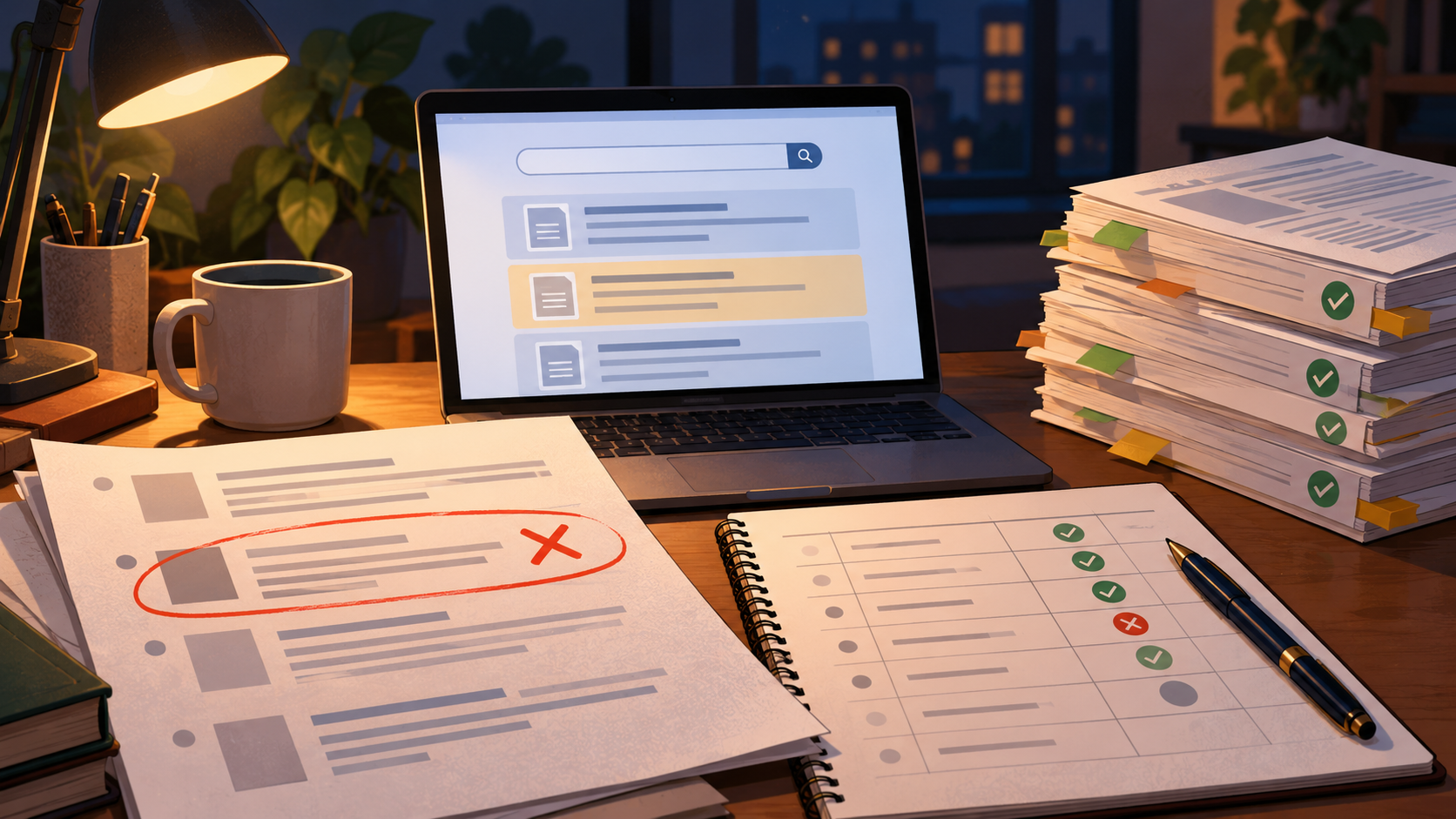
You are two days from a course-paper deadline. Your draft cites a study that fits your argument perfectly, but when you paste the title into a database, nothing comes back. The author name is plausible, the journal sounds real, and the year is right. That is exactly the problem: a fabricated reference can look more convincing than a real one because it was built to match your query.
The repair is not to keep searching harder for the same paper. It is to separate three different checks that got tangled together — identifier checks, metadata checks, and discovery checks — record the failed trail so you do not repeat it, and restart the search from concepts you can verify. This article walks through that repair using a student deadline scenario, then ends with a concrete submission decision.
The starting problem: a perfect citation with no record
Imagine a student writing a short paper on how sleep timing affects academic performance. A drafting assistant returns a citation: a specific title, two authors, a journal, a volume, and a DOI. The student pastes it into the reference list and moves on.
At the supervisor's feedback stage, one comment lands: "Source for this claim? I can't locate this paper." The student tries again. The DOI resolves to nothing. A title search returns near-matches but not the paper. The journal exists, but the volume and page numbers do not line up.
The instinct is to assume the database is incomplete. Sometimes coverage is thin, but that assumption is a guess, not a finding. The disciplined move is to treat the citation as unverified until each layer checks out separately.
Separate the three checks before you search again
Most citation failures happen because a reader runs one blended search and interprets a miss as a single verdict. Split the work into three questions, each with its own evidence.
Identifier check: does the DOI or ID resolve to a record?
An identifier is the most specific claim a citation makes. If a DOI is present, resolve it and see what record appears. If it resolves to a different paper, the citation has a mismatched identifier. If it resolves to nothing, the identifier is not doing its job. Record the result either way — "DOI did not resolve" is a finding you can act on.
Metadata check: do the parts agree with each other?
Metadata is the set of descriptive fields: title, authors, journal, year, volume, pages. A real record should be internally consistent. Check whether the author names appear on other work, whether the journal publishes in that area, and whether the year and volume are plausible together. Disagreement among fields is a signal that the citation was assembled rather than retrieved.
Discovery check: can you find the work through an independent route?
Discovery is the search layer. Try a title search, an author search, and a concept search. If the paper exists, at least one route should surface a record you can open. If every route fails while near-matches appear, you have a failed trail worth recording.
Record the failed trail so the dead end stays closed
A failed search is easy to repeat by accident, especially under deadline pressure. Keep a short log with four columns: the query you ran, the source you ran it in, the date, and the outcome. For the sleep-timing citation, the log might read: DOI resolution — no record; title search — near-matches only; author search — no matching author profile; journal-volume check — volume does not correspond.
This log does two things. It stops you from re-running the same dead query an hour later, and it gives you something concrete to show a supervisor or instructor if the citation is questioned. It also converts a vague worry ("I can't find this") into a documented decision ("this citation is unverified and will be removed").
Restart from verified concepts, not from the citation
The citation is now a dead end, but the underlying claim still needs support. Restart from the concept, not the phantom paper. Break your claim into searchable ideas: sleep timing, circadian rhythm, academic performance, and the population you are studying. Then search those concepts independently.
Cochrane's guidance on searching for studies supports planning searches from eligibility criteria, using multiple sources, and combining free-text terms with subject headings. That structure is useful here: decide what kind of evidence would support your claim before you search, then look for it in more than one place. A concept search that returns several real papers on sleep timing and academic outcomes is a better foundation than one perfect-sounding citation.
When you need to run that concept search in a scholarly interface, WisPaper search is built for finding academic papers, and the Scholar Search entry page explains the same starting point for readers new to the tool. Run your concept terms there, then compare what you find against your eligibility criteria rather than against the phantom citation.
Screen what you find in stages
Once real results appear, resist the urge to grab the first plausible paper. Cochrane recommends screening in stages and deduplicating records, and linking multiple reports of one study. In practice, that means a quick title-and-abstract pass first, then a full-text check for the papers that survive. Keep a note of why each paper was included or excluded.
This staged approach also protects you from a subtler version of the original problem: a real paper that does not actually support your claim. A paper can exist and still be the wrong evidence. Screening against your criteria, not against how well a title matches your sentence, keeps the argument honest.
Organize the verified set before you write
With a small set of verified papers in hand, put them somewhere you can return to. My Library lets you save or upload papers and organize them in one place, which is useful when you are building a reference list under time pressure. Once the papers are in your library, Library QA lets you ask questions based on papers you have uploaded or added from search results — a way to check what a paper actually says before you cite it for a specific claim.
If your deadline project has grown beyond a single paper — say a thesis chapter with several claims to support — Research Projects gives you an area to create and manage that work. The point is not to add tools for their own sake, but to keep the verified set separate from the unverified citation that started the problem.
Check the citation layer before submission
Even after you have real papers, the reference list itself can drift. A citation manager or drafting tool can introduce a wrong year, a missing author, or a DOI that belongs to a different paper. Before you submit, run a citation-level check. TrueCite checks BibTeX against real academic databases to flag hallucinated references — a direct fit for the failure that started this whole repair.
This is the step where the original mistake gets caught systematically rather than by luck. Instead of hoping your supervisor spots the phantom citation, you screen the whole bibliography for references that do not correspond to real records.
Report the search transparently
If your paper is a systematic review or anything close to it, the way you report the search matters as much as the search itself. PRISMA 2020 provides a reporting checklist, expanded explanations, an abstract checklist, and flow-diagram templates for original and updated systematic reviews, including transparent reporting of search, selection, and synthesis methods. For a course paper, you may not need the full apparatus, but the principle transfers: describe how you searched, what you screened, and what you excluded.
NIH guidance on scientific rigor treats careful assessment of prior knowledge, strengths, weaknesses, and knowledge gaps as core to rigorous practice. Documenting a failed citation and the search that replaced it is part of that assessment — it shows your evidence base was checked, not assumed.
The corrected deliverable and the submission decision
Back to the student. The phantom citation is removed. The claim it supported is now backed by two real papers found through a concept search, screened against eligibility criteria, saved in a library, and checked at the citation level. The reference list has been screened for hallucinated entries. The failed trail is logged in a short appendix note.
The submission decision is concrete: submit the corrected draft, with the phantom citation removed and the replacement sources verified, and include a one-line note to the supervisor explaining that one citation could not be verified and was replaced. That is a stronger submission than a draft that keeps a perfect-sounding reference no one can find.
Lessons that transfer to the next deadline
- Separate the checks. Identifier, metadata, and discovery failures are different problems with different fixes.
- Log the dead end. A recorded failed trail prevents repeat searches and gives you something to show.
- Restart from concepts. When a citation fails, the claim still needs evidence; search the idea, not the phantom.
- Screen in stages. Existence is not the same as relevance.
- Check the citation layer last. A verified paper can still be cited wrongly.
FAQs
Keep Reading

Backward vs. Forward Citation Searching: What Does Each Reveal?
Backward citation searching follows a paper's reference list into the work it builds on. Forward citation searching follows the papers that later cite it. On the same task — assembling a defensible evidence base for a ti

Broad Search vs. Narrow Search: Which One Finds the Evidence You Need?
Under a deadline, the question is rarely "should I search broadly or narrowly?" It is "which move gets me to defensible evidence fastest?" Broad recall and narrow precision are not rival philosophies; they are two ends o
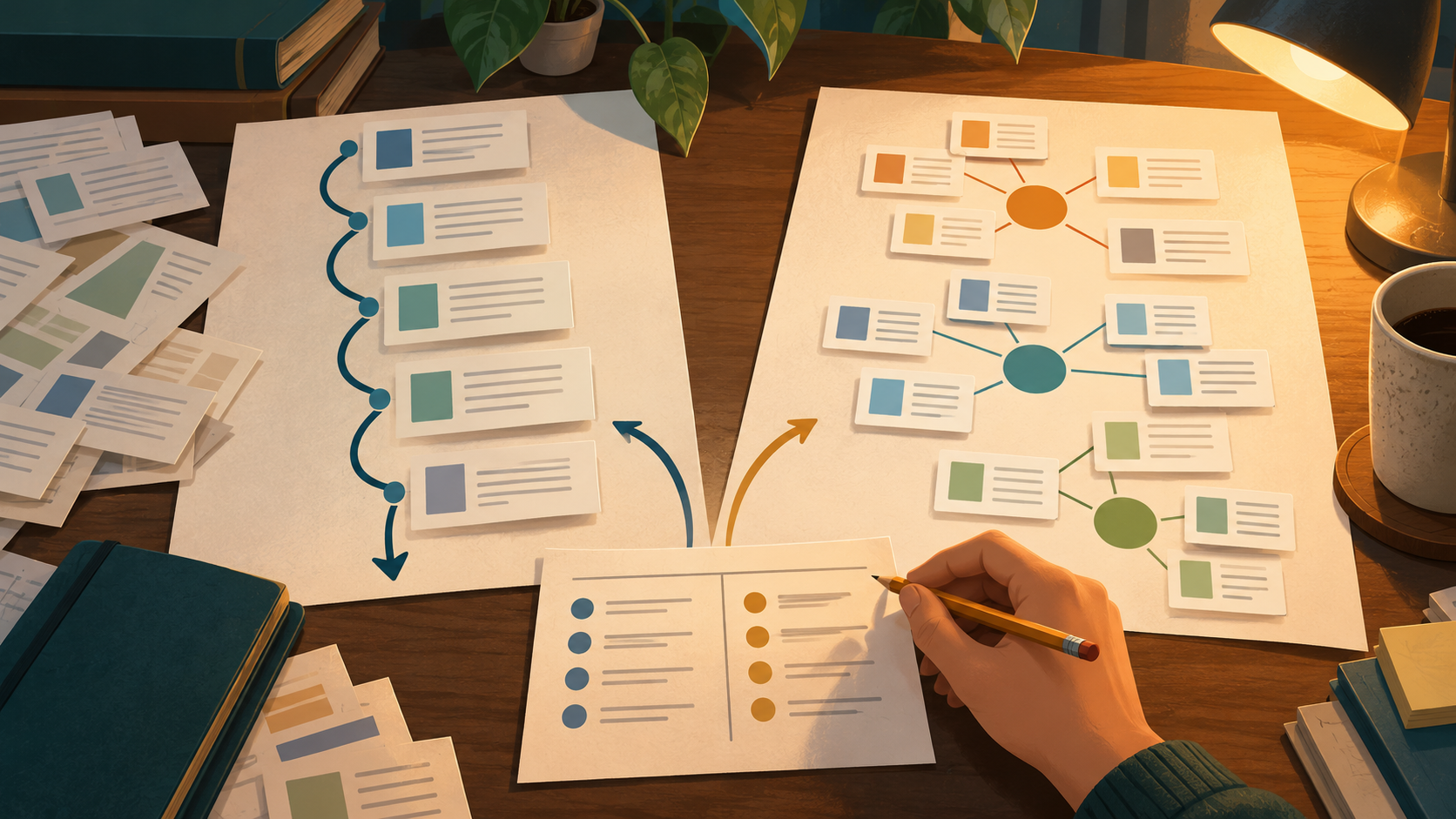
Chronological vs. Thematic Literature Review Structure: Choosing by Question and Evidence
A literature review can be organized in two common ways. A **chronological** structure follows how a field developed over time. A **thematic** (argument-centered) structure groups studies by the ideas, debates, or mechan