
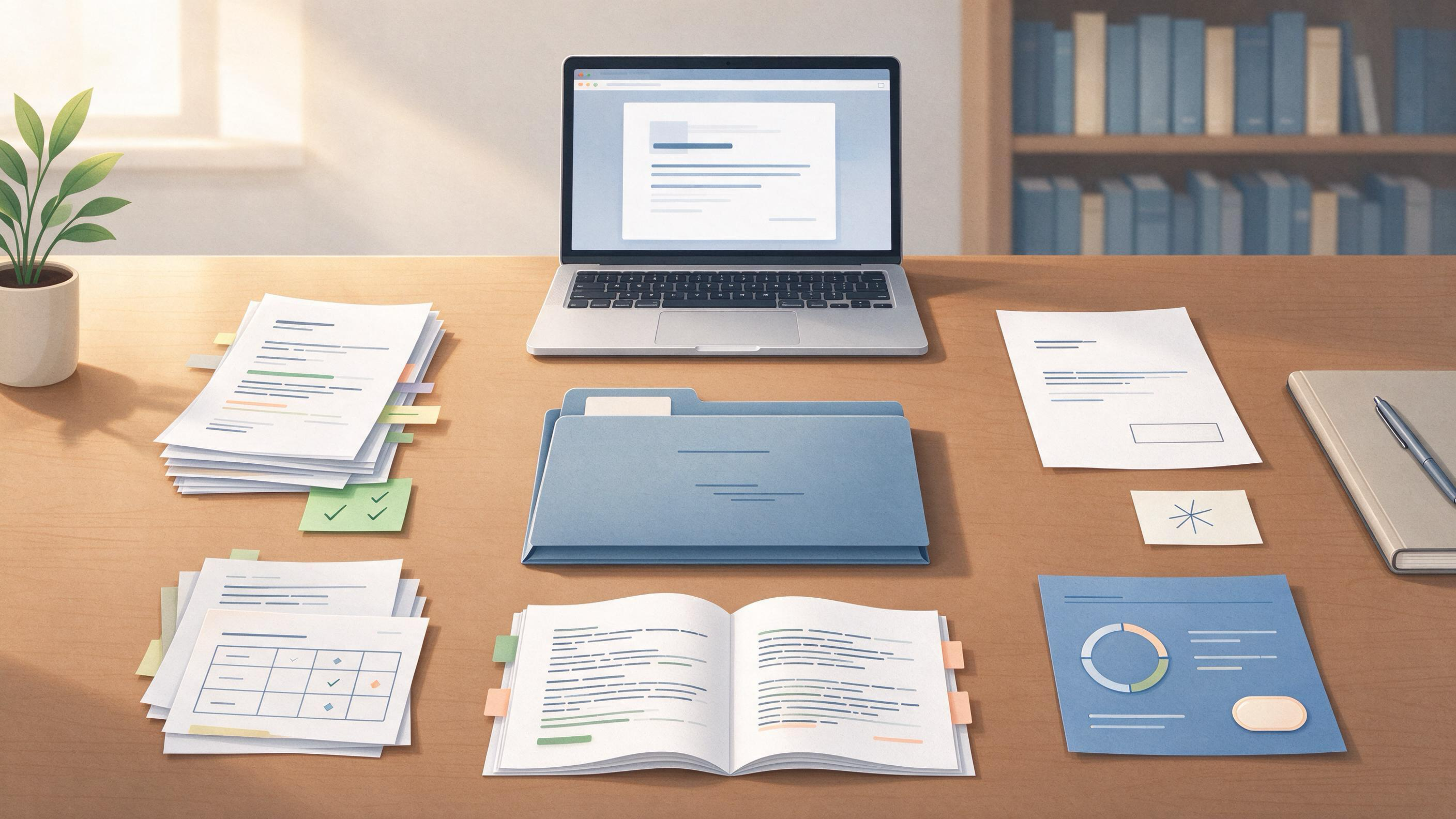
Your folder of decision letters, reviewer comments, and revision files is not a graveyard of past submissions. It is the raw material for the next project: evidence of what reviewers in your field actually ask for, a record of which arguments held and which collapsed, and a reusable map of your own revision habits. This article shows how to turn that folder into an archive you can search, defend, and carry into a new manuscript, a thesis chapter, or a January project start.
The workflow below assumes you are a student or early-career researcher with some mix of stored emails, Word documents with tracked changes, PDF responses to reviewers, and half-labeled version files. You do not need a reference manager or special software to begin. You need a consistent naming pattern, a decision record, and a completion check you can run in one sitting.
What Counts as an Archive, and What Are You Actually Saving?
An archive is not a backup. A backup preserves files in case something is lost; an archive preserves meaning in case you need to act on it later. For a paper that went through peer review, the minimum meaningful archive includes five artifacts:
- The decision letter from the editor
- The reviewer reports referenced by that letter
- Your tracked-changes revision or response-to-reviewers document
- The version of the manuscript you submitted and the version you resubmitted
- Any supplementary files that reviewers cited by name
Peer review depends on trust among authors, reviewers, and editors, and that trust depends in part on keeping the correspondence and reports attached to the manuscript version they describe. Treating these items as one dated unit, rather than scattered emails, is what makes the archive usable later. If any item is missing, note that in the decision record now; reconstructing it a year later is far more expensive.
Which Decisions Should You Capture Before the Files Fade?
Archiving is a decision problem before it is a file-naming problem. For each completed submission, record enough to answer three questions a future you will ask:
- What did I send, and when?
- What did the editor and reviewers conclude, and on which points?
- What did I change, and why did those specific changes satisfy the journal?
A short decision record, written in plain text or a spreadsheet row, carries more value than any file name. It might read: Submitted 14 Nov 2024 to Journal of Applied Methods; editor decision 29 Jan 2025, revise and resubmit; reviewers concentrated on missing sample-size justification and unclear figure captions; response document revised methods section and added two figures; resubmitted 3 Mar 2025. That record is what lets you reuse the lesson without rereading sixty pages.
What Naming Pattern Survives a Year?
A usable archive needs a name you can parse without opening the file. Use a scheme that separates project, artifact type, and date, and keep the journal name out of the filename title if you later change targets. A workable pattern is:
YYYY-MM-DD_short-title_artifact_status
For example:
2024-11-14_thermal-methods_manuscript_submitted.docx2025-01-29_thermal-methods_decision-letter.pdf2025-03-03_thermal-methods_response-to-reviewers_tracked.docx2025-03-03_thermal-methods_manuscript_resubmitted.docx
Store one paper in one folder. Keep the decision record at the top level of that folder as decision-record.md or a single spreadsheet row in a master tracking file. If you later add a new journal version, append a new dated artifact rather than overwriting the old one. Journals ask authors to follow the selected journal's current instructions for format and required statements, so the archive should show which version matched which instruction set at the time.
How Do You Build the Archive in One Sitting?
The build should take under an hour if you gather the files first. Start with a paper trail pass, not a cleanup pass. For each submission, move through these steps:
- Collect the decision letter and reviewer reports from email or the journal system. Save them as PDFs.
- Locate the exact manuscript version that was submitted, not the latest working copy. Check the submission system or the attachment timestamp.
- Find the response-to-reviewers document and any revised figures or supplements named in it.
- Create the folder using the naming pattern above and place all files inside.
- Write the three-question decision record while the details are still fresh.
- Run the completion check in the next section.
If you are gathering many papers at once, resist reorganizing the files during the first pass. Renaming and moving are separate tasks; doing both at once is how files go missing.
Can WisPaper Help You Reuse What You Archive?
Archiving is most valuable when the archived files feed the next project. The WisPaper library is built for exactly this handoff: you can save or upload the papers and response documents you have collected and organize them in one place. If you have stored reviewer comments as text or exported notes from the response document, you can upload them alongside the manuscript and use My Library to keep the archived unit searchable.
Once your archiving session is done, use the Library QA workflow to ask questions based on papers you have uploaded or added from search results. A useful first question for a research sample is: Across the reviewer reports I uploaded, which methodological objections appear more than once? The answer can shape your next protocol before you write it. The value of this step is not that the tool reads your files as an oracle, but that the questions you ask force you to state what you are trying to reuse.
For a January project start, route the pattern forward with Research Projects. Create a new project that holds the archived decision records from the previous paper as source notes, them, and the opening plan. That keeps the archive attached to the work it is meant to inform rather than sealed in a backup folder.
A Worked Example: The Thesis-to-Paper Archive
A master's student finishes a thesis chapter on sampling bias in household surveys. The chapter received supervisor feedback in tracked changes, was revised twice, and then became a journal submission that came back as revise and resubmit. The student now faces a winter-break cleanup and a January start on a second paper that reuses the same survey instrument.
The student gathers, for the first submission:
- The supervisor's tracked-changes file from November
- The clean manuscript submitted in January
- The editor's decision letter from March, marked major revision
- Two reviewer PDFs from the same decision
- The tracked response-to-reviewers document from April
- The resubmitted manuscript and the final acceptance letter from June
The student names the folder 2025-01-17_labor-surveys_journal-submission and writes a decision record: Reviewer 1 objected to nonresponse weighting; Reviewer 2 asked for the validation study of the survey instrument, which was omitted from the main file. The response moved the validation table to supplementary material and added a weighting paragraph to the methods. Accepted 15 June.
Then the student opens WisPaper search and runs a search on nonresponse weighting in household surveys to build the reading list for the second paper. The uploaded decision record now sits in My Library, and the second paper's Research Projects entry links back to it as an archived lesson. The archive has become a direct input to the new protocol, not a receipt of the old one.
Why this worked: the student archived the decision, not just the files. The decision letter, the reviewer reports, and the response document can now be re-read for what they say about the field's expectations. The next project inherits the survey instrument validation caveat before the first draft is written.
The Archive Completion Checklist
Use this table as your one-pass verification. An archived submission is complete only when every row is true.
| Artifact or step | Present? | Note field |
|---|---|---|
| Decision letter saved as PDF | Date and decision type | |
| Reviewer reports saved and attached to the decision | Were there multiple rounds? | |
| Submitted manuscript version identified | Timestamp or upload date | |
| Response-to-reviewers document saved | Tracked changes or clean plus response | |
| Resubmitted or final manuscript version saved | Accepted, rejected, or withdrawn | |
| Supplementary files cited by reviewers saved | Which reviewer mentioned each | |
| Folder follows one naming pattern | One paper per folder | |
| Decision record answers what, why, and what changed | Three-question check | |
| Archive opened in My Library or index file for future search | Date of import | |
| Next action linked to a new project or reading list | Which paper or chapter |
Do not expand this table. The goal is a fixed completion check you can repeat in under ten minutes per paper. If you add columns every session, the check stops being a routine and starts being a project.
What Makes a Decision Letter Archive Trustworthy?
A trustworthy archive is one you can defend without reconstructing memory. That means:
- The decision letter is saved as received, not redacted or summarized in place of the original.
- The reviewer reports stay attached to the decision letter, even when you disagree with a reviewer.
- The version you claim to have submitted is the version actually attached to the submission confirmation.
- Dates come from the journal system or email headers, not from when you last opened the file.
Scientific rigor in reporting means strict application of transparent design, methods, analysis, interpretation, and reporting, and your archive should apply the same standard to its own paper trail. If a response document says you added a sensitivity analysis, the archived resubmission should contain that analysis. If it does not, the archive is describing a different paper.
What Should You Do Before the Next Submission?
Before you submit the next paper, spend ten minutes putting the current archive in order. This is submission readiness, not housekeeping. The journal will ask for the required statements and materials in its current format, and having the previous archive at hand means you can lift method descriptions, response language, and supplementary structure instead of recreating them.
One practical routine is to treat the archive folder as the handoff point for the Idea Discovery workflow when you are between projects. The workflow takes a research topic, background, references, and constraints to generate research ideas, so the archived decision record and reviewer objections become inputs rather than dead files. The output is a concrete direction for the next paper, not a restatement of the old one.
FAQs
Keep Reading
How to Archive Searches You No Longer Need
Most researchers do not lose a literature search because the database stopped working. They lose the *why*. Six months after a screening pass, the folder is still there, but the connection between the eligibility criteri
How to Build a January Reading Plan from Your Research Backlog
A research backlog rarely fails because you stopped caring. It fails because it has no shape: forty open tabs, a folder called “to read eventually,” three supervisor comments you half-remember, and a stack of PDFs that n
How to Build a Response Matrix for Reviewer Comments
You have a decision letter open in one tab, a marked-up manuscript in another, and a growing list of comments that do not map cleanly onto a single revision. Before you touch the draft, stop and build the artifact that w