
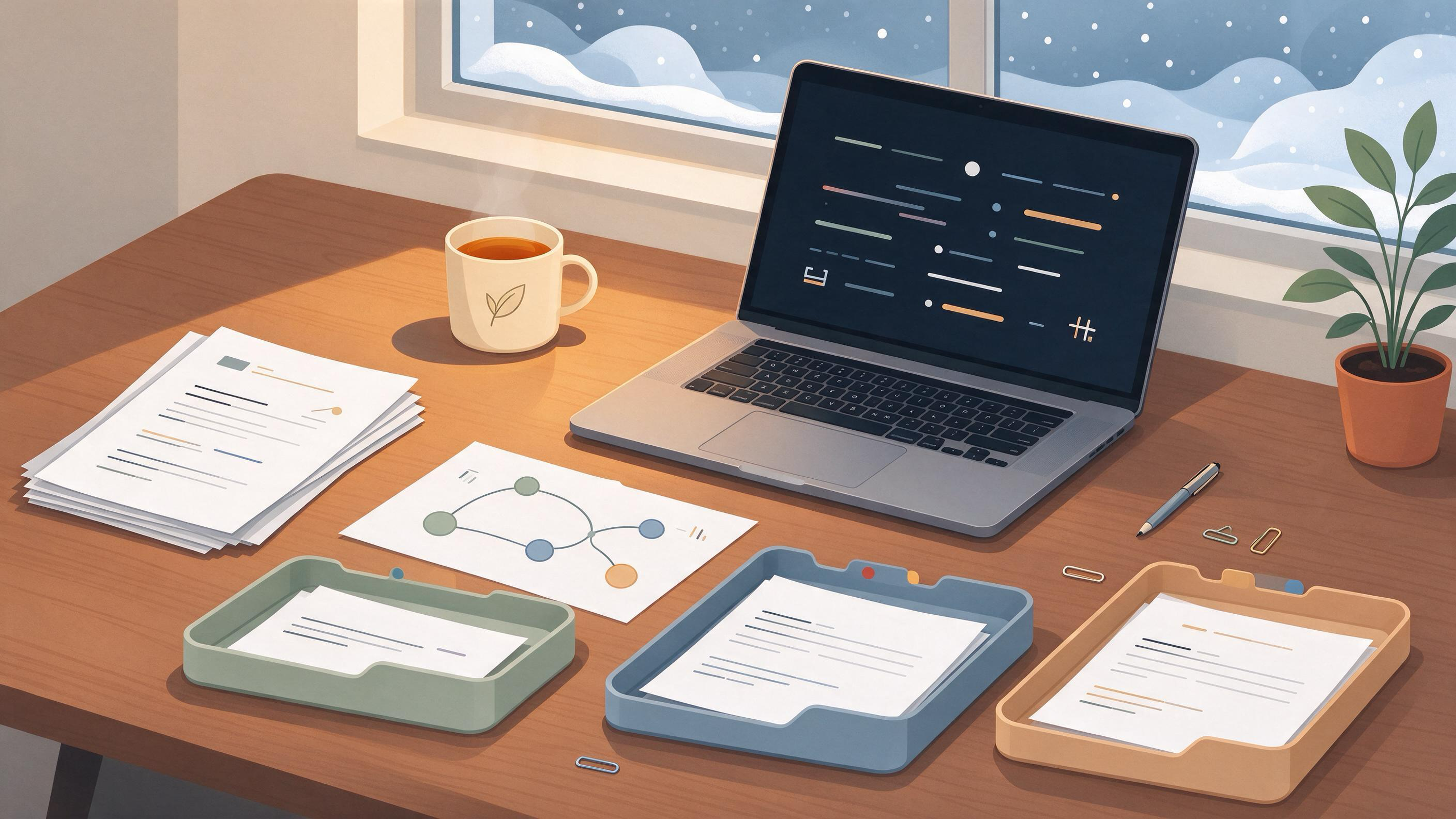
Winter break is the rare stretch when you can stop producing new notes long enough to make the ones you already have usable. If you are finishing a course paper, a thesis chapter, or a first manuscript, the goal of a cleanup is not a prettier folder tree. It is a set of artifacts you can hand to your January self: a project map, a deduplicated reading list, a traceable search record, a feedback log, and a short list of decisions that are actually settled.
This guide gives you a sequence you can run in a few focused sessions, with checkpoints so you know when a stage is done. It uses a thesis-chapter example throughout, but the same steps apply to coursework and to supervisor feedback you have been avoiding.
Diagnose your starting state before you touch a file
Most messy research notes are messy for one of four reasons, and each needs a different first move:
- Volume without structure. You saved a lot of papers and PDFs but never decided which project each one serves.
- Duplication. The same study appears several times under different file names, or one study's multiple reports sit in separate folders.
- Lost provenance. You cannot reconstruct why a source is in your notes or which search found it.
- Unprocessed feedback. Supervisor comments live in email, margin notes, and a half-written to-do list.
Spend ten minutes writing a one-paragraph diagnosis. Name the project, the deadline it serves, and the single biggest failure mode. That paragraph becomes your scope statement and stops the cleanup from expanding into every course you have ever taken.
Checkpoint: you can state, in one sentence, which project this cleanup serves and what "done" will look like for it.
Set a scope and a stopping rule
A winter-break cleanup fails when it has no boundary. Decide up front:
- Which project the cleanup serves. One thesis chapter, one course paper, or one manuscript.
- Which materials are in scope. For example: all PDFs tagged to this chapter, the search log for its literature review, and the supervisor's last round of comments.
- What is out of scope. Older projects go into an archive folder untouched.
- A time box. Two or three sessions of a fixed length, with a hard stop at the end of the last one.
Write a stop rule: if a decision needs information you do not have (a missing dataset, an unresolved scope question from your supervisor), log it as an open question and move on. The cleanup produces a decision log, not final answers to everything.
Checkpoint: your scope statement lists in-scope materials, out-of-scope materials, and the date you will stop.
Build a project map: one item, one home
Start with the physical and digital layout. The principle worth borrowing from reference managers is that an item should be able to belong to more than one project grouping without being duplicated. Zotero, for instance, lets a single item sit in multiple collections and uses tags to describe topic, method, status, or workflow.
Translate that into your own system:
- Collections or folders = projects. One folder per active project, not per topic.
- Tags = attributes. Use tags for method, status (to-read, read, cited, excluded), and topic.
- One canonical copy. If a PDF exists in three places, pick the project folder as canonical and remove the others after checking nothing links to them.
If you use WisPaper, this is the moment to consolidate: save or upload the papers that survived your scope check into My Library so the reading list for the chapter lives in one organized place rather than across downloads and desktop folders.
Checkpoint: every in-scope paper has exactly one home, and you can filter your list by status tag.
Deduplicate the reading list
Duplication is the most common hidden tax on a literature list. The same paper saved under a preprint title and a published title, or three reports of one study filed as three separate studies, inflates your sense of how much you have read and distorts how you describe the evidence.
Work through the list in passes:
- Exact duplicates. Same title, same authors, same year. Keep one, delete the rest.
- Version duplicates. Preprint versus published version. Keep the version you will cite and note the relationship.
- Linked reports. Multiple reports of one study. Group them under a single study entry so your notes reflect one study, not several.
The Cochrane Handbook's guidance on searching and selecting studies is useful here even outside systematic reviews: it recommends deduplicating records and linking multiple reports of one study. Adopt that discipline for your own list.
Checkpoint: your reading list has no exact duplicates, and every grouped study has one primary entry with linked reports noted beneath it.
Reconstruct the search record
If you cannot say how a source entered your notes, you cannot defend it in a methods section or a supervisor meeting. Rebuild a simple search log with one row per search:
| Field | What to record |
|---|---|
| Date run | When you executed the search |
| Source | Database or search interface |
| Query | Free-text terms and any subject headings used |
| Filters | Date range, language, document type |
| Results | Number of records returned |
| Kept | Records you retained and why |
Cochrane's guidance recommends planning searches from eligibility criteria, using multiple sources, combining free-text terms with subject headings, and documenting the process. You do not need a systematic-review-grade log for a course paper, but the same fields make your search reproducible.
If you need to fill gaps in the record, run the searches again through WisPaper search and log the query and date as you go, so the new entries are traceable from the start.
Checkpoint: every source in your chapter's reading list can be traced to a logged search or a named recommendation.
Turn notes into claims you can cite
Raw notes are usually a mix of quotations, paraphrases, and your own reactions, often without labels. Convert them into citable units:
- Claim. One sentence stating what you will argue.
- Evidence. The specific source and location supporting it.
- Status. Supported, contested, or still to check.
For each claim in your chapter outline, attach at least one evidence entry. Where a claim rests on a source you have not read closely, mark it "to check" rather than letting it pass as settled.
This is also where a question-and-answer pass over your own library helps. If you have uploaded your in-scope papers, Library QA lets you ask questions based on the papers in My Library or added from search results, which is useful for locating which of your saved papers addresses a specific claim before you write the sentence.
Checkpoint: every heading in your chapter outline has at least one claim with a linked evidence entry, and every unsupported claim is flagged.
Verify the bibliography before January
A bibliography assembled over months accumulates errors: mistyped years, hallucinated or misattributed references, and entries that no longer match the version you read. Before the break ends, screen the reference list itself.
- Check that every in-text citation has a bibliography entry and vice versa.
- Confirm author, year, and title against the source you actually read.
- Flag any entry you cannot locate.
If your references are in BibTeX, TrueCite checks BibTeX against real academic databases to flag hallucinated references, which is a practical first pass before you read the list line by line.
Checkpoint: every bibliography entry resolves to a source you can open, and flagged entries are either corrected or removed.
Process supervisor feedback into a decision log
Feedback is only useful once it becomes decisions. Gather every comment from the last round into one place, then sort each into one of four buckets:
| Bucket | Action |
|---|---|
| Accept | Make the change; note where |
| Discuss | Add to the agenda for your next meeting |
| Defer | Log with a reason and a target date |
| Disagree | Write your reasoning so you can respond clearly |
For a thesis chapter, this log is often the most valuable artifact of the break, because it converts scattered margin notes into a plan you can act on in the first week of term.
Checkpoint: every comment has a bucket, and the "discuss" list is short enough to fit in one meeting.
Run a worked example: one thesis chapter in three sessions
Suppose you are cleaning up the literature notes for a thesis chapter on urban heat adaptation, with a supervisor meeting in the second week of January.
Session 1 — Scope and map. You write the scope statement: this chapter only, plus the last feedback round. You create one project folder, move in-scope PDFs into it, and tag each by status. You find that 40 files represent roughly 30 distinct studies.
Session 2 — Deduplicate and log. You merge exact duplicates, group three reports of one field study under a single entry, and rebuild the search log for the four searches that produced most of your sources. Two sources have no traceable origin; you rerun plausible searches to confirm they exist and log the queries.
Session 3 — Claims, citations, feedback. You attach evidence to each section heading, screen the BibTeX file, and sort the supervisor's comments into the four buckets. You end with a decision log of eleven items: six accepted, three to discuss, two deferred.
Result: a project map, a deduplicated list of about 30 studies, a search log, a claim-evidence table, a screened bibliography, and a feedback decision log. That is a finished cleanup.
Know when the cleanup is ready
Use this checklist as your readiness test. If you can tick every line, stop.
- A one-paragraph scope statement names the project and the stopping date.
- Every in-scope paper has exactly one home and a status tag.
- The reading list has no exact duplicates and groups linked reports.
- Every source traces to a logged search or a named recommendation.
- Every outline heading has at least one claim with linked evidence.
- Every bibliography entry resolves to an openable source.
- Every supervisor comment sits in a decision bucket.
- Open questions are logged with an owner or a next step.
If a line cannot be ticked because it depends on someone else, log it as an open question and treat the cleanup as complete anyway. The break is for making the project legible, not for resolving every uncertainty.
Set up the January restart
Close the cleanup by writing a one-page restart note for your first working day back:
- The three highest-priority tasks, in order.
- The open questions and who can answer them.
- The first search or reading task for the new term.
If the next project needs a fresh literature pass, Scholar Agent supports longer research tasks in the areas of literature review, inspiration, and reproduction, which fits the stage after cleanup when you are scoping new reading rather than tidying old notes. If you are starting a new project rather than continuing one, create it in Research Projects so the cleaned-up materials have a home from day one.
Your next action: open your notes now and write the one-paragraph scope statement. Everything else in this guide follows from that sentence.
FAQs
Keep Reading

How to Close a Research Project Without Losing the Evidence
Closing a research project is not the same as finishing the writing. The writing can be done while the evidence that supports it is scattered across browser tabs, downloaded PDFs, exported citation files, and half-rememb
How to Compare Treatment Studies with Different Follow-Up Times
Comparing treatment studies with different follow-up times is a matching problem before it is a statistics problem. Two trials can report the same outcome label yet answer different questions because one measures events

How to Connect Evidence Across Literature Review Sections
A literature review rarely fails because the sections are empty. It fails because the sections do not talk to each other: the background cites one set of papers, the methods section cites another, the discussion introduc