

A review's reference list is a map of what its authors found, not a census of what exists. When you are answering a focused evidence question—for a guideline, a grant, or a scholarly manuscript—the fastest route to the missing primary studies is to treat the review as a starting point and then work deliberately outward: separate studies from reports, follow citation chains in both directions, and record why each primary study matters to your specific question.
This article gives a complete sequence for that task, using one running example: adults with type 2 diabetes and the outcome of glycemic control. The population and outcome are fixed so that every decision below has a concrete test. The result is a defensible evidence trail for the review.
Start by fixing your question and eligibility criteria
The Cochrane Handbook's guidance on searching and selecting studies begins with planning searches from eligibility criteria. That ordering matters: you cannot judge whether a primary study is "missing" until you have written down what would count as eligible.
For the diabetes example, write a short protocol line:
- Population: adults with type 2 diabetes.
- Outcome: a measure of glycemic control.
- Study designs: the designs your question can actually answer.
- Exclusions: pediatric populations, type 1 diabetes, outcomes unrelated to glycemic control.
Keep this on one page. Every later decision—whether a reference is a study or a report, whether a citation chain is worth following, whether a study is applicable—is tested against these lines. If your criteria are vague, you will accumulate papers without knowing which ones answer your question.
Distinguish studies from reports before you count anything
A single study can generate many reports: an initial publication, a follow-up, a secondary analysis, a conference abstract, and a protocol. The Cochrane Handbook explicitly describes linking multiple reports of one study. Counting reports as if they were studies inflates your evidence base and can make one trial look like several.
Use a simple diagnostic at the reference stage:
- Same population and setting? If two references describe the same participants and recruitment period, suspect one study.
- Same registration or protocol? Trial registrations and protocols are strong signals that reports belong together.
- Overlapping authors and sites? Suggestive, not decisive.
- Is one a secondary analysis? A report focused on a subgroup or a new outcome is still a report of the parent study.
Record a study ID and list every report beneath it. Your unit of evidence is the study; your unit of reading is the report.
Audit the review's own search before trusting its gaps
Before hunting for what a review missed, check how it searched. The Cochrane Handbook recommends multiple sources, combining free-text terms with subject headings, documenting the process, deduplicating records, and screening in stages. A review that searched one database with free-text terms only is more likely to have gaps you can predict.
Ask of the review:
- Which databases and sources were searched?
- Were subject headings combined with free text?
- Is the search strategy reproducible?
- Were records deduplicated and screened in stages?
- Were searches rerun before publication?
Each "no" is a hypothesis about where primary studies may be missing. A review with no subject headings may have missed studies indexed under different terminology; a review with a single source may have missed studies indexed elsewhere. These are leads, not conclusions—you still have to find the studies.
Rebuild the search in a scholarly database
PubMed's user guide documents field tags, phrase searching, filters, Advanced Search, saved searches, Similar Articles, citation lookup, and links to full text when available. Its search details show how terms were translated and combined—useful for checking whether your strategy did what you intended.
Rebuild the review's strategy with your own criteria in mind:
- Use field tags to search title, abstract, and author fields deliberately.
- Combine free-text terms with subject headings so terminology variation does not hide studies.
- Apply filters for design or date only when your criteria justify them.
- Open search details to confirm how the system translated your terms.
- Save the search so you can rerun it later.
If you prefer a scholarly search interface built for this step, find academic papers through WisPaper's search and keep your criteria beside you while screening results.
Use citation chains in both directions
Citation chaining is the highest-yield move for finding primary studies a review missed. Google Scholar's help documentation describes searching by author and title, date sorting and limits, Cited by and Related articles, citation export, library access links, email alerts, and locating alternative versions of a work.
Run three chains:
- Backward: read the reference lists of the review and of each included primary study. Older primary studies often surface here.
- Forward: use Cited by on the review and on key included studies to find later work that cited them.
- Lateral: use Related articles and Similar Articles to find studies that share a topic but not a citation path.
For each chain, log the seed paper, the direction, and the date you ran it. Citation chains are reproducible only if you record where they started.
Screen in stages and keep a reason for every exclusion
The Cochrane Handbook describes screening in stages and deduplicating records. Mirror that structure:
- Deduplicate records across sources before screening.
- Screen titles and abstracts against your criteria.
- Screen full texts for the remainder.
- Link reports to study IDs as you go.
At each stage, record a short exclusion reason. "Wrong population" and "wrong outcome" are different failures, and the pattern tells you whether your search is too broad or too narrow. If most exclusions are for the wrong population, tighten the population terms; if most are for the wrong outcome, revisit your outcome definition.
Record why each primary study matters
A list of studies is not an evidence trail. For each included primary study, write a short entry that answers four questions:
- What does it contribute? The specific estimate or finding relevant to your outcome.
- What is its evidence level? The design and how directly it addresses your question.
- How applicable is it? Whether its population and setting match yours.
- What limits it? The study's own limitations, stated narrowly.
Keep these four separate. A well-designed study in a different population can be high quality and low applicability; a directly applicable study can have serious limitations. Collapsing them into a single "quality" score hides the decision you actually need to make.
Worked example: filling a gap in a diabetes review
Suppose a review of glycemic control in adults with type 2 diabetes searched one database with free-text terms and did not rerun its search before publication. Your audit flags two predictable gaps: terminology variation and later publications.
Step 1 — Rebuild. You reconstruct the strategy with subject headings plus free text, restricted to adults with type 2 diabetes and glycemic outcomes.
Step 2 — Chain. You run backward chains from the review's included studies, forward chains via Cited by on the review, and lateral chains via Related articles. You log each seed and date.
Step 3 — Screen. You deduplicate, screen titles and abstracts, then full texts. You link multiple reports to single study IDs where registration numbers or populations match.
Step 4 — Record. For each new primary study, you write the four-part entry: contribution, evidence level, applicability, limitations. A study in adults with type 2 diabetes in a setting similar to yours with a directly relevant glycemic outcome gets a different applicability note than a study in a mixed diabetes population.
Step 5 — Decide. You now have a documented set of primary studies, each with a reason it matters. That set—not the review's reference list—is your evidence base.
A reusable checklist
| Stage | Checkpoint | Record |
|---|---|---|
| Question | Population, outcome, designs, exclusions written | One-page protocol |
| Review audit | Sources, headings, deduplication, staging, rerun | Gap hypotheses |
| Search | Field tags, headings plus free text, filters, search details | Saved strategy and date |
| Chains | Backward, forward, lateral | Seed paper, direction, date |
| Screening | Deduplicate, then titles/abstracts, then full text | Exclusion reason per record |
| Linking | Study ID with all reports beneath it | Report-to-study map |
| Appraisal | Contribution, evidence level, applicability, limitations | Four-part entry per study |
Know when to stop or escalate
Stopping rules keep the task finite. Consider stopping when:
- New searches and chains return records you have already screened.
- Every included study has a completed four-part entry.
- Your gap hypotheses from the review audit have each been tested.
Escalate—widen the search or bring in a second reviewer—when:
- Exclusions cluster around one criterion, suggesting a mis-specified search.
- Multiple reports cannot be confidently linked to a single study.
- Applicability is unclear because setting or population details are missing from the reports.
Organize the trail so it survives the next reader
A trail that lives only in your browser history is not reusable. Save the papers you include and keep them organized so the four-part entries stay attached to the right study. Save or upload papers and organize them in the WisPaper library as you screen, and keep your study IDs consistent with your checklist.
When you need to interrogate the saved set—for example, to compare how several included studies defined the glycemic outcome—ask questions based on papers uploaded to My Library or added from search results. Use it to query your own curated set, not to substitute for reading the primary reports.
If your task grows beyond a single question into a longer review, use WisPaper's Scholar Agent area for longer research tasks and keep your checklist as the controlling document. For a general orientation to the tool, the WisPaper homepage describes it as an AI research assistant for finding, screening, organizing, and working with academic papers.
FAQs
Keep Reading

How to Identify a Defensible Evidence Gap
A defensible evidence gap is not the same thing as a blank search box. It is a specific, bounded statement that the evidence you can actually reach is absent, weak, inconsistent, indirect, or outdated for a defined quest

How to Include Null and Negative Findings in an Evidence Summary
A null or negative finding is not a gap to be smoothed over—it is a result that changes what your evidence summary can claim. The practical challenge is threefold: find the studies that did not confirm your hypothesis, r
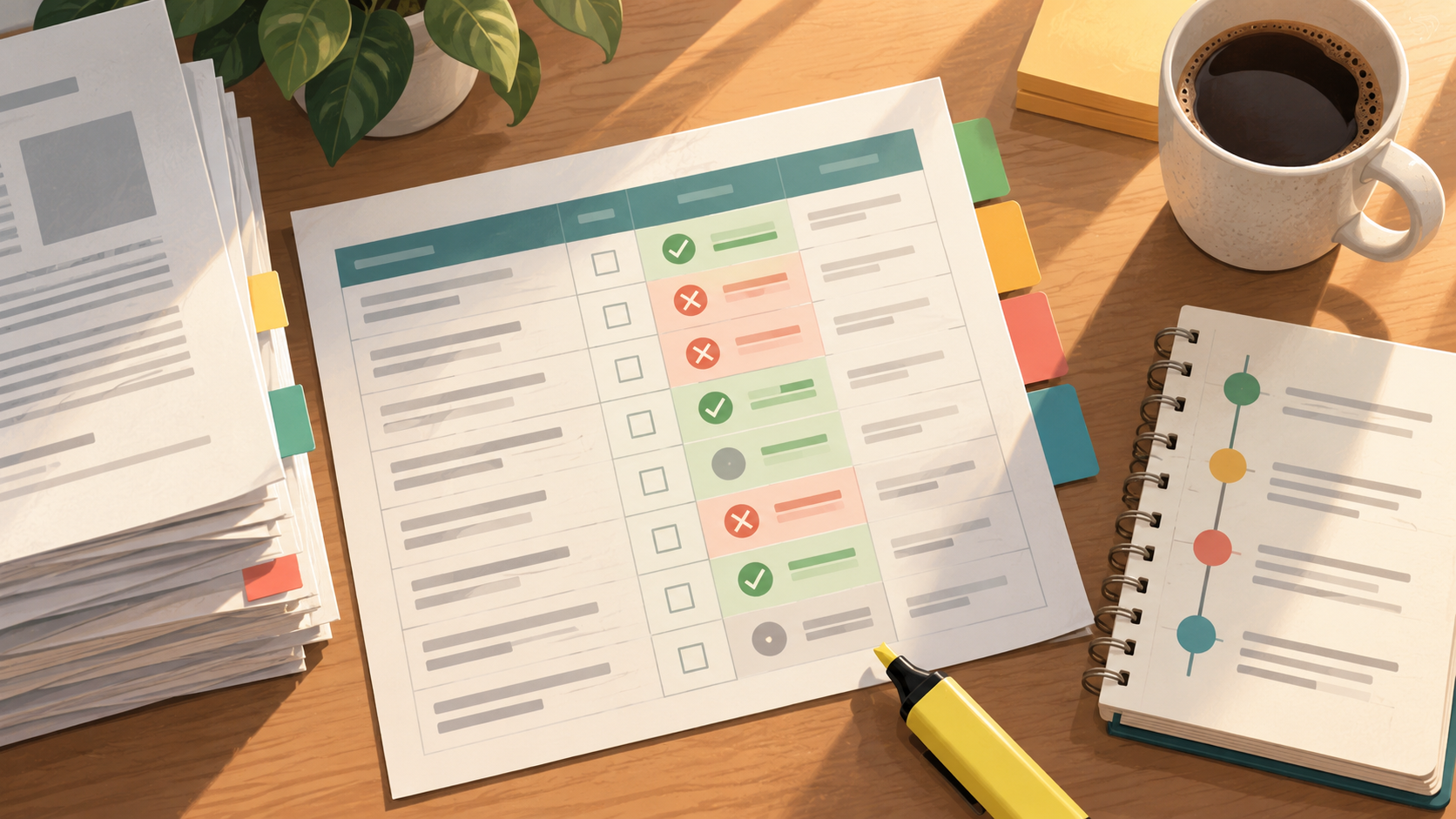
How to Keep an Inclusion and Exclusion Log During Fast Screening
Fast screening fails quietly. You read a title, decide "no," and move on — and three weeks later, when your supervisor asks why a paper you cited in your proposal never made it into the review, you cannot reconstruct the