
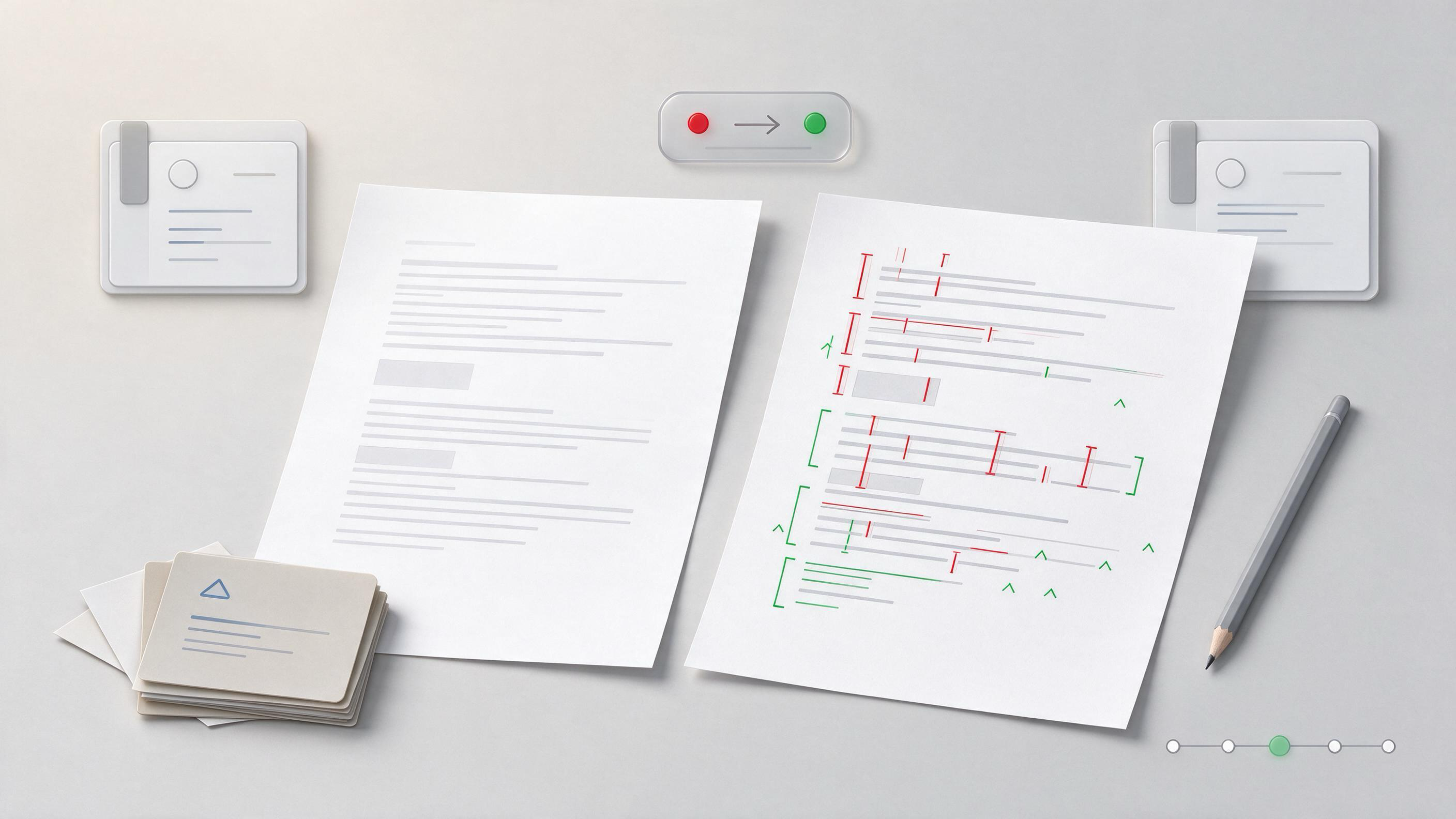
Most journals now ask for two files at the same time: a change-marked manuscript showing where reviewers’ comments were addressed, and a clean copy with the tracked changes accepted. Getting this pair wrong causes desk rejections or delays before review even begins.
This guide walks through the full sequence: identifying which materials you actually need, building the clean version, creating a trustworthy marked-up version, verifying both, and archiving the trail for a resubmission, coauthor handoff, or new review cycle.
What Does the Journal Actually Ask For?
The first checkpoint is a small one: read the journal’s current author instructions for revision submissions. ICMJE guidance tells authors to follow the selected journal’s current instructions for article type, format, required statements, and submission materials. Those instructions define whether the marked-up version should use tracked changes, a separate highlighted PDF, or a point-by-point response file instead.
Before changing anything, record the exact file names, formats, and upload slots the journal expects. If a coauthor will prepare the clean version, paste those instructions into a shared project space rather than explaining them in an email.
A WisPaper Research Project can hold the revision scope together with the journal’s instructions, response file, and the manuscript versions as they take shape.
Which Version Should You Make First?
Make the clean version first. If you start by marking changes, you can accidentally accept one edit you meant to keep visible, or edit inside a tracked-change block and create an illegible revision history.
A clean manuscript means:
- all tracked changes accepted
- all comments resolved and removed
- running heads, line numbers, and page breaks set to the journal’s required format
- figures and tables placed or uploaded separately exactly as instructed
- required statements completed
ICMJE guidance describes the standard parts of a biomedical manuscript. Use the journal’s checklist over a general one: article type, format, required statements, and submission materials differ by journal, and the journal’s current instructions are the controlling document.
How Do You Build the Clean Manuscript Without Losing the Audit Trail?
Never edit the only copy. Save a frozen source file first, then create a working branch.
A reliable order is:
- Duplicate the final reviewer-response file and rename the copy clearly, such as
manuscript_clean_v2.docx. - Accept all tracked changes in the duplicate.
- Resolve and delete all comments.
- Apply the journal’s format template to the clean copy.
- Export to the required format, usually Word or PDF, keeping the working file.
The frozen source file remains the audit trail. Any query about an edit can be answered by comparing the frozen file with the clean export.
How Do You Create a Marked-Up Version Reviewers Can Actually Read?
The marked-up version is an artifact from a decision: what did the authors change, and where? The method depends on what the journal accepts.
For Word tracked changes:
- Turn on “Track Changes” before applying any revision from the response file.
- Use “Track Changes” for every text edit, and “New Comment” only for decisions that need explanation.
- Avoid simultaneous formatting and text edits; separate them into distinct passes.
For a highlighted PDF:
- Start from the clean PDF.
- Highlight added text and strike changed text with one consistent color scheme.
- Add margin notes that map each change to the corresponding reviewer point.
COPE peer-review guidance frames peer review as depending on trust: confidentiality, objectivity, timeliness, and constructive assessment. A marked-up version supports that trust only if every change can be traced back to a decision. If a change cannot be matched to a reviewer comment or a stated author decision, remove it or document the reason.
What Decisions Do You Need to Document Alongside the Changes?
A marked-up manuscript without a record of why edits were made becomes an opinion file. Record four pieces for every substantive change:
- the reviewer comment or author decision triggering it
- the exact location in the clean manuscript
- the original wording
- the new wording
For citations, the record is even more important. If a reference list was rebuilt during revision, link each reference to a verified source. WisPaper’s TrueCite agent checks BibTeX entries against real academic databases to flag hallucinated references. Run the final reference list as a BibTeX file through this check before exporting either manuscript version.
What Does a Worked Example Look Like?
Suppose Reviewer 2 asks the authors to describe the population exclusion criteria used in an observational study, and the authors update the Methods section.
The working steps are:
- Create a revision note: “Reviewer 2, point 3: add exclusion criteria detail.”
- In the tracked copy, edit the Methods paragraph with track changes on.
- Add a comment at the change: “Matches R2-P3 in response file.”
- Write the corresponding paragraph into the point-by-point response.
- After the full response pass, accept all tracked changes in a duplicate to generate the clean version.
- Export both files and verify the changed paragraph is present in each.
The completion test for that one change: a reader opening only the marked-up file can see the old wording, the new wording, and the reviewer point number without asking you.
How Do You Verify the Clean and Marked-Up Pair?
Verification is a separate pass, not a skim. Check the pair against a fixed list:
- Same content. Compare clean and marked-up versions after accepting all changes; the resulting text must match.
- No stray comments. Search for comment marks, review-notes, tracked-change residue, and deleted-text fragments.
- Correct headers. Confirm title page, running head, line numbering, and file format follow journal instructions.
- Reference integrity. Open every reference against the source record, not the formatted list.
- Statement completeness. Confirm required declarations are present and placed where the journal specifies.
A useful final check for the reference list: run a BibTeX export through TrueCite before pasting the formatted list back into the clean manuscript.
How Do You Keep the Evidence Trail Through Revision and Handoff?
Repository practice cannot fix a messy trail, but a clear record makes handoff and resubmission possible without re-reading the whole file history. Save together:
- the frozen pre-revision source file
- the clean manuscript
- the marked-up manuscript
- the point-by-point response
- the decision record for each substantive change
- the verified BibTeX file
NIH scientific rigor guidance connects to reporting practice through transparent design, methods, analysis, interpretation, and reporting. An evidence trail in a revision is the reporting principle applied to the revision itself. Store all six artifacts in one project location so a new coauthor or a future review cycle can reconstruct the revision without asking the original authors.
For organizing the reference set before submission, saving uploaded papers in My Library gives a single place to keep source records and paper versions.
When Should You Reset for a New Review Cycle?
A clean-marked pair is only a snapshot if the project keeps drifting. After a revision is submitted, close the loop:
- Archive the final submission batch.
- Mark the branch that produced the clean manuscript as the new source of truth.
- Start any follow-up revision from that branch, not from an older draft.
For new questions arising from a resubmission or a related project, asking Library QA based on papers uploaded to My Library or added from search results can connect the new query to the source record already in place.
FAQs
Keep Reading

How to Prepare a Revised Manuscript for Resubmission
A revised manuscript succeeds when it shows the reviewers that you understood their comments, changed the research or the reporting where it mattered, and left an auditable trail from the original submission to the final
How to Prepare Supplementary Materials for a Research Paper
Most first papers die quietly not in peer review but in the last week before submission. The figures are ready, the main text has survived three rounds of supervisor comments, and then the supplementary file turns into a

How to Preserve Dataset Documentation for Future Reuse
Dataset documentation often fails quietly. The files open today, the variable names still mean something to the person who created them, and the analysis script runs on the current machine. The problem appears months lat