
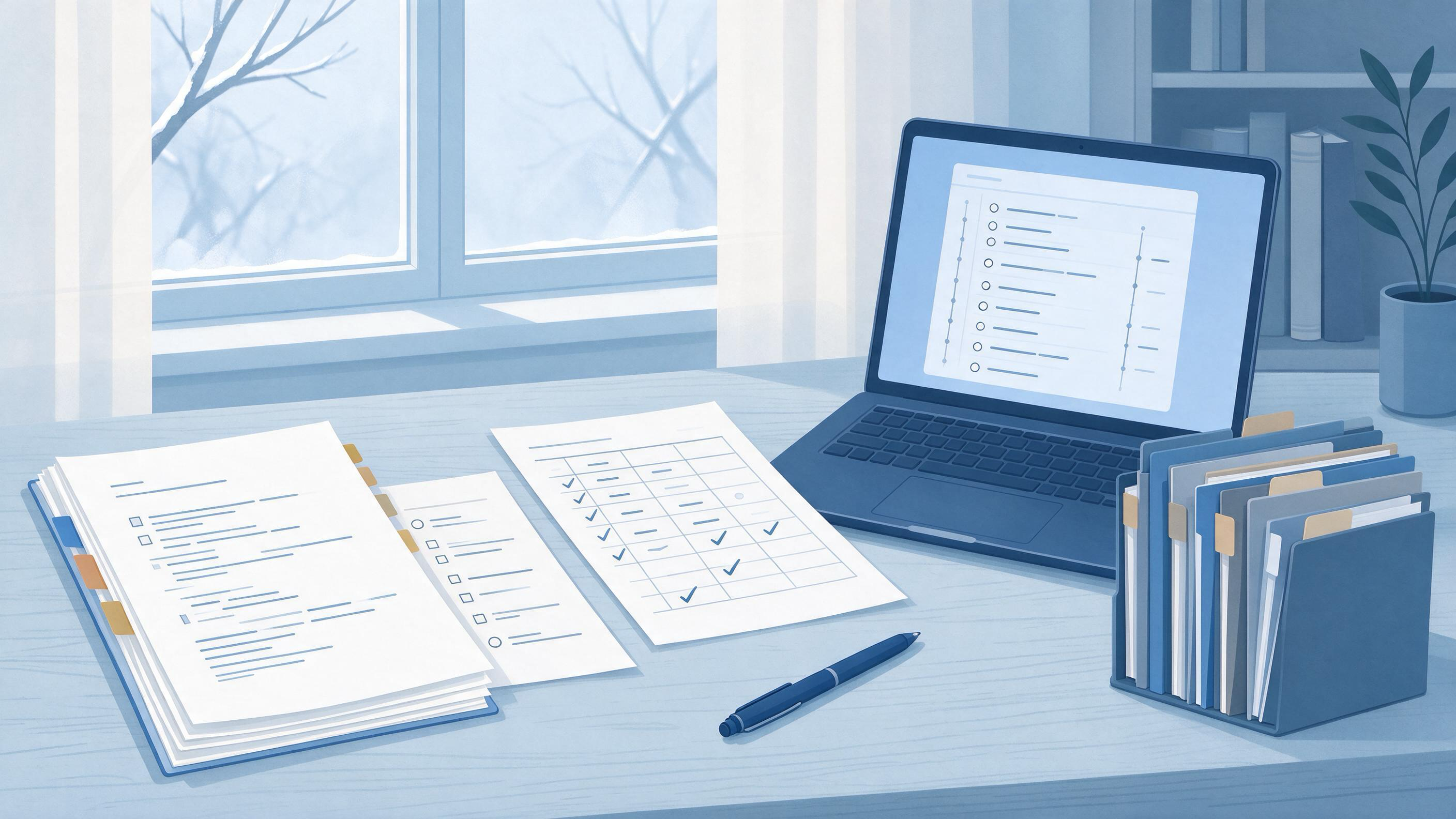
A supervisor's time is the scarcest resource in your project. The difference between feedback that moves your thesis forward and feedback that stalls it is rarely the quality of your prose — it is whether the draft arrives with a clear question, a documented search, and a short list of decisions you actually need help with. This guide walks through a complete preparation sequence: diagnosing where you are, assembling the artifacts a supervisor needs, running a search you can defend, and knowing when the draft is ready to send.
Start by diagnosing your starting state
Before you touch the document, decide which of these describes you. The preparation work differs sharply.
- Empty page. You have a topic and a rough direction but no argument. Your first job is scoping, not writing.
- Half-drafted chapter. You have prose but the literature base is thin or undocumented. Your first job is search and screening.
- Winter-break cleanup. You wrote fast in December and now need to reconcile citations, remove duplicates, and tighten claims before a January meeting.
- January project start. You are beginning a new project and want the supervisor to approve scope and method before you invest months.
Each state maps to a different deliverable. An empty page needs a one-page scope memo, not a chapter. A half-drafted chapter needs a search log and a screening table. A cleanup needs a citation audit. A project start needs a short methods plan. Naming your state out loud prevents the common failure of sending a polished-looking document that answers none of the supervisor's questions.
Decide what the supervisor is actually reviewing
Supervisors review arguments and decisions, not typing. Before drafting, write down the three to five decisions you want a verdict on. Examples: Is this research question narrow enough? Is my inclusion criterion defensible? Should I treat these two reports as one study or two? Which of two theoretical framings should anchor the chapter?
A draft that arrives with explicit decision requests gets targeted feedback. A draft that arrives as an undifferentiated block of text invites comments on commas. Keep the decision list to one page and reference it by section number so the supervisor can respond in order.
Build the artifacts before the prose
A feedback-ready draft is a small bundle, not a single file. Assemble these artifacts first; the prose becomes easier once they exist.
- A one-paragraph research question with the population, phenomenon, and boundary you are studying.
- Eligibility criteria — what you will include and exclude, and why.
- A search log — sources used, terms, date limits, and the date each search was run.
- A screening table — records found, duplicates removed, records screened, and records retained.
- A decision list — the questions you want answered.
- The draft itself, with section numbers matching the decision list.
This bundle is what makes feedback efficient. It also protects you: if a supervisor questions why a paper is missing, the search log shows what you searched and when.
Run a search you can defend
The Cochrane Handbook's guidance on searching for and selecting studies is a useful discipline even outside systematic reviews. It recommends planning searches from your eligibility criteria, using multiple sources, combining free-text terms with subject headings, documenting the process, deduplicating records, screening in stages, linking multiple reports of one study, and rerunning searches before you finalize.
Translate that into a student workflow:
- Derive terms from your criteria, not from your memory of the field.
- Use more than one source. A single database will miss work.
- Combine free-text and controlled vocabulary. Free-text catches new phrasing; subject headings catch indexed synonyms.
- Record the date of every search. Literature moves; a search run in November is not the same as one run in January.
- Deduplicate before screening. Otherwise your counts inflate.
- Screen in stages — title and abstract first, then full text.
- Link multiple reports of one study so you do not double-count a single piece of evidence.
- Rerun the search before you submit the final version.
Database help pages reinforce the mechanics. PubMed supports field tags, phrase searching, filters, Advanced Search, saved searches, and a Search Details view that reveals how your terms were translated and combined — a quick way to check whether your query did what you intended. Google Scholar documents author and title searching, date sorting and limits, Cited by and Related articles, citation export, and email alerts, which help you track a line of work over time.
When you need to find papers through a scholarly search interface, WisPaper search gives you a place to run queries and collect results; for a public explanation of the same capability, see WisPaper Scholar Search.
Screen, deduplicate, and keep a record
Screening is where most drafts quietly go wrong. Keep a simple table with one row per record and columns for source, date found, screening decision, and reason for exclusion. Reasons matter more than counts: "excluded — wrong population" is defensible; "excluded — didn't seem relevant" is not.
As you retain papers, move them into a working library so you can find them again. My Library lets you save or upload papers and organize them in one place, which keeps your screening table and your reading list from drifting apart. When you need to ask questions grounded in the papers you have already collected, Library QA supports questions based on papers uploaded to My Library or added from search results.
Turn the search into an argument
A search log is not a literature review. The review needs a structure: what is known, what is contested, what is missing, and where your question sits. Write the synthesis section with your screening table open beside you so every claim traces to a retained record.
If the synthesis is the bottleneck — you have the papers but not the through-line — a longer research task may help. Scholar Agent is designed for extended research tasks in the areas of literature review, inspiration, and reproduction. Use it to draft candidate structures you then verify against your own retained records, not to replace the reading.
Audit citations before the draft leaves your hands
Citation errors are the fastest way to lose a supervisor's confidence. Before sending, check every reference against a real record. TrueCite screens BibTeX citations against academic databases to flag hallucinated references — a useful final gate when your bibliography has grown through copy-paste and export.
Pair that with a manual pass: confirm author names, years, and venues; check that every in-text citation has a reference entry and vice versa; and confirm that any claim attributed to a source actually appears in that source.
Worked example: a January thesis chapter
Suppose you are a master's student returning in January with a half-drafted literature chapter on remote-work productivity. Your supervisor meeting is in ten days.
Day 1 — Diagnose. You are in the half-drafted state. You write a one-paragraph question: how remote work affects individual productivity in knowledge-intensive roles, bounded to studies from the last decade.
Day 2 — Criteria and terms. You write inclusion criteria (knowledge workers, productivity as an outcome, peer-reviewed) and derive search terms from them.
Day 3 — Search. You run queries in two databases plus a scholarly search, record the date, and save results. You set an alert for new work.
Day 4 — Screen. You deduplicate, screen titles and abstracts, then full texts. You log exclusion reasons and link two reports that turn out to describe the same study.
Day 5 — Organize. You move retained papers into a library and tag them by theme.
Day 6 — Synthesize. You draft three subsections: evidence for a positive effect, evidence for a null or negative effect, and moderating conditions. Each claim cites a retained record.
Day 7 — Audit. You run a citation check and fix mismatches.
Day 8 — Decision list. You write four questions: Is the boundary condition too broad? Should the two linked reports be treated as one? Is the theoretical framing the right one? Is the search scope defensible?
Day 9 — Package. You assemble the bundle and number sections to match the decision list.
Day 10 — Send. You send the bundle with a short cover note naming the four decisions.
A reusable pre-submission checklist
| Checkpoint | Artifact | Ready when |
|---|---|---|
| Scope | One-paragraph question | You can state population, phenomenon, and boundary in three sentences |
| Criteria | Inclusion/exclusion list | Each criterion is testable against a title and abstract |
| Search | Search log with dates | Every source, term, and run date is recorded |
| Screening | Screening table | Every exclusion has a stated reason |
| Linking | Study-linking note | Multiple reports of one study are flagged |
| Synthesis | Draft sections | Every claim traces to a retained record |
| Citations | Audited bibliography | In-text and reference lists match; entries verified |
| Decisions | Decision list | Three to five questions, numbered to sections |
| Freshness | Rerun search | Search repeated close to the send date |
Know when the draft is ready — and when to stop
The draft is ready when all of these are true: your question fits in a paragraph, your search log has dates, your screening table has reasons, your synthesis cites only retained records, your bibliography has been audited, and your decision list is short and specific.
Stop and escalate rather than send when:
- Your question keeps changing. That is a scoping problem, not a writing problem. Ask for a scoping meeting before drafting further.
- Your search returns almost nothing. Check your terms and sources before concluding the literature is thin.
- Two sources directly contradict each other on a central claim. Flag it as a decision, not a footnote.
- You cannot verify a citation. Remove the claim or replace the source; do not send it hoping it passes.
- The decision list exceeds five items. You are asking for a redesign, not a review. Split it into two meetings.
Set up the next project while this one is fresh
Preparation habits compound. Once the draft is sent, capture what worked: the search terms that found the core papers, the exclusion reasons you reused, the structure your supervisor approved. If you are starting a new project in January, Research Projects gives you an area to create a new project and keep the work organized from the start. If you need to move from a topic and background toward candidate directions, Idea Discovery takes research topics, background, references, and experimental constraints to generate research ideas you can then test against the literature.
Your next action
Open a blank document and write two things: the one-paragraph research question, and the three to five decisions you want your supervisor to rule on. Everything else in this guide — the search log, the screening table, the citation audit — exists to make those two things credible. Do that today, then build the bundle around them before your next meeting.
FAQs
Keep Reading
How to Prepare the Literature Check for a Replication Study
A replication study stands or falls on whether you can show that you knew what the original study claimed, what later work said about it, and where your search stopped. The literature check is the part of the project tha

How to Preserve Your Research Trail for a Future Update
A future update is any moment when you must return to a finished or paused project and change it: a supervisor asks for a revised chapter, a reviewer requests a new search, or you restart a paper after a break. The pract
How to Reconcile Two Coauthors' Reference Libraries
Two coauthors can each hold a defensible reference library and still produce a merged bibliography that is wrong. The usual failure is not missing papers; it is duplicate records that look different, identifiers that poi