
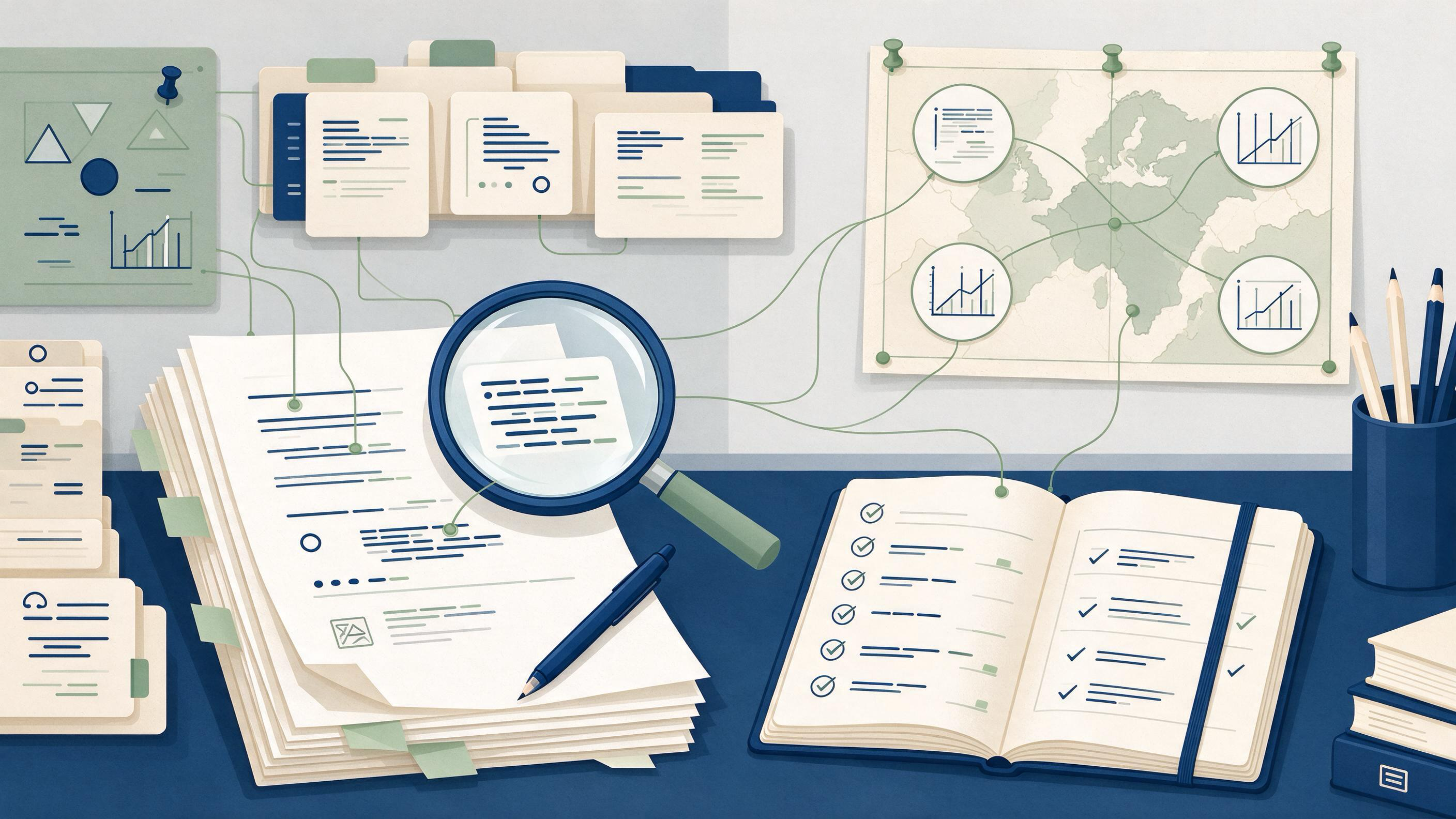
Revision is not a single editing pass. It is a controlled sequence: you receive feedback, decide what it actually requires, change the manuscript, and then prove that every claim, citation, and method statement still holds. The practical answer to "how do I get from feedback to a verified final draft?" is to treat revision as a workflow with named artifacts at each stage — a feedback ledger, a decision log, a change map, and a verification record — so that the final draft can be audited against the feedback that produced it.
This guide is a pillar for that workflow. It opens with a diagnostic so you can see where you are entering, then walks through the decisions and artifacts at each stage, with routes for readers starting at different points. The running example is a manuscript revision that must also preserve a reproducible search trail, but the same structure applies to coauthor rounds, peer review, and lab handoffs.
Diagnose your starting state before you edit
Most revision problems are entry-point problems. A reader who has just received reviewer comments needs a different first move than a reader inheriting a half-finished project. Before touching the text, classify your situation on two axes: what kind of feedback you hold, and how complete your evidence trail is.
| Starting state | What you hold | First move |
|---|---|---|
| Fresh peer review | Reviewer comments, no response plan | Build a feedback ledger and triage each item |
| Coauthor round | Tracked changes and comments from collaborators | Consolidate into one ledger; separate wording from substance |
| Lab handoff | Partial draft, partial records, unclear provenance | Reconstruct the method trail before revising claims |
| New review from scratch | Topic and eligibility criteria, no search record | Plan the search and document it from the start |
| Pre-submission check | Near-final draft, citations unverified | Run citation and reference verification |
Two questions sharpen the diagnosis. First: can you trace every factual claim in the draft to a source or record you can point to? Second: can you trace every reviewer or coauthor request to a decision? If either answer is no, that gap defines your first stage, not the prose.
Build the feedback ledger: turn comments into decisions
A feedback ledger is the backbone artifact of the whole workflow. Each row is one discrete request, with columns for the source, the exact wording, the type of request, the decision, the location of the change, and the evidence needed to close it.
Separate requests into three types before deciding anything:
- Substantive — changes to claims, methods, analysis, or scope. These require evidence and often a method-trail check.
- Structural — reorganization, section order, framing. These change where content lives but not what it asserts.
- Editorial — wording, style, formatting. These can be batched and handled last.
Handling editorial items first is a common trap: it consumes attention before the substantive decisions that determine whether the revision is actually responsive. Triage substantive items first, because they may force new searches, new citations, or rewritten method statements that cascade into the rest of the draft.
For each substantive item, record a decision — accept, partially accept, or decline — with a one-line rationale. That rationale becomes the raw material for a response letter and for the change map later.
Decide what the feedback requires: a triage table
Not every comment deserves the same response. Use a decision table to route each ledger item to the right sub-workflow.
| Feedback signal | Likely requirement | Route to |
|---|---|---|
| "Add evidence for this claim" | New or corrected source | Search and citation verification |
| "Search strategy is unclear" | Documented, reproducible method | Method-trail reconstruction |
| "This citation looks wrong" | Reference check | Citation screening |
| "Reorganize the discussion" | Structural edit | Change map |
| "Clarify this sentence" | Editorial edit | Batch at the end |
| "Scope is too broad" | Substantive decision | Ledger rationale, then rewrite |
When a comment asks for evidence, resist the urge to patch a single sentence. A new source may support the claim, contradict it, or support a narrower version. The decision log should record which of these happened, because that record is what makes the revision auditable.
Reconstruct or extend the method trail
If your revision involves a literature search — a review, a systematic search, or any claim about what the literature shows — the method trail is part of the manuscript, not a private note. Cochrane guidance for search planning is a useful standard: plan searches from eligibility criteria, use multiple sources, combine free-text terms with subject headings, document the process, deduplicate records, screen in stages, link multiple reports of one study, and rerun searches before publication.
For a revision, this translates into a checklist you can attach to the ledger:
- Eligibility criteria — restate them and confirm the search still matches.
- Sources — list every database or index used.
- Term logic — record free-text terms and subject headings separately.
- Deduplication — note how duplicate records were removed.
- Staged screening — record title/abstract and full-text stages.
- Study linking — note where multiple reports were linked to one study.
- Rerun — record any search rerun before submission.
PubMed's search details view is a practical aid here: it reveals how terms were translated and combined, which is exactly the information a method trail needs. If you are starting a new search rather than reconstructing one, the WisPaper search interface is a place to find academic papers, and you can save what you find for later organization.
Run the search and screening sub-workflow
When feedback requires new evidence, run a bounded search rather than an open-ended one. Start from the eligibility criteria, not from a hunch about keywords. Combine free-text terms with subject headings, and record the exact query strings as you go — a query you cannot reproduce is not part of a method trail.
Screening happens in stages. Title and abstract first, full text second. At each stage, record why a record was excluded. When several reports describe one study, link them so the final draft does not double-count evidence.
If you need a public entry point for finding academic papers, the WisPaper Scholar Search page describes that capability. For longer literature tasks that go beyond a single query, the Scholar Agent area is designed for literature review, inspiration, and reproduction use cases. Keep the outputs of these steps in your ledger so the trail stays intact.
Verify citations and references before you call it final
Citation errors are the most common reason a "final" draft fails a pre-submission check. Verification has two layers: does the reference exist, and does it support the claim it is attached to?
For the first layer, BibTeX screening is a concrete step. TrueCite checks BibTeX against real academic databases to flag hallucinated references. Run it on the reference file, then reconcile every flagged entry against your ledger before resubmitting.
The second layer is a reading check: for each substantive claim, confirm the cited source actually says what the draft attributes to it. Record the page or section in the ledger. This is slow, but it is the step that converts a plausible draft into a verified one.
Organize sources so the trail survives the revision
A revision that depends on sources scattered across browser tabs will not survive a coauthor round or a lab handoff. Consolidate sources into one organized library as you go, and keep the library aligned with the ledger.
In WisPaper, My Library is where you save or upload papers and organize them. Use it as the single home for sources cited in the revision, and name entries consistently with the ledger so a reader can move from a claim to its source without guessing.
When you need to ask questions grounded in the papers you have collected, Library QA supports asking questions based on papers uploaded to My Library or added from search results. That is useful for checking what a set of collected papers says before you commit a claim to the draft — but the answer still belongs in the ledger with its source.
Maintain a change map and a response record
A change map is the reader-facing counterpart to the ledger. For each substantive item, it records what changed and where. This serves three audiences at once: reviewers checking responsiveness, coauthors checking their comments, and future readers of the project checking the method trail.
A workable change map has four columns: feedback item, decision, location in the draft, and evidence used. Keep it in the same file or project as the ledger so the two never drift apart.
For projects that span multiple rounds or collaborators, Research Projects is the WisPaper area for creating and managing a project. Keeping the ledger, change map, and source library under one project makes the handoff auditable rather than reconstructed from memory.
Know when the draft is ready
The final draft is ready when three conditions hold, each checkable against an artifact:
- Every ledger item has a decision and a location. No open substantive items remain.
- Every substantive claim has a verified source. Citation screening is complete and reading checks are recorded.
- The method trail is complete enough to reproduce. Search terms, sources, screening stages, and any rerun are documented.
For reviews, PRISMA 2020 provides a reporting checklist, expanded explanations, an abstract checklist, and flow-diagram templates for original and updated systematic reviews, including transparent reporting of search, selection, and synthesis methods. Using the checklist as a final gate turns "I think it's ready" into a set of items you can tick against the draft.
Routes for readers entering at different stages
Entering at peer review. Start with the feedback ledger, triage substantive items, and route evidence requests to the search and citation sub-workflows. Build the change map as you go, not at the end.
Entering at a coauthor round. Consolidate all comments into one ledger before editing. Separate wording from substance so the substantive decisions are not buried.
Entering at a lab handoff. Reconstruct the method trail first. A draft whose provenance is unclear cannot be verified until the trail exists.
Entering at a new review. Plan the search from eligibility criteria, document it from the first query, and build the ledger and library alongside it.
Entering at pre-submission. Run citation screening and the reading check, then use a reporting checklist as the final gate.
FAQs
Keep Reading

Scoping Search vs. Systematic Search: Which One Fits Your Question?
A scoping search is a fast, exploratory pass to learn the shape of a literature and decide whether a question is worth pursuing. A systematic search is a planned, documented, reproducible pass built from eligibility crit

Shared Zotero Library vs. Shared Drive Folder for Research Teams
A shared Zotero library and a shared drive folder solve different halves of the same problem. Zotero is built to organize references: one item can sit in several collections without being duplicated, tags can describe to
Source-by-Source Outline vs. Thematic Outline: Choosing the Right Structure for an Evidence Brief
You have a folder of papers and a deadline. The first structural decision you make — whether to outline paper by paper or theme by theme — shapes how you search, what you extract, and whether your brief answers a questio