
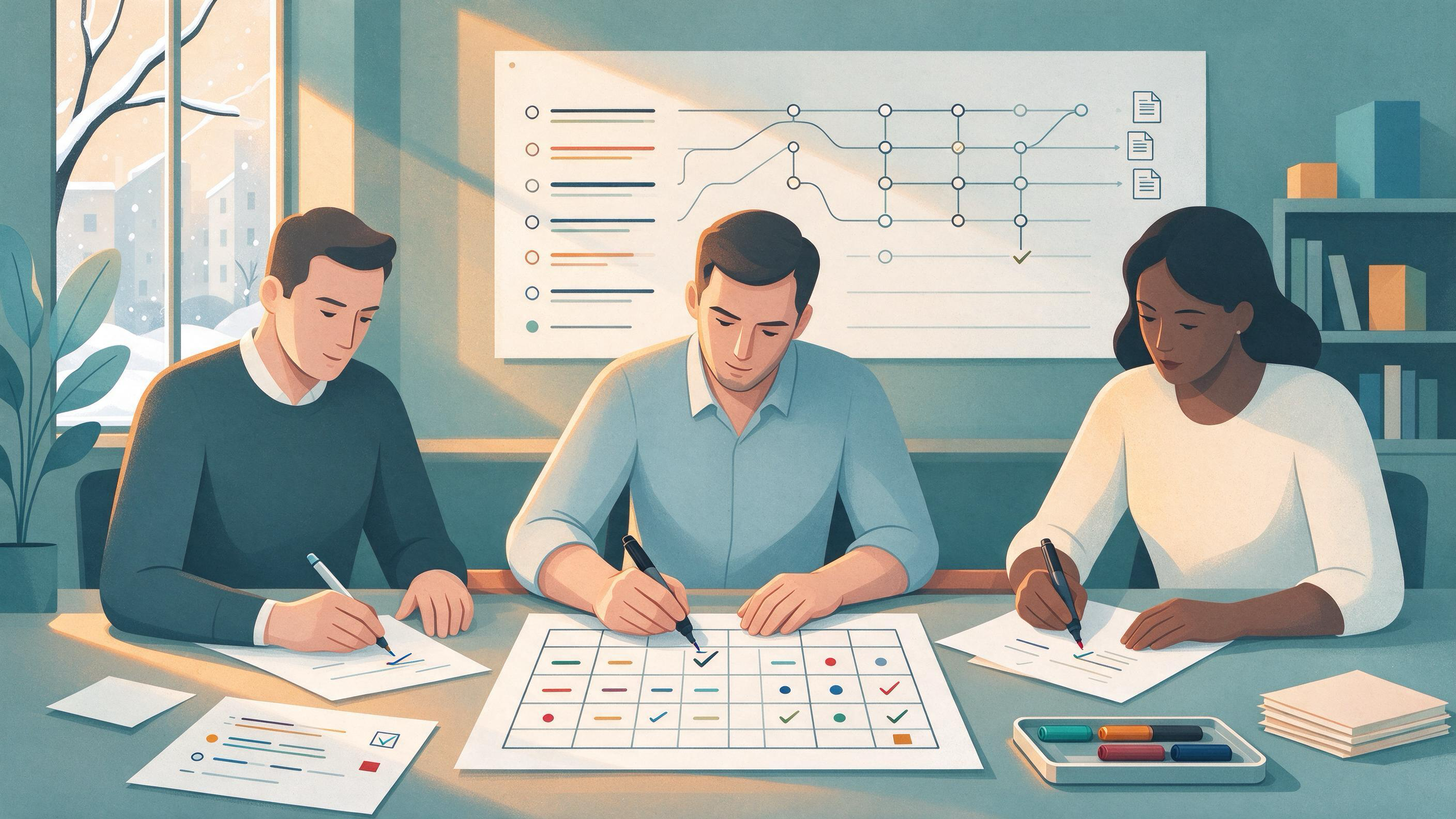
A shared folder full of PDFs feels like progress. But when a teammate opens the folder in January and asks "which of these did anyone actually read, and which ones support the claim in paragraph three?" the honest answer is often silence. The problem is not that the team was lazy. It is that the checking happened in private — in browser tabs, personal notes, and memory — and left no trace the next person could follow.
This article walks through a realistic repair. The setting is a small research group finishing a thesis chapter and a course paper over winter break, then starting a January project with two new members. You will see the starting state, the decisions that fix it, the artifacts that make those decisions visible, and the test for knowing the result is ready.
Why a shared folder hides unchecked sources
A folder records that a file exists. It does not record whether someone opened it, whether it met the team's eligibility criteria, or whether it was later replaced by a better source. When several people add files independently, the folder becomes a pile in which checked and unchecked material look identical.
Cochrane's guidance on searching and selecting studies points toward the fix: plan searches from explicit eligibility criteria, document the process, deduplicate records, and screen in stages. Each of those steps produces a visible artifact — a criteria list, a search log, a deduplicated set, a screening decision. A folder has none of them. That is the gap you are closing.
Diagnose your starting state before you reorganize anything
Before moving files around, spend twenty minutes answering four questions with your team. Write the answers down; the writing is the first artifact.
- What is the claim we are trying to support? Name the specific sentences in the chapter or paper that depend on literature.
- What made a source eligible? If nobody can state the criteria without looking at the folder, the criteria were never shared.
- Who checked what? List each person and the sources they believe they verified.
- What happens to a source that fails a check? If the answer is "it stays in the folder," the folder cannot tell you anything.
A team that cannot answer question two has found its real starting problem. The sources are not the issue; the absence of a shared definition of "checked" is.
Decide what "checked" means for your project
"Checked" is not one thing. For a thesis chapter it might mean three separate verifications, and conflating them is what makes status invisible.
- Located: the source exists and you have a stable record of it.
- Read against criteria: someone confirmed it meets the eligibility you defined.
- Cited for a specific claim: the source is attached to a particular sentence it actually supports.
A source can be located and read but never cited, and that is a legitimate status. The failure mode is a source that is cited but was never read against criteria — or never read at all. Decide which of these three states your team will track, and give each a label everyone uses the same way.
This is also where transparent methods matter. NIH guidance on scientific rigor treats careful assessment of prior knowledge, transparent methods, validation, and reproducibility as core research practice. A status label is a small piece of method made visible.
Build the artifacts that make checking visible
You need four artifacts. None requires special software, but each must live somewhere the whole team can see.
The eligibility criteria sheet
One page. State what kinds of sources count, what date range or scope applies, and what disqualifies a source. Cochrane's approach starts search planning from eligibility criteria, so write these before the next search, not after.
The search log
For each search, record the source or database used, the terms, the date, and roughly what came back. Cochrane recommends combining free-text terms with subject headings and using multiple sources; a log is how you prove you did. If you search through a scholarly interface, the WisPaper search page is one place to run academic searches, and the Scholar Search entry point explains the finding-papers workflow for readers new to it. Log the query either way.
The screening table
One row per unique source, with columns for the three status labels, the reviewer's name, the date, and a one-line reason for any exclusion. Deduplicate before screening so two people do not review the same paper under different filenames.
The claim-to-source map
For every sentence in the draft that depends on literature, name the source and the specific part of it that supports the sentence. This is the artifact that answers the original question directly.
Run the repair as a short, staged sprint
With artifacts defined, the repair itself is a sequence of decisions rather than a mass cleanup.
Stage 1 — Consolidate. Gather every source the team has into one list, then deduplicate. Expect the count to drop; that drop is information, not loss.
Stage 2 — Screen against criteria. Each source gets a status from your labels. Screen in stages: title and abstract first, full text only for those that pass. Record the reviewer and date on every row.
Stage 3 — Attach citations to claims. Walk the draft sentence by sentence. If a claim has no mapped source, it is either unsupported or needs a new search. If a source is mapped to a claim it does not actually support, fix the claim or replace the source.
Stage 4 — Verify the reference list. Reference lists drift. A citation manager entry can point to a paper that does not exist as described. Running the bibliography through a screening step catches entries that do not match real academic records; TrueCite is built for BibTeX citation screening against real academic databases to flag hallucinated references. Do this before the reference list is frozen.
Stage 5 — Rerun the search. Cochrane recommends rerunning searches before publication. Put a date on the rerun and note in the log what changed.
Where a research assistant fits into the workflow
Tools help at specific steps, and it is worth being precise about which. WisPaper is an AI research assistant for finding, screening, organizing, and working with academic papers, as described on its homepage. In this repair, it earns its place at three points.
First, finding and organizing. Searches run through the search interface can feed a shared collection. Saving or uploading papers into My Library gives the team one place to organize the sources that passed screening, rather than a folder of loose downloads.
Second, asking questions of the checked set. Once papers are in the library, Library QA lets you ask questions based on papers uploaded to My Library or added from search results. That is useful for a team member who needs to understand what a screened source actually says before mapping it to a claim.
Third, longer synthesis tasks. When the chapter needs a broader literature pass, Scholar Agent supports longer research tasks in the literature review, inspiration, and reproduction areas. Keep the output tied to the screening table so nothing enters the draft without a status.
Notice what the tools do not do here: they do not decide your eligibility criteria, and they do not assign status labels. Those remain team decisions, which is why the artifacts come first.
Make the status visible to people who were not in the room
The January test is simple: can a new member open the project and tell, for any source, whether it was located, read against criteria, and cited for a specific claim — without asking anyone?
That requires the artifacts to be findable and current. A shared project space helps. Research Projects is the WisPaper area for creating and working within a project, which suits a team that wants the January work to start from a named project rather than a folder. Whatever space you use, the rule is the same: the screening table is the source of truth, and the folder is just storage.
Two habits keep it honest. First, update the table at the moment of checking, not at the end of the week. Second, when a source is excluded, leave the row with its reason rather than deleting it — the record of what was rejected is part of the method.
Know when the result is ready
The repair is finished when you can pass these checks:
- Every source in the collection has a status label, a reviewer, and a date.
- Every literature-dependent sentence in the draft maps to a source that was read against criteria.
- The reference list has been screened against real academic records.
- The search log shows the queries, sources, and dates, including the final rerun.
- A person who did not do the checking can reconstruct the decisions from the artifacts alone.
That last check is the one that matters most. If a newcomer can follow the trail, the team can tell which sources were actually checked — and which were not.
Transferable lessons for the next project
Three lessons carry over to any project that depends on literature.
Define "checked" before you collect. A shared definition turns a pile into a process. Write it down in the first week.
Make every decision leave a trace. Eligibility criteria, search logs, screening rows, and claim maps are cheap to create at the moment of the decision and expensive to reconstruct later.
Separate finding from verifying. Finding sources and confirming that they support specific claims are different jobs. Keeping them separate is what prevents a citation from standing in for a check that never happened.
PRISMA 2020's reporting checklist and flow-diagram templates exist because transparent reporting of search, selection, and synthesis is hard to reconstruct after the fact. You do not need a full systematic-review apparatus for a thesis chapter, but the principle scales down: the record should be made while the work happens.
Your next action
Before the January project starts, open a single shared document and write the eligibility criteria sheet and the three status labels. Then take the ten sources most central to your current draft and fill in one screening row for each. That is a two-hour task, and it converts an opaque folder into a record your team can read.
FAQs
Keep Reading
Your Supervisor Asks What Changed Since the Last Draft
A supervisor's question about what changed since the last draft is not a request for reassurance. It is a request for a defensible record: which claims moved, which evidence arrived, which sections were cut, and what you
Your Reference Manager and Shared Folder Disagree: Repairing a Manuscript's Evidence Trail
A reference manager and a shared folder usually drift apart for a mundane reason: they store different things. The reference manager holds bibliographic records and citation keys. The shared folder holds PDFs, drafts, no
Your Client Deck Uses a Number from an Unknown Version of a Report: A Provenance Repair Playbook
A figure is sitting in slide 14 of a client deck. It has a citation, but the citation points to a report title with no version, no date, and no page. Someone on the team pulled it months ago, and nobody can say whether i