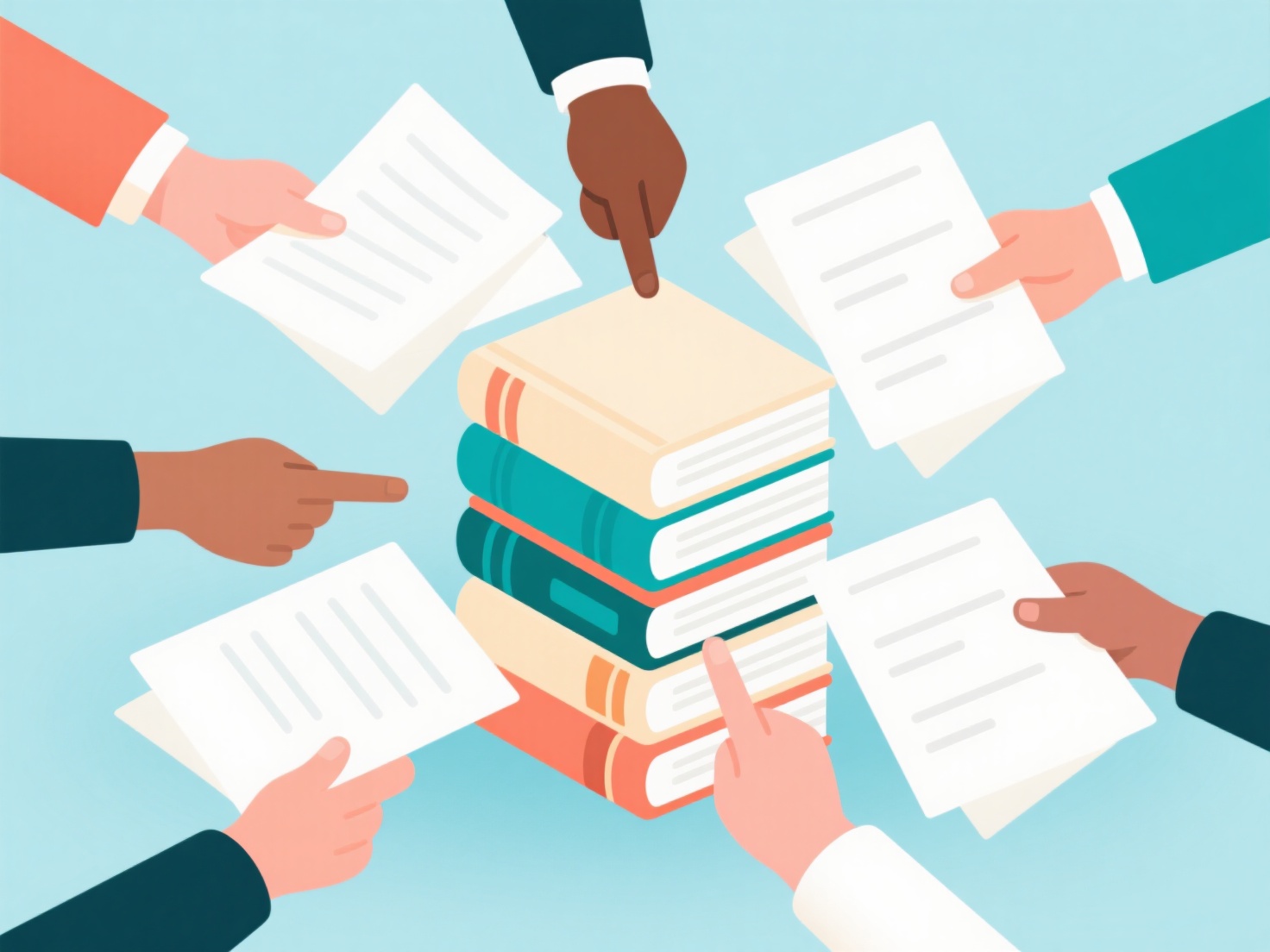
To collaborate on references faster, research teams should use cloud-based reference management software to create shared group libraries, establish a standard tagging system, and sync citations in real time. Managing literature with co-authors can quickly become a bottleneck if you are emailing PDFs or dealing with duplicate bibliography entries. By setting up a streamlined workflow, you can keep your entire research team on the same page.
Use a Cloud-Based Reference Manager
The foundation of fast collaboration is moving away from local desktop folders. Utilize reference management tools to create dedicated group libraries for your specific project. When one researcher adds a new paper, updates metadata, or fixes a citation format, the changes sync instantly for the entire team. This prevents the classic headache of missing or mismatched references during the final stages of writing.
Establish a Team Tagging System
A shared library only speeds up your workflow if everyone can easily find what they need. Before diving into your literature review, agree on a clear naming and tagging convention. Use tags to indicate a paper's priority (e.g., "essential reading"), its relevance to the paper (e.g., "methodology," "data analysis"), or the specific team member assigned to review it.
Centralize Notes and Full-Text Documents
Collaborating on references goes beyond just generating a bibliography; it requires sharing actual insights from the literature. Ensure your team uploads full-text PDFs directly to the shared workspace so everyone can view highlights and annotations. To process these shared documents even faster, WisPaper’s My Library functions as a Zotero-style manager that organizes your references while allowing you to use AI to chat directly with your uploaded papers, making it easy to instantly extract key findings from the team's shared reading list.
Integrate Citations During the Writing Phase
To accelerate the actual drafting process, ensure all co-authors use compatible citation plugins for your chosen word processor, such as Google Docs or Microsoft Word. This allows multiple authors to seamlessly insert in-text citations from the shared group library as they write. When it is time to publish, the software will automatically generate and format the final bibliography consistently in your required style, such as APA, MLA, or Chicago, saving your team hours of manual formatting.