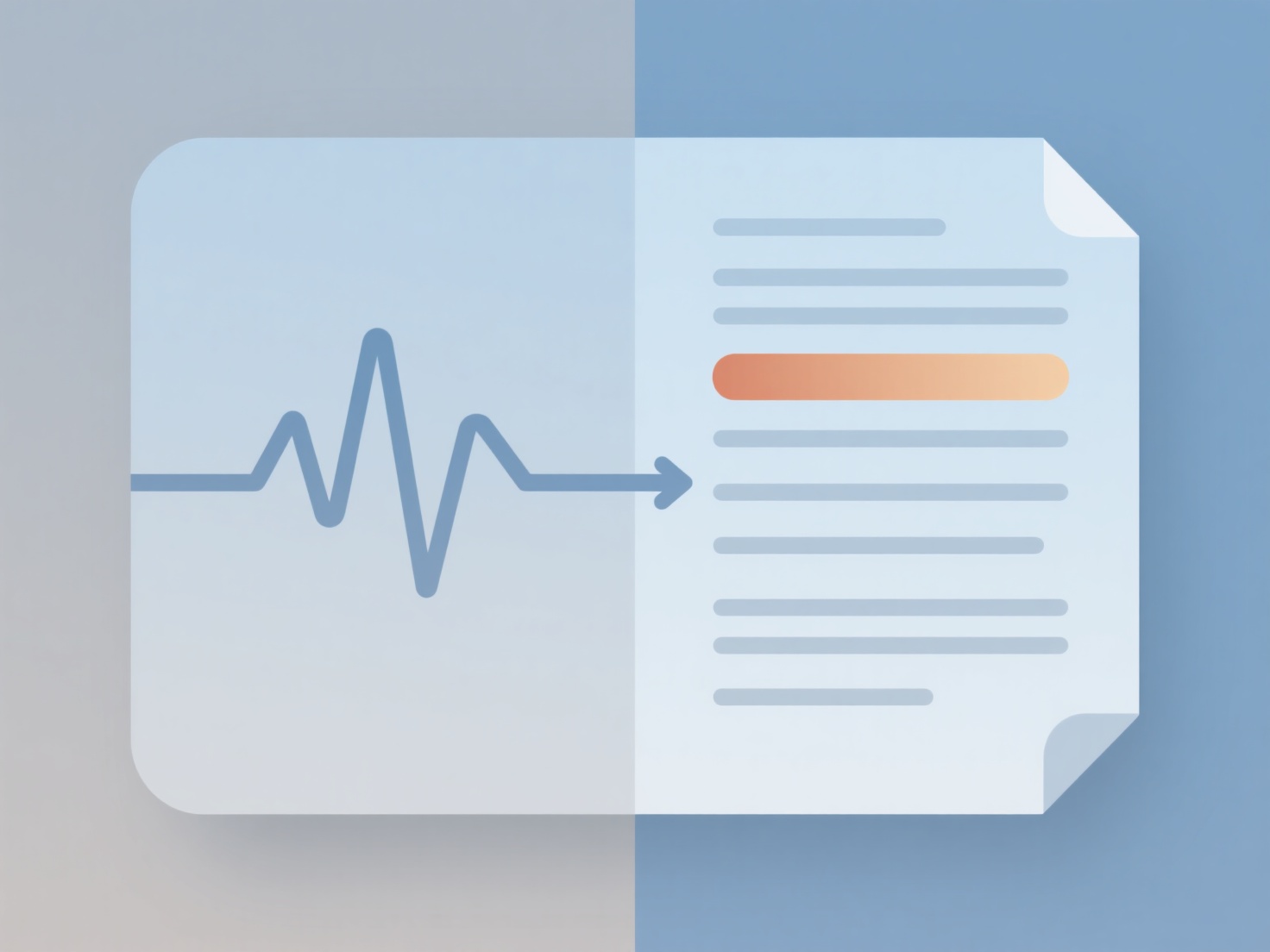
To draft an interview transcript, you must convert your audio or video recordings into text by either manually typing the dialogue or using automated software, followed by careful editing for accuracy. Whether you are conducting qualitative research for a master's thesis or a doctoral dissertation, creating accurate transcripts is a foundational step in your data analysis process.
1. Choose Your Transcription Method
You generally have two routes for transcribing research interviews:
- Manual transcription: This involves listening to the audio and typing it out yourself. It is time-consuming (often taking four hours of typing for every one hour of audio) but immerses you deeply in your raw data.
- Automated transcription: Using AI-driven speech-to-text tools generates a rapid first draft. This saves hours of typing, though you will still need to manually review the text to fix AI misunderstandings, especially with heavy accents, overlapping speech, or academic jargon.
2. Select the Right Transcription Style
Before typing, determine how much detail your methodology requires:
- Strict Verbatim: Captures every word, pause, laugh, and filler word (e.g., "um," "uh"). This high level of detail is usually required for discourse analysis or psychological studies.
- Intelligent Verbatim: Removes filler words and false starts to create a clean, readable text while strictly preserving the participant's exact meaning. This is the standard choice for most thematic analysis.
3. Draft and Format the Document
As you draft the text, consistency is key. Use clear speaker tags (like "Interviewer:" and "Participant:") and separate each change in speaker with a line break. Insert timestamps (e.g., [14:22]) every five minutes or whenever the audio becomes inaudible. Proper formatting is crucial if you plan to import your text files into qualitative coding software like NVivo or ATLAS.ti later on.
4. Proofread and Organize
Always do a final pass by listening to the recording at a faster speed while reading your completed draft to catch any missing words or contextual errors. Once your transcripts are finalized, managing these large text files alongside your literature can get overwhelming. When organizing your research materials and reading your own docs, using a tool like WisPaper’s My Library allows you to securely store your transcripts and chat with your uploaded files via AI to instantly extract key participant quotes or summarize recurring themes.