
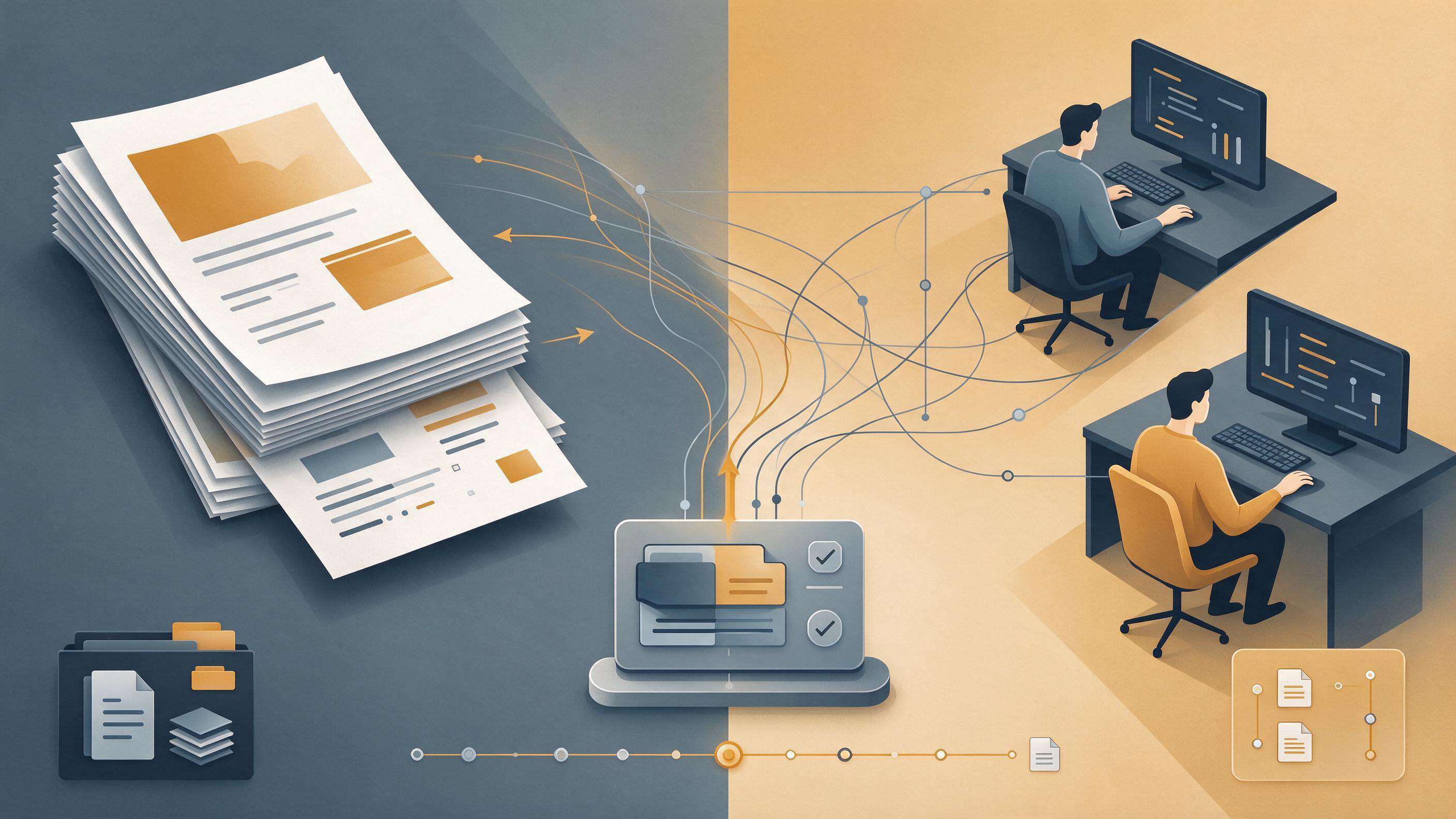
A coauthor's name sits on a version you haven't seen in weeks. The supervisor's comments reference figure placements that were removed in revision three. The bibliography lists a conference paper nobody in the group recognizes. Wrong-version approval rarely announces itself at submission. It surfaces in the quiet moment after everyone has signed off, when one carefully polite email asks why the changes from the January meeting are absent.
The immediate reaction is usually to find the guilty file. But the wrong version is rarely one wrong file. It is a coordination failure: versions moved across email, shared drives, and a citation manager without a single place where everyone could see the same text, the same figure numbers, and the same references at the same time. This article walks through diagnosing how that happened, repairing the manuscript without losing legitimate revisions, and setting up a workflow that makes wrong-version approval hard to repeat. Along the way you'll see where WisPaper's research workspace can genuinely carry part of that workflow, not as decoration but as the place where sources and version context live.
What Does 'The Wrong Version' Actually Mean?
Before fixing anything, define the failure precisely. A coauthor who approved the wrong version may have seen:
- an outdated PDF saved under a filename like
final_v2_FINAL.docxwhile the real file wasthesis_submission_clean.docx; - a manuscript with the correct prose but a bibliography exported from an earlier project;
- a draft that contains one colleague's edits but not the section rewritten by the second reader;
- a version where comments were resolved in the shared document but the exported file still showed tracked changes.
Ask the coauthor which file they opened and which section they remember reading. If they describe a different section order or a different discussion paragraph than the one in your current draft, you have evidence that the approval did not cover the version you intended. The goal of this diagnosis is not to assign blame. It is to determine whether the finished text, the tracked-changes record, and the reference list ever occupied the same artifact at the same time.
Which File Was Actually Approved?
Create a small version inventory before contacting everyone. For each coauthor, list the filename they received, the date, the channel used, and whether the message included a PDF export or an editable document. Four questions usually expose the break:
- Was the version shared as an email attachment, which freezes the text at the moment it was sent?
- Did the shared document continue to change after the coauthor opened it?
- Did the bibliography export match the in-text citation markers?
- Did the coauthor approve by reply, by comment, or verbally in a meeting?
A reply that says "Looks good" is not approval of a specific artifact unless the artifact is unambiguous. ICMJE recommends that every listed author approve the final version and be accountable for the work. That recommendation assumes everyone is looking at the same final version. When your workflow cannot prove that, the approval itself becomes weak evidence.
Once you know which file each person saw, copy the artifact that received the most substantive comments into one working location. This is the repair baseline. Treat every other file as a possible source of lost changes, not as the manuscript itself.
Which Changes Are Real and Which Are Stale?
Wrong-version discovery often means two revision streams have diverged. One stream contains the supervisor's feedback on structure. The other contains a coauthor's cleaner prose edits and a new discussion paragraph. Merging them by hand is how new errors are introduced.
Separate the changes into three categories:
- structural changes — section order, figure numbering, heading rewrites, core argument moves;
- local edits — sentence-level fixes, terminology changes, formatting;
- bibliographic changes — new citations, removed citations, or an exported bibliography from a different library.
The repair becomes tractable when you handle categories separately. Run a diff between the approved version and the current working draft for the first two categories. For the third, check the bibliography against the in-text citations. If a reference appears in the bibliography but no citation marker calls it, or a marker has no corresponding entry, the bibliography did not travel with the prose it belongs to.
If your reference list was exported from a personal library that has since changed, the problem may be upstream of the manuscript. You can upload the paper to My Library and keep the sources you actually cite in one workspace rather than in a bibliography file that silently drifts from the text. This does not merge revisions for you, but it removes one common way a manuscript can say one thing in prose and another in its citation list.
How Do You Merge Diverged Revisions Without Losing Work?
Work from one master text. Open the version that contains the most recent structural changes, then bring in local edits from the other stream one section at a time. Resist the urge to accept all changes from both files; that produces a hybrid that neither author has read.
For each merged section, do two things. First, confirm that the section's citations still appear in the reference list. Second, record which coauthor last touched that section and which feedback it addresses. A simple table works:
- section;
- source of current text;
- citation count in text;
- citation count in bibliography;
- last substantive editor;
- status after re-approval.
This table becomes the approval artifact. When a coauthor re-approves, they are now approving a listed set of sections with a listed citation match, not a vague "final manuscript."
If the divergence includes references that neither coauthor can place, check the right source before inventing a fix. TrueCite screens BibTeX against real academic databases and flags references that do not resolve to a source that actually exists. Use it on the exported bibliography before sending the repaired manuscript around again. A coauthor who cannot verify a reference cannot meaningfully approve the section that depends on it.
Who Should Be Listed as an Author, and Who Should Be Credited Differently?
The version conflict sometimes has a second layer: the list of names itself drifted. Someone added a contributor who never saw the manuscript. Someone else removed an author who wrote half the methods section. Before re-approval, settle the contributor list.
ICMJE offers four authorship criteria. Every listed author should approve the final version and be accountable for the work. Contributors who do not meet all four criteria can still be named, for example in an acknowledgments section. The CRediT taxonomy provides 14 standardized roles — conceptualization, methodology, data curation, writing and editing, and others — that describe who did what without by themselves determining authorship. Walk through the contributor list and apply both tools:
- Does each listed author meet the authorship criteria?
- Is any contributor missing who performed a substantial role?
- Does each listed author agree to be named?
For a coursework paper this may feel administrative. But a wrong-version approval is precisely the situation where the distinction between "contributed an idea in discussion" and "approved the final text" matters. One person may have approved a draft from two versions ago. Another may have made changes nobody saw. Settle authorship after the merged text exists, not before, because the merge determines who contributed what to the version that actually ships.
Can a Shared Project Prevent the Next Wrong Approval?
A shared drive with a folder called "final versions" does not solve this. What helps is a project structure where the source artifacts, the version notes, and the reference library occupy one visible space, and where a change in one place does not silently leave the others behind.
For a manuscript that will need several review rounds, create a Research Project where the paper, its supporting sources, and the revision context live together. Add the source papers you actually cite so that a bibliographic export starts from the same library the coauthors can inspect. When a supervisor asks a question about a cited study, you can ask it in the project context using Library QA, which reads the papers you've added or uploaded rather than an unrelated general model.
The honest statement is narrower than "this prevents version errors." What a shared project prevents is the specific failure where the reference list, the quoted claims, and the manuscript text live in separate files that never meet. That is a real fraction of the wrong-version problem, and it is worth removing.
What Does a Corrected Approval Round Look Like?
After merging, send one artifact and one checklist. The artifact is the full manuscript exported with the merged text and the checked bibliography. The checklist names the sections that changed since the coauthor's last seen version, the disposition of each major comment, and the citation count check.
Ask each coauthor to do three things:
- Open the exact file named in the message.
- Confirm that the sections they care about reflect their intended contribution.
- Reply with a plain statement that ties their approval to that filename and date.
A coauthor who wants to make another round of changes should do so in a copy, not in the master. After that round, re-run the citation check and re-export. The approval record should show the version that was opened, the date, and what changed in the final round.
If the journal asks for a contribution statement, CRediT roles give you a neutral vocabulary for the acknowledgment section or the form. A coauthor can approve a final text while being listed for "investigation" and "writing — original draft" rather than a role they never performed. This is not a workaround; it is accurate reporting.
How Do You Know the Repaired Manuscript Is Ready?
Readiness is checkable, not a feeling. Run these checks on the exact file you will submit:
- the in-text citation markers exactly match the bibliography, including any markers added during the merge;
- every listed author has opened and approved the exact filename and date recorded in your checklist table;
- the tracked-changes record in the submitted file shows only the intended final state;
- the contributor list matches what you will write in the acknowledgment or contribution section;
- the version number in the filename appears in your approval table and nowhere else as "final."
Ask one person who did not write the manuscript to perform the final proofing pass. Their job is not to improve the prose. It is to verify that the file on screen is the file everyone approved. If the file name, the date, and the section list disagree anywhere, you are not ready.
For the bibliography check, do not rely on memory of "I'm sure I cited that somewhere." TrueCite verifies a BibTeX export against real academic databases, catching the reference that looks plausible but does not correspond to a published source. Run it after the merge, not before, because the merge is when citations tend to be duplicated, dropped, or left pointing at an old section order.
What Is the Concrete Next Action After This Repair?
Once the corrected version is approved and submitted, spend one hour creating the prevention version of the same structure. Create a new project for the next paper. Upload the source papers that matter. Add the checklist table as a project note. Draft the acknowledgment roles in CRediT terms while the division of labor is fresh.
If you are at the winter-break cleanup point with no active manuscript, do the same as a reset: organize the sources from your last submission into My Library, check that the exported bibliography for that paper resolved correctly, and write one short note on what the version conflict taught you about naming and approval. When the January project begins, you already have the structure that would have caught the error.
If you are starting a new paper rather than repairing an old one, the first concrete step is to choose a working method that keeps the source library and the manuscript in conversation. Use WisPaper search to identify the studies you will actually cite, add them to the project library at the moment you first read them, and export the bibliography only after the prose is stable. That ordering makes the bibliography an output of the manuscript, not a parallel file that can drift.
The wrong version was never a single mistake by one coauthor. It was a system that let the text, the comments, and the references move at different speeds. The transferable lesson is that approval must name an artifact with a date, a section list, and a citation check. A coauthor who can do all three has approved the manuscript you think they approved.
FAQs
Keep Reading
A Figure Changed but the Caption Did Not: Repairing the Quiet Consistency Failures That Follow Manuscript Revisions
You opened the revised figure exported from your analysis script, updated the y-axis, swapped the treatment labels, and re-ran the regression. The graph in the manuscript now shows the corrected model, but the caption be
A New Citation Changes the Claim You Already Wrote: How to Repair the Deliverable Without Losing the Week
The slide said "supports," the memo said "remains unresolved," and the client deck said both. Then a colleague forwarded one new paper. Its abstract contradicted the sentence in your executive summary, and the DOI resolv
A Project Is Paused but Nobody Recorded Why: Rebuilding the Thread Before Your Next Submission
The failure is concrete and familiar. You open the shared folder, find a manuscript draft from six months ago, and realize nobody wrote down why the work stopped. The methods section is half-complete. The results folder