
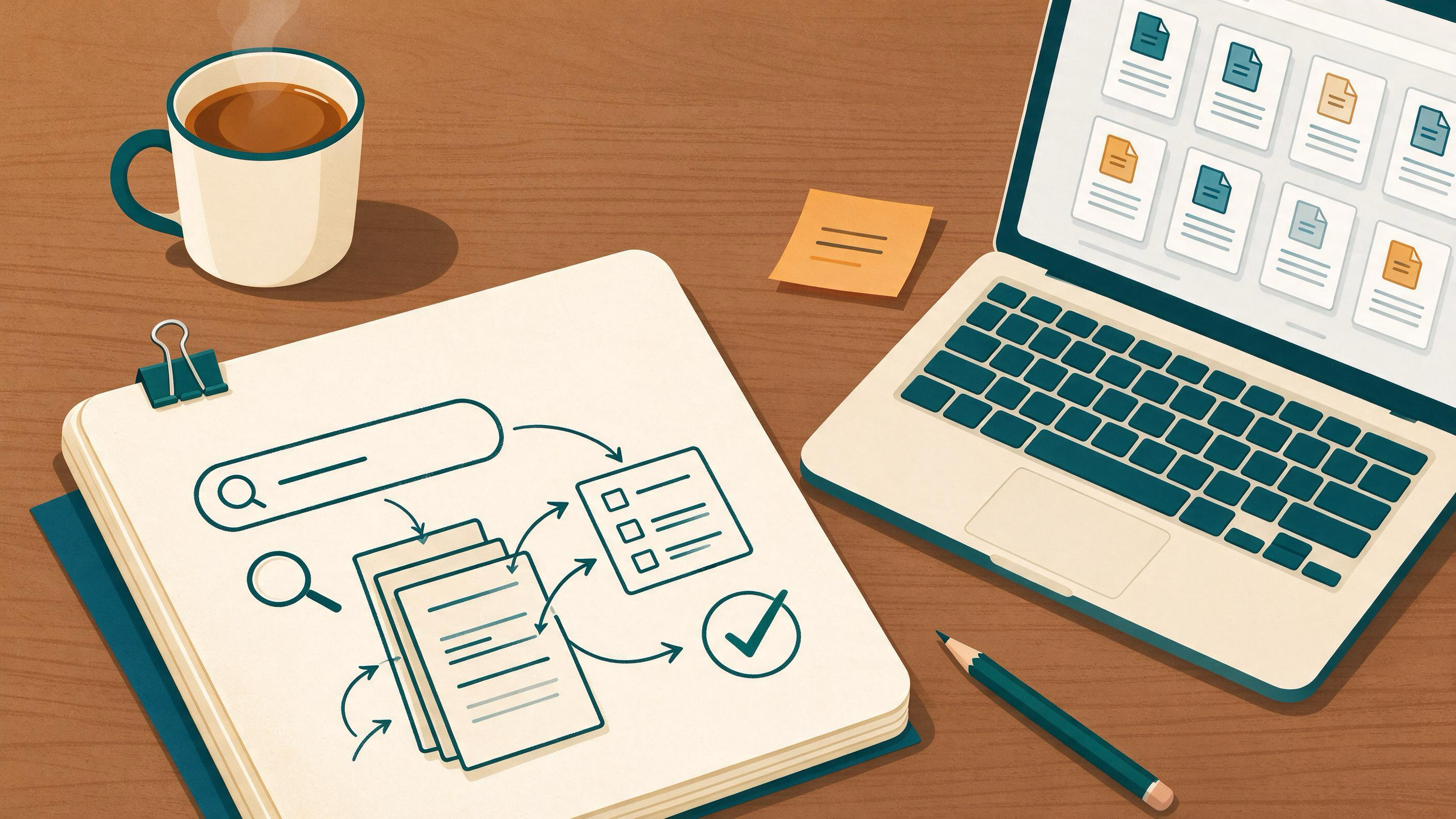
A literature review stalls for a specific reason: you have a pile of PDFs and no defensible answer to "what did I search, what did I keep, and why?" The fix is not a better prompt. It is a short sequence of decisions, each producing an artifact you can show a supervisor or examiner.
This guide walks that sequence — search, screen, synthesize, verify — and shows where AI tools help at each step. It uses a running example: a master's student returning from winter break in January, starting a thesis chapter on a topic they half-know, with a supervisor's note that says "your sources look thin and I can't tell how you found them."
What does a finished literature review actually require?
The answer is a documented chain from question to claim. Cochrane's guidance on searching for and selecting studies is built on exactly this: plan searches from eligibility criteria, use multiple sources, combine free-text terms with subject headings, document the process, deduplicate records, screen in stages, and link multiple reports of the same study. PRISMA 2020 adds the reporting layer — a checklist, expanded explanations, and flow-diagram templates that make search, selection, and synthesis methods transparent.
You do not need to run a systematic review to borrow the discipline. You need four artifacts:
- A protocol note — your question, eligibility criteria, sources, and search strings, written before you search.
- A search log — which database, which string, which date, how many records.
- A screening record — what you excluded and the reason.
- A synthesis table — claims mapped to the studies that support them.
If you can hand those four things to a reader, your review is defensible. If you cannot, no amount of prose will fix it.
Where are you starting from? A diagnostic
Before choosing tools, locate yourself. The right next action differs sharply by stage.
| Your situation | What's missing | First move |
|---|---|---|
| Topic is vague; no question yet | A focused, answerable question | Draft a question and eligibility criteria before searching |
| Question is set; sources are thin | Coverage across sources and term variants | Build a search string and run it in more than one place |
| Sources collected; notes are scattered | Organization and a screening record | Consolidate into one library and log exclusions |
| Draft exists; supervisor flagged sourcing | Traceability from claim to citation | Audit every citation against a real record |
| Project is starting fresh in January | Structure and a plan | Set up a project space and a protocol note |
Most readers who search "AI-assisted literature review" are in rows two or four. They have material but no audit trail, or a draft but shaky references. Diagnose honestly; the workflow below assumes you will loop back.
Step 1: Turn a topic into a searchable question
A topic ("AI in education") cannot be searched well because it has no boundaries. A question can. Write down three things: the population or context, the outcome or phenomenon you care about, and the boundaries you will accept (years, languages, study types).
These become your eligibility criteria, and Cochrane's guidance is explicit that searches should be planned from them. This is also where a tool like Idea Discovery fits — it takes research topics, background, references, and experimental constraints and generates research ideas, which is useful when your January problem is that the topic is still too broad to bound.
Write the protocol note now, in plain text. One paragraph. It will change, and that is fine — dated revisions are themselves evidence of a disciplined process.
Step 2: Build a search string you can defend
Good strings combine free-text terms with subject headings, per Cochrane. Practically:
- List synonyms and spelling variants for each concept.
- Note the controlled vocabulary your target database uses.
- Combine concepts with AND, synonyms with OR.
- Test the string and read the result count.
Database help pages are your manual here. PubMed supports field tags, phrase searching, filters, Advanced Search, saved searches, and a Search Details view that reveals how your terms were translated and combined — that last feature is the fastest way to learn why a string returned junk. Google Scholar documents searching by author and title, date limits and sorting, Cited by and Related articles, citation export, and email alerts, which makes it useful for forward citation chasing once you have seed papers.
Record each string verbatim in your search log, with the database and date. You will rerun them; Cochrane recommends rerunning searches before publication.
Step 3: Search across sources, not inside one
Single-source reviews are the most common weakness supervisors flag. Run your string in at least two databases, then use citation chasing in both directions: what did your seed papers cite, and who cited them?
This is where a scholarly search interface earns its place. WisPaper search is the entry point for finding academic papers, and the Scholar Search page explains the finding workflow for readers who want the overview first. Use it alongside your database searches, not instead of them — and log it as a source like any other.
For readers working in Chinese, the Chinese Scholar Search page provides the same entry point in that language.
Step 4: Screen in stages and keep the record
Cochrane describes staged screening and deduplication, and PRISMA's flow diagram exists precisely to show how records moved from identified to included. Even a course paper benefits from two passes:
- Title and abstract — fast, criteria-driven, generous at the margins.
- Full text — slower, checking method and relevance.
Log every exclusion with a one-line reason. "Wrong population," "no primary data," "duplicate of record 14." This log becomes your flow diagram and your answer when a supervisor asks why a key-looking paper is missing.
Deduplication matters more than it sounds: the same study often appears as a preprint, a conference paper, and a journal article. Cochrane's guidance on linking multiple reports of one study applies directly — count studies, not PDFs.
Step 5: Organize the corpus so synthesis is possible
Screening produces a set of papers. Synthesis requires them in one place with consistent metadata. Save or upload papers into My Library so the corpus you screened is the corpus you write from, rather than a folder of downloads with three naming conventions.
If your work spans a term or a thesis, set up a dedicated space in Research Projects so the search log, library, and drafts stay together. The January scenario is exactly this: a new project area, a clean structure, and a protocol note written before the first search.
Step 6: Synthesize by claim, not by paper
The amateur move is a paragraph per paper. The professional move is a paragraph per claim, with papers as evidence. Build a table with three columns: claim, supporting studies, and strength of support. Where studies disagree, that disagreement is a finding, not an inconvenience.
When you need to interrogate your own corpus — "which of these papers report an effect on retention?" — ask questions based on the papers you uploaded. Library QA supports questions grounded in papers in My Library or added from search results, which turns your screened set into something you can query while drafting.
For longer stretches of work — a full chapter rather than a paragraph — Scholar Agent covers literature review, inspiration, and reproduction use cases. Treat its output as a draft to check against your synthesis table, not as the table itself.
Step 7: Verify every citation before it leaves your hands
This is the step that catches supervisor feedback like "I couldn't find this reference." Citations generated or reformatted by any tool can point to papers that do not exist. The check is mechanical: does the BibTeX entry resolve to a real record in an academic database?
TrueCite performs BibTeX citation screening, checking entries against real academic databases to flag hallucinated references. Run it on your bibliography before submission, then fix flagged entries by hand against the source record.
Verification also covers claims, not just references. For each sentence in your draft that asserts a finding, confirm the cited paper actually reports it. This is slow, and it is the difference between a chapter that survives examination and one that does not.
How do you know the review is ready?
Run this checklist. Each item maps to an artifact, not a feeling.
| Check | Evidence it passes |
|---|---|
| Question is answerable | Protocol note states population, phenomenon, boundaries |
| Search is reproducible | Log lists databases, strings, dates, counts |
| Coverage is adequate | More than one source; citation chasing done both ways |
| Screening is transparent | Exclusion reasons recorded; duplicates linked |
| Synthesis is claim-based | Table maps claims to studies and notes disagreement |
| Citations resolve | Every BibTeX entry checked against a real record |
| Reporting is clear | A reader could redraw your flow diagram from your notes |
If any row fails, you know exactly which step to revisit. That is the point of the artifacts: they localize the problem.
Routes for different starting points
Starting from zero in January. Write the protocol note, then run Step 2 and Step 3. Set up Research Projects before your first search so the log has a home.
Returning after winter break with a messy folder. Skip to Step 4. Deduplicate, screen, and log exclusions. Then consolidate into My Library and rebuild your synthesis table from scratch.
Responding to supervisor feedback on sourcing. Go straight to Step 7. Verify citations, then work backward: any claim whose citation fails gets re-sourced or cut.
Writing a first manuscript with a thin reference list. Run Step 3 with citation chasing, then Step 6. Use Library QA to query the expanded corpus as you draft.
Planning a replication or methods-heavy chapter. If your review feeds an experiment, PaperClaw supports reproduction planning from an uploaded PDF and reproduction instructions — a natural handoff once your synthesis identifies the study you want to reproduce.
New to the platform entirely? Start at the WisPaper homepage for the general picture of finding, screening, organizing, and working with papers, or the English homepage if you prefer an English entry point.
Your next action
Open a blank document and write your protocol note: one paragraph naming your question, your eligibility criteria, two databases you will search, and the date. Then run one search string in both databases and paste the strings and result counts into a search log beneath it. That is thirty minutes of work, and it converts your literature review from a pile of reading into a process you can defend — and repeat for the next project.
FAQs
Keep Reading

AI Literature Search vs. Traditional Database Search: Choosing a Method You Can Defend
You are revising a manuscript, closing a grant, or handing a review to a coauthor, and someone asks how you found the papers you cite. The honest answer is often "a bit of everything." That answer is fine for a first pas

AI Paper Summary vs. Full-Text Evidence Check: Choosing the Right Tool for a Clinical Evidence Brief
You have a clinical question, a stack of candidate papers, and a deadline. An AI summary promises to compress the reading; a full-text check promises to catch what the summary missed. The practical answer is that these a

An AI-Generated Citation Looks Real but Does Not Exist: A Repair Workflow
You are three days from a deadline. A draft chapter cites a paper with a plausible author, a plausible journal, a plausible year, and a DOI that looks like every other DOI. Then you paste the DOI into a browser and land