
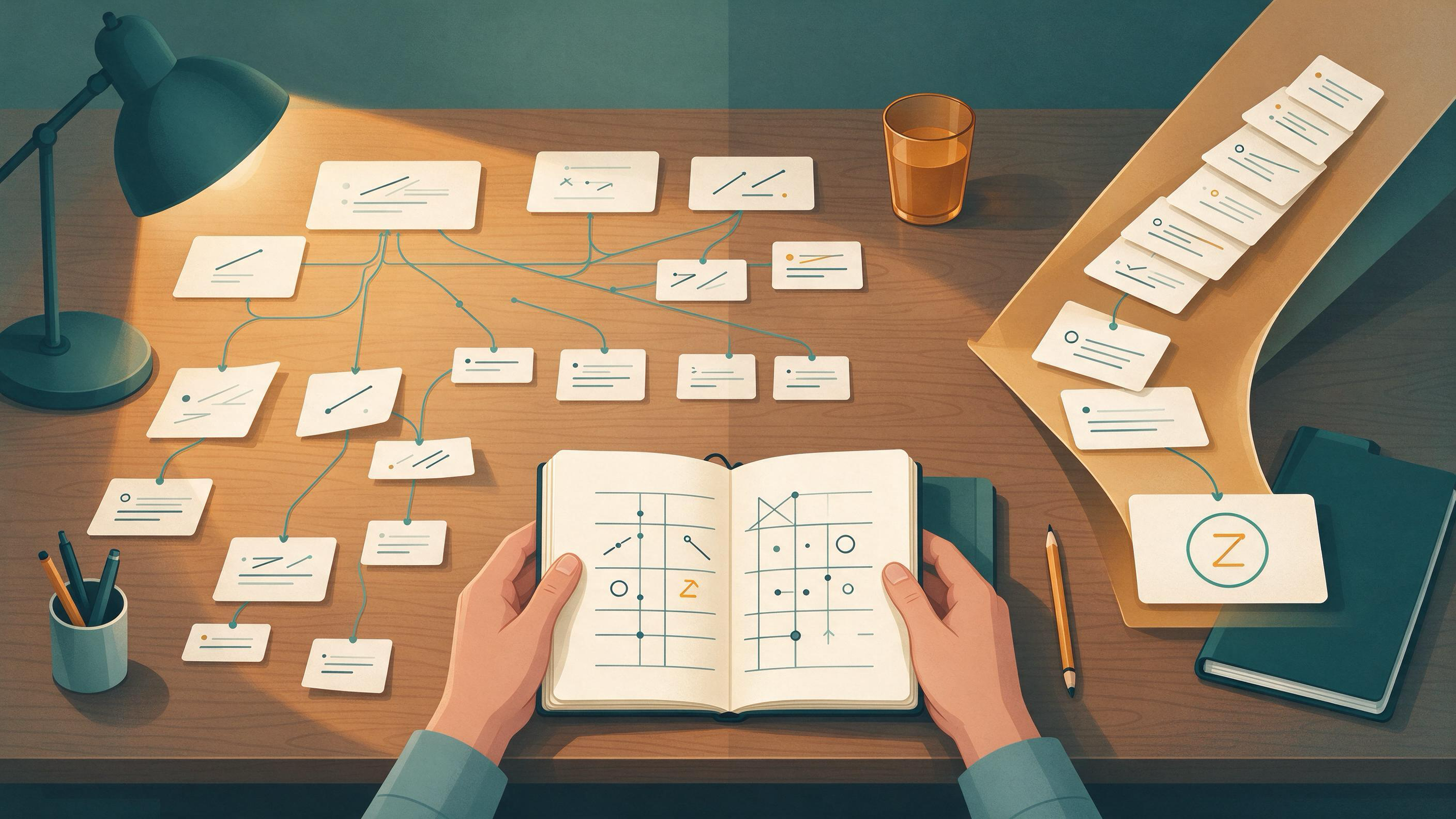
You have a topic, a deadline, and a vague sense that the literature is either too large to enter or too thin to support a project. The practical question is not which search is "better" but which one you should run first, and what each should produce before you commit to a new project. Broad topic search maps a field; feasibility search tests whether a specific project can actually be finished with the time, data, and methods you have. They answer different questions, and most stalled projects stall because one of the two was skipped.
This guide compares both searches on the same task, shows where each fails, and gives you a decision table plus a combined workflow you can run over a winter break, a January project start, or the gap between a supervisor's feedback and your next draft.
What each search is actually for
A broad topic search is exploratory. Its job is to show you the shape of a field: which questions are being asked, which methods dominate, which reviews already exist, and where the vocabulary splits into competing terms. You are not yet deciding what to do; you are deciding what the field looks like.
A feasibility search is confirmatory and narrow. Its job is to test a candidate project against reality: has this been done, is there enough material to work with, and can you obtain what you need? It is the search you run when you have a specific claim, dataset, or method in mind and need to know whether the project survives contact with the literature.
The Cochrane Handbook's guidance on planning searches from eligibility criteria is a useful anchor here. Even a feasibility search benefits from writing down what would count as relevant before you start typing terms, because it keeps you from drifting back into exploration.
Diagnose your starting state before you search
Before choosing a search type, name where you actually are. Most readers are in one of four states:
- Topic only. You have a subject area and nothing more. You need broad topic search first.
- Topic plus a hunch. You suspect a gap but have not tested it. You need a short broad pass, then a feasibility search.
- Supervisor feedback. You have comments like "narrow this" or "is this already done?" That is a feasibility question dressed as a topic question.
- A draft or chapter in hand. You are cleaning up and preparing the next project. You need feasibility search to convert loose ends into a defined next step.
Write one sentence describing your state. If you cannot, you are in the topic-only state and should start broad.
Running a broad topic search that produces a map, not a pile
The failure mode of broad search is a folder of 200 PDFs and no synthesis. Aim for a map instead.
- Start with reviews and handbooks. They compress a field faster than primary papers and give you the vocabulary you will need for narrower searches.
- Combine free-text terms with subject headings. The Cochrane Handbook recommends this combination, and it matters most in broad searches where your informal term may not match the field's controlled vocabulary.
- Use multiple sources. No single database covers a field evenly; Cochrane explicitly recommends searching more than one.
- Record what you searched. Documenting the process is part of Cochrane's guidance and saves you when you need to justify or repeat the search later.
- Stop when new results repeat known ones. That is your signal that the map is roughly complete for your purposes.
A good broad search output is a one-page map: three to five sub-questions, the dominant methods, the key reviews, and the terms the field uses. If you have WisPaper's scholarly search interface open, this is the stage where you would use WisPaper search to gather candidate papers before you narrow.
Running a feasibility search that can actually kill a project
Feasibility search is only useful if it is allowed to say no. Structure it around four tests:
- Novelty. Has this specific question been answered? Search by title and author patterns, and check whether a review already covers it.
- Material. Is there enough accessible literature or data to support the work? A single paper is not a field.
- Method. Can you realistically execute the method the literature uses, with your resources?
- Scope. Can you finish a defensible version within your timeline?
PubMed's field tags, filters, and Advanced Search are built for this kind of precision, and its search details show how your terms were translated and combined, which helps you catch a query that is quietly too broad. Google Scholar's date limits and Cited by and Related articles features help you check whether a line of work is active or has gone quiet.
A feasibility search should end with a written verdict: proceed, narrow, or pivot, with the reason. If you cannot write that sentence, the search is not finished.
Where broad topic search fails
Broad search fails when it is asked to answer a feasibility question. It will happily return hundreds of relevant papers and tell you nothing about whether your project is doable. Symptoms include:
- You keep finding interesting adjacent topics and your scope grows instead of shrinking.
- You cannot state a single testable question.
- You have read widely but cannot say what is missing.
Broad search also fails when it is run once and never documented. Without a record of terms and sources, you cannot tell later whether a gap is real or just unsearched.
Where feasibility search fails
Feasibility search fails when it is run too early. If you have not mapped the field, you may test a question that is already answered under different vocabulary, or declare a gap that exists only because you searched one database with one term.
It also fails when it is treated as a formality. A feasibility search that is designed to confirm a decision you have already made will confirm it. The four tests above only work if a negative result is allowed to change your plan.
Comparing both searches on the same task
Take a concrete case: a master's student finishing a thesis chapter on a broad topic and preparing a January project start. Run both searches against the same task and criteria.
| Criterion | Broad topic search | Feasibility search |
|---|---|---|
| Question it answers | What does this field look like? | Can this specific project be done? |
| Starting input | A subject area | A candidate question, method, or dataset |
| Typical sources | Reviews, handbooks, multiple databases | Targeted databases, field tags, citation chains |
| Search style | Free-text plus subject headings, wide | Precise terms, filters, date limits |
| Output artifact | A one-page field map | A written proceed/narrow/pivot verdict |
| Failure signal | Endless adjacent topics, no question | Testing a question the field already answered |
| When to stop | New results repeat known ones | Each of the four tests has an answer |
Notice that the two searches share infrastructure — sources, documentation, deduplication — but differ in what counts as done. That is why running them in the wrong order wastes time even when each is executed well.
A combined workflow for a new project
Use broad search to generate candidates, then feasibility search to select among them. A workable sequence:
- Map the field. Run a documented broad search and produce the one-page map.
- Generate two or three candidate questions. Each should be specific enough to test.
- Run a feasibility search on each candidate. Apply the four tests and write a verdict for each.
- Select the candidate that survives. If none survive, return to the map with a narrower sub-question.
- Organize what you keep. Save the papers that support your chosen direction so the next stage does not restart from zero.
- Re-run the search before you finalize. Cochrane recommends rerunning searches before publication, and the same logic applies before you commit a project plan.
For step 5, a library is the natural home for the papers you have screened. My Library lets you save or upload papers and organize them, which keeps your feasibility evidence in one place rather than scattered across browser tabs.
Turning the search into a project artifact
The search is not finished until it produces something you can hand to a supervisor or open next month. Two artifacts do most of the work:
- A search log. Terms used, sources searched, dates, and what you excluded and why. Cochrane's emphasis on documenting the process and deduplicating records is the standard to aim for.
- A project brief. One paragraph on the question, one on why it is not already answered, one on method and resources, and one on scope and timeline.
If you are starting a new project formally, Research Projects is where that brief can live as you build it out. If your feasibility search has surfaced a candidate direction but you want to stress-test it against your constraints, Idea Discovery takes research topics, background, references, and experimental constraints to generate research ideas — useful when you have a map but not yet a question.
Worked example: winter break to January start
A student finishes a course paper in December with supervisor feedback that says "interesting, but is this already done?" The winter break is the window to answer that.
- Week one: broad pass. Two days of documented searching across multiple sources, producing a one-page map and three candidate questions.
- Week two: feasibility. One feasibility search per candidate, each ending in a written verdict. Two candidates narrow; one survives.
- Week three: artifacts. A search log, a project brief, and a library of the papers that support the surviving direction.
- January start. The project begins with a defined question and evidence already organized, rather than a fresh literature search.
The same pattern works for a thesis chapter: use the broad search to situate the chapter, then the feasibility search to confirm the chapter's contribution is not already covered.
How to know the result is ready
You are ready to commit to the project when all of the following are true:
- You can state your question in one sentence and name the vocabulary the field uses for it.
- Your search log shows which sources you searched and how you combined terms.
- Each candidate question has a written verdict, not just a feeling.
- You can point to the reviews or papers that establish the gap you are addressing.
- Your project brief fits your timeline and resources.
If any of these is missing, you are still in search, not in planning.
Where WisPaper fits at each step
WisPaper is an AI research assistant for finding, screening, organizing, and working with academic papers, and it maps onto the workflow above at specific points rather than replacing it. Start from the WisPaper homepage if you are new to the tool, or the WisPaper Scholar Search entry point if you want to begin finding papers directly.
During the broad pass, use search to gather candidates. During feasibility, use Library QA to ask questions based on papers you have uploaded to My Library or added from search results — a way to interrogate your evidence set rather than reread it. When your feasibility work produces a longer literature task, Scholar Agent supports literature review, inspiration, and reproduction use cases. And before you finalize a reference list, TrueCite checks BibTeX against real academic databases to flag hallucinated references.
FAQs
Keep Reading

Building a Reusable Research Knowledge Base
A reusable research knowledge base is a set of records, files, and decisions you can carry from one project into the next without rebuilding your reading from scratch. It answers four questions at any moment: what have I

Citation Count vs. Method Quality: Which Signal Matters More?
When you are finishing a course paper, a thesis chapter, or a first manuscript, the pressure to lean on citation counts is real. A paper with hundreds of citations feels safe to cite; a paper with three feels risky. But
Clinical Evidence Briefing: From Question to Team-Ready Summary
A clinical evidence briefing turns a focused question into a short, defensible summary that a care team or research group can discuss together. The work is less about finding one decisive paper and more about building a