
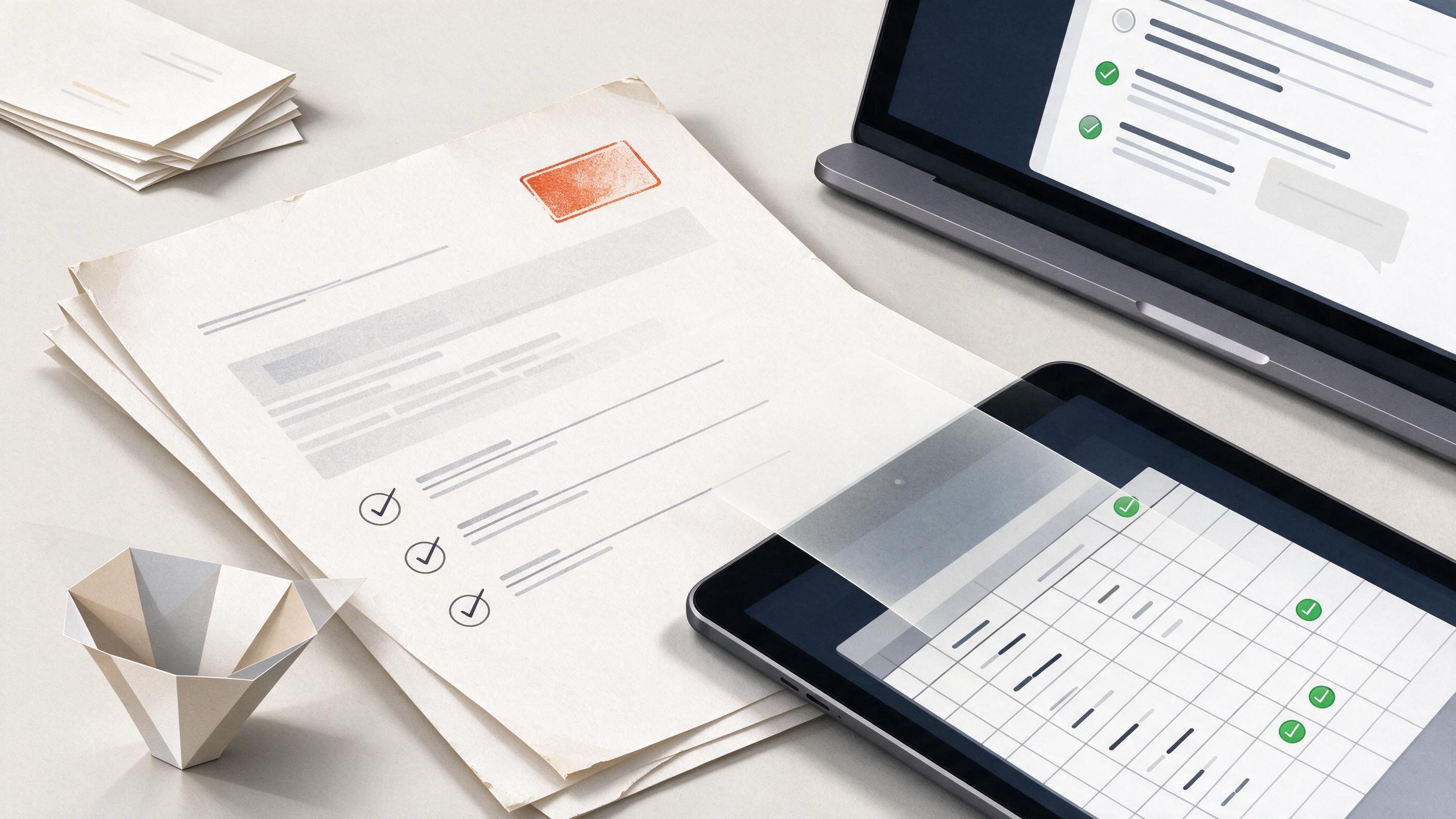
When a client deck, decision memo, or project closeout is waiting on coauthor sign-off, the question is rarely philosophical. It is operational: which approval method closes the loop with fewer missed replies, less version confusion, and a clearer record of who approved what? This article compares email-based approval with a shared sign-off sheet on the same research task and the same readiness criteria, then shows the failure modes, a decision table, and a combined workflow that works when the team splits between the two.
The comparison matters because final approval is the last traceability gate before a deliverable leaves your team. The International Committee of Medical Journal Editors states that every listed author should approve the final version and be accountable for the work. That principle applies beyond manuscripts: the person whose name is on a recommendation, a source table, or a confidence rating should have approved the specific version they are accountable for. The practical question is whether email threads or a shared sheet make that approval easier to collect, verify, and reconstruct later.
What Is the Reader Actually Trying to Approve?
Before choosing a method, define the approval object. A coauthor is not approving the project in general; they are approving a specific artifact: a slide deck, a memo, a handoff document, or a closeout report. The artifact should carry the details that make approval meaningful.
A useful approval package for a decision memo includes:
- The final version number and date.
- The recommendation or conclusion being approved.
- The evidence summary behind the recommendation, with sources attached.
- Explicit confidence levels for the key claims.
- A list of contributors and the specific role each played.
Contributor roles help because they clarify what each coauthor is accountable for. The CRediT taxonomy provides 14 standardized roles, such as conceptualization, methodology, validation, and writing. Roles describe contributions and do not by themselves determine authorship, but they give the approval step a scope: a coauthor who led methodology should feel responsible for the method section, while the one who led writing should confirm the final text.
When the approval package is assembled in WisPaper's My Library, the team can keep the underlying papers and the memo in one place, then link each recommendation to the uploaded sources that support it. That link is what makes the approval verifiable after the fact.
Email Approval: Where It Works and Where It Breaks
Email approval is the default because everyone already has an inbox. A single request to three coauthors can collect yes, yes-with-edits, or silence without asking anyone to learn a new tool.
The Version Problem in Email
Email threads drift. Coauthor A approves the version attached to the original message. Coauthor B replies to A's reply, opening a fork that shows a different attachment. Coauthor C approves "the latest version" without naming a file or a version number. The research team is then left to infer which file received which approval.
This is the most common email failure mode: approval without a stable version identifier. The fix is to require the version number and date in the approval message itself. The subject line should include the artifact name and version, and the body should repeat it. Even then, email archives are awkward to search across when someone asks, months later, which approval corresponded to the deck that was actually sent to the client.
The Contribution Visibility Problem
Email approval also hides contribution history. An approval email says that a coauthor agrees with the final version, but it does not show which sections that coauthor shaped. When a team uses a shared contributor ledger, such as one built around CRediT roles, the approval step can reference that ledger directly: "I approve version 3.2 of the memo and confirm my listed role of methodology and validation."
Email works adequately when the team is small, the artifact is stable, and the approval window is short. It breaks when revisions multiply, when contributors join late, or when the approval needs to survive an audit or a client dispute.
Shared Sign-Off Sheet: Where It Works and Where It Breaks
A shared sign-off sheet is a single living record. Each row lists a coauthor, their CRediT role, the version they reviewed, their confidence in the reviewed claims, and their approval status with a timestamp. The sheet makes the approval state visible to everyone at once.
The Single-Source-of-Truth Advantage
A sheet solves the version problem by making the version number a required field. The sheet itself says which version each coauthor approved, so the team does not have to reconstruct it from scattered replies. For a decision memo backed by academic sources, the sheet can sit next to a source table that includes each supporting paper, the claim it supports, and a confidence level. The approving coauthor then signs the version that points to that exact source table.
This is where WisPaper's research features support the workflow directly. A team can build the evidence base in WisPaper search, save the relevant papers to My Library, and ask targeted questions about the saved set through Library QA to check whether the memo's claims are actually supported. The resulting Q&A becomes part of the approval context, not a detached step before it.
The Adoption Problem
The sheet's weakness is behavioral. One coauthor will not open it. Another will reply to the email instead of updating the row. A third will edit their row and forget to notify anyone. The sheet works only if the team agrees that the sheet, not email, is the approval record, and if someone owns the task of nudging incomplete rows.
A shared sheet also needs a defined completion state. An empty sheet and a filled sheet both look real. The team should agree on what "done" means: every required role has approved the current version, no row carries an unresolved objection, and the sheet's version matches the artifact's version. Only then is the deliverable submission-ready.
How Do You Audit Approval Before Submission?
Readiness is not a feeling; it is a set of checks. Before a client deck or closeout report leaves the team, confirm three things.
First, every listed contributor has either approved the final version or documented a specific objection. An unresolved objection is not the same as a missed message. The first needs a decision; the second needs a reminder.
Second, the version each contributor approved matches the version being submitted. This is the check that catches the email fork problem. If the sheet says Coauthor B approved 3.1 and the deck is now 3.2, Coauthor B either needs to review 3.2 or the team needs to explain why the change between versions was outside B's scope.
Third, the evidence behind key claims is attached to the approval record. A claim with a source and a confidence level can be re-examined later. A claim with neither cannot. For teams managing many sources, TrueCite provides a concrete check before the approval round: it screens BibTeX citations against academic databases to flag references that do not exist in the literature. A decision memo that cites a paper should not enter the approval queue until that citation has been screened.
Should Contributor Identity Matter to the Approval Method?
A practical wrinkle in multi-team or cross-institutional research is name ambiguity. Two contributors may share a name, or one person may publish under different name variants across projects. Email addresses change with institutions; sign-off sheets can become confusing when the same person appears under two spellings.
ORCID addresses this with a persistent digital identifier that remains stable across name variants and organizational changes. If the approval record links each contributor to an identifier, the sheet or the email archive can unambiguously answer "which person approved this?". The choice between email and a sheet does not change the need for that identifier; what changes is how easily the identifier can be attached. A sheet has a natural column for it. A thread requires the coauthor to state it in the message.
What Happens When the Team Is Split Between Methods?
Most real teams do not choose one method and abandon the other. They choose a combined workflow: the sheet is the canonical record, and email is the notification and escalation channel.
The combined workflow runs like this. The research owner prepares the approval package, including the artifact, the source table, and the confidence levels, and creates a sign-off sheet with one row per contributor and role. Email alerts tell each coauthor their row is ready. Coauthors open the sheet, review the artifact, and update their row. If a coauthor replies to the email instead, the owner transfers that approval into the sheet and marks the row as "approved via email, entered by owner". The sheet remains the single source of truth, while email lowers the cost of participation.
For a larger literature review or a deck that depends on many papers, the research owner can stage the source work inside Research Projects so that the approval sheet, the memo, and the underlying sources live in one shared context. The approval then refers to a project, not to a detached file.
Decision Table: Email vs. Shared Sign-Off Sheet
Run the same criteria across both methods for a decision memo with four coauthors.
| Criterion | Email approval | Shared sign-off sheet |
|---|---|---|
| Setup cost | Near zero; everyone has email | Higher; requires creating and sharing the sheet |
| Version clarity | Weak; depends on discipline in subject lines and replies | Strong when version is a required field |
| Contribution visibility | Weak; role and scope must be restated in each message | Strong; role and confidence can be fixed columns |
| Audit trail | Scattered across threads and folders | Single record, but requires maintenance |
| Adoption friction | Low; no new behavior needed | Higher; one or more coauthors may resist |
| Late-joining contributor | Must forward the full thread and attachments | Simply add a row and point them to the current version |
| Readiness check | Manual reconstruction of who approved what | Direct comparison of sheet version to submission version |
How to Know the Result Is Ready
The readiness signal is the same regardless of method: the approval record and the submitted artifact point to the same version, every listed contributor has a documented status, and the evidence behind the claims is attached. The difference between methods is how hard it is to reach that signal and how easy it is to prove it later.
A team that uses email alone can still be submission-ready, but only if they enforce version naming in every message and archive the thread alongside the artifact. A team that uses a sheet alone can still miss approvals, but only if they treat the sheet as optional. The combined workflow removes the either-or tradeoff by making email the trigger and the sheet the ledger.
For teams handling a steady flow of research-based deliverables, the source layer deserves the same attention as the approval layer. Save the papers that anchor the deck or memo to My Library, run citation checks on the references before the approval round, and keep the project workspace aligned with the artifact being signed. The approval step then confirms work that has already been screened, sourced, and versioned, rather than asking coauthors to catch errors at the final gate.
FAQs
Keep Reading

Confidence Interval vs. Standard Error: Which One Does Your Results Section Need?
If your supervisor has asked for clarity on your quantitative results, you are probably deciding between reporting a confidence interval, a standard error, or both. The two terms describe different things, and choosing t

Cover Letter vs. Manuscript Highlights: Which One Actually Moves Your Submission Forward?
When a course paper becomes a journal manuscript, two short documents suddenly appear on the checklist: the cover letter and the manuscript highlights. They are not interchangeable, and treating them as if they were is o

Data Availability Statement vs. Data Management Plan: Which Document Does Your Paper Actually Need?
If you are finishing a thesis chapter or preparing a first manuscript, you have probably seen two similar-sounding requirements: a **data availability statement** and a **data management plan**. They are not the same doc