

Client research fails in two predictable ways. One is a deck full of confident claims that cannot be traced back to a source. The other is a folder of PDFs and notes that never becomes a decision the client can act on. The work between those two failures is a sequence of small, checkable steps: define what counts as evidence, search deliberately, screen in stages, keep a record of what you kept and dropped, and build the deck from that record rather than from memory.
This guide is for students and early-career researchers finishing a course paper, thesis chapter, or first manuscript, and for anyone preparing the next project over a winter break or a January start. The same workflow scales down to a single client memo and up to a full literature review. You do not need to run every step at full intensity; you need to know which step you are on and what artifact proves it is finished.
Start by diagnosing where you actually are
Before choosing tools, name your starting state. Most stalled projects sit in one of five places, and each needs a different next move.
| Your situation | What is missing | First artifact to produce |
|---|---|---|
| You have a topic but no defined scope | Eligibility criteria: what will and will not count | A one-page inclusion/exclusion list |
| You have criteria but scattered sources | A documented search across more than one source | A search log with databases, terms, and dates |
| You have many records but no shortlist | Staged screening and deduplication | A screening table with reasons for exclusion |
| You have a shortlist but no argument | A synthesis that links findings to the client question | A claim-to-source map |
| You have an argument but no deck | A structure the client can follow | An outline with one evidence anchor per slide |
Cochrane's guidance on searching for and selecting studies begins with eligibility criteria, not with a database. That ordering matters: criteria written first keep you from retrofitting the scope to whatever you happened to find. If you cannot state in one sentence what evidence would change your recommendation, you are still in the first row of the table.
A useful diagnostic question for each row: what would a reviewer ask to see? For search, they would ask which sources you used and how. For selection, they would ask why each excluded record was excluded. For synthesis, they would ask which source supports each claim. Build the artifact that answers the question you cannot currently answer.
Turn the client question into eligibility criteria
A client question is usually broad ("what does the evidence say about X?") and a searchable question is narrow. Write the narrow version before you open a search box.
A practical criteria sheet has four parts:
- Population or context. Whose situation, setting, or market does the question concern?
- Intervention, exposure, or phenomenon. What specific thing are you evaluating?
- Outcomes or claims of interest. What would count as relevant evidence?
- Boundaries. Date range, language, publication type, and any source types you will exclude.
Keep this sheet visible while you search. Cochrane recommends planning searches from eligibility criteria and combining free-text terms with subject headings, which means your criteria should generate both everyday words and controlled vocabulary. If your field uses standardized index terms, capture them here; if it does not, capture the synonyms your sources are likely to use.
This is also the moment to decide how many sources you will search. Cochrane advises using multiple sources rather than relying on one database. For a client deck, that might mean one subject database, one general scholarly search, and a check of the reference lists of the most relevant reviews you find.
Run a documented search instead of a lucky one
A search you cannot describe is a search you cannot defend. The goal is a log detailed enough that you, or a colleague, could rerun it.
Build terms from your criteria
Start with the concepts in your criteria sheet and list synonyms for each. PubMed's search details feature shows how your terms were translated and combined, which is a useful check that your query did what you intended. Google Scholar supports searching by author and title, date sorting and date limits, and Cited by and Related articles, which helps you move from a known good paper to adjacent work.
Search more than one place, and record each one
For each source, log the database or platform, the exact query, any filters applied, the date you ran it, and the number of records returned. PubMed supports field tags, phrase searching, filters, Advanced Search, and saved searches; saved searches are especially useful when you expect to rerun the query later.
If you want a scholarly search interface that keeps discovery and organization close together, WisPaper's academic paper search is a reasonable place to run queries and collect candidates. Readers who want a public explanation of the search entry point before starting can review the Scholar Search overview.
Chase citations in both directions
Once you have a strong paper, use Cited by to find work that built on it and its reference list to find what it built on. Google Scholar's Related articles and alternative-version lookup help when a work is behind a paywall or exists in multiple versions. PubMed's Similar Articles and citation lookup serve the same purpose in biomedical fields.
Rerun before you finalize
Cochrane recommends rerunning searches before publication. For a client deck, set a cutoff date and note it on the methods slide. If the deck will be delivered weeks after the search, rerun the core query and check whether anything material appeared.
Screen in stages and keep the reasons
Screening is where most projects quietly lose their audit trail. Cochrane describes screening in stages and deduplicating records first; PRISMA 2020 provides flow-diagram templates that make the counts visible.
A workable sequence:
- Deduplicate. Remove duplicate records before counting.
- Screen titles and abstracts. Exclude records that clearly fail your criteria.
- Screen full texts. Confirm eligibility against the full document.
- Link multiple reports. Cochrane notes that one study may appear in several reports; group them so you count studies, not papers.
- Record exclusion reasons. One short reason per excluded record at the full-text stage is enough.
Keep the screening table in the same file as your search log. When a client asks why a well-known paper is missing, the answer should be a row, not a recollection.
Organize sources so the deck can be built from them
A shortlist becomes useful when each item carries the claim it supports. Save papers as you screen them rather than at the end. WisPaper's My Library is built for saving and uploading papers and organizing them, which fits the moment your shortlist stabilizes.
Alongside the library, keep a claim-to-source map with one row per claim you intend to make:
| Claim you want to make | Source | What the source actually shows | Confidence |
|---|---|---|---|
| The effect is consistent across settings | Study A | Reports similar direction in three sites | Moderate |
| The mechanism is contested | Review B | Describes competing explanations | Low |
This table is the bridge between research and the deck. If a slide has no row, it has no evidence. If a row's "what the source actually shows" is vaguer than the claim, narrow the claim.
When you need to interrogate the papers you have already collected, WisPaper's Library QA lets you ask questions based on papers uploaded to My Library or added from search results. Use it to check what a specific paper says before you write the claim, not to generate claims you then look for support for.
Check every reference before it reaches the client
Reference errors are the most visible failure in a client deck because they are the easiest for a reader to check. Two checks catch most problems.
First, verify that each cited work exists and matches its metadata. Second, verify that the claim in your deck matches what the work says. The first check can be partly automated: WisPaper's TrueCite screens BibTeX citations against real academic databases to flag hallucinated references. That handles existence; the claim-level match is still your reading job.
If you are assembling a bibliography from multiple exports, run the check after the final merge, not before. Exports from different platforms can introduce duplicates and formatting drift that only appear once combined.
Build the deck from the claim map
A client deck is an argument, not a reading list. Structure it so each section answers a question the client already has.
A reliable skeleton:
- Question and scope. What you were asked, and what you included and excluded.
- Method in brief. Sources searched, date cutoff, and how records were screened.
- What the evidence shows. Three to five claims, each anchored to a source.
- Where the evidence is thin. Gaps stated plainly, with what would fill them.
- Recommendation. What the client should do next, tied to the claims above.
- Appendix. Search log, screening counts, and full reference list.
The methods slide is not decoration. PRISMA 2020 exists because transparent reporting of search, selection, and synthesis methods is part of the result, not an afterthought. A one-slide summary of your search log and screening counts does the same job at client scale.
For longer engagements where the research continues past the first deck, WisPaper's Research Projects area is where a multi-stage piece of work can live rather than being rebuilt in scattered folders.
Routes for different starting points
Not everyone begins at the criteria sheet. Pick the route that matches your situation.
Route A: You have supervisor feedback and a messy draft. Start with the claim-to-source map. Every comment that says "unsupported" or "where is this from?" becomes a row. Then work backward to search only for the rows you cannot fill.
Route B: You are starting a January project. Start with criteria, then the search log. Run your core query in at least two sources, save the results, and set a rerun date before you write anything.
Route C: You are cleaning up over winter break. Start with deduplication and screening. Consolidate your library, remove duplicates, and record exclusion reasons for anything you drop. This is the cheapest time to fix an audit trail.
Route D: You have a shortlist and need a deck by Friday. Start with the claim map. If a claim has no source, cut the claim rather than searching under deadline pressure.
Route E: You need to explore a new angle. When the client question is still forming, WisPaper's Idea Discovery takes research topics, background, references, and experimental constraints to generate research ideas. Use it to widen the option set before you commit to criteria, then narrow with the criteria sheet.
Know when the result is ready
Readiness is checkable. A deck is ready when all of the following are true:
- Every claim on every slide has a row in the claim map.
- Every row names a source you have read at full-text level.
- The search log lists each source, query, filter, and date.
- Screening counts reconcile: records found minus duplicates minus exclusions equals included studies.
- Multiple reports of the same study are grouped, not counted twice.
- The reference list has passed an existence check.
- The cutoff date appears on the methods slide.
- Gaps are stated as gaps, not smoothed over.
If any item fails, you know exactly which artifact to fix. That is the advantage of building the deck from a record: readiness becomes a checklist rather than a feeling.
Your next action
Open a blank document and write two things: the one-sentence client question, and the four-part criteria sheet. Then run your core query in two sources and paste the exact query, filters, date, and result count into a search log. That single hour produces the artifact every later step depends on, and it is the difference between a deck you can defend and a deck you hope no one checks.
FAQs
Keep Reading
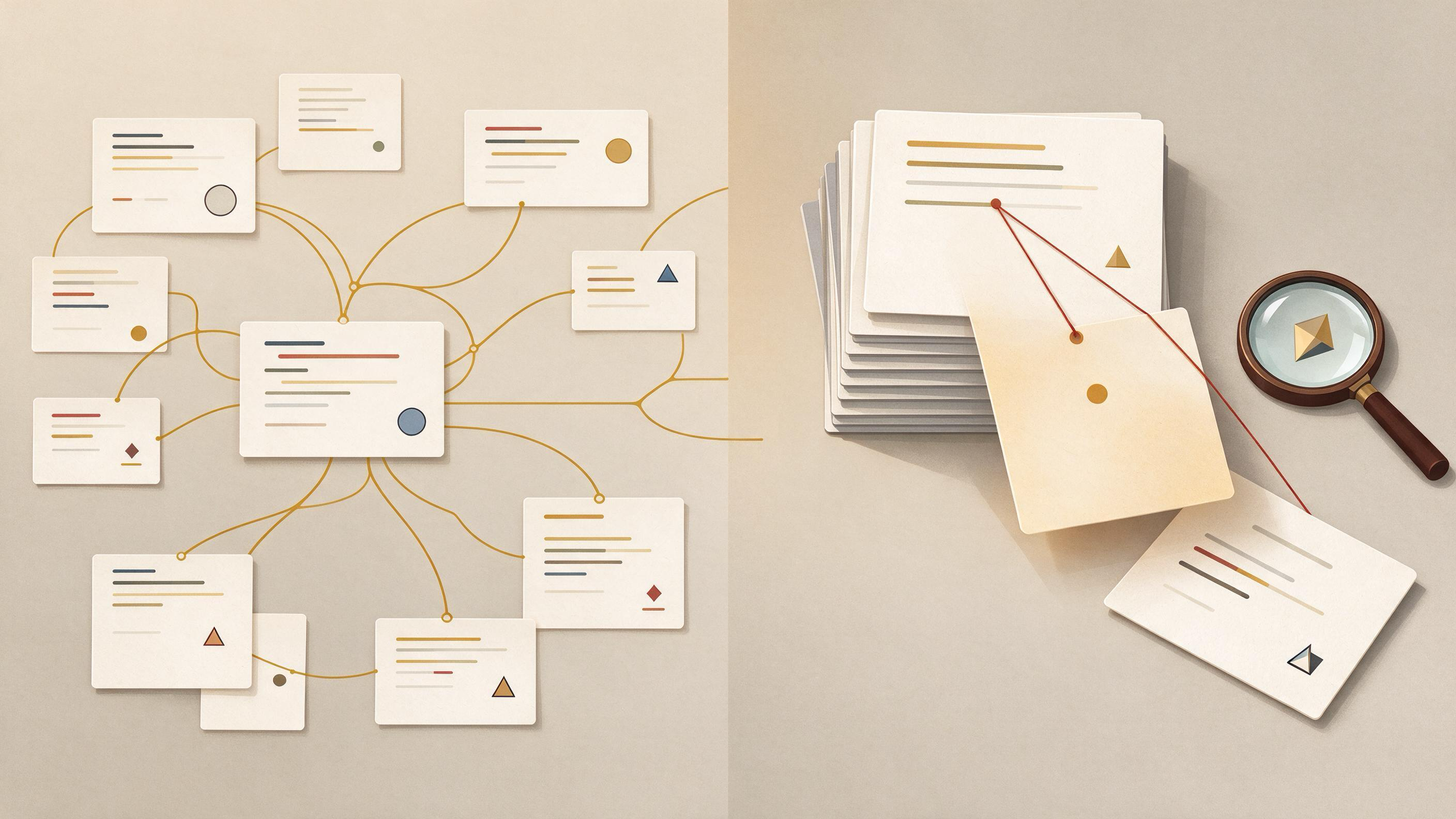
Exploratory Search vs. Known-Item Search: When Should You Switch?
You are revising a manuscript, and the reference list has a gap you cannot name. Or a coauthor has asked for "the paper that reported that effect" and you know it exists but not what it is called. These are two different

Full-Text Annotation vs. Structured Data Extraction: Choosing the Right Evidence Trail
You have a folder of PDFs, a manuscript deadline, and a coauthor asking why a particular number appears in your results table. The question behind "full-text annotation vs. structured data extraction" is practical: which
How to Annotate Papers So Your Future Self Can Reuse Them
Annotation usually fails for a simple reason: it is written for the person you are today, not the person who will reopen the file in six months. You highlight a sentence because it matters now, but you do not record why