
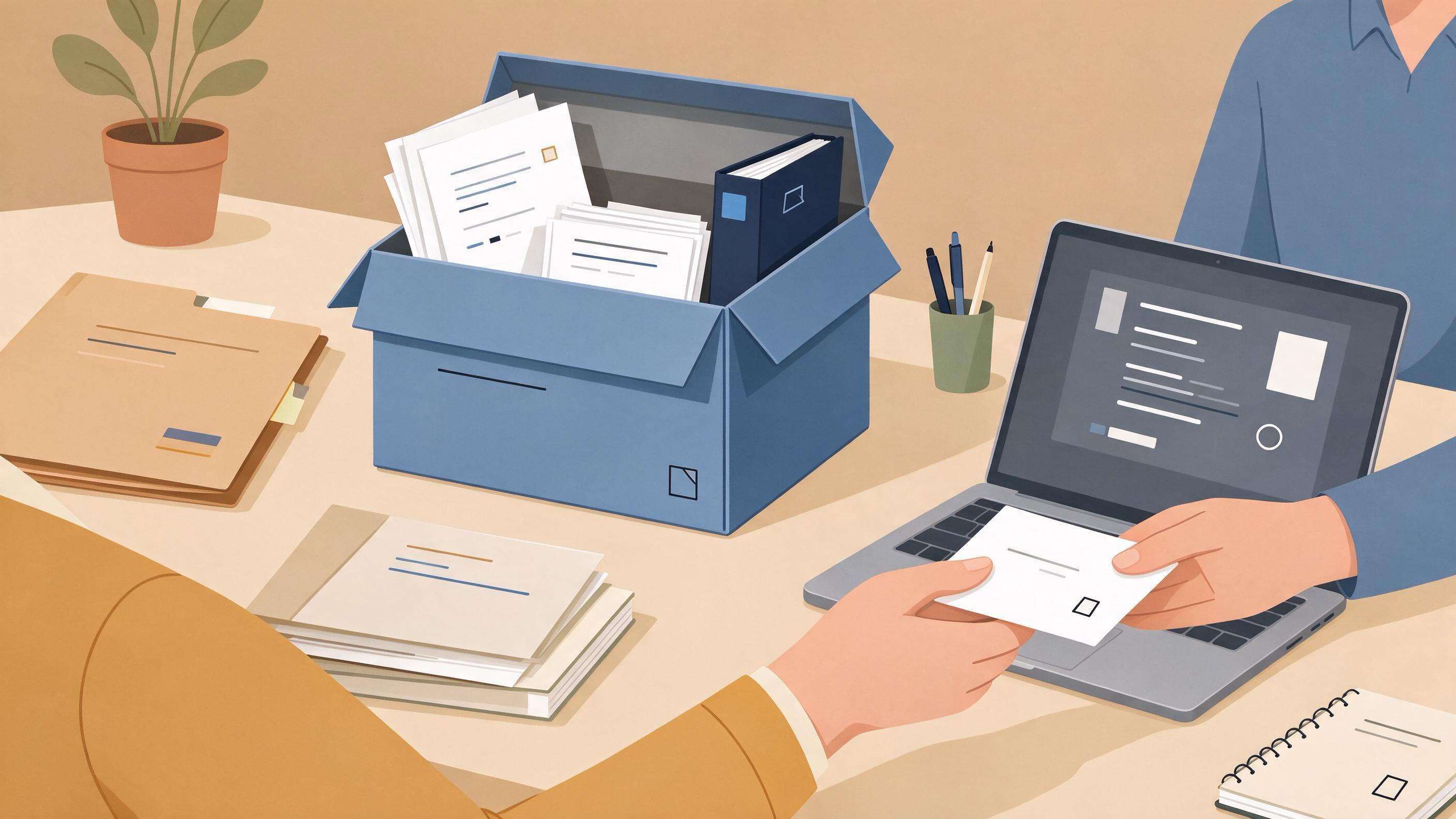
A submitted manuscript is not the end of your search record; it is the moment the record becomes something other people may need to inspect. Coauthors may ask which terms you used, a reviewer may request a search update, or a new lab member may need to rerun the same strategy. Archiving a literature search means assembling the queries, sources, screening decisions, and citation details into a package that another researcher can follow without asking you to reconstruct your steps.
The practical answer is to archive at the level of the method, not just the results. Capture what you searched, where you searched it, how records were filtered, and which references survived into the manuscript. Then store that package where your team can find it and label it so the next person knows what it covers. This guide walks through the decisions, artifacts, and checkpoints that turn a finished submission into a durable, auditable search record.
Start by diagnosing what you actually have
Before you build an archive, take stock. Most submitted projects sit somewhere between two extremes: a tidy folder of exports and a scattered trail of browser tabs, email attachments, and memory. Your starting state determines how much reconstruction you need.
Ask yourself these diagnostic questions:
- Do you still have the original queries? If you used field tags, filters, or advanced search forms, do you know the exact syntax, or only the topic you were chasing?
- Can you name every source you searched? Databases, indexes, and citation-chasing routes all count as sources.
- Do you have the records you screened out? Exclusion decisions are part of the method, not clutter.
- Is there a single reference list that matches the submitted manuscript?
- Could a coauthor open your files without you present and understand them?
If you answer "no" to several of these, plan for a reconstruction pass before you archive. If most answers are "yes," you can move faster to packaging and labeling.
Decide what the archive must contain
An archive is only as useful as the questions it can answer later. A reviewer asking "did you search this database?" and a colleague asking "which version of this paper did you cite?" are different questions, and both should be answerable from the package.
Use this checklist as your target artifact set:
| Artifact | What it records | Why it matters later |
|---|---|---|
| Search strategy document | Concepts, free-text terms, subject headings, field tags, filters, date limits | Lets someone rerun or update the search |
| Source list | Every database, index, or citation-chasing route used | Shows coverage of the search |
| Raw export files | Records as returned by each source, before deduplication | Preserves the original result set |
| Deduplication log | How duplicate records were identified and removed | Explains why counts differ between stages |
| Screening decisions | Include/exclude calls with brief reasons | Documents how records became references |
| Final reference list | The citations that appear in the manuscript | Connects the search to the submitted work |
| Version note | Date, manuscript version, and who assembled the archive | Prevents confusion between drafts |
Cochrane's guidance on searching for and selecting studies supports this structure: plan searches from eligibility criteria, use multiple sources, combine free-text terms with subject headings, document the process, deduplicate records, screen in stages, and link multiple reports of one study. Those practices map directly onto the artifacts above.
Capture the search strategy while it is still fresh
Your search strategy is the heart of the archive. Write it so that a reader who has never seen your project could reproduce the logic, even if exact result counts shift over time.
For each concept in your question, record:
- The concept label — for example, the population, intervention, or outcome you were targeting.
- Free-text terms and synonyms — the words you actually typed, including spelling variants.
- Subject headings — controlled vocabulary where the source supports it.
- Field tags and syntax — how terms were restricted, for example to title or abstract.
- Filters and limits — language, date range, publication type, or other restrictions.
- How terms were combined — the Boolean or form-based logic that produced the final set.
PubMed's search details are useful here because they reveal how terms were translated and combined, which is exactly the kind of information an archive should preserve. If you used field tags, phrase searching, filters, or Advanced Search, note them explicitly rather than summarizing as "a keyword search." Google Scholar users should record author and title searches, date limits, and any citation-chasing steps such as Cited by or Related articles, since those routes shape the result set as much as a keyword string does.
If your queries lived in a database interface, copy the final query text into your strategy document before you close the tab. If you are rebuilding a strategy, the WisPaper search interface is a place to run scholarly searches and capture the queries you settle on; treat the interface as a working surface and your strategy document as the durable record.
Record every source, not just the main database
A common gap in post-submission archives is the assumption that the primary database was the search. In practice, literature searches often combine database queries with citation chasing, author searches, and browsing related work.
List each source separately and note what role it played:
- Primary databases — where the main concept blocks were run.
- Indexes and aggregators — supplementary coverage.
- Citation chasing — forward and backward citation routes from key papers.
- Author or title lookups — targeted searches for known works.
- Alerts or saved searches — any standing queries that kept feeding results.
PubMed supports saved searches, and Google Scholar supports email alerts; if either was part of your process, record it, because an alert is a source that keeps producing records after the initial search. Cochrane's recommendation to use multiple sources and to rerun searches before publication is a reminder that the source list should reflect the full search, including any refresh you did close to submission.
Preserve the screening trail, including exclusions
Screening is where a search becomes a reference list, and it is also where archives most often thin out. Keeping only the included papers loses the information a reader needs to understand why the final set looks the way it does.
A workable screening record includes:
- Stage labels — for example, title/abstract screening followed by full-text review, matching a staged approach.
- Decision per record — include, exclude, or mark for discussion.
- Brief exclusion reasons — enough to explain the call without writing an essay.
- Study linkage notes — where multiple reports belong to one study, note the grouping so counts are not inflated.
Cochrane's guidance on screening in stages and linking multiple reports of one study supports this structure. If you screened in a reference manager or spreadsheet, export or snapshot that file rather than describing it. The goal is that a reader can see how many records entered screening, how many were removed as duplicates, and how many became the references in your manuscript.
Build the bridge from search to manuscript
Your archive should make the connection between the search and the submitted text explicit. Reviewers and coauthors often need to check that a cited work was actually part of the search, or that a searched work was deliberately left out.
Create a short bridge document that includes:
- The manuscript version the archive corresponds to, with a date.
- The final reference list, matching the submitted bibliography.
- A mapping note for any references that entered through citation chasing rather than the main query.
- A list of known gaps, such as sources you could not access or searches you did not run.
That last item is not an admission of failure; it is part of an honest method trail. A future reader who knows where the search stopped can decide whether to extend it.
Use a worked example to test your package
Imagine a team that submitted a review and now needs to hand the search to a new graduate student. Their archive looks like this:
- Strategy document: three concept blocks, each with free-text terms and subject headings, plus date and language filters, and a note that terms were combined with AND across concepts.
- Source list: two databases, one index, backward citation chasing from four key papers, and a saved search that ran monthly.
- Raw exports: one file per source, dated, with the query that produced each file noted in the filename.
- Deduplication log: a short note on the method used and the count before and after.
- Screening file: staged decisions with brief reasons and study groupings.
- Bridge document: the submitted reference list, the manuscript version, and a note that two references came from citation chasing.
The test is simple: can the graduate student read the strategy document, open the exports, and understand how the final reference list was produced? If any step requires a phone call to the original author, the archive is not finished.
Know when the archive is ready
Readiness is not about perfection; it is about reproducibility of the method. Use these checkpoints:
- Query checkpoint — every query can be read and understood without the original interface.
- Source checkpoint — every source is named, with its role and any date limits.
- Screening checkpoint — inclusion and exclusion decisions are recorded, with study groupings noted.
- Reference checkpoint — the final list matches the submitted manuscript version.
- Handoff checkpoint — a colleague who did not run the search can follow the package unaided.
If you can pass all five, the archive is ready to store and share. If you fail the handoff checkpoint, the fix is usually labeling and a short readme, not more searching.
Store, label, and hand off the package
Where the archive lives matters less than whether people can find it. Choose a location your team already uses, then make the package self-describing.
- Name files predictably — include source, date, and stage in filenames.
- Write a one-page readme — state the project, the manuscript version, the date assembled, and the order in which to read the files.
- Keep raw exports separate from working files — so the original result set is never overwritten.
- Note the owner — who assembled the archive and who to contact with questions.
For teams that organize papers alongside their search record, the My Library area is a place to save and organize papers, which can sit alongside your strategy and screening documents. If you want to ask questions grounded in papers you have collected, Library QA lets you query papers uploaded to My Library or added from search results, which can help when you are checking whether a specific work was part of your set.
Check citation details before you close the project
A search archive is only as good as the citations it points to. Before you finalize, verify that the references in your bridge document are real and correctly identified. This is especially important when references were assembled quickly or pulled from multiple exports.
TrueCite checks BibTeX against real academic databases to flag hallucinated references, which makes it a useful final pass when your archive includes a BibTeX file. Pair that with the citation details already in your exports: PubMed links to full text when available, and Google Scholar supports citation export, so you can cross-check entries against the source records you preserved.
Set stop and escalation rules
Archiving can expand indefinitely if you let it. Use explicit rules to decide when to stop and when to ask for help.
Stop when:
- All five readiness checkpoints pass.
- The final reference list matches the submitted manuscript.
- A colleague can follow the package without your involvement.
Escalate when:
- You cannot reconstruct a query that materially shaped the results — ask a coauthor who ran it.
- The submitted reference list and your exports disagree — resolve with the corresponding author before archiving.
- A reviewer requests a search update — treat it as a new version and date it separately rather than editing the original archive.
- Citation details cannot be verified from your records — check the source record or a citation-screening pass before closing.
These rules keep the archive bounded and keep version history honest.
FAQs
Keep Reading
How to Audit an AI-Written Background Section Before You Keep It
An AI-drafted background section is a starting point, not a finished chapter. Auditing it means checking three things in order: that every claim traces to a real source you have actually read, that the selection of sourc
How to Build a January Reading Plan for a New Research Project
A January reading plan is a short, dated schedule that turns a vague new project into a defined reading scope, a documented search, a screened set of papers, and a first synthesis you can show a supervisor or advisor by
How to Build a Literature Review Outline That Follows an Argument
A literature review outline that follows an argument is not a list of papers grouped by theme. It is a claim-by-claim structure in which every section exists to advance a position, and every cited study has a defined job