
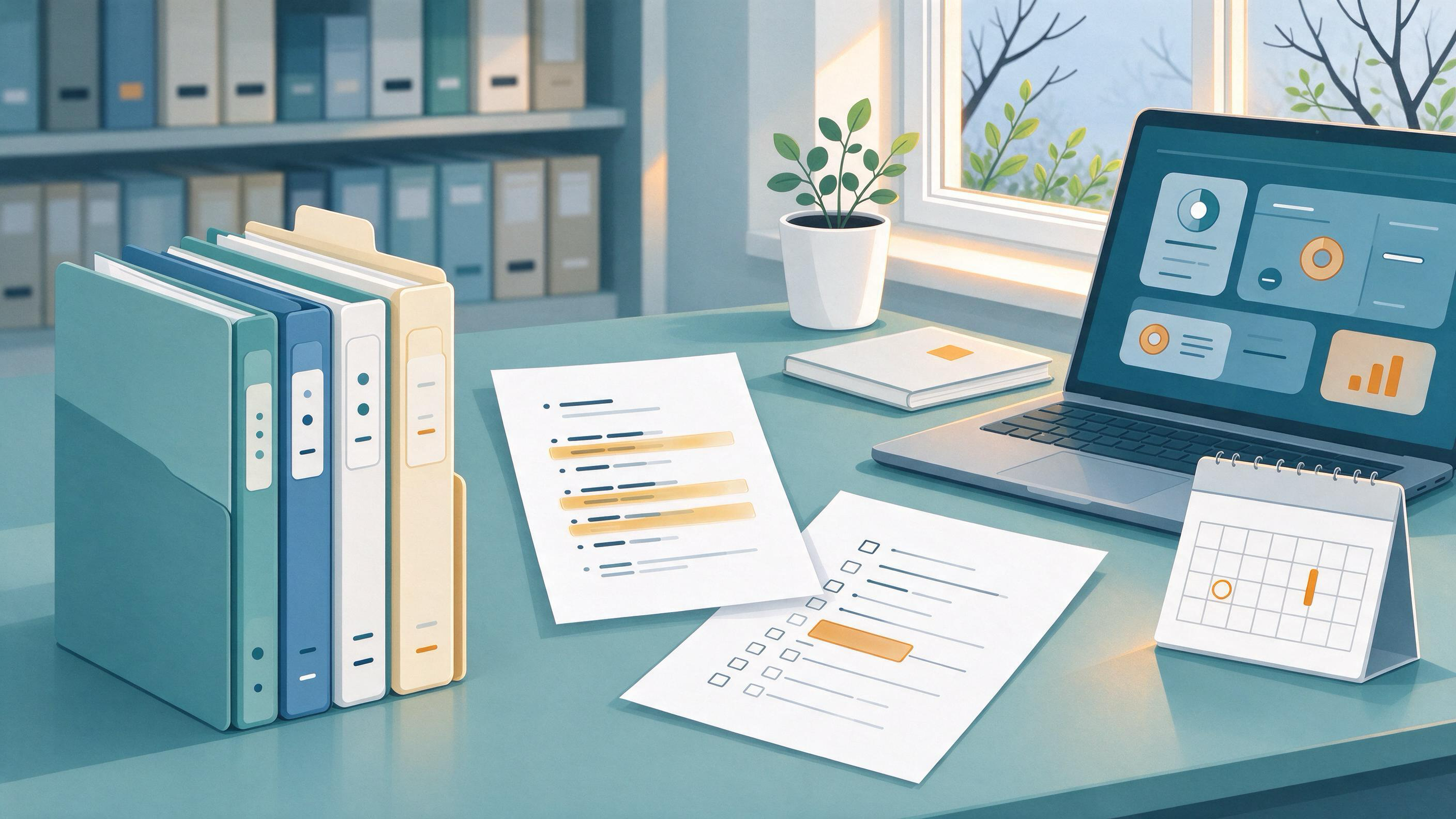
A literature review is never really finished; it is only current as of a date. The practical question is whether the version you hand in can be reopened in six months—by you, a co-author, or a future supervisor—and brought up to date without rebuilding the search from memory. Archiving sources for a review means preserving three things together: the search that found the studies, the records you screened, and the reasons each included study stayed in. When those three are stored in a form you can rerun and re-read, updating the review becomes a scheduled task rather than an archaeology project.
This guide is written for students and early-career researchers who are closing out a course paper, thesis chapter, or first manuscript and want the next project to start from a clean base. It walks through the decisions, the artifacts to keep, a worked example, and the checkpoints that tell you the archive is ready.
Why a review archive is different from a folder of PDFs
A folder of downloaded papers records what you happened to save. A review archive records the process that produced your evidence base. The Cochrane Handbook's guidance on searching and selecting studies is a useful model here: it treats the search as something planned from eligibility criteria, run across multiple sources, documented, deduplicated, screened in stages, and rerun before publication. Each of those steps leaves a trace that a later update needs.
That framing changes what you keep. You are not only storing the studies that made it into the review. You are storing the eligibility criteria the search was built from, the terms and sources used, the records retrieved, the screening decisions, and the links between multiple reports of the same study. If any of those is missing, the next update has to guess.
What state are you actually starting from?
Before building anything, diagnose what you already have. Most readers fall into one of a few starting states, and each needs a different first move.
- Scattered but complete. You have search notes, exported records, and screening decisions, but they live in different places. Your task is consolidation, not re-collection.
- Results without a process. You have the papers you cited but no record of how you found them or what you excluded. Your task is reconstructing the search logic from your citations and notes.
- A single database habit. You searched one place and relied on its default ranking. Your task is broadening the source base and documenting it.
- A supervisor's comments to resolve. Feedback asks why certain studies were included or missed. Your task is making the inclusion logic explicit and traceable.
A quick diagnostic: try to write down, from memory alone, the exact search you ran, the date you ran it, and the reason your most debatable exclusion was excluded. Whatever you cannot write down is what the archive must capture.
Decide the scope and eligibility rules before you archive anything
The archive is only as coherent as the criteria behind it. Cochrane's approach starts searches from eligibility criteria, so settle those first and write them down in a form you can reuse. A workable eligibility note records the population or topic, the study types you will accept, the date range, language limits, and the specific reasons a record would be excluded.
This is also the moment to decide how you will handle multiple reports of one study. A single study can appear as a conference abstract, a preprint, and a full paper. Cochrane's guidance on linking multiple reports of one study exists precisely because counting them separately distorts a review. Decide now whether your archive will group reports under a study ID, and record that decision so the next update applies the same rule.
Checkpoint: You can hand your eligibility note to another researcher and they could apply it to a new batch of records without asking you questions.
Build the search record so it can be rerun
The search record is the single most valuable artifact in the archive, because it is what makes an update a rerun rather than a reinvention. Database documentation shows what a reproducible search record should contain. PubMed's search details reveal how terms were translated and combined, which is exactly the information a later rerun needs. Google Scholar documents author and title searching, date limits and sorting, citation export, and email alerts—features that help you both run and later refresh a search.
A rerunnable search record should capture, for each source:
- The database or source name and the interface used.
- The full query as entered, including field tags, phrase markers, and any subject headings combined with free-text terms.
- Filters applied, such as date range, language, or document type.
- The date the search was run.
- The number of records retrieved.
Cochrane's recommendation to combine free-text terms with subject headings and to use multiple sources is a reminder that a single query string copied from one database rarely transfers cleanly to another. Record each source's query separately rather than one merged string.
When you run searches through WisPaper's scholarly search, keep the query text and date alongside the results you save, so the same search can be repeated when the review is updated. If you prefer a public entry point to explain the tool to a collaborator, the WisPaper Scholar Search page describes finding academic papers.
Checkpoint: Someone else could paste your recorded query into the same source and get a comparable result set, and you have noted the date so they know what "comparable" means.
Save and organize the records you retrieve
Once a search is run, the retrieved records need a home that survives the project. Saving papers into a library gives you a stable set to screen and revisit. In WisPaper, My Library is where you save or upload papers and organize them, which makes it the natural store for the records your search returns.
Organize by role, not just by topic. A simple scheme that holds up over time:
- Included — studies that meet your criteria and are cited in the review.
- Excluded with reason — records you screened out, each tagged with the criterion they failed.
- Pending — records you could not resolve, such as missing full text.
- Background — sources that inform the framing but are not part of the evidence base.
Keeping excluded records with their reasons is what lets a later update defend the same decisions consistently. Deduplication belongs at this stage too: Cochrane's process deduplicates records before screening, and doing so early prevents the same study from being screened twice under different metadata.
Checkpoint: Every retrieved record sits in exactly one category, and every excluded record carries a reason.
Screen in stages and record the decisions
Cochrane's staged screening model—typically title and abstract first, then full text—is worth adopting even for a modest review, because it produces a decision trail. At each stage, record the record ID, the stage, the decision, and the reason. This is the part most people skip, and it is the part a supervisor's feedback most often probes.
When feedback asks "why was this study excluded?", the answer should be a line in your screening log, not a reconstruction. When a co-author proposes adding a study, the log shows which criterion it meets or fails.
If you want to interrogate the papers you have already saved, Library QA lets you ask questions based on papers uploaded to My Library or added from search results. That is useful for checking what a saved paper actually reports before you finalize an inclusion decision, so the reason you record is grounded in the paper itself.
Checkpoint: For any included or excluded study, you can point to the screening stage and the reason in under a minute.
Link multiple reports and verify the citations you keep
Two integrity tasks belong in the archive before you close it. The first is linking multiple reports of one study, as Cochrane recommends, so your archive reflects studies rather than publications. The second is checking that the references you are carrying forward are real and correctly recorded.
Citation export from sources like Google Scholar gives you machine-readable records, but exported metadata can carry errors. TrueCite screens BibTeX citations by checking them against real academic databases to flag hallucinated references. Running your reference file through that check before archiving means the next update starts from a verified bibliography rather than inheriting mistakes.
Checkpoint: Each study in your archive has one study ID, all its reports are linked under it, and your BibTeX has been screened.
Store the archive where the next project can find it
An archive that lives only in your personal downloads folder will not serve the next project. Give it a project home with a clear name and a short README that states the review question, the eligibility criteria, the search date, and where each artifact lives.
In WisPaper, Research Projects is the area for creating and keeping a project, which makes it a sensible container for a review you intend to update. Keep the README at the top level so anyone opening the project understands the archive before opening a single file.
For longer update work—such as re-screening a new batch of records or drafting the revised synthesis—Scholar Agent supports longer research tasks in its literature review, inspiration, and reproduction use cases. Use it for the update work itself, with the archive as its input, rather than as a replacement for the archive.
Checkpoint: A collaborator opening the project can find the criteria, the searches, the screening log, and the bibliography without asking you where anything is.
A worked example: closing a thesis chapter over winter break
Suppose you have finished a thesis chapter in December and want it updatable when you return in January. Here is how the sequence plays out.
- Write the eligibility note. State the topic, accepted study types, date range, and exclusion reasons. Save it at the top of the project.
- Consolidate the search record. For each source you used, record the query, filters, run date, and result count. Where you used PubMed, capture the search details showing how terms were translated and combined.
- Rebuild the record set. Move saved papers into My Library and tag each as included, excluded with reason, pending, or background. Deduplicate before screening.
- Reconstruct the screening log. For each included and excluded study, record the stage and reason. Where a decision is uncertain, check the paper's content using Library QA before finalizing the reason.
- Link reports and verify citations. Group multiple reports under study IDs, then screen the BibTeX with TrueCite.
- Set up the refresh. Note the search date and, where a source supports it, set an alert so new records arrive for the January update. Google Scholar documents email alerts, and PubMed documents saved searches—both are ways to make the next search a refresh rather than a restart.
- Write the README and file the project. Place everything in Research Projects with a README stating the question, criteria, search date, and file map.
When you return in January, the update begins with step 6: run the saved searches, collect new records, and screen them against the same criteria. The archive has turned a rebuild into a rerun.
A reusable archive checklist
Use this table as the completion test for any review archive. Each row names the artifact, what it must contain, and how you know it is done.
| Artifact | What it must contain | Done when |
|---|---|---|
| Eligibility note | Topic, study types, date range, language limits, exclusion reasons | Another researcher could apply it unaided |
| Search record | Source, full query, filters, run date, result count, per source | A query can be rerun and compared to the recorded count |
| Record set | All retrieved records, deduplicated, tagged by role | Every record sits in one category |
| Screening log | Record ID, stage, decision, reason | Any decision is traceable in under a minute |
| Study links | Study IDs grouping multiple reports | No study is counted twice as separate publications |
| Verified bibliography | BibTeX screened against academic databases | Reference file has been checked |
| README | Question, criteria, search date, file map | A collaborator can navigate without asking |
| Refresh plan | Saved searches or alerts, next update date | The next search is a refresh, not a restart |
How do you know the archive is ready?
The archive is ready when it passes a simple handover test. Give the project to someone who did not build it and ask them to answer four questions: What was the review question? What searches were run, and when? Why was a specific debatable study excluded? Where would a new search be added?
If they can answer all four from the archive alone, it is ready. If any answer requires your memory, that gap is the next thing to fix. Cochrane's practice of rerunning searches before publication is a good habit to mirror: schedule the refresh before you close the project, so the archive has a known next use.
A second readiness signal is consistency. The criteria in the eligibility note should match the reasons in the screening log, and the studies in the bibliography should match the included records. Mismatches between these artifacts are the most common reason an archive fails on reopening.
FAQs
Keep Reading
How to Audit a Reference List Before Submission
A reference-list audit is a structured pass through every entry in your bibliography to confirm three things: the work exists as cited, the metadata matches the published record, and the entry actually supports the sente

How to Build an Evidence Matrix for a Literature Review
An evidence matrix is the working table that turns a pile of search results into a defensible review. Each row is one study or one report; each column is a decision you will need to defend later — why it was eligible, wh

How to Build Search Terms from a Research Question
A research question becomes searchable only after you translate it into a documented set of concepts, synonyms, and source-specific syntax. The reliable way to do this is to start from your eligibility criteria, split th