
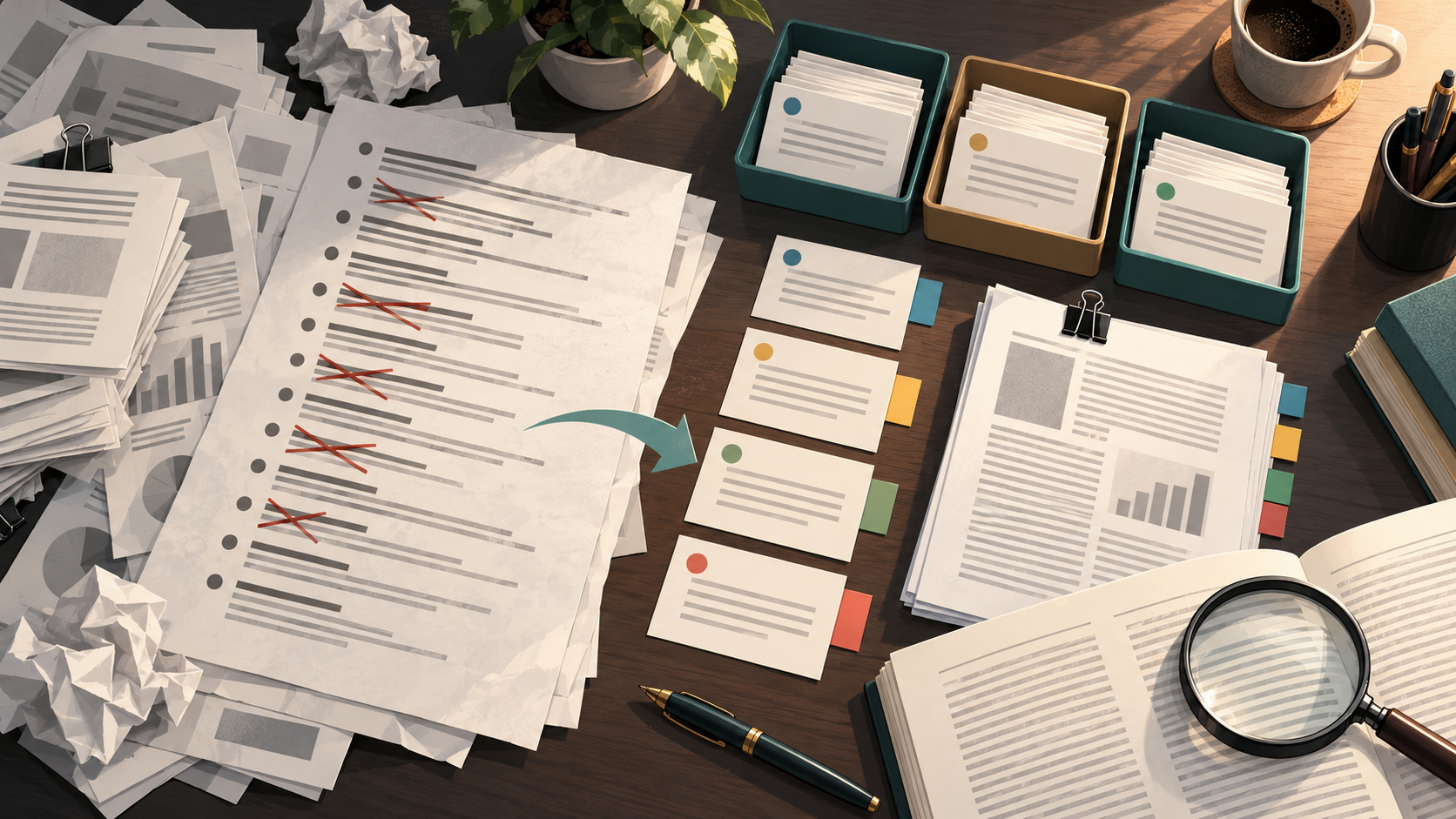
A reference library that has grown across drafts, projects, and collaborators usually fails in predictable ways: the same paper appears three times, metadata is inconsistent, attachments point nowhere, and you cannot tell which records you have actually cited. Cleaning it before final writing is a bounded, repeatable task. This article gives a complete sequence with diagnostic checkpoints, a worked example, a reusable checklist, and clear stop rules.
Start with a written scope, not the library
Before touching a single record, write down what the library is for. A reference library is only "messy" relative to a purpose. If the purpose is a systematic review, the standard is stricter than for a narrative discussion section.
Define three things in a short note:
- Population and outcome. For example: adults with a specific chronic condition, and the outcome of interest is a defined clinical endpoint. Keep this narrow enough that eligibility is decidable.
- Eligibility criteria. What study designs, dates, and languages count. Cochrane guidance recommends planning searches from eligibility criteria rather than from whatever is already saved.
- Project boundaries. Which chapters, grants, or manuscripts this library serves. A library serving one manuscript should not carry records from unrelated projects.
Checkpoint 1: You can state the scope in two sentences and a reader could apply your eligibility criteria to a title and abstract. If not, stop and narrow the scope before cleaning.
Separate projects before you merge anything
Merging duplicates inside a mixed-project library is how records get lost. Separate first.
In Zotero, collections can place one item in multiple project groupings without duplicating it, so a paper relevant to two manuscripts can live in both collections as a single record. Use collections for project separation and reserve tags for topic, method, status, or workflow. This division keeps project boundaries visible while letting status travel with the item.
If you work in a platform with a dedicated project area, create one project per manuscript or grant so that later cleanup has a container. WisPaper's Research Projects area is where you create and manage that separation.
Checkpoint 2: Every record belongs to at least one named project, and no record belongs only to a catch-all folder. Records in a catch-all folder are the ones most likely to be misfiled; decide their project now or archive them.
Merge duplicates in a controlled pass
Deduplication is a review task, not a bulk delete. Zotero's Duplicate Items collection supports review and merging, which is the right model: you inspect each candidate pair before merging.
Work in this order:
- Exact-title duplicates. Merge these first; they are the least ambiguous.
- Same DOI, different metadata. Keep the record with the most complete metadata and the working attachment.
- Preprint and published version. These are not duplicates. Keep both and tag the relationship, because citing the published version while retaining the preprint record preserves the version history.
- Multiple reports of one study. Cochrane guidance calls for linking multiple reports of one study rather than treating them as separate studies. Link them; do not merge them into a single record.
Checkpoint 3: After merging, spot-check five merged records. Confirm the surviving record retains the fields and attachment you expected. If a merge dropped an attachment, restore it before continuing.
Normalize metadata against a fixed rule set
Metadata normalization fails when each record is judged on its own. Write the rules down first:
- Author names: one format, consistently applied.
- Journal titles: full title or standard abbreviation, not both.
- Dates: one date field convention.
- Item types: journal article, preprint, report, and thesis assigned correctly, because item type drives citation formatting.
Then normalize in batches by item type rather than record by record. Batch normalization makes inconsistencies visible: if ten records of the same type disagree on journal formatting, the rule is probably unclear, not the records.
Checkpoint 4: Sample ten records across item types and confirm each follows the written rules. If you cannot tell which rule applies, the rule set is incomplete; fix the rule before continuing.
Tag reading status so the library answers "what have I read?"
Status tags are the cheapest way to make a large library legible. Because Zotero tags can describe status or workflow, a small controlled vocabulary works better than free-form tagging:
status:unreadstatus:abstract-onlystatus:full-text-readstatus:citedstatus:excludedwith a reason tag
Keep the vocabulary small and apply it in one pass. Saved searches update automatically, so a saved search for status:unread becomes a live worklist rather than a static list you must rebuild.
Checkpoint 5: The count of status:full-text-read plus status:abstract-only plus status:unread equals the total in the project collection. If it does not, some records have no status tag; find them with a saved search for records missing the tag.
Reconnect attachments before you rely on full texts
Broken attachments are invisible until you need them mid-sentence. Check them deliberately:
- Open a sample of records and confirm the PDF opens.
- For records with no attachment, decide whether full text is required for your evidence standard. For a systematic review, full-text screening requires the full text; for background reading, an abstract may suffice.
- Reattach missing files from your downloads folder or a fresh retrieval, and confirm the link resolves.
Checkpoint 6: Every record tagged status:full-text-read has a working attachment. Any record without one should be downgraded to status:abstract-only until the file is restored.
Identify uncited and missing items
Two different problems hide under "missing": records in the library that never appear in the manuscript, and references in the manuscript that never appear in the library.
Uncited records. Generate a bibliography from the project collection and compare it against your manuscript's reference list. Records present in the library but absent from the manuscript are either background reading or genuinely forgotten citations. Tag them status:uncited and decide each one.
Missing records. Walk the manuscript's reference list and confirm each entry resolves to a library record. Any entry that does not is a missing item; add it and attach the source.
Checkpoint 7: The manuscript reference list and the project collection bibliography match one-to-one, with every difference explained by a tag.
If you need to verify that a bibliography file contains real, resolvable references rather than fabricated entries, TrueCite checks BibTeX against real academic databases to flag hallucinated references. Run it on the exported file before the final citation pass.
Worked example: a focused clinical question
Suppose the manuscript addresses a defined adult population and a single clinical endpoint, and the library holds 240 records accumulated across two drafts.
Scope. Eligibility is limited to studies reporting that endpoint in that population. Background reviews are retained but tagged as background, not evidence.
Project separation. The 240 records split into 190 for the current manuscript and 50 belonging to an earlier grant. The 50 move to their own project collection; they are not deleted.
Deduplication. Reviewing the Duplicate Items collection yields 22 candidate pairs. Eighteen are exact duplicates and merge. Two are preprint/published pairs and are kept with a version tag. Two are multiple reports of one study and are linked, not merged.
Metadata. Batch normalization by item type corrects journal formatting and author-name inconsistencies across the merged set.
Status tagging. The 190 records receive status tags. The count check reveals 14 untagged records, which are found by saved search and tagged.
Attachments. Six records tagged full-text-read have broken attachments; they are downgraded to abstract-only until files are restored.
Citation reconciliation. The bibliography comparison shows 31 uncited records, most tagged background, and four manuscript references with no library record. The four are added.
Evidence appraisal. For each included study, record the design, the applicability of the population to your question, indirectness (for example, a surrogate rather than the target endpoint), and study limitations. Keep these in a structured note per record so the synthesis can distinguish evidence level from applicability and support precise reporting.
Reporting. If the manuscript is a systematic review, PRISMA 2020 provides a reporting checklist and flow-diagram templates covering search, selection, and synthesis methods. Cochrane guidance also recommends rerunning searches before publication, so schedule a final search update as part of the cleanup rather than after it.
A reusable cleanup checklist
| Step | Action | Diagnostic checkpoint | Stop rule |
|---|---|---|---|
| 1 | Write scope, eligibility, project boundaries | Scope stated in two sentences | Scope undecidable: narrow it |
| 2 | Separate projects into collections | Every record in a named project | Records only in catch-all: decide or archive |
| 3 | Merge duplicates via review | Five merged records spot-checked | Attachment lost in merge: restore first |
| 4 | Normalize metadata by item type | Ten records follow written rules | Rule unclear: fix rule set |
| 5 | Apply status tags | Status counts equal collection total | Untagged records found by saved search |
| 6 | Reconnect attachments | Full-text-read records have working files | Missing file: downgrade status |
| 7 | Reconcile citations both directions | Reference list matches bibliography | Unexplained difference: resolve before writing |
| 8 | Appraise and report | Each included study has appraisal notes | Design or endpoint unclear: flag for review |
Where search and library tools fit
Cleanup often reveals gaps that require new searching. If the reconciliation step shows a missing study type or an outdated search, run a fresh search rather than filling the gap from memory. WisPaper's scholarly search interface is the place to find academic papers for that gap, and My Library is where you save or upload papers and organize them, so new records enter the same project structure you just built.
For longer synthesis tasks that follow cleanup, such as drafting the literature review from the cleaned set, WisPaper's Scholar Agent area supports literature review, inspiration, and reproduction use cases. Once papers are in My Library, Library QA lets you ask questions based on those uploaded papers or papers added from search results, which is useful for checking what the cleaned set actually says before you write.
Stop and escalation rules
Stop cleaning and escalate when:
- Eligibility is contested. If two reviewers disagree on whether a study meets criteria, resolve it through your review protocol rather than by editing the library.
- A merge is irreversible and uncertain. If you cannot confirm which record should survive, leave both and tag the relationship.
- Citation reconciliation cannot close. If a manuscript reference has no identifiable source after a genuine search, treat it as a substantive problem for the author, not a formatting fix.
- The search is stale. If the last search predates a substantial period of new literature, rerun it before finalizing; Cochrane guidance recommends rerunning searches before publication.
- Appraisal is incomplete. If included studies lack recorded limitations or indirectness notes, pause writing until the appraisal table is complete.
FAQs
Keep Reading

How to Combine Keywords and Subject Headings in a Search Strategy
A search strategy is the part of a paper you can actually control when the deadline is close. Before you write a single sentence of your literature review, you decide which concepts matter, which words describe them, and

How to Compare Effect Sizes Across Studies Without Flattening the Differences
Comparing effect sizes is not a sorting exercise. Two studies can report the same standardized number while measuring different constructs, pointing in different directions, following participants for different lengths o
How to Decide Whether a Source Is Strong Enough for a Specific Claim
A source is strong enough for a claim when three things line up: the source type and study design can support the kind of statement you are making, the source addresses the same population, intervention, and outcome as y