
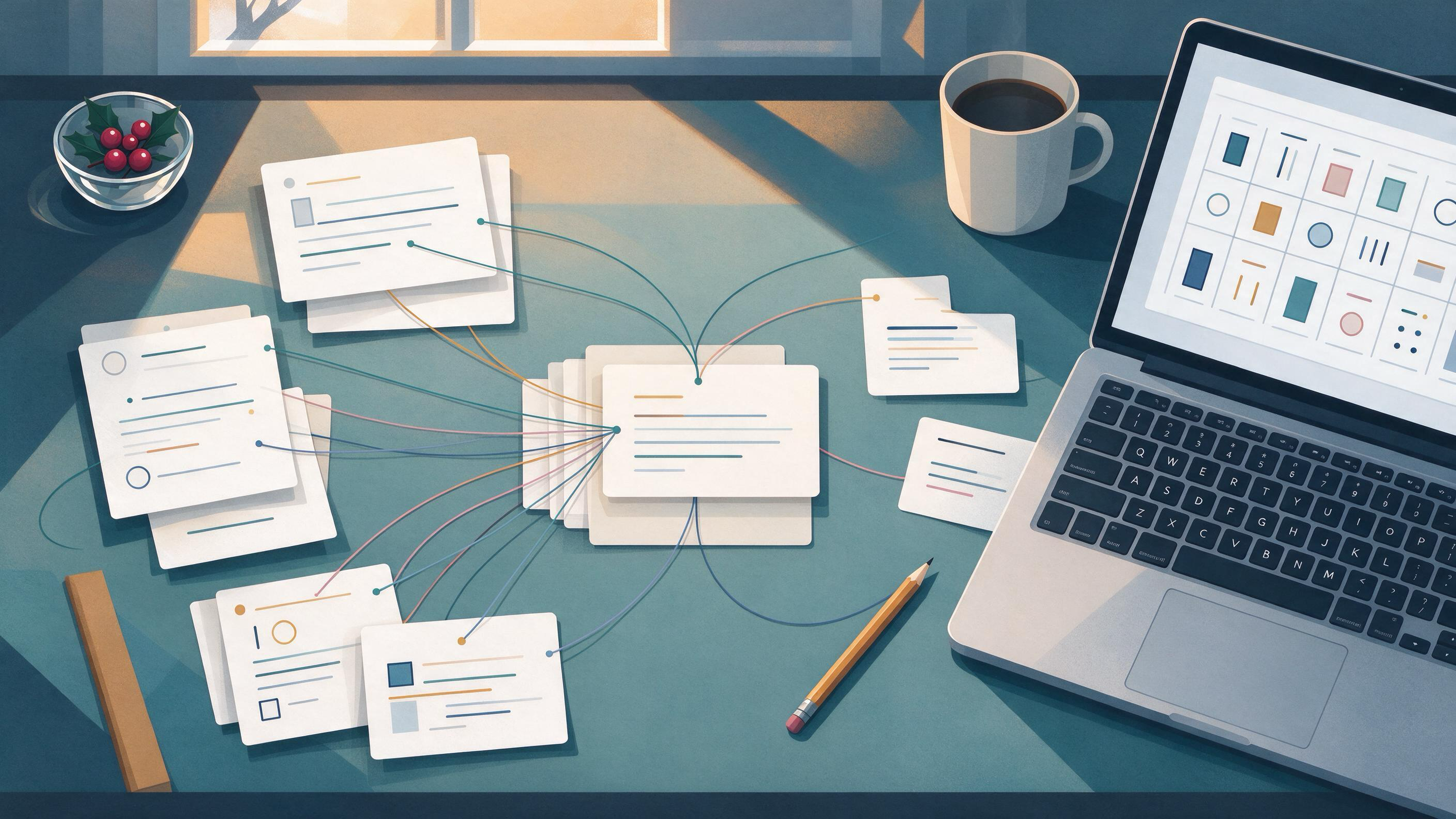
Duplicate notes usually appear for a predictable reason: the same paper, idea, or supervisor comment gets captured more than once, in different places and at different moments. One copy lives in a reading list, another in a draft chapter, a third in a message thread. Merging them safely is less about deleting extras and more about deciding which context each copy carries and where that context needs to survive.
This guide gives you a repeatable sequence for merging duplicate notes while keeping the useful parts: the source, the reason you saved it, the decision it informed, and the next action attached to it. It is written for students and early-career researchers finishing a course paper, thesis chapter, or first manuscript, and for anyone doing a winter-break or January cleanup before the next project starts.
Start by diagnosing why the duplicates exist
Before you merge anything, look at what kind of duplication you have. The merge strategy depends on it.
- Same source, different notes. You saved one paper twice and wrote different observations each time. The merge should combine observations under one record.
- Same idea, different projects. A concept note appears in two project folders. The merge should preserve both project contexts rather than flattening them.
- Same feedback, different formats. A supervisor's comment exists as an email, a margin note, and a to-do item. The merge should keep the decision and the action, not three paraphrases.
- Same citation, different reference entries. A bibliography tool may hold two records for one work. This is a reference-level duplicate, not a note-level one.
Zotero's approach is a useful model here: collections can place one item in multiple project groupings without duplicating it, tags can describe topic, method, status, or workflow, and a Duplicate Items collection supports review and merging. The lesson is that a single record can serve several contexts through grouping and tagging, so you rarely need two copies to represent two uses.
Write one sentence for each duplicate cluster describing why the copies diverged. That sentence becomes your merge rule.
Decide what counts as context worth keeping
Not every word in a duplicate note is context. Separate the durable from the disposable before you combine anything.
Keep:
- The source identity: author, title, year, and where you found it.
- The reason you saved it: which argument, method, or gap it relates to.
- Your own reaction or summary, especially anything you wrote in your own words.
- Decisions it informed and any open question it raised.
- The project or chapter it belongs to.
Discard or compress:
- Repeated quotations of the same passage.
- Formatting artifacts from copy-paste.
- Restatements that add no new judgment.
A practical test: if a sentence would not change how you write the paragraph it supports, it is probably safe to drop. If it records a decision, a doubt, or a link to a specific section of your draft, keep it.
Set up a merge workspace before you touch the originals
Merging in place is how context gets lost. Create a staging area first.
- Pick one destination per cluster. Choose the record that will survive. Prefer the one with the most complete source metadata.
- Snapshot the originals. Export or copy the duplicates somewhere you can retrieve them until the merge is verified.
- Open a merge log. A simple table with columns for cluster, surviving record, context moved, context dropped, and verification status.
- Define your tags or folders. Decide the vocabulary you will use for topic, method, status, and project before you start tagging, so merged notes land in a consistent scheme.
If your notes and papers live in a reference manager, this is the moment to organize them in one place. In WisPaper, My Library is where you save or upload papers and organize them, which gives merged notes a stable home instead of scattering them across drafts.
Merge in a fixed order: source, then substance, then status
A fixed order prevents you from losing the thread halfway through. Work one cluster at a time.
Step 1: Reconcile the source
Confirm that every copy refers to the same work. Check author, title, year, and venue. If two copies turn out to be different reports of one study, note that relationship rather than merging them into a single citation. Cochrane guidance on searching and selecting studies emphasizes linking multiple reports of one study, which is a useful habit: related reports stay connected but distinct.
Step 2: Merge the substance
Combine your observations, summaries, and reactions into the surviving record. Keep your own wording where it exists; it carries your judgment. Where two copies say the same thing, keep the clearer version. Where they disagree, keep both and mark the disagreement as an open question.
Step 3: Carry over the status
Status is the most commonly lost context. A note marked "to read," "cited in chapter 2," or "supervisor flagged" loses its meaning if the merge drops the label. Reapply topic, method, status, and project tags to the surviving record so the merged note still tells you what to do next.
Step 4: Record the merge
Update your merge log with what moved and what was dropped. This is your checkpoint: if a later draft cites something you can no longer find, the log tells you where it went.
Use a worked example: a thesis chapter cleanup
Suppose you are finishing a thesis chapter on urban heat adaptation and you find three duplicate clusters during a January cleanup.
Cluster A: one paper, two notes. You saved the same study twice, once with a methods summary and once with a quote about limitations. The surviving record keeps the complete metadata, both your summary and the quote, and a tag for the chapter section it supports. The duplicate is archived, not deleted, until the chapter draft is checked.
Cluster B: one idea, two projects. A note on measurement trade-offs appears in both your thesis folder and a coursework folder. Rather than merging into one flat note, keep one record and tag it for both contexts, the way a Zotero item can sit in multiple collections without being duplicated. The merge preserves both uses.
Cluster C: supervisor feedback in three places. The same comment exists in an email, a margin note, and a to-do list. The merge keeps the decision (what you will change) and the action (where in the draft), and drops the repeated paraphrase. The email stays as the record of what was said.
At the end of the cleanup, your merge log shows three clusters resolved, each with a surviving record, a list of context moved, and a verification status. That log is what you check before you submit.
Know when a merge is actually finished
A merge is ready when you can answer yes to each of these:
- Every surviving record has complete source metadata.
- Each record carries the tags or folder placement that reflect its project and status.
- Your own summaries and reactions are present in the surviving record.
- Open questions and disagreements are recorded, not smoothed away.
- The merge log accounts for every duplicate in the cluster.
- A spot-check of the draft finds no citation pointing to an archived copy.
If any answer is no, the cluster is not finished. Return to the relevant step rather than deleting the snapshot.
Apply the same discipline to search and screening records
Duplicate notes often start as duplicate search records. If your project involves a structured search, plan it from eligibility criteria, use multiple sources, combine free-text terms with subject headings, document the process, deduplicate records, screen in stages, and rerun searches before publication, as Cochrane recommends. PRISMA 2020 provides reporting templates, including flow-diagram templates, that make the search and selection process transparent.
For a smaller course paper, the same logic applies at reduced scale: record where each source came from, deduplicate before you start reading, and keep a note of what you screened out and why. When you need to find additional papers to fill a gap the merge revealed, WisPaper search lets you look for academic papers through a scholarly search interface, and WisPaper Scholar Search offers a public entry point for finding academic papers.
Verify references before you close the cleanup
Merged notes are only useful if the references behind them are real and correctly recorded. A duplicate cluster can hide a corrupted or invented entry, especially if one copy was pasted from an unreliable source.
TrueCite checks BibTeX against real academic databases to flag hallucinated references. Running your merged bibliography through TrueCite is a sensible final checkpoint before you archive the snapshots, because it tests the reference layer that your merged notes depend on.
Reusable checklist for any duplicate merge
| Stage | Question to answer | Artifact produced |
|---|---|---|
| Diagnose | Why did these copies diverge? | One-sentence merge rule per cluster |
| Triage | Which content is durable context? | Keep/drop list |
| Stage | Where will the surviving record live? | Snapshot plus merge log |
| Reconcile source | Do all copies refer to the same work? | Confirmed source metadata |
| Merge substance | What observations and reactions survive? | Combined note in your own words |
| Carry status | What tags or folders reflect project and status? | Tagged surviving record |
| Verify | Do the references check out? | Verified bibliography |
| Close | Does the log account for every duplicate? | Completed merge log |
Use this table as a gate: do not move to the next stage until the artifact for the current one exists.
Stop and escalation rules
Some clusters should not be merged in a single sitting.
- Stop if two copies turn out to be different works. Keep them separate and note the relationship.
- Stop if you cannot confirm the source. Flag the record and resolve the citation before merging.
- Escalate to your supervisor if a duplicate involves feedback you do not understand or a decision about scope.
- Escalate to a librarian or methods advisor if a structured search produced records you cannot reconcile.
- Pause if the merge log has gaps you cannot explain. Return to the snapshot rather than deleting anything.
These rules protect you from the most common failure: merging quickly to feel finished, then discovering later that a decision or a source disappeared.
Where a research assistant fits into the workflow
A merge is a bookkeeping task, but the reason you merge is to make the next project easier to start. Once your library is deduplicated and tagged, you can put it to work.
If you are moving from cleanup into a new project, Research Projects is where you can create a new project in WisPaper's Research Projects area. If you want to ask questions grounded in the papers you have already organized, Library QA lets you ask questions based on papers uploaded to My Library or added from search results. For longer literature tasks, Scholar Agent supports literature review, inspiration, and reproduction use cases.
The point is sequencing: merge and tag first, then query. A clean library makes the answers you get back easier to trace to a specific source.
Your next action
Pick one duplicate cluster from your current draft and write its merge rule in a single sentence. Then create the merge log row for it, snapshot the originals, and merge only that cluster. When it passes the checklist, move to the next one. Finishing one cluster completely is a better use of an afternoon than half-merging ten.
FAQs
Keep Reading

How to Onboard a New Collaborator to a Literature Review
Onboarding a new collaborator to a literature review means transferring not just a folder of PDFs but a working method: the eligibility criteria, the search logic, the screening decisions already made, and the evidence t
How to Organize Research Papers for a Thesis
Organizing research papers for a thesis means turning a pile of PDFs and half-remembered citations into a structured, documented evidence base that maps onto your chapters. The practical answer is a repeatable pipeline:

How to Plan the First Search for a New Thesis Topic
A new thesis topic rarely arrives fully formed. More often you have a rough direction, a supervisor's comment, or a folder of half-read papers, and you need to find out whether the topic is real, crowded, or still open.