
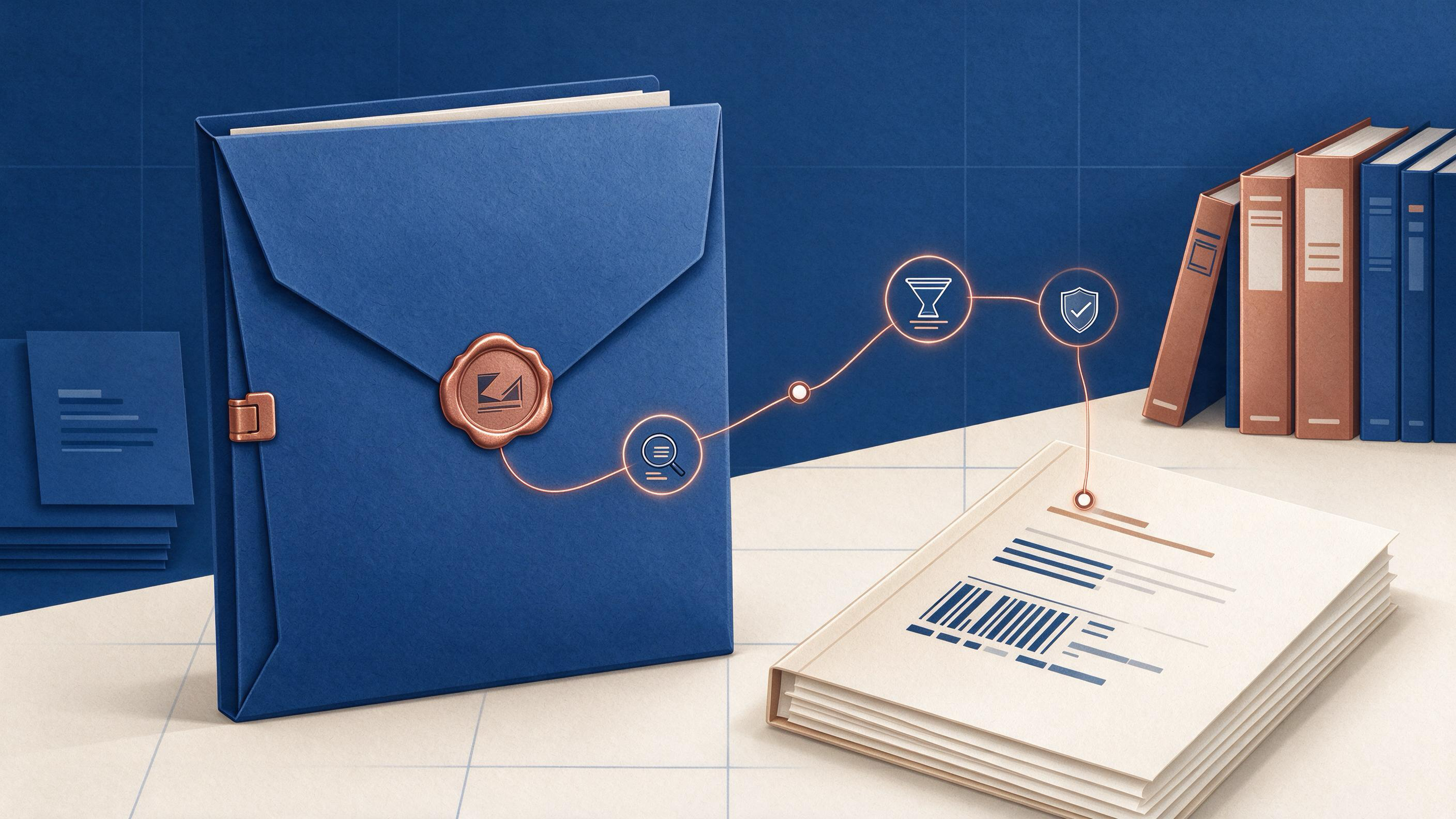
Publication is not the end of your record-keeping responsibilities. Peer reviewers have signed off, the DOI is live, and the manuscript is visible to readers. But between acceptance and the moment your article is cited in someone else's methods section, a quieter piece of scholarly work remains: preserving the evidence trail that supports what you wrote. The screening decisions you made, the searches you ran, the records you excluded, and the references you cited are part of your auditable method history.
This article is for academic researchers and faculty who are revising a manuscript after review, closing a project, handing a lab off to a new student, or resetting their research organization at year end. The core question is practical: what do you keep, where do you put it, and how do you know the preserved version is actually complete? The answer is not to archive everything. It is to preserve the artifacts that let someone, including your future self, reconstruct why each cited source made it into the final version.
By the end, you will have a step-by-step workflow with checkpoints, a worked example from a reproducible-search scenario, a reusable checklist, and explicit completion criteria. WisPaper tools such as Scholar Agent, My Library, Research Projects, and TrueCite appear only where they belong in the workflow: as the place your evidence trail lives while you build and verify it. If you are new to WisPaper as a research assistant for finding, screening, organizing, and working with academic papers, start with the WisPaper homepage.
What Does an Evidence Trail Contain After Publication?
Start by defining the boundary of the trail. Cochrane's guidance for searching and selecting studies points to a practical set of artifacts: eligibility criteria used to define the search, the sources you searched, the documentation of the search process itself, the handling of duplicate records, the staged screening decisions, and the linking of multiple reports back to one underlying study. The same logic applies beyond systematic reviews. A manuscript that ends with forty references also ends with a set of decisions about where those forty came from and what was rejected along the way.
The published article itself contains some of this. A persistent identifier such as a DOI stabilizes the link between your manuscript and its registered metadata. The DOI Foundation describes a DOI as a persistent identifier that resolves through the DOI system and can remain stable when the location or descriptive metadata of an object changes. That stability is useful for the final artifact, but it is not the entire trail. The DOI points to the object; it does not preserve the search, the screening history, or the rejection decisions that happened before publication.
Crossref's REST API documentation shows that registered scholarly metadata can include DOI, title, author, publication, funder, license, and relation fields when deposited. That means the public record may carry rich, machine-readable relationships between your work and the works it cites or is connected to. Your local evidence trail should complement this, not duplicate it. What the public record does not typically show is your methodological path, and that is what you are preserving.
Where Should You Start: Diagnosis Before Archiving
Before moving files around, identify which state you are in, because the preservation task differs by state.
You are revising after peer review. Reviewers have asked you to add, remove, or verify sources. The evidence trail is now fragmented: some artifacts reflect the first submission, some reflect the revision. Preservation means freezing the revision history so the final published version is clearly the latest state.
You are closing a funded project or leaving a lab. The person inheriting your work needs to see not only the final PDF but the sequence that produced it. Handoff means the trail must be readable by someone who did not participate in the decisions.
You are doing a year-end reset. You have several manuscripts at different stages. Preservation means organizing each project so that when you return in January, you can tell at a glance which evidence is final, which is still provisional, and which projects have no unresolved evidence gaps.
Diagnose your state before you choose the tooling. A researcher revising one manuscript does not need the same structure as a lab handing off three projects. The artifact set is the same in kind; the required level of labeling and context differs.
What Are the Minimum Artifacts to Preserve?
If you preserve only five categories, preserve these.
Search Decisions
Keep a record of the databases or scholarly search interfaces you used, the search strings, the date each search was run, and any filters applied. This is the evidence that connects your eligibility criteria to the records you actually saw.
You can generate this trail during the work itself. For longer literature review or reproduction tasks, WisPaper's Scholar Agent area provides a workspace for research that fits those use cases. When you use WisPaper search to find academic papers, the searches you run become part of your working history rather than something you reconstruct from memory afterward.
Screening and Deduplication
Record which records appeared in multiple searches and how they were merged, plus the staged decisions to include or exclude them. Cochrane distinguishes deduplication from screening: first you remove duplicate records, then you screen in stages, and later you link reports of the same study. Preserve those as separate events, not as one merged pile.
Included Sources and Library State
Save the papers that made it into the final manuscript in a clearly labeled location. My Library lets you save or upload papers and organize them within WisPaper. The relevant move after acceptance is not to leave included sources scattered across downloads folders; it is to collect them in a project-specific library state.
Reference List Verification
Preserve evidence that your BibTeX entries correspond to real academic records. TrueCite checks BibTeX against real academic databases to flag hallucinated references. Running this check before submission, and keeping the result, turns citation integrity from a hope into a recorded step in the trail.
Linking Records
If several reports describe the same underlying study, preserve the relationship. This is the Cochrane practice of linking reports of the same study, and it matters after publication because a future reader who finds one linked report should be able to see that it belongs to the same study as another.
What Should the Final Repository Look Like?
The final preserved state is a project with a clear boundary. In WisPaper, create a new Research Projects entry for the manuscript you are sealing. That project becomes the container for the search history, the saved sources, the screening notes, and the reference-check results. A clean container is what makes the trail auditable: everything inside belongs to one publication, and nothing that belongs to that publication lives outside it.
The repository does not need to be infinitely detailed. It needs to answer four questions without requiring you to be in the room:
- What were the criteria that defined relevance?
- Which sources were searched, and when?
- Which records were merged, kept, or excluded, and at what stage?
- Which final references were verified against the scholarly record?
If those four questions can be answered from the project state, you have the skeleton of a preserved trail. The rest of the work is labeling and verification.
Step by Step: The Preservation Sequence
Here is the full sequence, in order, with checkpoints.
Step 1: Freeze the search record. Confirm that every search you ran, including searches run during revision, is dated and attributed to the review stage where it was used. If you ran searches through the scholarly search interface, your working history is the source of truth for this step.
Checkpoint 1: You can reconstruct the search string and date for every search mentioned in the manuscript methods.
Step 2: Rebuild the deduplication and screening trail. Separate duplicate removal from inclusion decisions. Write a short note stating how duplicates were merged and what the staged screening sequence was. If a coauthor did part of this, record who did which stage.
Checkpoint 2: A colleague reading only the notes can tell whether a record was excluded at deduplication, at title and abstract stage, or at full-text stage.
Step 3: Collect included sources in My Library. Save or upload the papers cited in the final manuscript into a project-specific collection. Use labels or notes to mark which items correspond to linked reports of the same study.
Checkpoint 3: Every source in the published reference list is present in the library, and any linked reports share a visible relationship marker.
Step 4: Run reference verification. Run TrueCite on the final BibTeX export. Keep the verification output with the project. Correct any flagged entries before the research record is sealed.
Checkpoint 4: The reference list verification shows no unresolved flagged entries, or any remaining flags have a documented reason attached to them.
Step 5: Ask the trail questions. Use Library QA to ask questions based on the papers saved in My Library or added from search results. The purpose here is not generative writing; it is to test whether the preserved library can answer a set of audit questions about what is in it and why. You can access this through Library QA.
Checkpoint 5: The preserved library state can answer targeted questions about the included sources without requiring you to reinterpret information.
Step 6: Seal the project. Mark the Research Projects entry as the final post-publication state and remove or archive provisional artifacts from earlier review stages. Keep the project description short and factual: manuscript title, publication status, DOI if available, and date sealed.
Final checkpoint: The project contains the five artifact categories, the verification result, and a readable statement of what the trail covers.
Worked Example: Preserving a Reproducible Search After Acceptance
Consider a faculty member whose systematic review manuscript has been accepted after one round of peer review. During the original submission, the team searched three databases and screened 1,200 records. A reviewer asked them to rerun the search with an additional term and to justify one excluded study.
The trail at acceptance is scattered. One coauthor has the original search strings in email. Another has a spreadsheet from the deduplication step. The first author has the revised search in WisPaper's search history. The reference list in the accepted manuscript includes twelve studies where multiple records describe the same trial.
The team runs the preservation sequence.
They freeze the search record by copying every dated search, original and revised, into a single project note. They separate the deduplication pass from the title-and-abstract pass and record who performed each. They build a My Library collection containing all included sources, with labels linking the multiple records that describe the same trial. They export the final BibTeX and run TrueCite, which flags one reference where the journal metadata does not match a real academic record. The team corrects the entry before sealing. Finally, they use Library QA to ask which included papers meet the eligibility criteria and confirm the collection is internally consistent.
The sealed Research Projects entry now answers the four audit questions. A new student joining the lab next semester can open the project and reconstruct the complete method trail without the original authors present. That is the target state.
Checklist: What to Preserve and How to Confirm It
Use this table as a reusable checklist. The checklist uses the task rather than the tool as the anchor, with a corresponding WisPaper area where applicable.
| Artifact | What to Preserve | WisPaper Anchor | Completion Signal |
|---|---|---|---|
| Eligibility criteria | The inclusion and exclusion criteria, in writing, dated | Research Projects | The criteria are readable without opening the manuscript |
| Search history | Search strings, interfaces, dates, filters | WisPaper search | Every search in the methods is present and dated |
| Deduplication | How duplicates were merged and counted | Research Projects note | Dedupc is separate from screening |
| Screening stages | Stage-wise inclusion and exclusion decisions | Research Projects note | The excluded study the reviewer asked about has a recorded decision |
| Included sources | Final cited papers, organized and labeled | My Library | Every final reference exists in the collection |
| Reference integrity | BibTeX verification output | TrueCite | No unflagged entries remain |
| Linked records | Relationships among reports of the same study | My Library labels | Linked records are visibly marked |
| Audit response | Ability to answer trail questions | Library QA | The library state supports targeted questions |
How Do You Know the Trail Is Complete?
Use three explicit completion criteria before you call the preservation done.
Coverage. The preserveable artifacts you listed in the checklist are all present. There is no category where someone would have to ask you, personally, what something means or where something is.
Verifiability. The reference check was run on the final BibTeX and the result is stored with the project. Any flagged entry was corrected or documented.
Reconstructability. A person who did not work on the manuscript can open the sealed project, read the notes and the collection, and explain how each final source was found, screened, and verified. If they cannot, the trail is not complete, even if all files exist.
Reconstructability is the strongest test. Files that exist but cannot be understood are not an evidence trail; they are an archive of uncertainty. If the goal is post-publication preservation, the standard is that the trail reads as a record, not as a memory.
FAQs
Keep Reading

How to Prioritize Major and Minor Revision Requests
Revision letters rarely arrive as a neat list. A reviewer may raise a fundamental concern about your study design in one paragraph, then comment on a missing comma in the next. The practical question is always the same:

How to Proofread a Research Paper in Three Passes
Most students and early-career researchers do not actually have a proofreading problem. What they have is an undifferentiated revision problem: one enormous, vague pass over a manuscript that tries to fix argument struct
How to Recover the Reason Behind an Old Revision
Enterprise research teams rarely lose a document. They lose the decision trail behind it. A client deck says one thing in version four and something else in version seven. A decision memo changes a recommendation without