
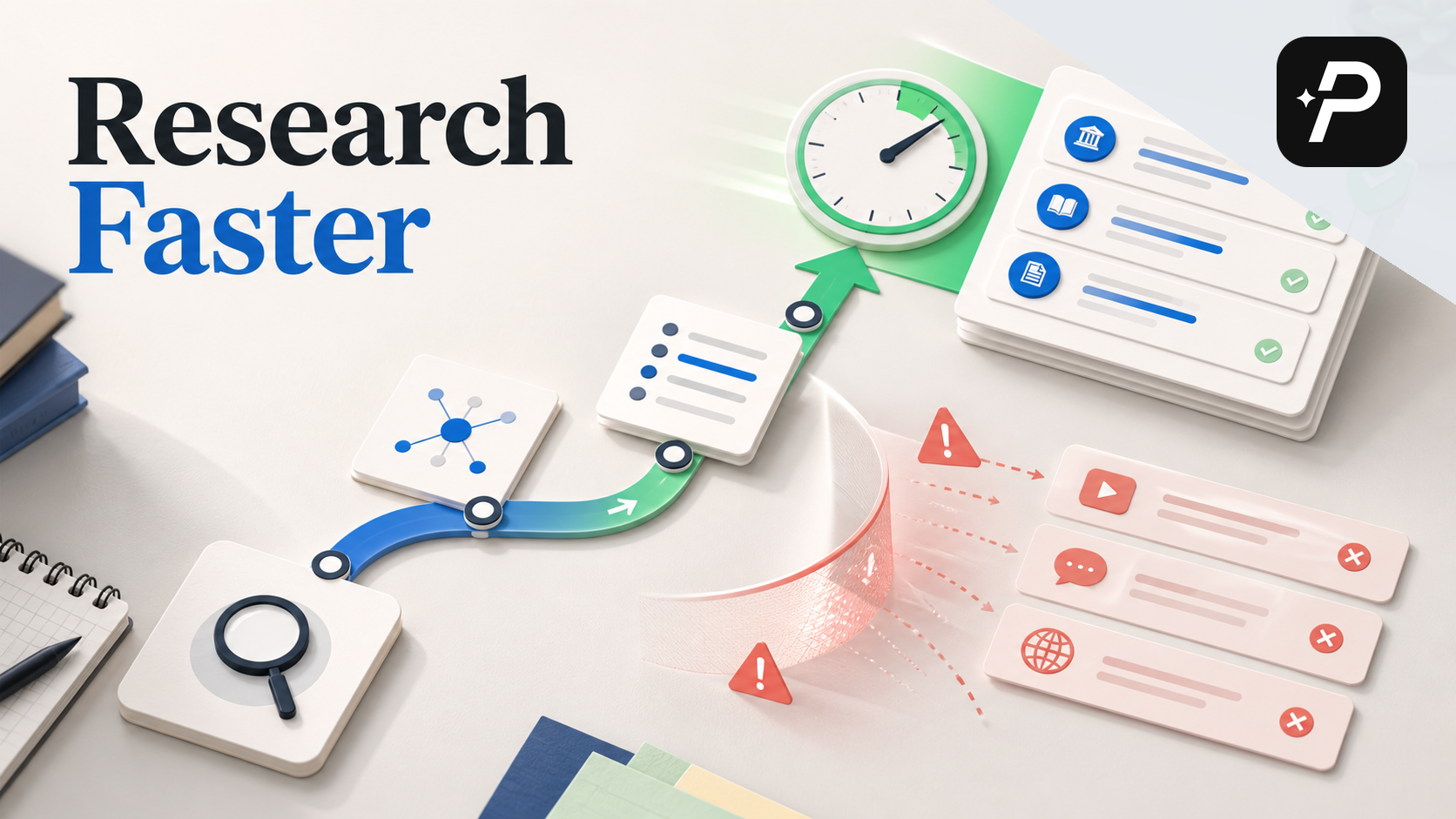
The deadline is close. You have a blank document open, a growing sense of panic, and a research paper that needs to be written. When you are researching a research paper short on time, the instinct is often to grab the first five results from a Google search and start writing. This is a trap. It leads to a bibliography filled with blog posts, outdated statistics, and questionable sources that your professor will spot immediately.
Researching fast does not mean researching badly. It means working with a clear, time-boxed workflow that prioritizes quality over quantity. This guide is built for students, thesis writers, and early-stage researchers who need to find credible academic sources quickly without falling into the trap of using low-quality material. You will learn how to triage your topic, use smart search tools, screen papers in seconds, and build a solid reference list—all before your deadline.
Why Weak Sources Cost You More Than a Bad Grade
When you are in a hurry, using a random website might feel like a shortcut. In reality, it is a detour. A paper built on weak sources will likely receive a poor grade, but the consequences go deeper than that. You risk citing retracted studies, misrepresenting research findings, or relying on opinion pieces disguised as facts. This is an academic integrity issue and a foundational problem for your development as a researcher.
The quality gap in the current search results for "last minute research paper" advice is significant. Many articles suggest using essay mills or generic writing services, which is a direct path to academic trouble. Others offer generic tips that do not help you find actual sources. This article takes a different approach: it focuses on the source discovery workflow. The goal is to find fewer, better sources that you can actually use to write a compelling argument.
Step 1: Define Your Research Question in Plain Language
Before you type anything into a search engine, you need to know what you are looking for. A vague topic like "climate change" will return millions of results and waste your precious time. Instead, you need a specific, natural-language research question. This is the single most effective way to speed up your research phase.
Instead of searching for "climate change," ask: "What are the economic impacts of carbon taxes on developing nations?" This question gives you a clear scope. It tells you what to look for (economic impacts), the subject (carbon taxes), and the context (developing nations). When you have a specific question, you can quickly discard irrelevant results.
This is where modern tools shine. Instead of wrestling with complex Boolean operators (AND, OR, NOT) and wildcard characters, you can use a tool like Deep Search to process a natural-language research question. You can simply type your specific question, and the tool will search academic literature for you. This saves the time you would normally spend learning the syntax of academic databases.
Step 2: Use Deep Search to Find Academic Literature
Once you have your research question, it is time to find sources. The traditional method involves going to Google Scholar and trying to craft the perfect search string. While Google Scholar is a powerful tool, it can be overwhelming when you are short on time. You have to sift through thousands of results, many of which are irrelevant or paywalled.
A more efficient approach is to use an AI-powered search tool designed for academic work. Deep Search is specifically designed to search academic literature using a natural-language research question. This means you can paste your specific question directly into the search bar without needing to translate it into keyword soup.
This approach has several advantages for a student on a deadline:
- Speed: It returns relevant academic papers immediately, cutting down the time spent on manual searching.
- Relevance: The tool understands the context of your question instead of matching keywords alone. It can find papers that discuss the nuances of your topic.
- Coverage: It searches across a wide range of academic databases, ensuring you are not missing key papers.
For example, if your question is "Can exposure to nature restore depleted attention?" the tool will find papers on attention restoration theory, environmental psychology, and cognitive fatigue—not generic articles about trees. This is the kind of targeted search that saves hours.
Step 3: Triage Papers with Paper Cards
Finding a list of 50 papers is only the first step. The next challenge is figuring out which ones are worth reading. You do not have time to read 50 full-text PDFs. You need a way to screen them quickly. This is where Paper Cards become your best friend.
Paper Cards provide a quick snapshot of each paper. They typically include:
- Source Label: Where the paper was published (e.g., Nature, Journal of Psychology).
- Summary: A brief overview of the paper's main argument or findings.
- Publication Details: The year, authors, and journal.
- Preview Information: Key data points or conclusions that help you judge relevance.
This is your triage system. You can scan the cards and immediately discard papers that are:
- Too Old: Unless you are doing historical research, a paper from 1985 might not be relevant to your current topic.
- Off-Topic: The title might sound relevant, but the summary might reveal it is actually about a different aspect of the subject.
- Predatory: The source label might reveal a journal that is not reputable.
By using Paper Cards, you can narrow your list of 50 papers down to the 5-10 that are truly essential in a matter of minutes. This screening process is the core of efficient research.
Step 4: Explore Angles with Inspiration Discovery
Sometimes, your research question is too broad. Other times, it is too narrow. When you are short on time, you cannot afford to get stuck in a research dead-end. If your initial search does not yield enough results, you need a way to pivot quickly.
Inspiration Discovery is a feature designed to help you surface related angles when your topic is underdeveloped. If your question is too broad, it can suggest ways to narrow it down. If it is too narrow, it can suggest adjacent fields or alternative perspectives you might not have considered.
For example, if you are writing about "social media and teen anxiety," you might find that the topic is too broad to cover in a short paper. Inspiration Discovery might suggest you focus on a specific platform, like TikTok, or a specific demographic, like female adolescents. It can also point you toward related concepts like "digital well-being" or "fear of missing out (FOMO)," which could provide a more focused angle for your argument.
This feature is a safety net. It ensures that you are never stuck staring at a blank screen because your initial search failed. It helps you adapt your research strategy on the fly, which is exactly what you need when the clock is ticking.
Step 5: Build Your Reading Queue and Save to My Library
Once you have identified your core set of papers, you need to organize them. Keeping track of PDFs, URLs, and notes in your head is a recipe for disaster. You need a centralized location to store your sources.
My Library is your personal repository for saving and uploading papers. As you find relevant sources, you can save them to your library with a single click. This creates a clean, organized collection of all your potential sources. This is much more efficient than having 15 tabs open in your browser.
But saving is just the start. You should also build a reading queue. This is a prioritized list of the papers you need to read first. You can order your library by relevance, importance, or the order in which you plan to use them in your paper. This helps you focus your reading time on the most critical sources first.
For a more structured approach, you might consider how to build a reading queue for a new research topic. This strategy helps you avoid the feeling of being overwhelmed by a large volume of literature. By prioritizing your reading, you ensure that you are always working on the most important task, even when you are tired or stressed.
Step 6: Use Library QA to Answer Specific Questions
You have your sources saved. Now you need to actually use them. Reading five full academic papers can take hours, which is time you might not have. This is where Library QA comes in.
Library QA is a feature that answers questions based on the papers in your own library. Instead of reading every word of every paper, you can ask specific questions about your topic, and the tool will find the answers within the texts you have saved.
For example, you could ask: "What methodology did the authors use to measure attention?" or "What were the main limitations of the study?" The tool will scan your saved papers and provide answers, complete with references to the specific papers. This is a game-changer for a student on a deadline.
This does not mean you should skip reading the papers entirely. You still need to understand the arguments to write a coherent paper. However, Library QA allows you to quickly locate specific data points, quotes, or findings without re-reading the entire text. It is a tool for retrieval and verification, not a replacement for critical thinking.
Step 7: Verify Sources and Check for Retractions
The final step in your fast research workflow is verification. You cannot afford to cite a paper that has been retracted or corrected. This is a critical quality check that many students skip when they are in a hurry.
Before you finalize your bibliography, you should check whether a paper has been corrected or retracted. This is a simple but crucial step. A retracted paper is one that has been withdrawn from publication due to errors or misconduct. Citing one of these can seriously damage your credibility and grade.
You should also look for conflicting evidence. A good research paper acknowledges different perspectives. If you only cite sources that agree with your thesis, your paper will be one-sided and weak. Use your search tools to find papers that present a different viewpoint. This shows your professor that you have engaged with the broader academic conversation.
This verification step is the difference between a good paper and a great one. It demonstrates academic rigor, even when you are working under pressure.
How WisPaper Helps When Your Search Keeps Missing the Right Papers
If you have tried the steps above and still find yourself staring at an empty screen or a pile of irrelevant results, WisPaper can fill the gaps. The product is built around the exact workflow described in this guide, so it fits naturally into a tight deadline.
When your topic is too broad or too narrow, Inspiration Discovery can surface related angles you have not considered. When you need to screen a large set of results, Paper Cards give you the source label, summary, and publication details you need to make a quick judgment. When you want to ask a specific question about a paper you have saved, Library QA finds the answer within your own collection.
If you already have a research question but are struggling to find papers that match it, try WisPaper's Deep Search and paste your question directly into the search bar. You can also use the reading queue guide to structure how you work through your saved sources.
How to Avoid Source Overload When You Have Too Many Papers
A common failure point in a fast research workflow is finding too many papers. You search, you find 80 results, and now you have a new problem: which ones matter?
The triage system described in Step 3 handles this. Scan the Paper Cards and discard anything that is not directly relevant to your specific research question. Set a hard limit: pick the top 8-10 papers that directly address your question, and ignore the rest until you have a draft.
If you tend to collect sources faster than you can read them, the guide on avoiding source overload in a literature review offers a practical framework for deciding what stays and what gets cut.
How to Check Whether a Paper Has Been Corrected or Retracted
Verification is the step students skip most often. When you are short on time, checking for retractions feels like an extra chore. But a single retracted citation can undermine your entire bibliography.
Start by checking the source label on the Paper Card. If the journal is reputable, the risk is lower. Then search for the paper title followed by "retraction" or "correction" to see if any notices have been published. You can also use the guide on checking whether a paper has been corrected or retracted to build a quick checklist you can run before you submit.
How to Find Conflicting Evidence Without Reading Everything
A one-sided paper is a weak paper. Professors look for engagement with opposing views. But when you are on a deadline, reading an entire counter-argument paper can feel like a luxury you cannot afford.
The shortcut is to search for the main claim of your thesis plus a word like "critique," "limitations," or "counter-evidence." Scan the abstracts and summaries for the specific point of disagreement. You do not need to read the full paper to cite it accurately; you need to understand its main argument and how it differs from yours. The guide on finding conflicting evidence in a literature review walks through this process in more detail.
When Your Topic Is Too Broad or Too Narrow
If your initial search returns either 10,000 results or 3 results, your question needs adjustment.
For a broad topic like "social media and mental health," narrow it by adding a specific population, platform, or outcome. For a narrow topic like "the effect of Instagram on sleep quality in college freshmen," consider whether you have enough sources. If not, broaden to "social media use and sleep quality in young adults."
Inspiration Discovery can help with this adjustment by suggesting related angles and adjacent fields. If you are still stuck, the guide on building a conceptual framework from literature can help you see how your topic fits into a larger research context.
FAQs
Keep Reading

When Google Scholar Isn't Finding Sources: What to Try Next
You have a research question, a deadline, and a search box that keeps returning nothing useful. You've tried different wordings. You've scrolled through pages of results. Either the papers don't exist, or they're hidden
Starting Thesis Research When You Don't Know Where to Begin
You have a thesis requirement, a deadline that feels distant enough to ignore, and no clear first move. Maybe you have a broad interest like "social media and mental health" or "renewable energy policy," but every search
How to Narrow Down a Broad Research Topic
You have a general interest—maybe "climate change," "social media," or "artificial intelligence"—but no clear direction. Every search returns thousands of results. The problem is not a lack of ideas. It is a lack of focu