
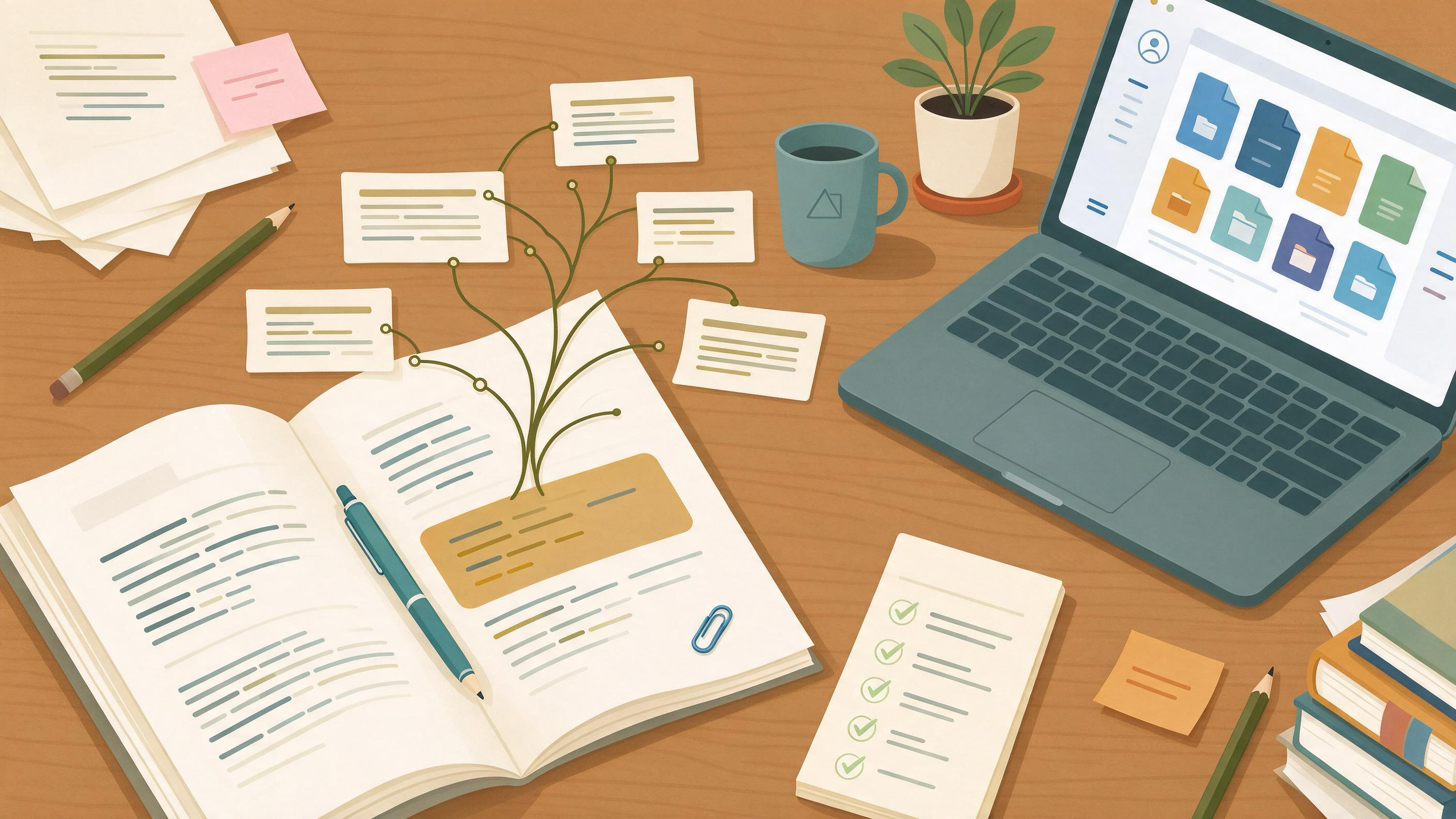
Backward citation searching means working from a paper you already trust and following its reference list into the older work it builds on. You are not searching a database by keyword; you are reading the citation trail the authors themselves left. The goal is a short, defensible set of foundational papers you can cite with confidence, not a long list of everything tangentially related.
This guide is written for the moment when you have a draft in hand — a course paper, a thesis chapter, a first manuscript — and you need to strengthen its foundations before the next project starts. It gives you a sequence with checkpoints, a worked example, a reusable checklist, and clear completion criteria.
What problem does backward citation searching actually solve?
Most early-career researchers start with keyword search and end up with a pile of recent papers that cite each other but never reach the origin of an idea. Backward searching flips that: you begin with a known-relevant paper and move toward its intellectual ancestors. This is especially useful when you already have one strong anchor paper from a supervisor, a reading list, or a course, and you need to find the work that anchor depends on.
The method also helps you answer a specific question: what does this paper assume I already know? The reference list is a map of those assumptions. Following it tells you which foundational studies, methods, or datasets the authors treat as settled.
Before you start: diagnose your starting state
Backward searching works best when you can name your anchor. Ask yourself:
- Do I have at least one paper that is clearly central to my topic?
- Can I state, in one sentence, what that paper contributes?
- Do I know which section of my draft needs stronger foundations?
If you cannot name an anchor, spend a short session finding one first. A scholarly search interface such as WisPaper search lets you locate candidate papers by topic; the public WisPaper Scholar Search page explains the entry point for finding academic papers. Once you have a candidate, confirm it is genuinely relevant before treating it as your anchor.
If you already have a folder of PDFs but no clear anchor, upload and organize them in My Library so you can compare them side by side.
Step 1: Choose and verify your anchor paper
Your anchor should be a paper you have actually read, not just seen cited. Verify its identity before you build on it. A DOI can be resolved through doi.org to the current destination registered for that identifier, but resolution only helps you locate the work — you still need to check the bibliographic fields and the source text for identity and claim support.
Checkpoint: You can state the anchor's title, authors, venue, year, and its central claim in your own words. If any of those are uncertain, resolve the DOI and confirm the details before continuing.
Step 2: Read the reference list as a map, not a list
Open the anchor's reference list and read it against the body text. Which references are cited repeatedly? Which appear in the methods section versus the introduction? Repeated citations and method-section references are strong signals of foundational work.
Mark three tiers:
- Core — cited multiple times or central to the argument.
- Supporting — cited once for a specific point.
- Peripheral — cited in passing or for background.
Checkpoint: You have a shortlist of core references, each with a one-line note on why it matters to your draft.
Step 3: Retrieve and confirm each core reference
For each core reference, locate the actual work. Use the DOI where available and confirm the bibliographic fields match what the anchor cited. Metadata can be incomplete or updated; Crossref exposes publisher-deposited metadata including titles, authors, venues, dates, identifiers, and post-publication updates, so treat deposited records as a check rather than a guarantee.
If a reference is hard to locate, Google Scholar documents ways to locate alternative versions of a work, including library access links. Use those routes to get the full text, then confirm the citation details against the source itself.
Checkpoint: Every core reference has a confirmed full-text source and verified bibliographic details.
Step 4: Go one layer deeper — but stop deliberately
Backward searching can continue indefinitely. Set a depth limit before you start. A practical rule for a course paper or thesis chapter is two layers: the anchor's references, then the references of the most important core papers. Beyond that, returns diminish and you risk scope creep.
At each layer, ask: does this older work change how I frame my argument, or does it only confirm what I already have? If it only confirms, note it and move on.
Checkpoint: You can draw a simple citation tree showing your anchor, its core references, and the second-layer works you chose to keep.
Worked example: a thesis chapter over winter break
Suppose you are revising a thesis chapter on a specific method and your supervisor's feedback says the theoretical grounding is thin. You have one anchor paper your supervisor recommended.
- Verify the anchor. Resolve its DOI, confirm authors and year, and write its central claim in one sentence.
- Map the references. You find the anchor cites one theoretical paper four times and two methodological papers in its methods section. Those become your core tier.
- Retrieve and confirm. You locate all three, confirm their details, and save them to My Library.
- Go one layer deeper. The theoretical paper cites two earlier works that define the concept. You keep one because it changes how you frame your introduction; you note the other and set it aside.
- Interrogate the set. With the papers saved, you use Library QA to ask questions grounded in the uploaded papers, checking how each defines the key concept before you write.
- Organize the project. You create a workspace in Research Projects to hold the chapter's source set as you move into the next project.
By the end of the break, your chapter has a defensible foundation and a clean source set you can carry forward.
How do you know a retrieved paper actually supports your claim?
Finding a paper is not the same as confirming it says what you need. For each core reference, locate the specific passage that supports your point and record the page or section. If the paper only gestures at the idea, narrow your claim or find a better source.
This is where a citation-checking step pays off. TrueCite checks BibTeX against real academic databases to flag hallucinated references, which is useful when your reference list has grown through several rounds of editing. Run your BibTeX through it before finalizing.
Checkpoint: Every core reference in your draft has a located supporting passage, and your BibTeX has been screened.
Reusable checklist for backward citation searching
| Stage | Action | Artifact | Done when |
|---|---|---|---|
| Anchor | Choose and verify one central paper | One-sentence claim summary | Title, authors, venue, year confirmed |
| Map | Read reference list against body text | Tiered shortlist (core/supporting/peripheral) | Core references have a one-line rationale |
| Retrieve | Locate full text and confirm details | Verified source per core reference | Bibliographic fields match the citation |
| Deepen | Follow references of core papers, one layer | Simple citation tree | Depth limit reached deliberately |
| Verify | Locate supporting passage per claim | Page or section note per reference | Each claim has a located passage |
| Screen | Check BibTeX against databases | Screened reference list | Flags resolved |
| Organize | Save and structure the source set | Library or project workspace | Set is reusable for the next project |
When should you use a research agent instead of manual tracing?
Manual backward searching is precise but slow. If your task is larger — for example, you need a literature review across several anchor papers — a longer-running workflow can help. Scholar Agent supports longer research tasks including literature review, inspiration, and reproduction use cases.
Use it when you have several anchors and need to synthesize their backward trails, not when you have a single paper and a narrow question. If you are moving from a finished chapter into a new project and need to generate directions, Idea Discovery takes research topics, background, references, and experimental constraints to generate research ideas.
Checkpoint: You have chosen manual tracing or an agent workflow based on the number of anchors and the size of the task, not by default.
Completion criteria: is your backward search finished?
Your backward citation search is ready when all of the following are true:
- You have one verified anchor and a tiered shortlist of its references.
- Every core reference has confirmed bibliographic details and a located supporting passage.
- You have gone exactly as deep as your stated limit, no further.
- Your BibTeX has been screened and flags resolved.
- Your source set is saved and organized so the next project can reuse it.
- You can explain, in two sentences, how the foundational papers change your draft.
If any criterion is unmet, return to that stage rather than adding more papers.
A concrete next action
Pick your anchor paper now and write its central claim in one sentence. Then open its reference list and mark the three references cited most often or in the methods section. That shortlist is your core tier — the rest of the workflow follows from it. If you want a single place to start, the WisPaper homepage introduces the assistant for finding, screening, organizing, and working with academic papers.
FAQs
Keep Reading
How to Use Forward Citation Searching to Update a Review
Forward citation searching answers a specific question: who has cited this paper since it was published? For a review author, that question turns a fixed reference list into a moving target. You start from the studies yo

How to Verify a Direct Quote and Its Page Number
A direct quote is only as strong as the page you can point to. When a supervisor circles a quotation and writes "source?" or "page?", the fix is not a quick reword — it is a short, repeatable verification routine that ta
How to Write a Defensible Research Gap Statement
A defensible research gap statement does more than assert that something is missing. It shows, through a documented search and screening process, that the gap is real, relevant, and reachable with the evidence and method