
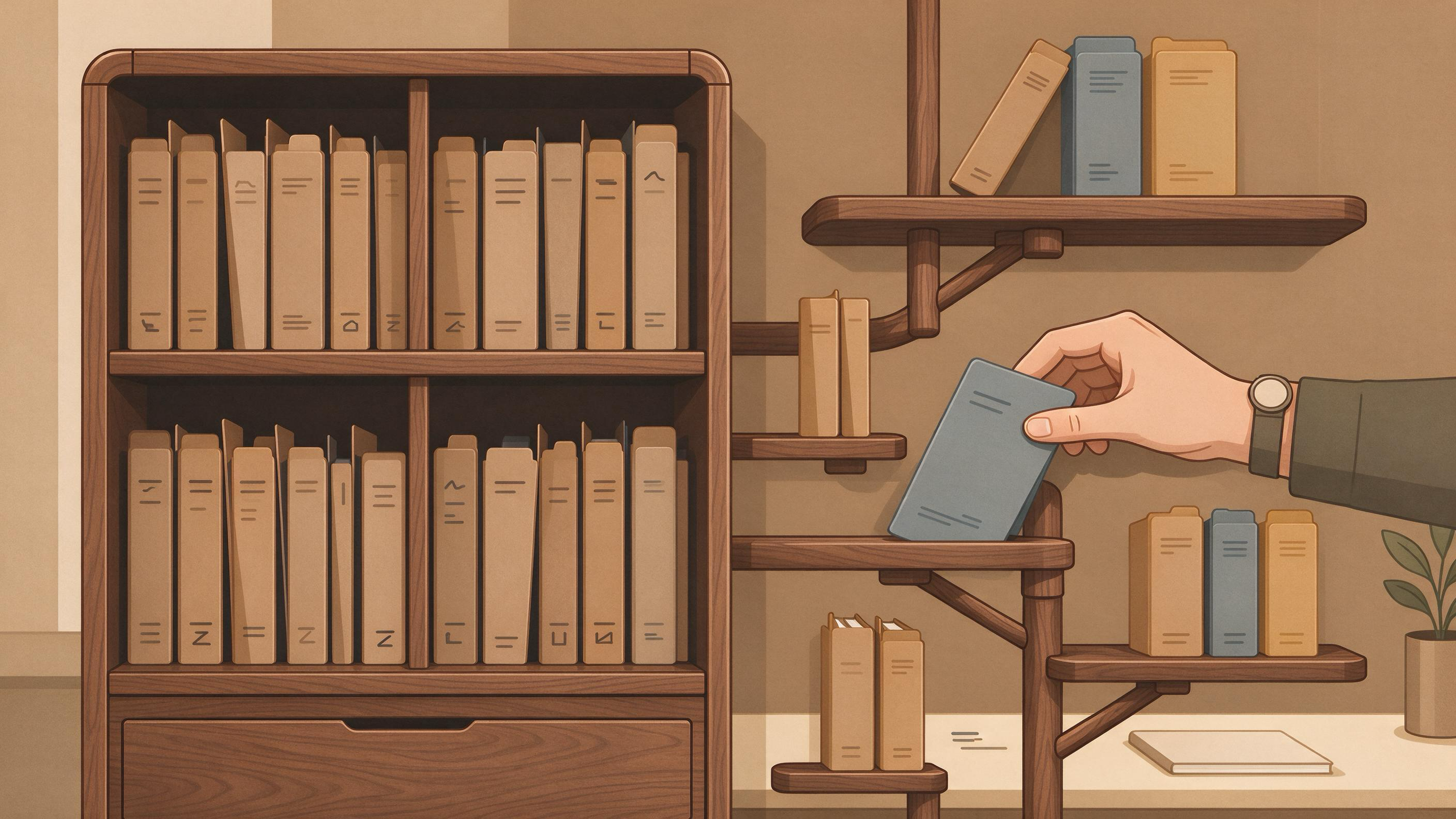
You are finishing a paper, a thesis chapter, or a first manuscript, and the next project is already visible on the horizon. The question is not abstract: should every paper you have ever found live in one master library, or should each project get its own separate collection? The practical answer is that most researchers need a master library for discovery and a project layer for decisions. One master library keeps you from losing sources and re-finding them; separate project libraries keep eligibility, screening, and writing decisions visible. The choice is really about which layer holds what, and how you move records between them.
This guide compares both options on the same task, shows where each fails, and gives you a decision table plus a combined workflow. It uses a concrete example: a student finishing a thesis chapter in December who must also start a January project with a supervisor.
Start by diagnosing your current state
Before choosing a structure, look at what you already have. A useful diagnosis takes about fifteen minutes and answers four questions.
- Where do your PDFs and records currently live? If they are scattered across downloads, email attachments, and browser bookmarks, you have neither a master library nor project libraries. You have a search problem waiting to repeat.
- Can one paper belong to more than one project? If your current system forces you to copy a record to reuse it, you will accumulate duplicates and lose track of which copy is current.
- Do you have eligibility criteria written down? Cochrane guidance on searching for studies begins with planning searches from eligibility criteria, not from whatever the database returns. If your criteria exist only in your head, no library structure will enforce them.
- Is your screening documented? If you cannot say which records you excluded and why, your structure is not yet ready for a thesis chapter or a manuscript that a supervisor will review.
Write your answers down. They determine whether you need to build a master library first, a project layer first, or both at once.
What a master library is good for
A master library is a single, persistent home for everything you have found and decided to keep. Its strength is continuity. When you move from a coursework paper to a thesis chapter to a first manuscript, the sources you already vetted remain available.
A master library also handles the reality that one paper often serves several purposes. Zotero collections can place one item in multiple project groupings without duplicating it, and tags can describe topic, method, status, or workflow. That combination is the core argument for a master library: the record exists once, and multiple views point at it.
Saved searches that update automatically and a Duplicate Items collection for review and merging make a master library easier to maintain over time. If you are building this layer now, save and organize papers in My Library so that your discovery work has a stable destination.
Where a master library fails: it tells you nothing about eligibility. A large, well-tagged library can still contain records that do not meet a specific project's criteria. Without a project layer, the master library becomes a pile with good metadata.
What separate project libraries are good for
A separate library per project is a decision record. Everything inside it has passed a threshold: it met your criteria, it survived screening, or it is cited in the draft. That clarity is valuable when a supervisor asks why a study is included or excluded.
Separate libraries also make handoffs easier. A thesis chapter, a coursework submission, and a January project can each carry their own scope without inheriting years of unrelated material. When you rerun searches before submission, as Cochrane recommends, a project library gives you a bounded place to compare old and new results.
Where separate libraries fail: duplication and drift. If the same paper appears in three project libraries, you must update three records. If you find a better source for an earlier project, nothing prompts you to add it to the older library. And if a project library is the only place a record exists, deleting the project deletes the source.
Compare both options on the same task
Use one task to make the comparison concrete: preparing the literature base for a thesis chapter while a January project is starting.
| Criterion | One master library | Separate library per project |
|---|---|---|
| Finding sources | One search destination; results accumulate | Each project starts its search from scratch |
| Reusing a paper across projects | One record, multiple groupings and tags | Requires copying or re-adding the record |
| Applying eligibility criteria | Criteria live outside the library structure | Criteria define what enters the library |
| Documenting screening | Possible, but not enforced by structure | Natural fit for staged screening decisions |
| Handling duplicates | Duplicate review and merging in one place | Duplicates multiply across libraries |
| Supervisor review | Hard to show why a record is in scope | Easy to show the project's boundary |
| Rerunning searches before submission | New results land in a shared pool | New results compare against a fixed set |
| Long-term continuity | Strong | Weak if projects are archived or deleted |
Neither column wins everywhere. The master library wins on continuity and reuse; the project library wins on scope and documentation. That is why the combined workflow below matters more than the binary choice.
Build the combined workflow
A workable structure has two layers: a master library that holds records once, and project views that hold decisions. The steps below use the thesis-and-January-project example.
Step 1: Define eligibility before you search
Write the inclusion and exclusion criteria for the thesis chapter first. Cochrane guidance is explicit that searches should be planned from eligibility criteria, and that free-text terms should be combined with subject headings across multiple sources. Your criteria become the rule for what enters the project layer.
Step 2: Search broadly, then screen in stages
Run searches in more than one source, document the process, deduplicate records, and screen in stages. This is the sequence Cochrane describes, and it maps cleanly onto a two-layer library: broad results go to the master library, staged screening decisions go to the project layer.
If you need a scholarly search interface for this step, find academic papers through WisPaper search and send the keepers to your library. For a public entry point to the same discovery task, the WisPaper Scholar Search page explains how to start finding papers.
Step 3: Link multiple reports of one study
Cochrane guidance notes that one study may have multiple reports. In a master library, these are separate records that belong together; in a project library, they are one decision. Tag or group them so that a later reader does not count the same study twice.
Step 4: Keep the project layer small and defensible
Only records that passed screening belong in the project layer. Everything else stays in the master library, tagged with a status such as "screened out" or "background." This keeps the project library readable during supervisor review.
Step 5: Rerun searches before submission
Cochrane recommends rerunning searches before publication. With a master library, new results arrive in a shared pool; with a project layer, you compare them against a fixed set of included studies. Do both: rerun, then update the project layer deliberately.
Step 6: Report the process transparently
PRISMA 2020 provides a reporting checklist, expanded explanations, an abstract checklist, and flow-diagram templates for systematic reviews, including transparent reporting of search, selection, and synthesis methods. Even a thesis chapter benefits from the same discipline: a record of what you searched, what you excluded, and why.
Where each option fails in practice
The failure modes are predictable, and naming them helps you design around them.
Master library failure: scope creep. A library that accepts everything becomes unusable for a specific chapter. The fix is a project layer with written criteria, not a bigger master library.
Project library failure: orphaned records. A source that exists only inside one project disappears when the project is archived. The fix is to promote every keeper to the master library first.
Both fail without deduplication. Cochrane guidance includes deduplicating records as a standard step. A master library with a duplicate review process handles this better than separate libraries, where the same paper can enter twice under different project names.
Both fail without documentation. If you cannot reconstruct your search and screening decisions, neither structure will satisfy a supervisor or a reporting checklist. Document as you go, not after.
Use tools at the step they support
Software does not choose your structure, but it can make the two-layer workflow easier to run. Connect each tool only where it matches the task in front of you.
- Discovery: Use WisPaper search when you need to find academic papers, and the WisPaper Scholar Search page when you want a public explanation of that entry point.
- Storage and organization: Use My Library to save or upload papers and organize them. This is the natural home for your master layer.
- Project structure: Use Research Projects when you want to create a new project or work inside the Research Projects area. This is the natural home for the project layer.
- Questions across your saved papers: Use Library QA when you need to ask questions based on papers uploaded to My Library or added from search results. It fits the stage where you are comparing included studies, not the stage where you are still deciding what to include.
- Citation screening: Use TrueCite for BibTeX citation screening; it checks BibTeX against real academic databases to flag hallucinated references. Run it before submission, when your reference list is nearly final.
- Longer research tasks: Use Scholar Agent for longer research tasks that fit its literature review, inspiration, or reproduction use cases.
If you are new to the platform, the WisPaper homepage introduces it as an AI research assistant for finding, screening, organizing, and working with academic papers. English readers can start from the English homepage.
A decision table for your situation
Use this table to choose your starting structure. Most readers will land on the combined option.
| Your situation | Start with | Why |
|---|---|---|
| First paper, no existing library | Master library, then one project layer | You need a stable home before you need scope control |
| Thesis chapter with a supervisor review | Project layer inside a master library | Supervisor needs to see the project boundary |
| Several papers sharing sources | Master library with tags and groupings | One record, multiple views, no duplication |
| Systematic review or review-like chapter | Project layer plus documented search and screening | Eligibility criteria and staged screening drive the structure |
| January project starting while December work finishes | Master library plus a new project layer | Continuity without mixing scopes |
| Coursework with a hard deadline | Single project layer, promoted to master library after | Speed now, continuity later |
Know when the result is ready
The structure is ready when you can answer these questions without opening a search engine.
- Can you name every source included in the project layer and the criterion it met?
- Can you show which records were excluded and why?
- Does every included paper exist in the master library, so archiving the project does not lose it?
- Have you deduplicated records and linked multiple reports of the same study?
- Have you rerun your searches before submission and compared new results against the included set?
- Does your reference list pass a citation check against real academic databases?
If you can answer yes to these, your library structure is doing its job: the master layer preserves continuity, and the project layer preserves decisions.
Your next action
Take the thesis-and-January-project example and do one concrete thing today: open your current library, create a project layer for the thesis chapter, and move only the records that meet your written eligibility criteria into it. Leave everything else in the master library with a status tag. Then, before the January project begins, create its project layer and repeat the process. If you want a starting point for the master layer, organize your papers in My Library; if you want to set up the project layer, create a new project in Research Projects.
FAQs
Keep Reading

Paper Summaries vs. Evidence Extraction: What Should You Save?
Save both, but for different jobs. A paper summary is a fast orientation layer: it tells you what a study claims and whether it belongs in your reading pile. Evidence extraction is the audit layer: it records the specifi
Reading List vs. Evidence Matrix: What Does Each One Miss?
A reading list answers "what should I read?" An evidence matrix answers "what does each source actually let me claim?" If you are finishing a course paper, a thesis chapter, or a first manuscript, you probably already ha
Reference Manager Notes vs. Markdown Notes for Literature Reviews
A literature review produces two different kinds of output at once: a set of bibliographic records that must resolve to the right works, and a body of notes and prose that must carry an auditable trail from claim to sour