
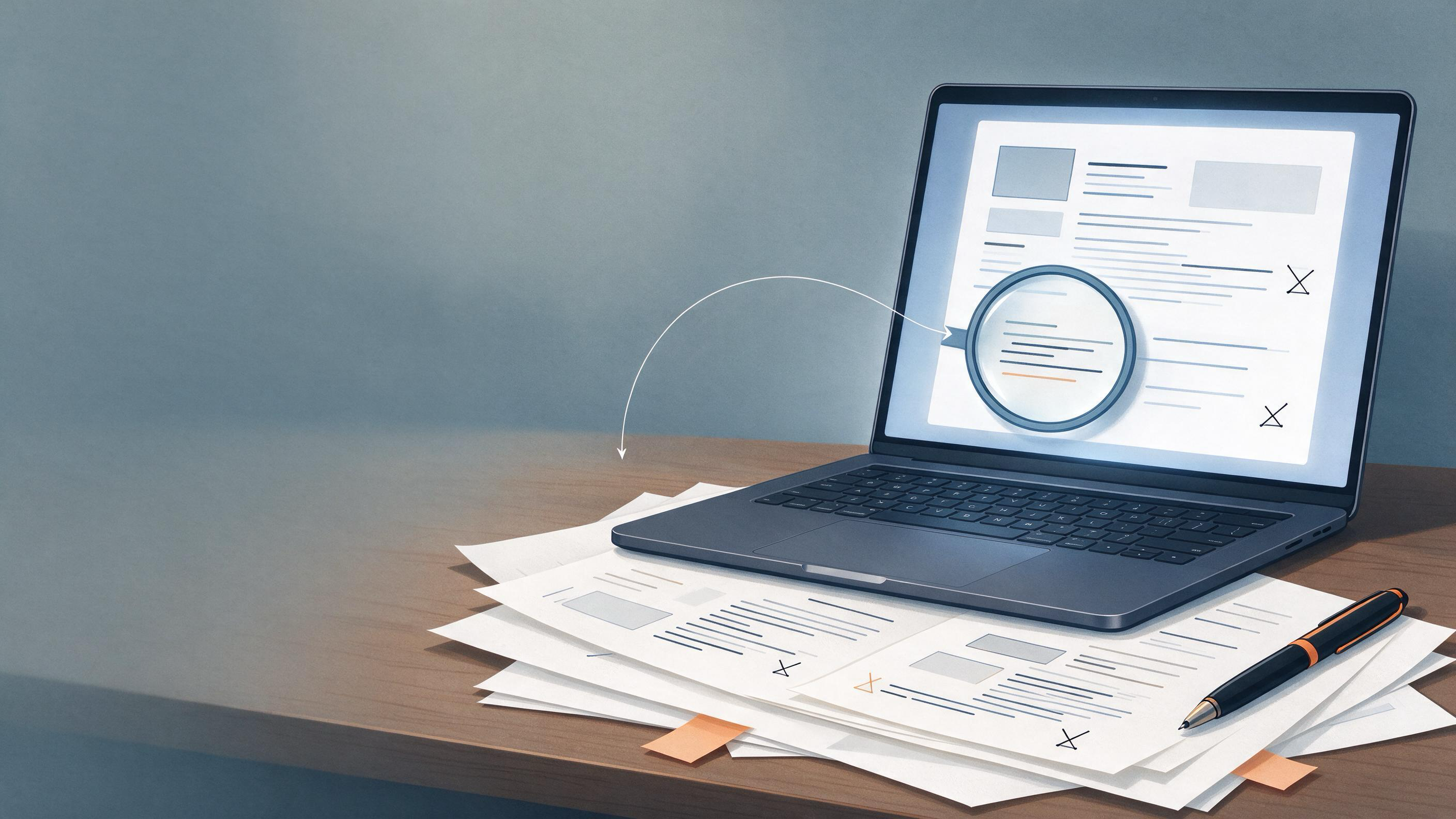
A supervisor has just returned your thesis chapter with a note that still stings: the argument is nearly there, but the writing lets it down. You have two PDFs open, a printed stack on the desk, and no clear plan for the final pass. The real question is not which medium is objectively better. It is which one will catch the errors that currently stand between your draft and submission.
This article compares screen and paper proofreading on the same research task: a 30-page thesis chapter with supervisor comments, citations to verify, and a submission deadline. It gives you a way to diagnose your starting state, choose the right pass, and know when the result is ready.
What kind of errors are you actually trying to catch?
Before choosing a medium, separate the error types. Proofreading for a research manuscript involves at least four different jobs, and each favors a different setup.
- Surface errors — typos, repeated words, missing punctuation, tense slips. These are visual matching tasks.
- Structural errors — a paragraph that starts with one claim and ends with another, a transition that misleads, a term used inconsistently.
- Citation and reference errors — an in-text citation that does not match the bibliography, a BibTeX entry that points to the wrong paper, or a reference that cannot be verified.
- Argument-level errors — a missing qualification, an unsupported leap, a result described more strongly than the evidence allows.
A reader who proofreads mainly for typos on a bright screen may never see the structural flaw that becomes obvious when the same pages are laid out across a table. Conversely, a paper pass that marks punctuation beautifully will not verify that every BibTeX record corresponds to a real academic source.
Start by listing the error types your supervisor actually flagged. If the comments are mostly about sentence-level clarity, a focused proofreading workflow is enough. If they include “check this source” or “is this the right citation format,” you need a verification step as well.
What does your starting state look like?
Researchers reach the proofreading stage in one of three states, and the medium choice changes accordingly.
State 1: The draft has never been proofread as a whole. You have edited sections as you wrote them, but you have not read the complete chapter in order. In this state, paper often wins the first pass. A printed copy forces you to move through the document start to finish without the pull of the search bar, the comment panel, or the urge to rewrite the introduction.
State 2: The draft has been through several screen passes. You have caught the obvious typos, but you are no longer seeing the sentences; you are seeing what you meant to write. This is the classic point where a medium switch helps. If your passes have been on screen, print. If you have been working on paper, switch to a clean on-screen read with a different zoom or layout.
State 3: The draft is nearly final, and the remaining risk is in the references. The prose is stable. The remaining failures are likely to be factual or bibliographic: a study cited under the wrong author, a report that was never published in the form described, or a BibTeX entry that contains a reference that cannot be matched to a real source. Medium matters less here than tooling. This is the stage where a reference verification pass belongs.
How does screen proofreading actually perform?
Screen proofreading is fast, searchable, and easy to integrate with the rest of your research workflow. On a 30-page chapter, a screen pass lets you jump between the bibliography and the body, run a spelling check, and keep the document in the format you will submit.
Its main failure mode is completion bias. Because the screen makes changes so cheap, you tend to fix as you read. The result is that you never complete a clean, uninterrupted read of the whole argument. You see fragments in the order your edits take you, not in the order a reader will experience them.
A second failure mode is software trust. On-screen, squiggly lines and grammar suggestions create the feeling that the tool has already checked the text. It has not checked whether your claim follows from the cited source, or whether the evolving terminology in section three matches section one.
Screen proofreading works best as a second or third pass, once the structure is stable and the task is precise: check headings, verify cross-references, confirm that every cited work appears in the bibliography.
How does paper proofreading actually perform?
Paper proofreading has one decisive advantage: it changes the physical and cognitive context. The document stops being an editable artifact and becomes an object you read. Many researchers report catching sentence-level and structural errors on paper that survived multiple screen passes. The printed page exposes rhythm problems, repeated sentence openings, and headings that no longer describe their sections.
Paper also has clear failure modes. It is slower, it cannot search, and it produces a second artifact — the marked-up printout — that must be transferred back into the file. Every annotation you make on paper has to be re-entered, and each transfer step is a chance to introduce new errors.
Paper proofreading is also poor at verification tasks. You cannot click from an in-text citation to the bibliography and confirm that the details match. A printed reference list can hide a fossilized citation that has drifted across revisions: the author name in the text changes, but the bibliography keeps the old spelling, and paper gives you no automated way to catch it.
Use paper for the first full-sentence read, especially after heavy on-screen editing. Reserve the screen for the transfer pass and the bibliographic checks.
Can a research workspace change the screen vs. paper tradeoff?
The traditional weakness of screen proofreading is that it keeps you inside one document. A research workspace changes this when the document, the sources, and the metadata sit in one place. WisPaper is an AI research assistant for finding, screening, organizing, and working with academic papers, so you can keep the sources you are checking next to the chapter you are fixing.
For the citation stage specifically, the medium is irrelevant to the core task: confirming that every reference corresponds to a real academic record. TrueCite checks a BibTeX file against real academic databases and flags references that cannot be matched. If you are exporting citations from a reference manager into your thesis, running that BibTeX file through TrueCite before the final proofread catches errors that neither paper nor screen reading can detect.
This removes a known class of failure — the invented or drifted reference — from the list of things you are trying to catch by eye, on either medium. The reading pass then works on the prose and structure it is suited to correct.
What does a combined workflow look like?
The most reliable approach for a submission-ready research chapter uses both media in a fixed sequence, with a verification step between the reading passes.
First pass — paper, structure and voice. Print the chapter single-sided. Read once, straight through, pen in hand but with a rule: no minor punctuation fixes. Mark only structural problems, awkward sentences, unclear transitions, and places where the argument does not follow. Reading on paper helps you see the chapter as a reader will, without the editing interface pulling you into micro-corrections.
Second pass — reference verification. Go back to the screen. Open your saved sources and your bibliography side by side. For each in-text citation, confirm that the work exists, the author and year match, and the entry in the bibliography is complete. If your references live in BibTeX, run them through TrueCite to flag records that do not match a real academic database. Save the verified papers in My Library so the next revision round starts from a clean source set.
Third pass — screen, line edits and transfer. Transfer every paper annotation into the file in one sitting. Fix the structural issues first, then the sentence-level marks. Because you are now working from a marked-up copy, you are not re-reading the whole text from memory; you are executing a known list of changes.
Fourth pass — screen, targeted checks. Do not re-read the entire chapter a final time, or you will start changing things again. Instead run searches for known risk patterns: repeated words, heading hierarchy, the use of the same term in two senses, and any remaining comment in the margin. Use Library QA to ask questions based on the papers you have saved if a last-minute doubt about a source appears.
When is the result actually ready?
Submission readiness is not a feeling of having read the document enough times. It is the absence of three specific failure conditions.
- No unverified references remain. Every in-text citation has been checked against a real source, and every bibliography entry corresponds to a verifiable record.
- No unexecuted annotations remain. Every paper mark has been transferred, every supervisor comment has been resolved or deliberately declined with a note, and every tracked search for a known risk pattern comes back clean.
- The last full read changed nothing structural. If a complete read-through produces only cosmetic disagreements — a word you would choose differently, a comma you are uncertain about — the chapter is ready. If it produces a change to an argument or a moved citation, you are still revising, not proofreading.
When the remaining changes are matters of taste rather than correctness on both media, stop.
Decision table: which pass should you use when?
| Situation | First choice | Why |
|---|---|---|
| Never read the whole chapter in order | Paper | Forces a complete, uninterrupted read |
| Several screen passes already done | Paper | Medium switch breaks completion bias |
| Structure is stable; references need checking | Screen plus verification | Searching and database checks are screen-native |
| Only sentence-level fixes remain | Screen | Fast, searchable, keeps the file submission-ready |
| Suspected wrong or missing citations | Screen plus TrueCite | BibTeX is checked against real academic databases |
| Need to ask a question across saved sources | Screen plus Library QA | Questions are answered from papers in the library |
| Organizing a new project after the chapter is done | Research Projects | Moves from proofreading mode into the next work stream |
Where does proofreading fit in the larger research process?
Proofreading is the last stage of a longer chain that begins with finding sources and ends with submission. If an error enters at the search stage — a study that was never actually read, a citation copied from a secondary source — no proofreading pass can repair it. The earlier the source is verified, the less the final pass has to do.
In Cochrane's guidance for systematic review work, planning searches from eligibility criteria, using multiple sources, documenting the process, deduplicating records, screening in stages, linking reports of the same study, and updating searches before publication are all part of making the literature base reliable before any synthesis begins. The same principle applies to a thesis chapter: the reference list is only as trustworthy as the process that built it, and the proofreading pass can only confirm what is already there.
This is why the reference verification step matters more than the medium debate. A DOI is designed to remain stable even when a location or descriptive record changes, which makes a persistent identifier the reliable anchor for a citation. A screen pass over your bibliography with a database check catches problems that neither a careful eye nor a careful printout can resolve.
FAQs
Keep Reading
Reading Backlog vs. Research Pipeline: Which One Is Blocking Your Submission?
Researchers rarely fail for lack of PDFs. Most of us have a reading stack that never shrinks and a manuscript that needs decisions, not another open tab. The question underneath “Reading Backlog vs. Research Pipeline” is
Research Limitation vs. Future Research Direction: Submit With a Credible Handoff
Editors and reviewers read the final section of a manuscript looking for one thing: can this author tell the difference between a boundary the study could not cross and a direction the field should now pursue? When those
Research Paper Abstract Guide: Structure, Evidence, and Revision
An abstract is the first calibration point between your manuscript and the reader who decides whether the full study deserves attention. Clinicians skimming a journal table of contents, systematic reviewers screening cit