
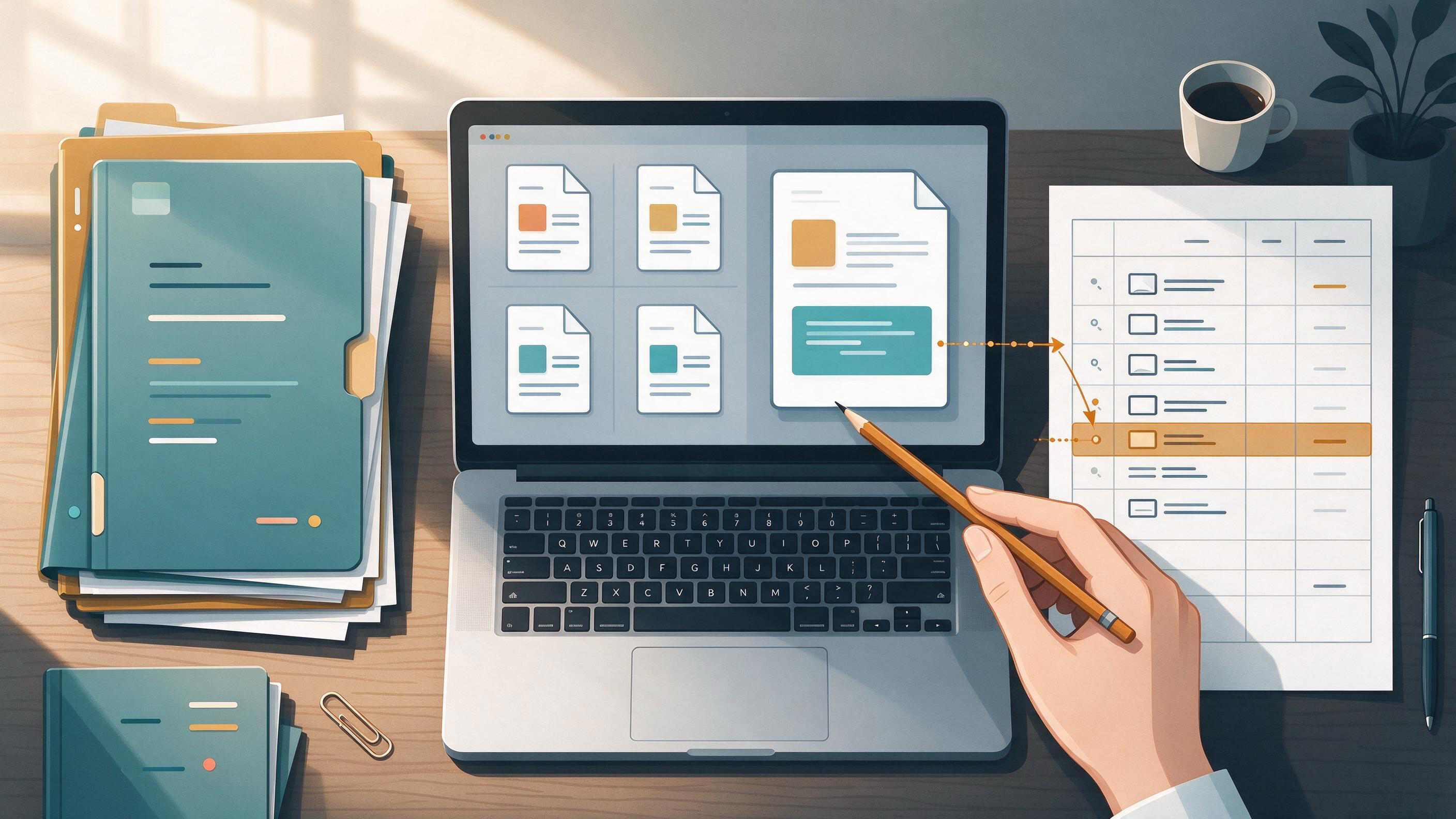
You are finishing a course paper, a thesis chapter, or your first manuscript, and the next project is already on the horizon. The problem is rarely a lack of sources. It is that your notes live in three apps, your PDFs are named final_v2.pdf, and you cannot remember which quote supports which claim. This guide gives you a complete system for organizing notes, PDFs, and evidence so that writing becomes assembly rather than archaeology. You will diagnose your current state, build the right artifacts, and know when the system is ready to support the next paper.
Diagnose your starting state
Before you reorganize anything, identify which stage you are in. The fix is different for each.
| Starting state | Typical symptoms | First move |
|---|---|---|
| Course paper due soon | Notes scattered across browser tabs and a word processor; PDFs in a downloads folder | Build a single evidence table and a minimal PDF naming rule |
| Thesis chapter in progress | Supervisor feedback asks for clearer sourcing; you have more PDFs than you can track | Separate project folders from topic tags; deduplicate |
| First manuscript under review | Reviewers question whether you missed key work; your search process is undocumented | Document eligibility criteria and search steps; rerun searches before resubmission |
| Winter-break cleanup | Old projects blend together; you cannot tell which notes belong to which paper | Archive finished projects; keep one active project per folder |
| January project start | New topic, no sources yet; you want to avoid repeating past chaos | Plan searches from eligibility criteria before collecting PDFs |
A quick self-check: can you, right now, produce the exact source and page for any claim in your last draft? If not, your evidence layer is the weak point. If you can find sources but cannot find your own notes about them, your notes layer is the weak point. If you have both but cannot tell which project a file belongs to, your project layer is the weak point.
The three-layer system: projects, topics, and evidence
A durable organization system separates three things that are easy to mix:
- Project layer — one container per paper, thesis chapter, or manuscript. This is where drafts, submission checklists, and supervisor comments live.
- Topic layer — cross-cutting labels for concepts, methods, or themes that appear across projects. A single paper can belong to several topics without being duplicated.
- Evidence layer — the record of what each source says, where it says it, and how you plan to use it.
Zotero's collection and tag model illustrates the principle: collections can place one item in multiple project groupings without duplicating it, while tags can describe topic, method, status, or workflow. Saved searches update automatically, and a Duplicate Items collection supports review and merging. You do not need Zotero specifically, but your system should preserve that separation. If every folder is both a project and a topic, you will duplicate files and lose track of versions.
Build the project layer first
Start with one container per active project. Name it with the project, not the date: thesis-ch2-litreview, not misc-2025. Inside, keep four subfolders or views:
- Inbox — newly found papers and notes that have not been triaged.
- Sources — PDFs and metadata for works you have decided to use.
- Evidence — your extraction table or notes linking claims to sources.
- Drafts — outlines, sections, and supervisor feedback.
If you use a reference manager, create a collection for the project and a saved search for items tagged with the project name. If you use WisPaper, the Research Projects area is where you can create a new project and keep the work associated with it; see Research Projects when you are ready to set that up. The point is not the tool but the boundary: when you open the project, you should see only what belongs to it.
Capture PDFs and metadata without duplicates
PDF chaos usually comes from three habits: downloading the same paper twice under different names, saving supplementary files separately from the main article, and keeping publisher versions and preprints as if they were different studies.
A workable capture rule:
- Search in one place. Use a scholarly search interface rather than general web search so that you get metadata along with the file. WisPaper's search interface is built for finding academic papers; the public Scholar Search page explains the entry point.
- Save once, then triage. Put new items in the Inbox. Do not rename or tag during capture; that slows you down and creates inconsistency.
- Deduplicate before organizing. Check for duplicate records and merge them. Zotero's Duplicate Items collection is one example of a built-in review step.
- Link reports of the same study. Cochrane guidance on searching and selecting studies recommends linking multiple reports of one study, so that a trial report and its follow-up are not treated as independent evidence.
- Record the source type. Mark whether an item is a preprint, a published article, a review, or a protocol. This matters when you weigh evidence later.
If you prefer to keep PDFs in a cloud drive, mirror the project folder structure there and use the same naming convention. The reference manager or library should hold the metadata; the drive holds the files. Avoid maintaining two independent lists of what you have read.
Turn PDFs into an evidence table
An evidence table is the single most useful artifact in this system. It converts reading into reusable material. For each source you decide to use, record:
| Field | What to capture |
|---|---|
| Citation key | Short identifier you will use in notes and drafts |
| Study type | Review, trial, observational study, methods paper, etc. |
| Population or context | Who or what the study examined |
| Key claim | One sentence in your own words |
| Exact location | Page, section, or figure where the claim appears |
| Quote (optional) | Verbatim text only if you will quote it |
| Use in project | Which section or argument it supports |
| Status | To read, read, extracted, cited |
Keep the table in a spreadsheet, a note app, or a project database. The format matters less than the discipline of filling the location field. A claim without a page number is a claim you will have to re-find later.
When you have a batch of PDFs in a library, you can ask questions across them to speed up extraction. WisPaper's Library QA supports asking questions based on papers uploaded to My Library or added from search results. Use it to locate passages and compare sources, then record the exact location in your evidence table yourself.
Organize notes by claim, not by source
Most researchers take notes source by source: a page of summary for Paper A, then Paper B. That structure is easy to write but hard to use, because writing happens claim by claim. A better pattern is a claim file: one note per argument you expect to make, with the supporting and conflicting sources listed underneath.
For example, instead of a note titled "Smith 2023 summary," create a note titled "Remote work reduces informal mentoring." Under it, list Smith 2023 with the page and a one-line finding, Jones 2022 with a contradicting result, and a methods note about how each study measured mentoring. When you draft the section, you already have the debate assembled.
This is where tags earn their keep. Use tags for method, status, and theme, not for project names. A paper can carry method:interview, status:extracted, and theme:mentoring at once. Zotero's tag model supports exactly this kind of multi-dimensional labeling, and saved searches can then pull together, for example, all extracted interview studies on a theme.
Document your search so the evidence is defensible
Organization is not only for your own convenience. If the work is a systematic review or a thesis chapter that reviewers will scrutinize, the search process itself is part of the evidence. Cochrane guidance recommends planning searches from eligibility criteria, using multiple sources, combining free-text terms with subject headings, documenting the process, deduplicating records, screening in stages, and rerunning searches before publication. PRISMA 2020 provides reporting checklists and flow-diagram templates for systematic reviews, including transparent reporting of search, selection, and synthesis methods.
You can adopt a lighter version for any paper:
- Write your inclusion and exclusion criteria before you search.
- Record the databases, dates, and search strings you used.
- Keep a screening log with a reason for each exclusion.
- Note when you last reran the search.
Store these in the project layer, not in your head. A one-page search log is enough for a course paper; a systematic review needs the fuller PRISMA-style record.
Use tools at the step they actually help
Tools are useful when they remove a specific bottleneck. Match the tool to the step:
| Step | Bottleneck | Tool support |
|---|---|---|
| Finding sources | Too many irrelevant results | Scholarly search with filters; WisPaper search |
| Screening a long list | Reading abstracts one by one | Library QA over saved papers; Library QA |
| Organizing PDFs | Files scattered across folders | Save and organize in a library; My Library |
| Checking references | Suspected fabricated citations | BibTeX screening; TrueCite |
| Planning a larger review | Need a structured literature review workflow | Scholar Agent; Scholar Agent |
| Generating project ideas | Topic chosen but angle unclear | Idea Discovery; Idea Discovery |
For a general orientation to what WisPaper is for, the WisPaper homepage describes it as an AI research assistant for finding, screening, organizing, and working with academic papers. English readers can start from the English homepage.
Two cautions about tool use, framed as workflow rules rather than warnings: keep the evidence table as your source of truth, and verify any citation you did not personally open. TrueCite checks BibTeX against real academic databases to flag hallucinated references, which is useful before submission, but the check belongs at the end of the workflow, after you have already recorded locations for the claims you rely on.
Know when the system is ready
The system is ready when you can answer these questions without opening a search engine:
- For any claim in your draft, can you name the source and the page?
- Can you list every source you excluded and why?
- Can you find the search string and date for your last search?
- Can you tell which project a given PDF belongs to?
- Can you hand a collaborator the project folder and have them understand the structure?
If you can answer yes to all five, your organization is doing its job. If not, fix the weakest layer first. A common mistake is to keep polishing the PDF folder while the evidence table stays empty.
NIH guidance on scientific rigor and reproducibility treats careful assessment of prior knowledge, strengths, weaknesses, knowledge gaps, transparent methods, validation, and reproducibility as core parts of rigorous research practice. Your organization system is the practical form of that transparency: it lets you and others see what you knew, what you searched, and how you decided.
A winter-break cleanup and January start
Suppose you have just submitted a term paper and have two weeks before a new project begins. Use the break to reset the system:
- Archive the finished project. Move the whole project container to an archive folder. Do not delete the evidence table; it is a record of your search and may save you time later.
- Harvest reusable material. Copy claim notes that will carry over into the new project's topic layer. Keep the original project intact.
- Clean the inbox. Triage every unsorted PDF: extract it, archive it, or delete it. An empty inbox is the goal.
- Write the new project's eligibility criteria. Before January, write one paragraph on what counts as relevant for the new topic. This is the Cochrane principle applied at small scale.
- Set up the new project container. Create the four subfolders and a fresh evidence table. If you use WisPaper, create the project in Research Projects and save your first sources to My Library.
By the first day of the new project, you should have an empty inbox, a documented set of criteria, and a place for every new PDF to land.
Your next action
Open your current project and create the evidence table with the eight fields above. Then take the three sources you cite most often and fill in one row for each, including the exact page. That single action converts your reading into reusable evidence and shows you where the rest of the system needs work. If you are starting fresh, run one search from your written criteria in WisPaper search, save the results to My Library, and triage them before the week ends.
FAQs
Keep Reading

Research Project Closeout: Preserve Sources, Decisions, and Search History
A research project is not finished when the last analysis runs. It is finished when someone else—a coauthor, a reviewer, a successor in the lab, or your future self—can reconstruct what you searched, what you kept, why y
Research Revision Workflow: From Feedback to Verified Final Draft
Revision is not a single editing pass. It is a controlled sequence: you receive feedback, decide what it actually requires, change the manuscript, and then prove that every claim, citation, and method statement still hol

Scoping Search vs. Systematic Search: Which One Fits Your Question?
A scoping search is a fast, exploratory pass to learn the shape of a literature and decide whether a question is worth pursuing. A systematic search is a planned, documented, reproducible pass built from eligibility crit