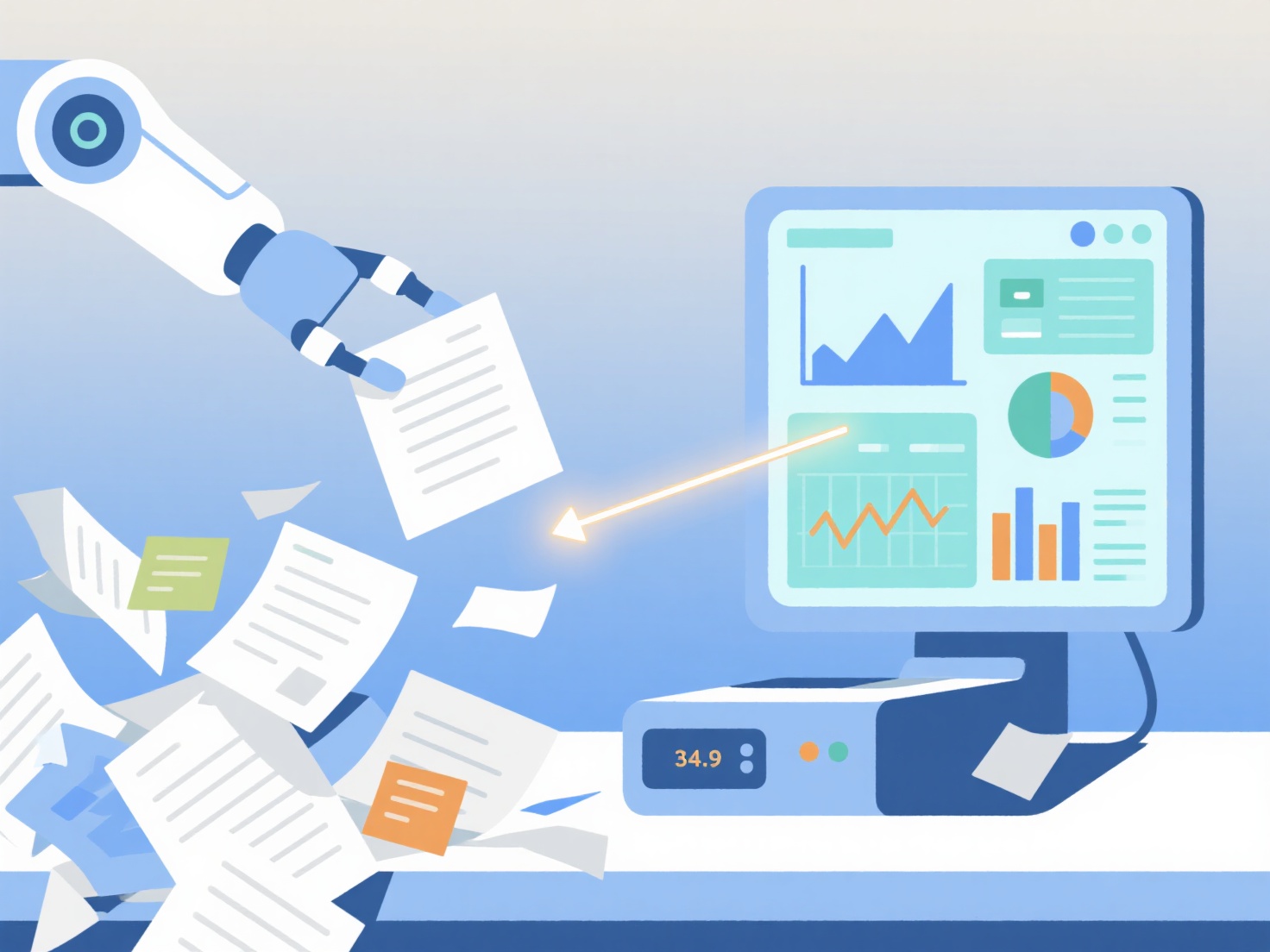
To automate data entry for research, you should implement digital data collection tools, Optical Character Recognition (OCR) software, and AI extraction methods to automatically route information directly into your databases.
Manual data entry is not only time-consuming but also highly susceptible to human error. By automating the collection and extraction process, you can protect the integrity of your dataset while freeing up hours for actual data analysis. Here are the most effective ways to automate data entry based on your research methodology.
Digitize Surveys and Field Data
The easiest way to automate data entry is to stop collecting data manually in the first place. If your research involves human subjects, use digital platforms like Qualtrics, REDCap, or Google Forms. These tools automatically capture participant responses and format them into clean, exportable spreadsheets. You can take this a step further by using automation tools like Zapier to pipe incoming responses directly into your statistical software or secure cloud storage.
Use OCR for Physical Records
If you are working with historical archives, printed medical records, or handwritten lab notebooks, Optical Character Recognition (OCR) is essential. OCR software scans physical documents and converts them into machine-readable text. Tools like Adobe Acrobat, ABBYY FineReader, or even simple mobile scanner apps allow you to digitize text instantly, meaning you can copy and paste tables or paragraphs instead of retyping them.
Automate Qualitative Transcription
For qualitative researchers conducting interviews or focus groups, transcribing audio is a massive data entry bottleneck. Instead of typing out hours of conversation, use AI-powered transcription tools like Whisper, Otter.ai, or NVivo’s transcription services. These tools generate highly accurate text files from your audio, which you can then import directly into your qualitative data analysis software for coding.
Extract Data from Literature
When conducting systematic reviews or meta-analyses, manually copying sample sizes, demographics, or experimental outcomes from PDFs is incredibly tedious. Instead of typing these out, you can use AI to pull this information automatically. For example, if you are extracting specific metrics from your reading list, WisPaper's Scholar QA lets you ask direct questions about the text and instantly extracts the data you need, tracing every answer back to the exact page and paragraph so you can quickly verify the source.
Utilize Web Scraping for Online Data
If your research relies on public datasets, social media posts, or financial records, web scraping can automate the entire extraction process. You can use programming languages like Python (with libraries such as BeautifulSoup or Selenium) to write scripts that automatically pull data from websites into a CSV file. If you do not know how to code, no-code scraping tools like Octoparse or ParseHub offer visual interfaces to help you extract web data automatically.
While automation drastically speeds up your workflow, always remember to perform random spot-checks on your automated data to ensure accuracy and formatting consistency before moving on to your analysis.