
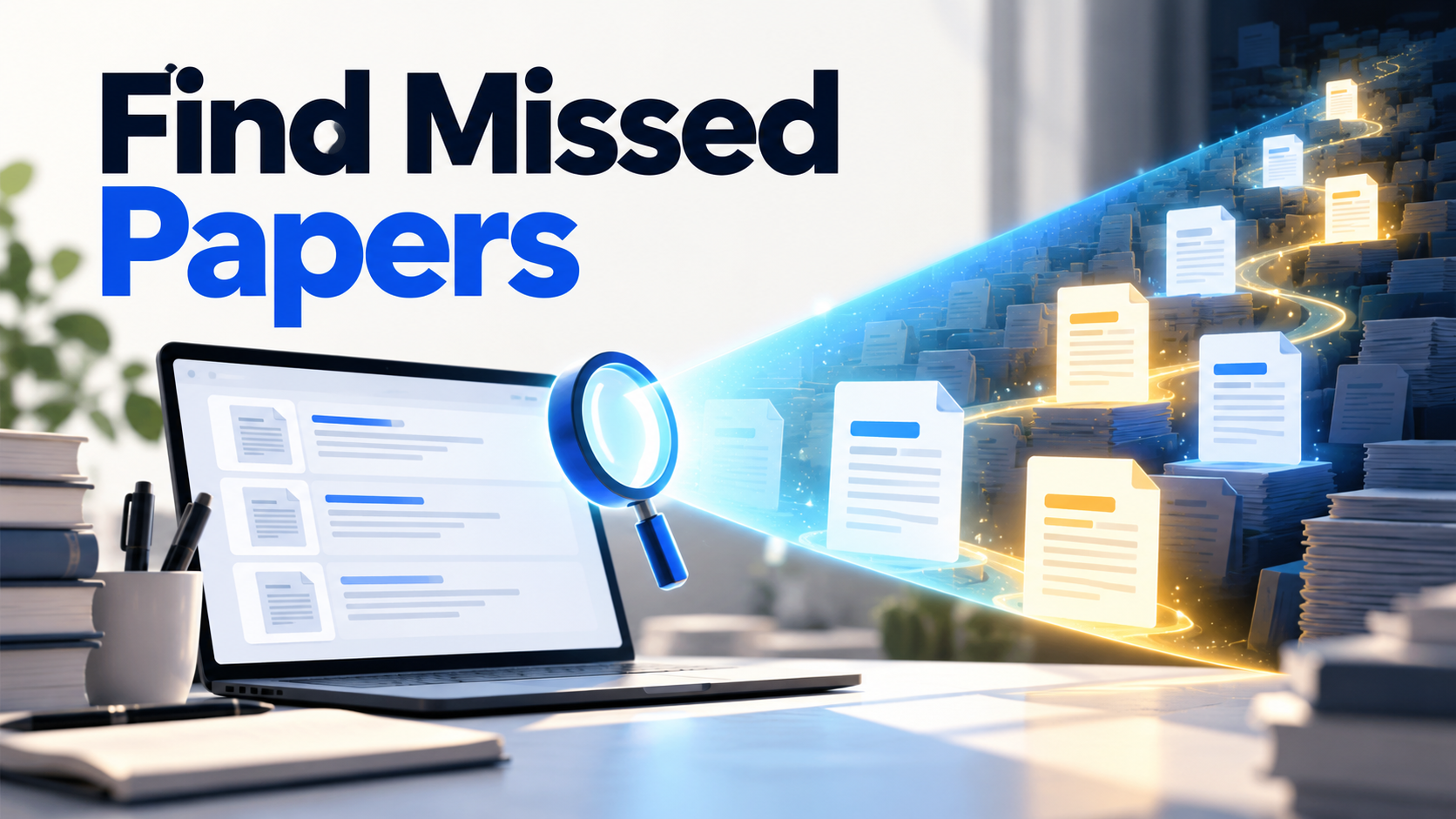
You search Google Scholar three different ways and keep seeing the same familiar papers. Then Perplexity returns a paper you never saw. Did it search a better academic database, or did it simply find a webpage that Scholar ranked lower?
Both can happen. Perplexity and Google Scholar do not build results in the same way, so one may surface an item the other did not show in your first results. That does not make either list complete, and it does not mean every Perplexity source is an academic paper.
Why can the results differ?
Google Scholar is a scholarly search index. Its search help says it includes journal and conference papers, theses, books, preprints, abstracts, and technical reports from publishers, repositories, universities, and other scholarly sites. Results are normally ranked by relevance, with options for dates, cited-by links, related articles, and versions.
Perplexity is an answer engine that searches and synthesizes sources. Its Pro Search documentation says Academic mode can draw from papers and databases, then summarize the material with source links. Depending on the question, it may also find a repository page, lab website, report, or article discussing a paper.
So the difference may come from query interpretation, ranking, available web pages, or the type of source each tool chooses to display. “Scholar did not show it on page one” is different from “Scholar does not index it.”
How do I test whether Perplexity found something genuinely new?
Take the surprising result and search its exact title in Google Scholar. If it appears, Scholar had the record; your earlier query simply did not surface it. Then try the DOI and author name.
If the title is absent, check whether the result is actually:
- a paper, preprint, thesis, or technical report
- a dataset or project page
- a news or blog page about a study
- a paper with a different title or version
- an unverified citation generated in the answer
Open the publisher, repository, or DOI record before adding it to your reading list. A useful new lead and a verified new paper are not the same thing.
What is each tool good at?
Use Google Scholar when you want to inspect a scholarly record, follow Cited by and Related articles, find alternative versions, filter by date, or set an alert. It is especially useful once you know a title, author, or seed paper.
Use Perplexity when your question is still conversational: “Which recent studies challenge the claim that remote work always improves productivity?” Its synthesis can expose terminology, authors, and paper titles you can carry into a more controlled search.
Do not compare the tools by counting only the first ten results. Check relevance, source type, duplicate versions, publication details, and whether each result actually answers the same question.
How should I search when neither list is good enough?
Change the representation of the problem. Extract the population, phenomenon, outcome, method, and synonyms from the few good papers you have. Search those terms in a subject database appropriate to your field. Follow references backward and citations forward.
You can also put the research question into WisPaper Search, which is designed to return academic paper records from a natural-language query. Save plausible papers to My Library, then use Library QA to check whether the selected set actually covers the population, design, and outcome you intended.
The point is not to find one universal winner. A strong search uses one tool to generate better leads and another to verify, expand, or organize them.
A quick comparison you can run in ten minutes
- Write one specific research question.
- Run it in Perplexity Academic and save the first ten scholarly-looking sources.
- Run two or three keyword versions in Google Scholar.
- Search the exact titles of Perplexity-only items in Scholar.
- Label each item: indexed but low-ranked, different version, non-paper source, genuinely absent, or unverifiable.
That final label is more informative than “Tool A found more.” It tells you why the lists differ and which next search will improve your coverage.
FAQs
Keep Reading
How to Catch Up on a Research Topic After Six Months Away
Catch up on a research topic after six months by rerunning saved searches, screening updates, and rebuilding your evidence map.

ChatGPT Found a Paper You Can't Find: What to Check First
ChatGPT gave you a paper that does not appear to exist. Check its DOI, title, authors, alternate versions, and metadata before removing or replacing the citation.
How to Check Whether an AI Citation Actually Supports the Claim
Use a claim-level check to confirm that a real AI citation supports the exact sentence, population, outcome, and strength of evidence.