

Updating a literature search should not mean starting over. If the previous search was documented, you can rerun it from a clear date, add new records, and show exactly what changed.
Recover the previous search record
Find the database or platform, complete query, filters, date searched, and exported records. The date a paper was published is not always the date it entered an index, so use the platform's update options where available and record the new search date.
If the old search was never documented, reconstruct it from notes and saved results. Mark that limitation rather than pretending the update is exact.
Rerun the old strategy before improving it
Run the original query first. This gives you a comparable update set. Then make a second pass with new terminology, authors, or subject headings that appeared since the last search.
Keep the two sets separate in your log: “same strategy, new date” and “strategy improvement.” Otherwise, you cannot tell whether extra papers are new or were previously missed.
Deduplicate against your existing library
Match DOI first, then title, authors, and year. Group preprint and journal versions without assuming they are identical. Record genuinely new studies, updated versions, corrections, and newly indexed older papers separately.
Next, run forward citation searches from the most important existing papers. This catches work that uses different keywords but explicitly builds on your evidence base.
Screen for change, not just relevance
For each new record, ask what it adds: population, method, outcome, finding, or status. Prioritize items capable of changing the review's conclusion or confidence.
Update the synthesis only after you can state which new evidence changed which existing claim.
Manage the update in WisPaper
Keep the previous collection in My Library and add new candidates with a clear tag or folder convention. Use Library QA to compare old and new groups, and WisPaper Search to test newly emerged terms.
Save the new query, date, and decision log outside the narrative article. Future you will need them more than another polished summary.
FAQs
Keep Reading
How to Compare Papers That Use Different Names for the Same Idea
Compare papers that use different names for similar ideas without erasing meaningful differences in definitions and measures.
Does Adding More PDFs Make an AI Research Answer Better?
See when adding more PDFs improves an AI research answer, when it adds noise, and how to organize sources by evidence role.
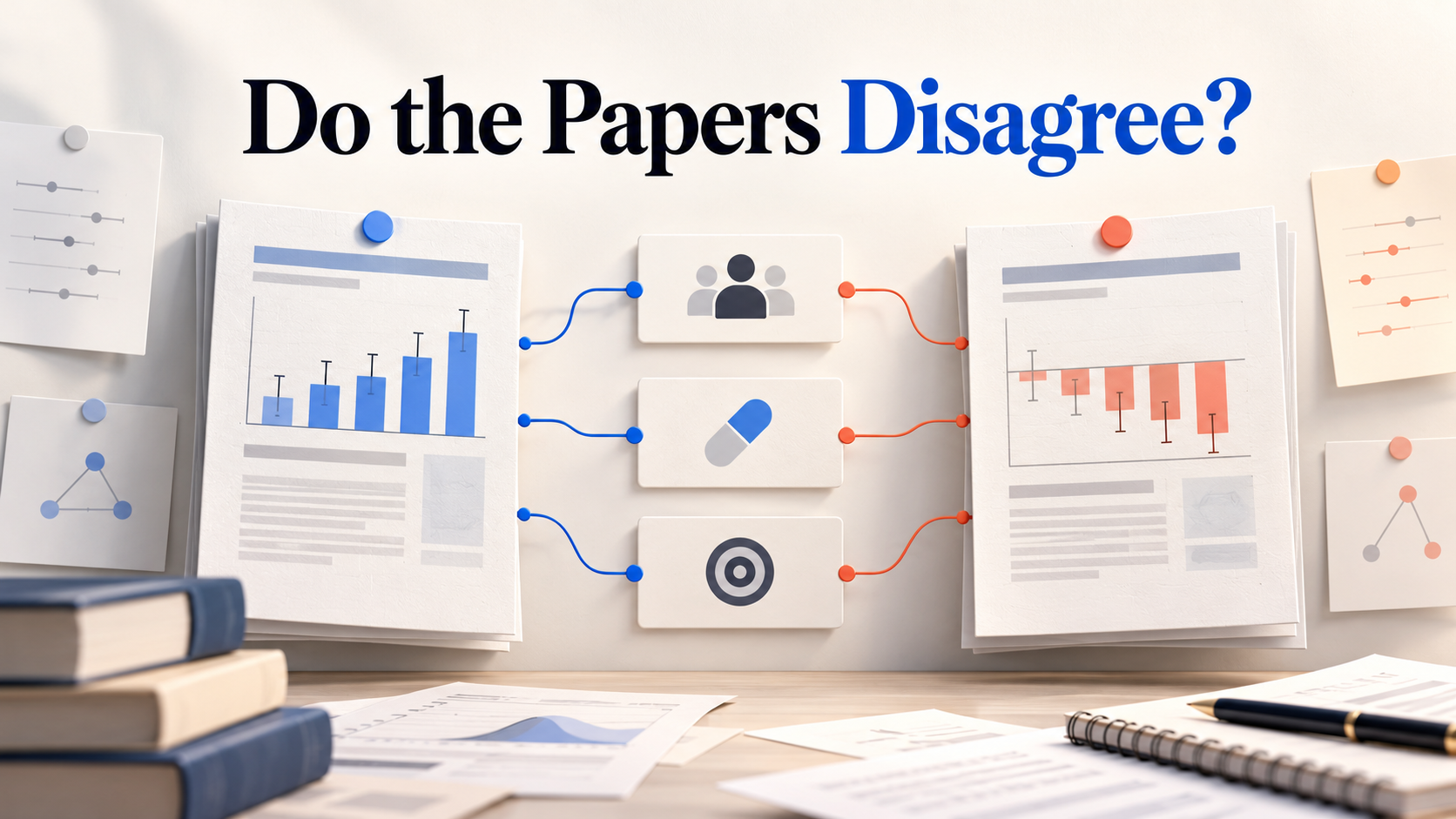
How to Tell Whether Two Papers Actually Disagree
Test whether two papers truly disagree by comparing population, intervention, comparator, outcome, time point, and uncertainty.