
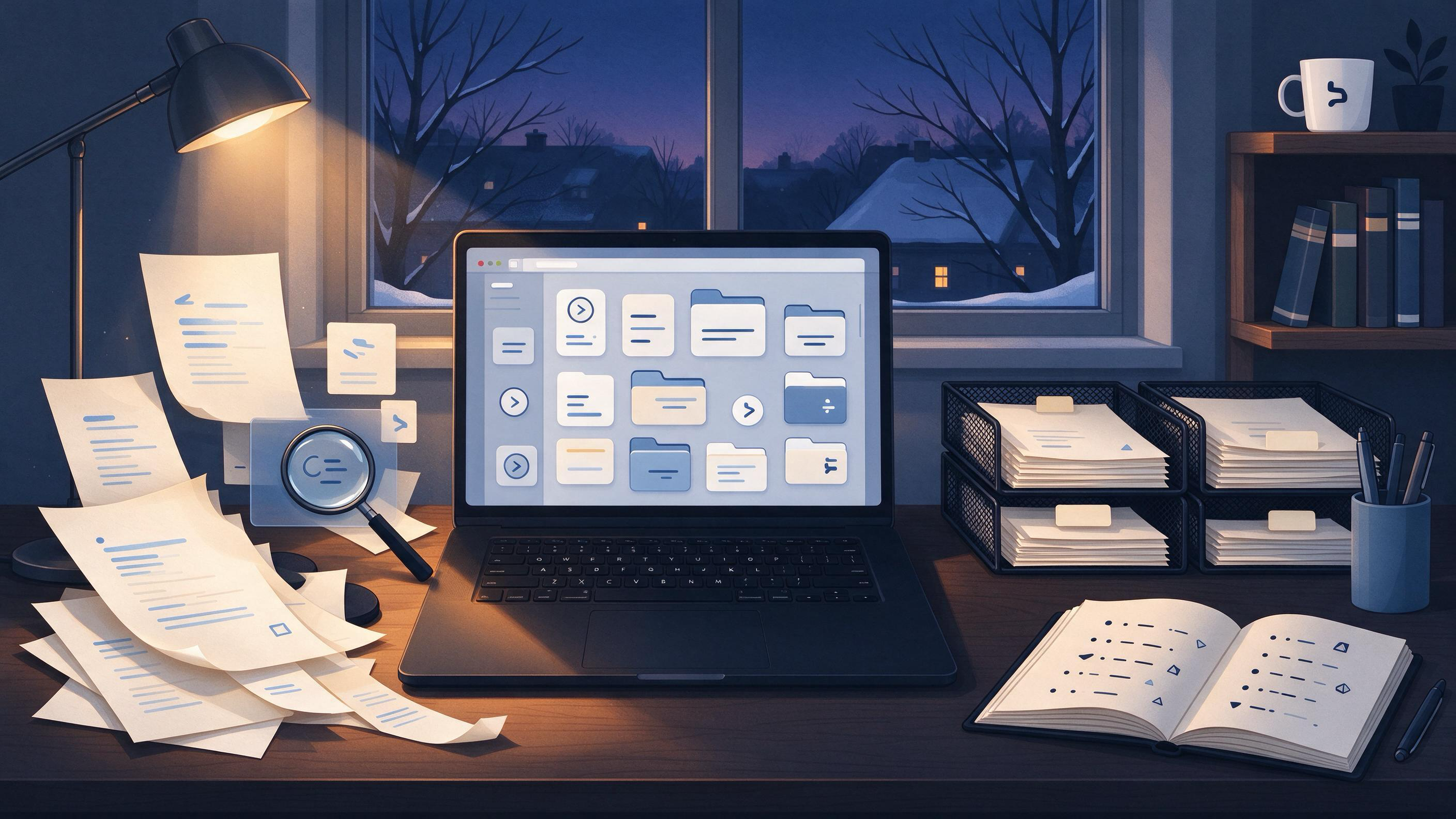
A reference library that has been growing all semester rarely fails quietly. It fails when you need a specific paper for a revision and cannot remember whether you saved the DOI, the preprint, or only a vague note that said "check Lateromorphology 2019." Cleaning before winter break is therefore not an archive chore. It is the last editing pass on the intellectual record of the semester, and it sets the shape of the January project before that project starts.
This guide treats the winter-break cleanup as a review workflow with a definite endpoint: a library where every entry can justify its place, every saved paper resolves to a real scholarly record, and the folders you will open in January contain exactly what your next stage of work needs. The example throughout follows a student who just submitted a thesis chapter, has a folder full of supervisor-marked PDFs and exported citations, and plans to start a related but smaller paper in January.
What Does a Dirty Reference Library Actually Look Like?
Before cleaning, it helps to name the failure states. A reference library is not dirty merely because it has many entries. It is dirty when the entries cannot support the decision you will make next.
Four conditions usually appear together:
- Duplicate records for the same work. You may have the publisher PDF, a preprint, and a manually typed citation for one paper under three different titles. Cochrane guidance for systematic searching describes the same pattern: reports of the same study need to be linked, and records need to be deduplicated before screening. A personal library inherits that problem when you import from multiple sources over many weeks.
- Untraceable shorthand. Entries with only a first author and year, or only a filename like
PDF_(3).pdf, cannot be screened or cited later. - Orphaned references. You take a note from one chapter, export it, and forget which argument it supported. The entry remains in the library but is no longer connected to a question.
- Mixed stages. The library contains background reading, candidate sources, rejected sources, and sources already cited, all in one undifferentiated list. Cochrane's staged screening model—title and abstract first, then full text—separates those stages precisely so each one can be re-examined.
The starting diagnosis for our worked example: a doctoral student saved 187 items during the semester across two tools, a downloads folder, and a reference manager. Of those, 31 are duplicates, 12 have no identifiable source, and 40 were useful in September but no longer relate to the revised argument. The cleanup will reduce, relink, and re-label the library rather than simply delete the largest files.
Which References Still Earn Their Place?
Cleaning begins with a retention decision, not a deletion frenzy. For each item, ask one question: does this support the submitted work, the revision plan, or the January project? If it supports none of the three, it is a candidate for archiving or removal.
A practical triage rule used in our example:
| Decision | Criterion | Action |
|---|---|---|
| Keep | Cited in the submitted chapter or in the supervisor's revision notes | Reconcile metadata, link to its project, mark as cited |
| Keep, separate | Will be needed for the January paper | Move into a new project folder, do not mix with submitted-work sources |
| Archive | Read and useful earlier, but not needed for revision or January | Export to a dated archive folder outside the active library |
| Remove | Duplicate, untraceable, or superseded by a better source | Delete after confirming no unique notes are attached |
This rule turns the library from a pile into layers. The active layer must be small enough that you can see the shape of your argument in it.
For the student, the triage reduces 187 items to 104 active items. The rest go to an archive folder named 2025_fall_archive or are deleted once their notes have been checked. The archive is outside the active library precisely because it should not reappear in searches during January writing.
How Do You Restore Order Without Losing Your Notes?
Deletion is the riskiest part of cleanup because attachments and annotations often live in the library but the reasoning lives in your margins. Separating the two is the core of a safe cleanup.
Work in this sequence:
- Fix identifiers before moving anything. Confirmed duplicates should be merged so that the surviving record keeps the DOI or the most complete metadata. The DOI Foundation describes a DOI as a persistent identifier that resolves through the DOI system and can remain stable when the location or descriptive metadata of an object changes. When two entries resolve to the same DOI, only one survives in the active layer.
- Move notes before deleting. Check each removal candidate for comments, highlights, or project links. Copy any note that still matters into the surviving record or into a project note.
- Relabel files with a stable pattern. Use last name, year, and a short title slug. This matters because a filename that means something in December must still mean something in March.
- Reconnect sources to their claims. A reference is only as useful as the sentence or section it supports. If a source cannot be tied to a claim in the submitted chapter or a planned claim in January, it belongs in the archive.
In WisPaper, saved papers and uploaded PDFs can be organized in My Library, which gives the cleanup a single working surface. When you have finished merging and relabeling, the library should show entries you can explain at a glance rather than files you hope you will recognize later.
Are Your Citations Real Enough to Survive a Winter Reread?
A reference list can look complete and still fail on the first day of revision. The failure is usually a citation that points to nothing: a wrong volume, a hallucinated title, an author list copied from memory, or a BibTeX entry that exports cleanly but does not match any record in a scholarly database.
The cleanup moment is the right time to find these, because you still remember what each source was supposed to support. TrueCite checks BibTeX against real academic databases to flag references that cannot be verified. Run your exported bibliography through it before you archive anything. An entry that fails verification is not automatically worthless—you may simply have copied a preprint DOI or an incomplete conference record—but it needs correction before it can sit in the active layer.
Cochrane's documentation supports the same habit at scale: searches are updated before publication, records are deduplicated, and reports of the same study are linked so the evidence trail remains checkable. A personal library does not need a full Cochrane-grade process, but it benefits from the same principle: verify before you rely.
For our student, TrueCite flags four entries in the exported BibTeX. Two have typo'd DOIs, one resolves to a retracted conference paper, and one does not match any indexed record. The first two are corrected and kept; the conference paper is replaced with the journal version found through a fresh search; the unverifiable entry is archived with a note saying it was used only as a pointer to a method, not as evidence.
Where Does January's Project Actually Start?
The purpose of cleaning before winter break is not a pristine shelf. It is a library that lets the January project begin on the first working day. That means January's project needs its own space now, while the semester's context is still in your head.
Create the January project during cleanup, not in January. Move every reference that exists because of the new question into that project, attach the relevant reading notes, and leave the submitted-work references in their own area. Research Projects gives each question its own boundary, which prevents the most common January failure: opening a library and re-reading everything because the folders no longer distinguish the old argument from the new one.
For our student, the January project is a shorter methods-focused paper derived from the thesis chapter. It will reuse 22 of the 104 active references. Those 22 go into the new project; the other 82 stay with the chapter. When January arrives, the first action is not "find my sources" but "open the project and read the question note."
What Should a Cleaned Library Look Like on the Last Day?
A library is clean enough when it can answer four questions about every active entry:
- What is it? The entry has a complete bibliographic record, ideally with a DOI that resolves.
- Why is it here? The entry connects to a claim, a revision note, or a planned January claim.
- Is it unique? No second entry exists for the same work in the active layer.
- Can it be cited? The metadata has been verified or corrected, and the record matches a real academic source.
If an entry cannot answer all four, it has not been cleaned; it has only been sorted. The difference matters because sorting makes a library look orderly while leaving the underlying failures in place.
A useful last-day check finds every remaining active item and runs a final question pass. When you have papers in your WisPaper library, Library QA allows you to ask questions over uploaded papers, which turns the last pass into a working test rather than a visual skim. Ask questions that your January paper would actually require—"which saved papers discuss sampling strategy?"—and see whether the answers come from records you trust. If a question returns nothing, that is a signal that an important note was archived by mistake.
How Do You Find the One Source the Triage Left Out?
No cleanup is complete without checking for the sources you meant to save but never did. The pattern is familiar: you read a paper in a browser, took notes in a document, and assumed it was in the library. Cleanup exposes the assumption.
The gap check compares three lists: the citations in the submitted chapter, the supervisor's revision notes, and the notes file you kept during the semester. Every source named in those three places must appear in the active library or the archive with an explicit reason for its location. A source that appears only in your memory but not in any list is the highest-priority search.
When a gap appears, start with a scholarly search rather than a general web search. WisPaper search supports the step of finding academic papers through a research interface, and Scholar Search provides a public entry point for the same task. The goal in December is to find the precise record—the DOI, the author list, the venue—not merely a page that discusses the same topic. Crossref's API documentation shows the kind of fields to expect from registered scholarly metadata, including DOI, title, author, publication, funder, license, and relation fields when deposited. A record with those fields is the difference between a verified source and a half-remembered one.
Our student's gap check finds three missing sources. Two are found quickly and added with full metadata. The third was a supervisor's reference to an unpublished working paper; it is added as a note attached to the project, with a January task to request the paper directly rather than a fake citation pretending it is retrievable.
Is There a Faster Path Through the Same Cleanup?
Manual cleanup is reliable but slow, especially for a library that has accumulated across a full semester. The winter-break window is limited, so any step that can be delegated without losing control should be.
For longer tasks that are too large for a single sitting, Scholar Agent provides a space for research tasks that fit literature review and related workflows. In a library cleanup, that might mean asking the agent to compare a bibliography against a question, identify near-duplicates by title and author, or produce a draft grouping of sources by theme before you make the final keep-or-archive decisions. The agent does the first pass over the list; you make the judgment calls.
This division preserves the one thing cleanup cannot automate: your knowledge of which sources mattered and why. The agent can sort, compare, and summarize; it cannot know that a source you never cited changed your framing in week seven. That knowledge stays with you, and it is exactly what makes the final review pass fast rather than exploratory.
What Does the Worked Cleanup Produce by the Last Day?
The completed example ends with five artifacts, each of which has a definite next user:
| Artifact | Content | Where it goes |
|---|---|---|
| Active library | 104 verified, deduplicated entries | My Library, organized into two projects |
| January project | 22 sources plus a question note and reading notes | Research Projects |
| Archive | 73 items no longer active, clearly dated | 2025_fall_archive, outside active search |
| Verified bibliography | BibTeX export, all entries checked | TrueCite check folder, ready for revision |
| Gap list | 3 missing sources, 2 added, 1 task for January | Project note |
The completion criteria for the whole cleanup are explicit: no duplicates in the active layer, every active entry resolvable to a real and correct scholarly record, every January source in the January project, and every cited source in the submitted chapter present in the library with a note linking it to its claim. When those four are true, the cleanup is finished—not almost finished, not good enough for now, but finished in the sense that the library is ready to be reopened without backfilling.
The concrete next action for our student is not "review the cleanup." It is the single task that the gap check exposed: request the unpublished working paper from the supervisor before the university closes, so that the only add-on after New Year is the file itself. Everything else is already in place.
FAQs
Keep Reading
How to Collect Final Approval from Every Coauthor
Final approval from every coauthor is the last gate before submission, and it is usually the step where manuscripts stall. The practical question is not whether coauthors agree in principle. It is whether you can produce
How to Compare Manuscript Versions Without Missing Changes
Before a manuscript is ready to submit, revise, or share with a study team, the practical question is rarely “which file is newest.” The real question is: which changes matter, what evidence supports them, and are any de

How to Conduct a Year-End Research Project Inventory
A year-end research project inventory is a structured review that turns a scattered collection of half-finished analyses, saved PDFs, and conference notes into a clear picture of what is ready to submit, what needs revis