
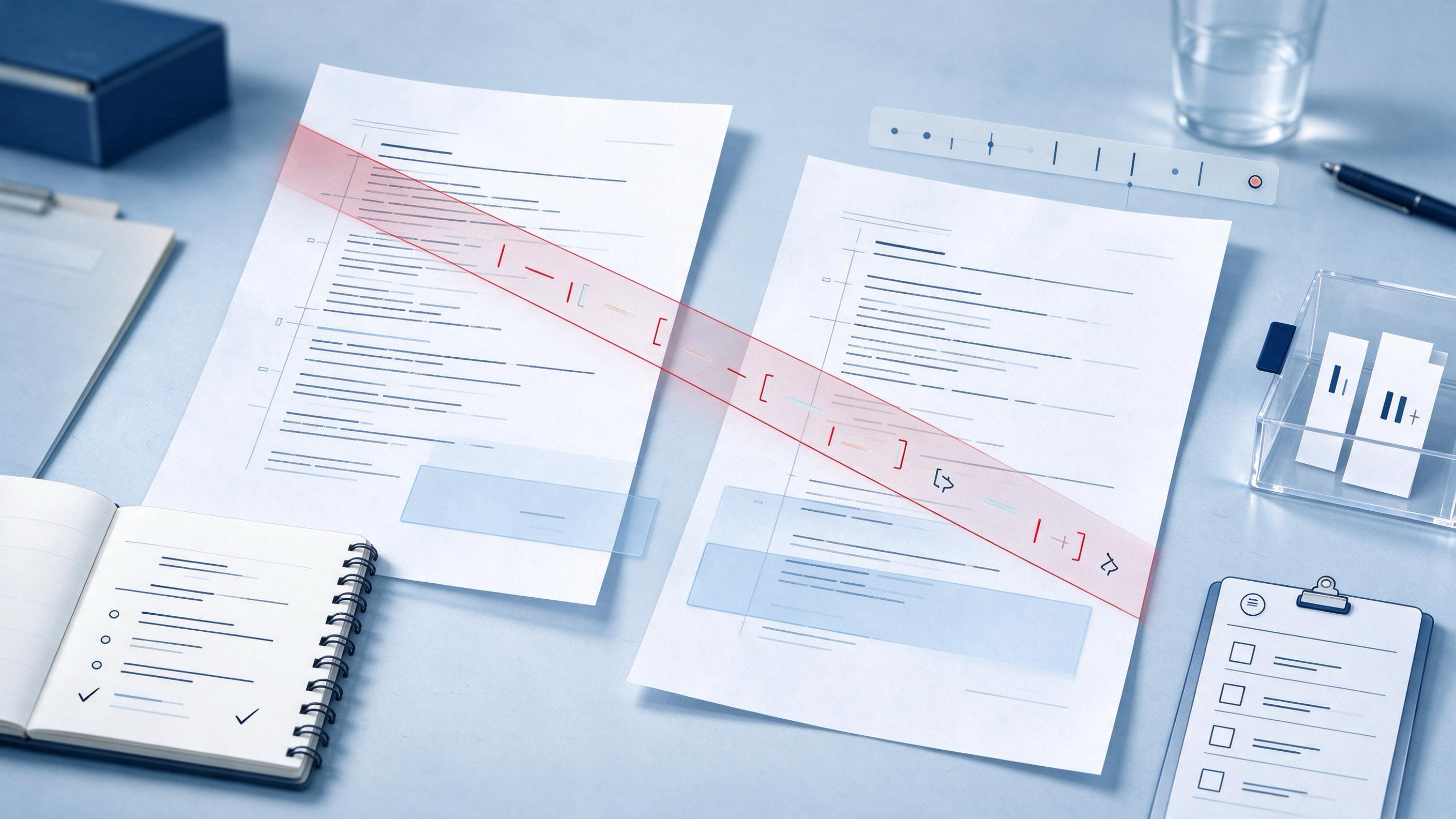
Before a manuscript is ready to submit, revise, or share with a study team, the practical question is rarely “which file is newest.” The real question is: which changes matter, what evidence supports them, and are any decisions buried in the version history where reviewers or co-authors will never see them? This guide gives clinicians and medical researchers a repeatable workflow for comparing manuscript versions while keeping the scientific content—not just the redlines—under control.
Where Are You in the Version Comparison Process?
Start by naming the state of the document. Most comparison problems fall into one of three situations:
- You are preparing a submission package and need to show an editor or statistician exactly what changed since the last submission.
- You are mid-revision with several co-authors, track changes from multiple people, and a growing pile of files named
final_v3_REALLY.docx. - You are consolidating a year of notes—a protocol update, an ethics amendment, or a registry entry—and need one clean, defensible version.
Identify this state before touching a redline. The artifact you produce differs: an editor-facing change summary, an author-facing revision audit, or a locked archive version.
What Does the Evidence Say About Version Discipline?
Three evidence-based principles carry across research data management and apply directly to manuscript versioning.
The UK Data Service recommends organized files, meaningful names, documented versions, and supporting documentation so research objects can be understood and reused. Translated to manuscripts, this means every compared version needs a stable name, a recorded date, and a short note on what changed and why.
The FAIR Principles describe research objects as findable, accessible, interoperable, and reusable, with persistent identifiers, rich metadata, provenance, and clear usage conditions. In manuscript work, the version file is the provenance record. A change tracked only inside a Word file is less reusable than a change recorded in a short log beside the file.
Zotero collections and tags demonstrate a workflow point that also applies to manuscript organization: the same item can sit in multiple project groupings without being duplicated, while tags can record topics, methods, or workflow status. For manuscripts, this suggests a single source file plus project-level tags or labels rather than multiple renamed copies that drift apart.
The strength of this evidence is indirect for manuscripts. These sources address data sharing and reference organization, not clinical writing templates. Apply them as organizing logic, not as a validated manuscript-diff protocol.
Which Version Should Be Your Anchor?
Choose the submitted, accepted, or last locked version as the anchor. Never compare two unlabeled working drafts as if either were authoritative.
For a submission revision, anchor on the version last returned to the journal. For an internal protocol update, anchor on the version the ethics committee last approved. This choice makes every subsequent comparison answer one question: what changed against a version whose status is known?
If your team uses a research project folder, create the anchor there and treat all further versions as derived files. A Research Projects space is useful at this point because it separates the authoritative source from ad hoc working copies.
What Should You Compare Beyond the Text?
A raw redline answers “what changed in words.” A defensible comparison also covers:
- Tables and figures—including captions, number of participants, and unmatched rows.
- References—added, removed, renumbered, or changed.
- Statistical language—confidence intervals, effect sizes, missing-data methods.
- Author and affiliation lines—especially after contributor changes.
- Dates and identifiers—trial registration, ethics numbers, ORCID IDs.
Each category needs its own pass. A wall-to-wall redline hides a changed denominator in an otherwise untouched results table.
How Do You Build the Comparison Log?
Create a simple comparison log beside the redlined file. Columns can be:
| Field | Anchor version | New version | Type of change | Evidence or reason | Status |
|---|---|---|---|---|---|
| Outcome definition | 12-month HbA1c | 12-month HbA1c, fasting | Wording | Protocol amendment v2.1 | Verified |
| Participant total | 412 | 407 | Number | Five withdrew consent pre-analysis | Verified |
| Reference 14 | Smith et al. 2021 | Jones et al. 2023 | Citation | Stronger evidence for comparator | Pending |
| Author order | A, B, C, D | A, C, B, D | Author list | New contribution statement | Pending |
This log is the artifact that lets a co-author, statistician, or journal editor approve the change without opening five files. It turns a file comparison into a decision record.
How Does the Log Interact with Evidence and Citations?
Focused revision often changes references, and a renumbered reference list is a common place for silent errors. When a version comparison shows citation changes, run the new reference list through a verification step before declaring the comparison complete.
TrueCite checks BibTeX against real academic databases to flag hallucinated references. It is appropriate exactly at this checkpoint: after the comparison has identified which references changed, and before the revised manuscript is shared as final.
Do not use citation screening as a replacement for reading the cited studies. The completion criterion is narrower: every new or renumbered entry corresponds to a source that exists and is correctly keyed.
Worked Example: Protocol Amendment for a Diabetes Trial
A cardiology research group is revising a protocol for a 12-month HbA1c trial. The anchor is protocol version 2.0, approved six months earlier. The new draft is version 2.3.
First pass—structure. The team opens the redline and immediately sees a changed outcome window. The anchor said “12-month HbA1c,” and version 2.3 says “12-month HbA1c, fasting.” That is a meaningful endpoint change, not formatting.
Second pass—numbers. The sample-size table changed from 412 to 407. No note explains why.
Third pass—references. Reference 14 changed from a 2021 comparator trial to a 2023 trial, shifting the evidential basis for the non-inferiority margin.
Fourth pass—administrative fields. The trial identifier and ethics number are unchanged, but two author affiliations moved.
At the checkpoint, three items are unresolved: the fasting label, the participant total, and the reference swap. Each is logged with a status of “pending.” The team asks the statistician about the five missing participants and the lead methodologist about the endpoint wording. Only after those are verified does the log move to “complete.”
A comparison process like this also depends on having the core papers for the protocol readily available. If the team has uploaded its key studies to My Library, questions about why Reference 14 changed can be checked against the actual uploaded source without switching tools.
When a version comparison raises broader questions about whether the revised endpoint is supported by new literature, the team can run a focused check through WisPaper search before the submission package is finalized. This step is not part of the diff itself; it closes the loop on changes that involve newly cited evidence.
How Do You Prevent Missed Changes in Long Documents?
Long clinical manuscripts fail in predictable places: repeated strings, similar numbers, and silent renumbering. Use these controls:
- Compare by section, not page by page. Methods and results get separate passes.
- Extract numbers into a table and compare them independently of prose.
- Check cross-references such as “Figure 4” or “see Table 2” after any figure movement.
- Run the comparison twice, once with formatting shown and once with formatting hidden, so a styling-only change does not obscure a text change.
Reusable Checklist Before You Call a Comparison Done
Use this checklist as the final gate:
- Anchor version identified and locked.
- Redline or diff generated for text, tables, figures, and references.
- Comparison log completed for every changed category.
- Numbers extracted and checked independently of prose.
- Cross-references re-verified after figure or table movement.
- New or renumbered references screened against a real database.
- Author, affiliation, identifier, and date fields compared.
- Every log entry has a status: verified, pending, or rejected.
- Unresolved items assigned to a named owner with a deadline.
When every row in the log has a status other than “pending,” the comparison is ready to present. That is the explicit completion criterion. If a row remains pending, the comparison is not complete, no matter how clean the redline looks.
What Makes This Different from General Large-Language-Model Editing?
This workflow is designed to keep version comparison evidence-based rather than summary-based. A language model can produce a plausible change summary, but the comparison log is only reliable when each entry maps to a visible diff on the anchor version. The discipline here is to treat the log as an audit artifact that can be checked row by row.
Nothing in this workflow asserts that any tool guarantees change detection. The workflow itself—anchor, categorized diff, logged entry, resolution—does the detection work.
FAQs
Keep Reading

How to Conduct a Year-End Research Project Inventory
A year-end research project inventory is a structured review that turns a scattered collection of half-finished analyses, saved PDFs, and conference notes into a clear picture of what is ready to submit, what needs revis
How to Consolidate Research Notes at the End of a Project
You have spent months collecting sources, highlighting PDFs, typing marginal comments, and pasting snippets into documents. Now the project is finishing, and the raw material has become its own problem: the same study ap
How to Create a Restart Note That Actually Moves Your January Research Forward
Most restart notes fail before January ends because they list intentions without a handoff. A useful restart note tells your future self what was finished, what is uncertain, where everything lives, and what the first wo