
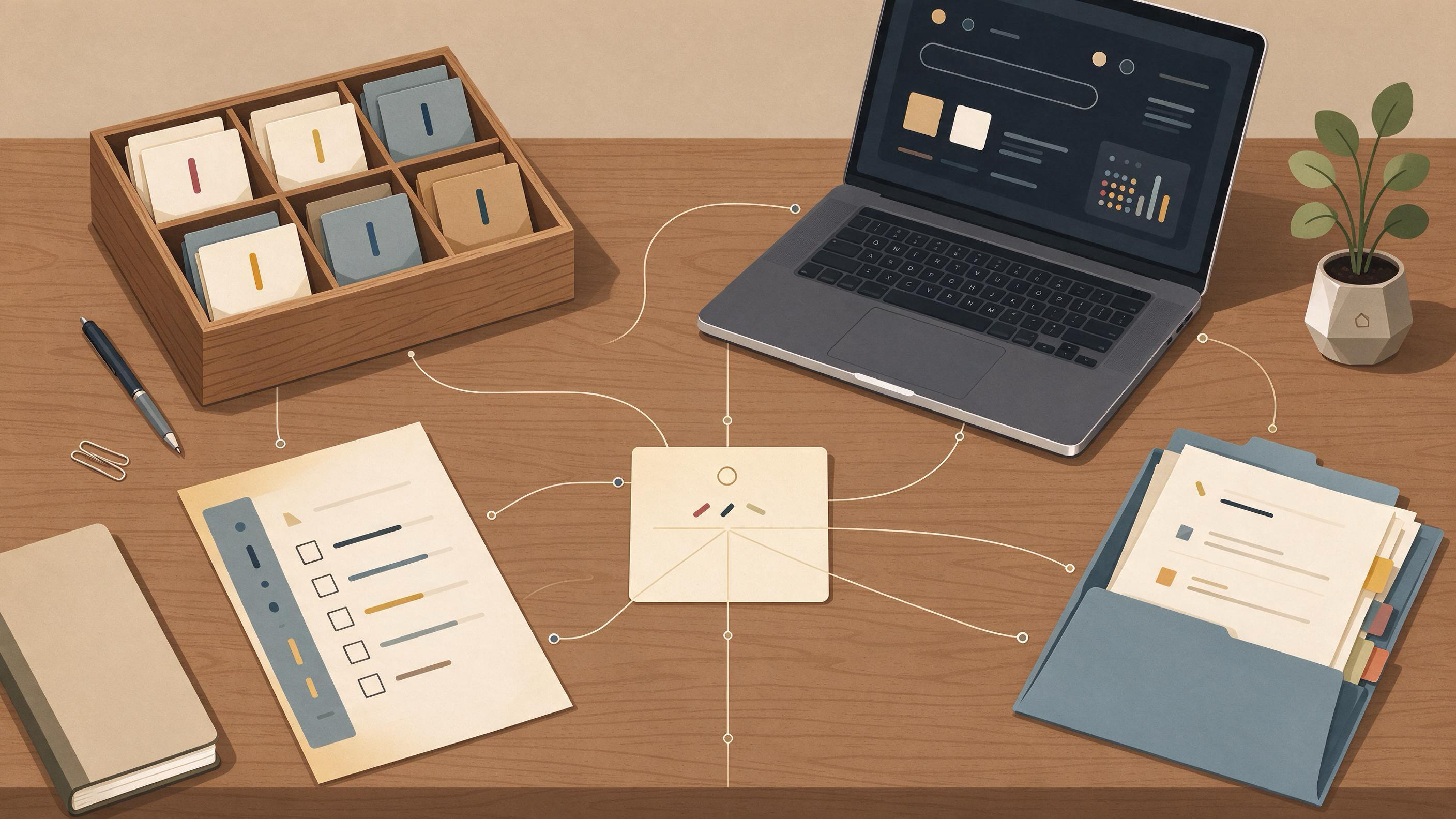
A seed library is the small, deliberate core of sources you assemble when you enter an unfamiliar topic and need to move toward a manuscript, a review, a coauthor handoff, or a reproducible search. It is not a finished bibliography. It is the set of records, search notes, and decisions that lets you and anyone after you retrace how the topic was framed, which studies were eligible, and why the collection looks the way it does.
The practical answer: start from eligibility criteria rather than from a pile of PDFs, build a documented search that combines free-text terms with subject headings across multiple sources, deduplicate and screen in stages, and store the results in a structure that keeps one item in multiple groupings without duplication. Then write down the checkpoints that tell you the seed library is ready to hand off.
This guide gives you that sequence, a worked example, a reusable checklist, and stop rules for when to pause and escalate.
What a seed library is and what it is not
A seed library is a curated starting collection plus its method trail. The collection holds the records you will build on; the trail holds the searches, criteria, and screening decisions that produced them. Cochrane's guidance on searching for and selecting studies frames this as planning searches from eligibility criteria, using multiple sources, combining free-text terms with subject headings, documenting the process, deduplicating records, screening in stages, linking multiple reports of one study, and rerunning searches before publication.
That framing is useful because it separates two things people often blur: the sources and the reasoning. A folder of downloaded papers is not a seed library. A seed library is a folder plus the criteria, the search strings, the deduplication log, and the screening notes that explain it.
It is also not a final review. PRISMA 2020 provides a reporting checklist, expanded explanations, an abstract checklist, and flow-diagram templates for original and updated systematic reviews, including transparent reporting of search, selection, and synthesis methods. A seed library is the substrate those reporting steps will later draw on, not the report itself.
Diagnose your starting state before you collect anything
Before you search, name where you actually are. Most people entering a new topic fall into one of a few states, and each needs a different first move.
- Blank-slate explorer. You have a topic phrase and nothing else. Your first artifact is a draft eligibility statement, not a reading list.
- Inherited-folder inheritor. A colleague handed you a Zotero collection or a shared drive. Your first move is to reconstruct the criteria behind it, because the folder alone does not carry its reasoning.
- Manuscript reviser. You have a draft and reviewers asked for broader coverage. Your first move is to compare the draft's citations against a documented search.
- Review starter. You are beginning a systematic or scoping review. Your first move is to write criteria and a search plan before screening.
Write one sentence describing your state and one sentence describing the artifact you must produce next. That pair becomes the first entry in your method trail.
Step 1: Write eligibility criteria before you search
Cochrane recommends planning searches from eligibility criteria. This is the decision that shapes everything downstream, so make it explicit and dated.
A workable criteria note answers:
- Population or object of study. What must the source be about?
- Study or document types. Which designs or formats count?
- Time and language bounds. What limits are you imposing, and why?
- Exclusions. What looks relevant but is out of scope?
Keep the note short enough to revise. The point is not a perfect protocol; it is a written standard you can screen against and later defend. When criteria change, add a dated revision line rather than overwriting the original.
Checkpoint: You can hand the criteria note to a coauthor and they can predict, roughly, which papers you will keep.
Step 2: Build the search from terms, headings, and multiple sources
Cochrane's guidance is specific: use multiple sources, and combine free-text terms with subject headings. That combination matters because free-text catches new phrasing while subject headings catch indexed vocabulary.
Draft your search in three layers:
- Concept blocks. Break the topic into two or three core concepts.
- Synonyms and variants per block. Include spelling variants and adjacent terms.
- Subject headings per block. Add the controlled vocabulary your sources use.
Then run the search across more than one source and record, for each source, the exact string, the date run, and the interface used. This is where a scholarly search interface helps: use WisPaper search to run and capture your topic searches, and keep the strings in your method trail so the search is reproducible rather than remembered.
If you are new to the topic and need orientation before finalizing strings, the WisPaper Scholar Search entry point explains how to find academic papers and can help you see the vocabulary the field actually uses.
Checkpoint: Every search string is written down with its source and date, and at least two sources have been searched.
Step 3: Deduplicate and screen in stages
Cochrane recommends deduplicating records and screening in stages. Staged screening keeps the workload honest: you apply broad criteria first, then narrower ones.
A practical staging:
- Stage 1 — title and abstract. Apply the criteria note. Record a decision for each record.
- Stage 2 — full text. Confirm eligibility and note the reason for exclusion.
- Stage 3 — link reports. Cochrane also recommends linking multiple reports of one study, so that a single study appearing in several papers is counted once.
Zotero's Duplicate Items collection supports review and merging, which gives you a concrete place to resolve duplicates before screening. Record how many records entered each stage and how many were excluded, because those counts are what a flow diagram will later need.
Checkpoint: Each included record has a screening decision and, if excluded at full text, a recorded reason.
Step 4: Organize so one item lives in many groupings
A seed library for a new topic usually serves several purposes at once: a manuscript, a methods section, a coauthor's questions, and a future review. Zotero collections can organize one item in multiple project groupings without duplicating it, and tags can describe topic, method, status, or workflow. That combination is what keeps a seed library from fragmenting into copies.
A simple tagging scheme that follows that guidance:
- Topic tags for the concept block the source addresses.
- Method tags for design or approach.
- Status tags for screening state (for example, included, excluded, pending).
- Workflow tags for where the source is used (manuscript section, background, methods).
Saved searches update automatically, which means a saved query can act as a living view of your library rather than a snapshot you must rebuild.
If you want a working home for the collection alongside your searches, My Library lets you save or upload papers and organize them. Pair it with a saved-search habit so new records surface without manual re-sorting.
Checkpoint: No item exists in two copies, and every included item carries at least a topic tag and a status tag.
Step 5: Keep the method trail auditable
The method trail is the part most seed libraries lose. Preserve it deliberately:
- The dated criteria note and its revisions.
- Every search string with source and date.
- Deduplication counts.
- Screening decisions with reasons.
- A short log of judgment calls (for example, why an ambiguous paper was included).
This trail is what makes the library reproducible. It is also what a coauthor needs to pick up the work without re-interviewing you. When you need to ask questions grounded in the papers you have already collected, Library QA lets you query papers uploaded to My Library or added from search results, which keeps the answers tied to your own seed set rather than to an untracked search.
Checkpoint: A colleague can read the trail and rerun your searches without asking you a question.
Worked example: a lab handoff for a new topic
Suppose a lab is handing a new topic to an incoming researcher, and the deliverable is a seed library that supports a future manuscript and a reproducible search.
- Starting state. The incoming researcher has a topic phrase and an inherited folder with no notes. State: inherited-folder inheritor.
- Criteria. They write a dated criteria note naming the population, acceptable study types, a time bound, and exclusions.
- Search. They build two concept blocks with synonyms and subject headings, run the strings in two sources, and record each string with its date.
- Deduplicate and screen. They merge duplicates in Zotero's Duplicate Items collection, screen titles and abstracts, then full texts, and link multiple reports of the same study.
- Organize. They tag each included item by topic, method, status, and workflow, and save a search that updates automatically.
- Trail. They write a one-page method note containing the criteria, strings, counts, and judgment calls.
- Handoff. The outgoing researcher reads the note and can rerun the search.
For a longer handoff that spans literature review and reproduction, the Scholar Agent area supports longer research tasks including literature review, inspiration, and reproduction use cases. If the handoff includes reproducing a specific paper's results, PaperClaw supports research-paper reproduction planning from an uploaded PDF and reproduction instructions.
Reusable checklist
| Stage | Artifact | Ready when |
|---|---|---|
| Diagnose | One-sentence state and next artifact | Both sentences are written and dated |
| Criteria | Dated eligibility note | A coauthor can predict inclusions |
| Search | Strings with source and date | At least two sources searched, all strings recorded |
| Deduplicate | Merge log | Duplicates resolved before screening |
| Screen | Decisions with reasons | Every record has a decision; full-text exclusions have reasons |
| Link | Study-to-report map | Multiple reports of one study are linked |
| Organize | Tags and saved search | No duplicate copies; every included item tagged |
| Trail | Method note | A colleague can rerun the search unaided |
Know when the seed library is ready
The library is ready when four conditions hold:
- Criteria are stable enough to screen against. You are no longer rewriting the note between records.
- The search is documented and repeatable. Strings, sources, and dates are recorded.
- Screening is complete for the current scope. Every record has a decision.
- The trail stands alone. Someone else can follow it.
Cochrane also recommends rerunning searches before publication. Treat that as a scheduled checkpoint rather than a final scramble: note the date you will rerun, and record what changed.
Stop and escalation rules
Use these rules to decide when to pause rather than push forward.
- Stop and revise criteria if more than a small share of screened records are ambiguous against your note. The criteria, not the records, need work.
- Stop and add a source if your searches return almost nothing from one concept block. The vocabulary may be wrong.
- Escalate to a coauthor when a judgment call would change the scope of the library, such as adding a study type you had excluded.
- Escalate to a methods reviewer when you are preparing a systematic review and the search or selection steps no longer match what PRISMA 2020 expects you to report.
- Pause before publication to rerun searches, as Cochrane recommends.
Where WisPaper fits in the workflow
WisPaper is an AI research assistant for finding, screening, organizing, and working with academic papers, as described on the WisPaper homepage. In this workflow it appears at specific steps: searching for papers, organizing them in a library, querying the collected set, and supporting longer review or reproduction tasks. The criteria note, the search log, and the screening decisions stay as your own artifacts, and WisPaper supports the searching, organizing, and querying work around them.
If you are starting from a topic and constraints rather than a fixed question, Idea Discovery takes research topics, background, references, and experimental constraints to generate research ideas, which can help you draft the criteria note before searching. When you are ready to hold the work as a project, Research Projects is the area for creating a new project.
FAQs
Keep Reading
How to Find the Core Debate in a New Research Area
Entering an unfamiliar research area feels like walking into a conversation already in progress. The practical goal is not to read everything. It is to identify the central disagreement, understand what kind of evidence
How to Identify the Papers Everyone in a Field Keeps Citing
Every field has a small set of papers that keep surfacing: in introductions, in method sections, in the reference list of the review you were just handed, and in the polite aside from a coauthor who says "you've read the
How to Keep Citations Attached to the Right Claims During Revision
Revision breaks citation-claim links quietly. A sentence gets reworded, a paragraph is reordered, a coauthor merges two claims, and the reference that once supported the point now sits beside a claim it never made. The f