
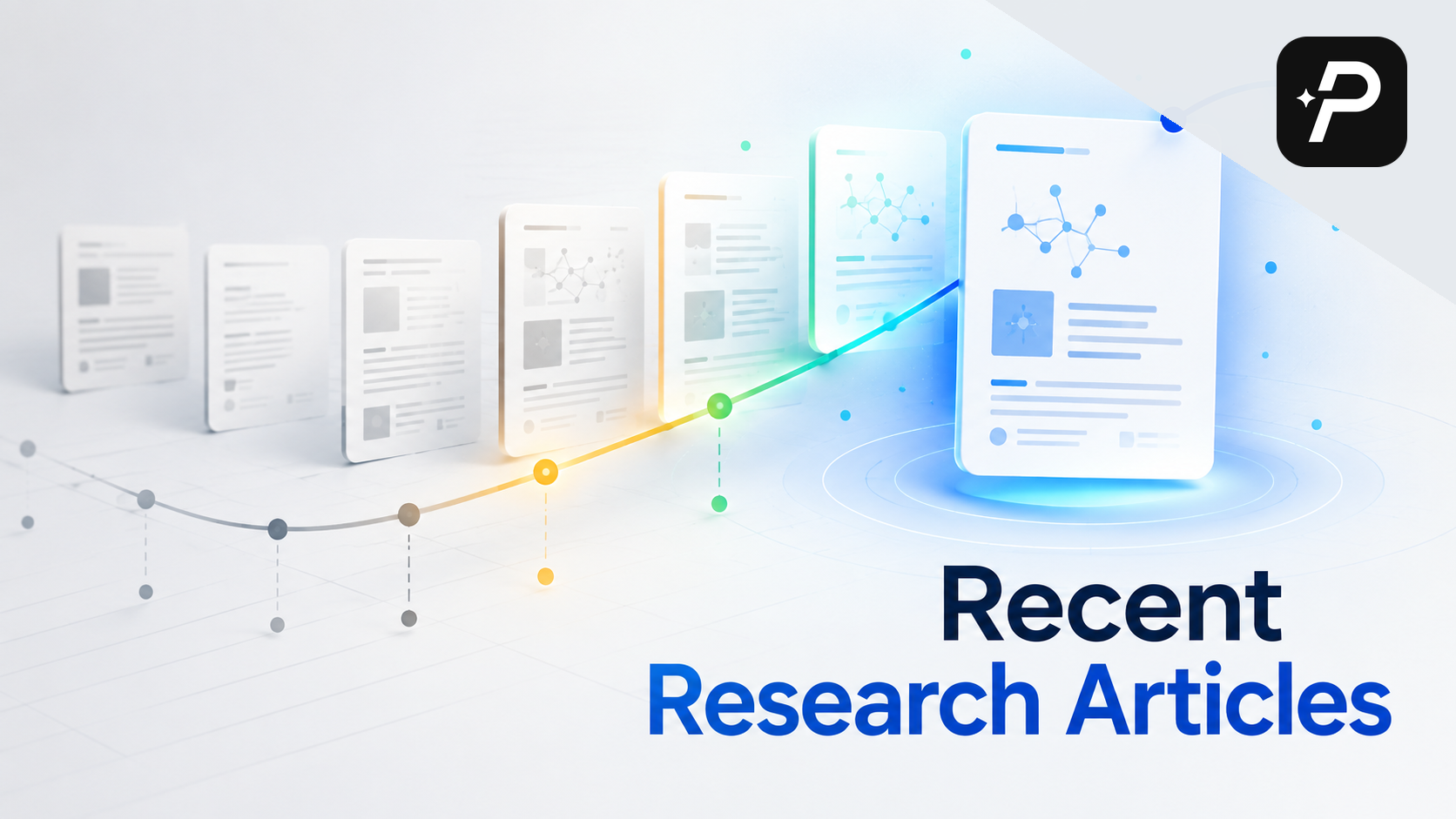
Finding recent research articles on a topic sounds straightforward. You open a database, type a few keywords, and sort by date. But anyone who has tried knows the search results come back noisy, half of them irrelevant, and the few papers that look useful turn out to be behind paywalls or too narrow to help.
The bigger problem is that most guides on this subject drift into advice about choosing a research topic. That is a different task. This guide assumes you already have a topic and need to locate the latest studies on it—for an assignment, a thesis chapter, or a literature review.
Below is a workflow that covers the full process: turning your topic into a searchable question, filtering by date, screening results quickly, tracing how ideas connect, and avoiding the trap of only reading the newest papers.
Why Recency Matters—and Why It Isn't Everything
When an assignment says "use sources from the last five years," recency is a hard requirement. Your supervisor may want to know what has changed since a foundational paper was published. In fast-moving fields like machine learning or biomedicine, a paper from three years ago can already be outdated.
But recency is not relevance. A paper published last month might be tangential to your argument, while a ten-year-old study could be the cornerstone of your field. The goal is not to assemble a collection of only the newest items. It is to understand the timeline of research: what was established, what was challenged, and what remains unresolved. The most recent papers are the latest layer of an ongoing conversation, and you need the earlier layers to make sense of them.
This is why your search strategy matters more than the tool you use. You need a way to filter by date, assess quality quickly, and trace how ideas evolve. The workflow below covers all three.
What Is the Best Way to Search for Recent Papers?
Most people start with a keyword search in Google Scholar or a library database. That works, but it has a limitation: you have to guess which terms authors used. If you search for "climate migration" but the relevant papers use "environmental displacement," you will miss them.
A more reliable starting point is to phrase your interest as a plain question. Instead of typing keywords, ask: "How does climate change affect internal migration patterns in Southeast Asia?"
Modern academic search tools can handle this. WisPaper's Deep Search, for example, accepts a natural-language research question and scans academic literature for papers that match it, ranking results by relevance rather than keyword overlap. This is especially helpful when you are new to a field and do not yet know the precise terminology authors use.
You can still refine your query later, but you begin with a question rather than a syntax puzzle. If your first search returns hundreds of irrelevant results, narrow the question. If it returns almost nothing, broaden it. The question format makes these adjustments easier because you are thinking about what you want to learn, not about which Boolean operators to use.
How Do You Define "Recent" for Your Search?
Once you have a set of relevant results, narrow by publication date. Most databases and search tools let you set a date range, and the right range depends on your purpose:
- For a course assignment: Your instructor may specify a window, often the last 3–5 years.
- For a thesis literature review: You may need a longer window (5–10 years) to show how the field has evolved.
- For a state-of-the-field review: You might focus on the last 1–2 years to capture emerging trends.
A useful habit is to run the same search twice: once with a broad date range to see the full landscape, and once with a narrow range to isolate the most recent work. This gives you context and currency at the same time.
When you scan results, pay attention to the publication year. WisPaper's paper cards display publication details and source labels directly in the search results, so you can see whether a paper falls within your window without opening each record. This saves time when you are working through a long list of results.
How Do You Screen Papers Without Losing an Afternoon?
Screening is where many researchers lose time. You click a promising title, wait for the page to load, read the abstract, and realize the paper is not relevant. Repeat that fifty times and you have lost an afternoon.
The fix is to compress the screening step. When you search with a tool like WisPaper, each result appears as a card that shows the source label, a short summary, publication details, and author information. You can scan these cards rapidly and decide which papers are worth a deeper read.
Look for three signals before opening the full text:
- Does the title match your research question? Titles are often descriptive, so a mismatch here is a quick reject.
- Does the summary mention your key concepts? If the abstract or summary does not address your core terms, move on.
- Is the publication venue credible? Source labels help you see whether the paper is from a peer-reviewed journal, a preprint server, or a conference.
This rapid screening process matters because the volume of new papers is always growing. The faster you can filter, the more time you have for actual reading.
How Do You Find the Papers That Matter Most?
Date filters give you recency, but they do not give you context. To understand why a recent paper matters, you need to see how it connects to earlier work. This is where backward and forward citation chasing comes in.
Backward citation chasing means looking at the reference list of a recent, highly relevant paper. This tells you which foundational studies the authors built upon. If a 2024 paper cites a 2008 study as the origin of a key concept, that 2008 paper is probably worth reading too.
Forward citation chasing means finding papers that have cited a seminal work. If you know a classic paper from 2010, search for newer articles that reference it. Those newer articles are, by definition, recent research on the topic that builds on that foundation.
Most databases offer a "cited by" feature. In WisPaper, the Scholar Agent can help you explore how a paper connects to others in the literature, mapping the conversation around a topic and showing which papers are in dialogue with each other. Citation chasing is especially valuable when you are new to a field because it reveals the intellectual lineage of an idea—something a simple date filter cannot show.
What If Your Topic Is Too Broad or Too Narrow?
Sometimes the problem is not that you cannot find recent papers—it is that your topic itself is underdeveloped. If your search returns hundreds of papers, your topic may be too broad. If it returns only a handful, your topic may be too narrow. And if the results feel disconnected, your topic may lack a clear angle.
WisPaper's Inspiration Discovery feature surfaces related angles and subtopics you may not have considered. For example, if you are researching "social media and mental health," it might suggest related angles like "the role of sleep disruption," "comparisons across age groups," or "the impact of visual versus text-based platforms."
These suggestions help you refine your research question before you commit to a full literature search. They also help you find recent research on a topic you did not know existed. By exploring adjacent angles, you may discover a niche where recent work is thriving—and where your own contribution could fit.
How Do You Keep Track of the Papers You Find?
As you screen and select papers, you need a place to keep them. Relying on browser bookmarks or scattered PDFs is a recipe for losing track of sources.
WisPaper's My Library lets you save papers directly from search results or upload PDFs you already have. This becomes your working collection for the assignment or thesis. You can return to it later, annotate it, and use it as the basis for your writing.
The discipline of saving as you go is important. When you find a relevant paper, save it immediately. Do not tell yourself you will come back later—you will not remember which tab or which search result led you to that paper. A few seconds of saving now saves you from re-searching later.
Once you have built a small library, you may find yourself with questions that span multiple sources. For example: "What methods did these studies use to measure anxiety?" or "Do these papers agree on the direction of the effect?"
Library QA answers questions based on the papers in your own library. Instead of re-reading every PDF to find the answer, you ask a question and the tool synthesizes a response from your saved sources. This is not a substitute for reading—you still need to understand the nuances—but it is a practical way to locate relevant passages and compare findings across papers. This is especially useful when you are writing a literature review and need to group papers by theme or methodology.
Should You Set Up Alerts for Ongoing Discovery?
Finding recent research articles is not a one-time task. If you are writing a thesis or planning a research project, new papers will be published while you work. You need a way to stay current without running the same search every week.
Alerts are the answer. Most databases and search tools allow you to save a search and receive notifications when new results appear. This is different from a one-time search; it is an ongoing workflow. For a fuller setup, use a research alerts workflow so new papers are screened instead of simply collected.
When you set up an alert, use the same natural-language question you used for your initial search. This ensures the alert captures the same relevance signals. Check your alerts weekly or biweekly, and add any new papers to your library. This habit keeps your literature review current until the day you submit.
A word of caution: alerts can generate a lot of noise. If you find yourself overwhelmed, narrow your alert with additional terms or a shorter date window. The goal is to stay informed, not to read every new paper in your field.
How Do You Avoid the Trap of Only Chasing the Newest Papers?
There is a seductive logic to always seeking the newest research. It feels cutting-edge, and it satisfies the requirement for recent sources. But a literature review built entirely on the last two years of publications is often shallow.
Here is why: recent papers assume you know the foundational work. When a 2024 paper says "unlike earlier studies, we find…," you need to know what those earlier studies found. Without that context, you cannot evaluate the strength of the new claim. You also cannot identify what is genuinely novel versus what is an incremental step.
To avoid this trap, balance your search. For every recent paper you include, ask yourself: "What earlier work does this build on?" Then go find that earlier work. Use citation chasing to fill in the gaps. This does not mean you need to read everything since the dawn of your field—but you should read the key milestones.
A good rule of thumb for a thesis literature review is to include a mix: some foundational papers (even if they are older), some recent papers that represent the current state of the field, and some papers in between that show how the conversation evolved. This mix demonstrates that you understand both the history and the present of your topic.
The Last Useful Step
Start with a clear research question, use date filters to define "recent," screen efficiently with paper cards, and build context through citation chasing. Save your selected papers to a library, use alerts to stay current, and always balance the newest work with foundational studies.
The process is not about finding the single most recent paper. It is about understanding where the conversation stands today—and where it might go next. With the right workflow, you can do that quickly and confidently, leaving you more time for the actual work of reading, thinking, and writing.
FAQs
Keep Reading
How to Research a College Paper Fast Without Using Bad Sources
The deadline is close. You have a blank document open, a growing sense of panic, and a research paper that needs to be written. When you are researching a research paper short on time, the instinct is often to grab the f
When Google Scholar Isn't Finding Sources: What to Try Next
You have a research question, a deadline, and a search box that keeps returning nothing useful. You've tried different wordings. You've scrolled through pages of results. Either the papers don't exist, or they're hidden
Starting Thesis Research When You Don't Know Where to Begin
You have a thesis requirement, a deadline that feels distant enough to ignore, and no clear first move. Maybe you have a broad interest like "social media and mental health" or "renewable energy policy," but every search