
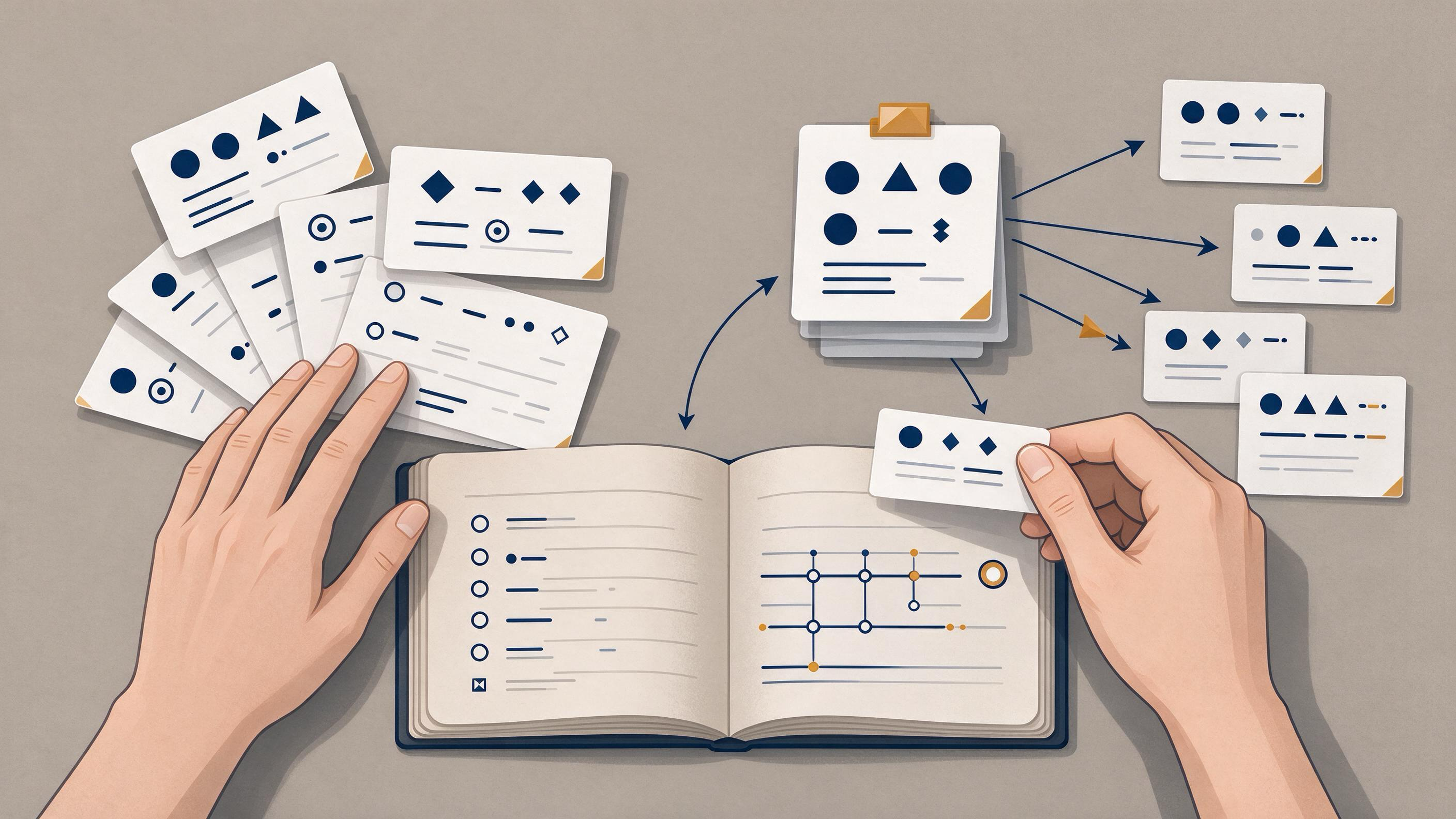
If you are deciding between keyword alerts and citation alerts, the short answer is that they answer different questions. A keyword alert asks, "What new work mentions my topic?" A citation alert asks, "What new work cites this specific paper?" For most manuscript revisions, coauthor handoffs, and reproducible reviews, you need both — but they should be configured and recorded differently so the resulting evidence trail stays auditable.
This guide compares the two alert types on the same task, shows where each one fails, and gives you a decision table plus a combined workflow you can document.
Start by naming the tracking task
Before choosing an alert type, write down what you are actually tracking. The right choice depends on whether your task is topic discovery, citation monitoring, or both.
- Topic discovery: you want to know when new publications appear in an area, even if they do not cite any paper you already hold.
- Citation monitoring: you want to know when a specific paper is cited, so you can follow how a claim, method, or dataset is being used.
- Revision support: you are revising a manuscript and need to confirm that your framing still reflects current work.
- Handoff and reproducibility: a coauthor or successor needs to reconstruct how you found and screened the literature.
Naming the task first prevents the common mistake of setting up a keyword alert and assuming it covers citation tracking, or vice versa.
What each alert type actually does
Keyword alerts
A keyword alert watches for new items matching your search terms. Google Scholar documents email alerts as part of its search features, alongside searching by author and title, date sorting and date limits, and Cited by and Related articles. That means a keyword alert is best understood as a standing search: it surfaces new matches for terms you define.
The quality of a keyword alert depends heavily on how you write the query. Broad terms produce noisy results; narrow terms can miss relevant work that uses different vocabulary. Google Scholar also documents ways to locate alternative versions of a work, which matters when a keyword match appears in a preprint or repository copy rather than the version of record.
Citation alerts
A citation alert watches a specific work and reports new items that cite it. Google Scholar's Cited by feature is the underlying mechanism most researchers use for this. Citation alerts are precise in one sense — every result is connected to a known paper — but they inherit the coverage of whatever index provides the citation data.
Citation metadata itself is not uniform. Crossref exposes publisher-deposited scholarly metadata through its REST API, including titles, authors, venues, dates, identifiers, licenses, funding, ORCID and ROR identifiers, abstracts when deposited, and post-publication updates from trusted sources. That richness helps you verify what a citation record actually refers to, but it also means citation counts and links depend on what publishers have deposited.
Where keyword alerts fail
Keyword alerts are strong for breadth and weak for precision. Common failure modes:
- Vocabulary drift. New work may describe the same concept with different terms, so a fixed keyword set misses it.
- Noise. Generic terms pull in unrelated fields, and you spend screening time discarding matches.
- Version ambiguity. A match may be a preprint, a conference abstract, or a duplicate, and you still need to confirm which version you are looking at.
- No citation context. A keyword match tells you a paper exists, not how it relates to a claim you are making.
Keyword alerts are still the right tool when your goal is to notice emerging work in an area you have not yet pinned to a specific paper.
Where citation alerts fail
Citation alerts are strong for precision and weak for discovery. Common failure modes:
- They only see forward. A citation alert on a paper cannot surface relevant work that predates it or that does not cite it.
- They depend on deposited metadata. If a citing work's record is incomplete or not deposited, the alert may not reflect it.
- They conflate citation with support. A citation tells you a work references a paper, not that it agrees with or validates the claim.
- They multiply. If you monitor several papers, you get overlapping citation streams that need deduplication.
A citation alert is the right tool when you need to follow the reception of a specific method, dataset, or finding.
Compare both on the same task
Suppose you are revising a manuscript and want to confirm that your literature framing is current. Run both alert types against the same criteria:
| Criterion | Keyword alert | Citation alert |
|---|---|---|
| Question answered | What new work mentions my topic? | What new work cites this paper? |
| Breadth | High — can surface unfamiliar work | Low — bounded by one paper's citation graph |
| Precision | Depends on query wording | High — every result links to a known work |
| Vocabulary sensitivity | High — misses rephrased concepts | Low — citation link is explicit |
| Version handling | You must check which version matched | You must check which version is cited |
| Best for | Topic discovery and revision sweeps | Monitoring reception of a specific claim or method |
| Main risk | Noise and missed synonyms | Blind spots and citation-as-endorsement confusion |
Neither column wins outright. The comparison shows that the two alerts cover different parts of the same tracking task.
A decision table for choosing your setup
Use this table to pick your starting configuration. You can add the other alert type later.
| Your situation | Start with | Add later |
|---|---|---|
| New to a topic, no anchor papers yet | Keyword alerts on core terms | Citation alerts once you identify key papers |
| Revising a manuscript with an established citation base | Citation alerts on your key references | Keyword alerts for adjacent vocabulary |
| Handing a project to a coauthor | Both, with a written query and paper list | — |
| Reproducible review | Both, with dates and query strings recorded | — |
| Monitoring a single method or dataset | Citation alerts on the originating paper | Keyword alerts on the method name |
Build an auditable method trail
Alerts are only useful if you can reconstruct what they returned and why you kept or discarded each item. Build a trail as you go:
- Record the query or paper identifier. For keyword alerts, save the exact terms and any date limits. For citation alerts, save the DOI or title of the monitored paper.
- Record the date you set the alert. This anchors what "new" means in later reviews.
- Log each result with a decision. Note whether you kept, deferred, or discarded it, and why.
- Verify identity before citing. A DOI can be resolved through doi.org to the current destination registered for that identifier; resolution helps locate a work, while bibliographic fields and the source text still need to be checked for identity and claim support.
- Store the artifacts together. Keep the query log, the screened list, and the retained papers in one place so a coauthor can follow the same path.
This trail is what turns a pile of alerts into evidence you can defend during revision or peer review.
Run a combined workflow
A practical combined workflow moves from discovery to verification to handoff.
Step 1: Discover with keyword alerts
Set keyword alerts on your core terms and on likely synonyms. Use date limits to focus on recent work. When a match looks relevant, note it in your log rather than acting on it immediately.
Step 2: Anchor with citation alerts
Identify the papers your manuscript relies on most, and set citation alerts on them. This catches work that engages directly with your claims, even when it uses different vocabulary.
Step 3: Screen and verify
For each alert result, confirm the bibliographic details and check whether the source text supports the claim you would attach to it. Use the DOI resolution step above when identity is unclear.
Step 4: Organize and hand off
Save retained papers and your query log together. If you are working with a team, this is the point where a shared library and a written method note make the handoff reproducible.
Where WisPaper fits into the workflow
WisPaper is an AI research assistant for finding, screening, organizing, and working with academic papers, so it fits naturally at the screening and organization stages rather than replacing your alert setup.
- When a keyword alert surfaces an unfamiliar area, use WisPaper search to find academic papers through the scholarly search interface and check whether the topic is broader than your query captured.
- When you need a public entry point for finding papers, the WisPaper Scholar Search page explains and opens that search flow.
- As retained papers accumulate, save or upload them and organize them in My Library so your screened set stays in one place.
- When you want to ask questions based on the papers you have uploaded or added from search results, use Library QA to work against that collected set.
- Before submitting a revised manuscript, run your BibTeX through TrueCite, which checks BibTeX against real academic databases to flag hallucinated references.
- For a longer literature review or reproduction task tied to the same topic, the Scholar Agent area supports literature review, inspiration, and reproduction use cases.
Each of these steps follows a specific alert-driven decision: search when discovery is incomplete, organize when screening produces a retained set, and verify citations before submission.
Know when the result is ready
Your tracking setup is ready when you can answer these questions from your own records:
- Can you state, for each alert, the exact query or paper identifier and the date it was set?
- Can a coauthor reproduce your search and arrive at the same retained set?
- Have you checked the identity and claim support for every paper you plan to cite?
- Have you run both alert types, or documented why one was sufficient for your task?
- Is your retained set organized in one place with a decision log?
If any answer is no, the trail has a gap that will surface during revision or peer review.
FAQs
Keep Reading
Landmark Papers vs. Recent Papers: Which Should You Read First?
Read the landmark paper first when you need the field's founding question, its core method, or the vocabulary that later work assumes. Read recent papers first when you need the current state of a fast-moving subfield, t
Literature Map vs. Traditional Outline: Which Should You Build First?
Build the literature map first when your problem is coverage and relationships: you need to know which studies exist, how reports connect to the same study, and where the evidence is thin. Build the traditional outline f

Literature Review Table vs. Narrative Research Memo: Choosing the Right Artifact for Your Next Project
You have a folder of PDFs, a stack of notes, and a deadline. The question is not whether to read the literature — you have already started — but how to turn what you have read into something you can actually use. Two art