
A literature review PDF library is more than a folder of downloaded papers. It is the working source set behind your search, reading, screening, extraction, and writing decisions.
When the library is messy, papers get lost, duplicates multiply, notes separate from sources, and citation decisions become harder to verify. A clean PDF library makes the literature review easier to trust.
This guide explains how to manage a PDF library for literature reviews.
What is a PDF library for a literature review?
A PDF library is a collection of papers and related documents organized for a research project. It may live in a reference manager, AI research workspace, cloud folder, or local folder.
A useful library helps you:
- Store papers.
- Search titles, authors, and years.
- Track reading status.
- Keep notes near sources.
- Mark screening decisions.
- Find full texts quickly.
- Prepare citations.
- Support source verification.
The library should reflect the review workflow, not just file storage.
Why do PDF libraries become messy?
PDF libraries become messy because papers enter from many routes: database search, AI search, citation chasing, supervisor recommendations, alerts, and manual browsing.
Common problems include:
- Duplicate PDFs.
- File names with no title.
- Missing metadata.
- Notes stored separately.
- Unclear reading status.
- Preprints mixed with published versions.
- Excluded papers mixed with included papers.
- PDFs without citation records.
These problems seem small until writing begins.
What should you decide before organizing PDFs?
Decide what the library needs to support. A library for a thesis reading queue may look different from a systematic review library.
Define:
- Review question.
- Source types.
- Included and excluded categories.
- Reading status labels.
- Citation manager workflow.
- File naming rules.
- Note location.
- Backup process.
- Version handling.
The library structure should make decisions visible.
For source-set planning, see how to build a reading queue for a new research topic.
How should PDF files be named?
PDF names should be readable and consistent. The exact format matters less than whether you can find the file later.
Useful formats include:
- AuthorYear_ShortTitle.pdf
- Year_Author_ShortTitle.pdf
- CitationKey_ShortTitle.pdf
Good file names help when files leave the reference manager or need to be shared. Avoid names like "download.pdf" or long publisher filenames that hide the paper identity.
If the reference manager handles file naming automatically, check that the output is still understandable.
How should you handle duplicate papers?
Duplicates should be removed or merged early. Duplicates can distort screening counts and create confusion during citation.
Check duplicates by:
- Title.
- DOI.
- Authors.
- Year.
- Journal or conference.
- Preprint and published-version relationship.
- Similar file names.
Keep the best record and preserve useful notes if duplicates already have annotations. If a preprint later becomes a published paper, decide which version the review will use.
For review reporting, see PRISMA flow diagram with AI-assisted screening.
How should you track reading status?
Reading status should tell you what has happened to a paper and what should happen next.
Useful labels:
- Candidate.
- Abstract screened.
- Full text needed.
- Full text screened.
- Must read.
- Read.
- Extracted.
- Included.
- Excluded.
- Cited.
The labels should match your workflow. Too many labels can be confusing, but too few labels leave decisions unclear.
How should notes connect to PDFs?
Notes should stay connected to the source they describe. If notes are separated from the PDF, source checking becomes harder.
Each note should include:
- Paper title or ID.
- Key claim.
- Source location.
- Method note.
- Limitation.
- Relevance to review.
- Citation status.
- Follow-up action.
This helps prevent a common problem: finding a good note but not knowing which paper supports it.
For note-to-outline work, see how to turn paper notes into an argument outline.
How should you organize included, excluded, and hold papers?
Separate included, excluded, and hold papers clearly. Do not keep every source in one undifferentiated pile.
Use categories like:
- Included for extraction.
- Excluded after title and abstract.
- Excluded after full text.
- Hold for background.
- Method reference.
- Awaiting full text.
- Duplicate.
Excluded papers may still need to remain in the record, especially for formal reviews. The key is to label them.
For exclusion decisions, see full-text screening checklist for literature reviews.
How do you prepare a PDF library for writing?
Before writing, the library should make it easy to find evidence. This means papers should be searchable, notes should be usable, and citation details should be checked.
Prepare by checking:
- Included papers are labeled.
- Key papers have notes.
- Evidence locations are recorded.
- Duplicate records are removed.
- Citation metadata is correct.
- Corrections or retractions have been checked where relevant.
- Papers are grouped by section or claim.
Writing becomes much easier when the library already reflects the argument.
How do you turn how to manage a PDF library for literature reviews into a repeatable workflow?
Turn the advice into a repeatable workflow by defining the decision you need to make, the evidence required for that decision, and the record that will prove how the decision was made. In reading and library management, the problem is rarely one missing tool. The problem is usually that search, reading, checking, and writing happen in separate places without a shared rule.
Use a short operating routine:
- Name the review question or subquestion.
- Define the source set you are working from.
- Decide what counts as enough evidence for the next step.
- Apply the same criteria to every paper in that step.
- Mark uncertain cases instead of forcing a clean answer.
- Keep source locations for claims that may enter the final review.
- Review the workflow after each major search, screening, or writing session.
This routine keeps the work moving without making the review careless. It also gives supervisors, collaborators, and future you a way to understand why the source set changed.
What should you record while using this workflow?
Record the pieces that would be hard to reconstruct later. You do not need a diary of every click, but you do need enough detail to explain the path from question to source to claim.
For this topic, the most useful record usually includes paper status, source roles, notes, summaries, and verification status. Add the date, tool or source used, reviewer status, and next action. If AI assisted the step, write down what it helped with and what a human checked.
The record should distinguish discovery from evidence. A tool may help find a paper, but the paper itself must support the claim. A summary may help triage a source, but the original source should support any statement that appears in the literature review.
What should you check before writing from this work?
Before writing, check whether the workflow has produced usable evidence or only useful notes. Notes help you think. Evidence supports a sentence.
Ask:
- Which claim will this source support?
- Is the claim narrower than the evidence?
- Have methods, sample, outcome, or concept details been checked?
- Are limitations visible?
- Are conflicting papers handled rather than ignored?
- Is the citation real, current, and relevant?
- Can another reader understand how this source entered the review?
If the answer is unclear, keep the point in notes rather than moving it into the draft. This is the small pause that prevents AI-assisted research from becoming polished but weak writing.
How can WisPaper help manage a literature review library?
WisPaper includes My Library for saved or uploaded papers, giving researchers a place to keep a working paper set after discovery. The library can be searched by fields such as title, creator, and year, and the library table includes paper details such as title, authors, and status.
WisPaper's search workspace supports Deep Search, Scholar Agent, and Inspiration Discovery. Paper cards show source labels, summaries, authors, publication details, and preview images, helping researchers decide which papers should enter the library.
Library QA can answer questions based on the user's own library. That makes WisPaper useful when researchers need to inspect saved papers, compare source roles, and prepare for extraction or writing.
FAQs
Keep Reading

Scholarly Sources for Assignments: Where to Find Them and How to Use Them
You have an assignment due, and the instructions say "use scholarly sources." That usually means peer-reviewed journal articles, academic books, or conference papers. But if you have ever typed your research question int
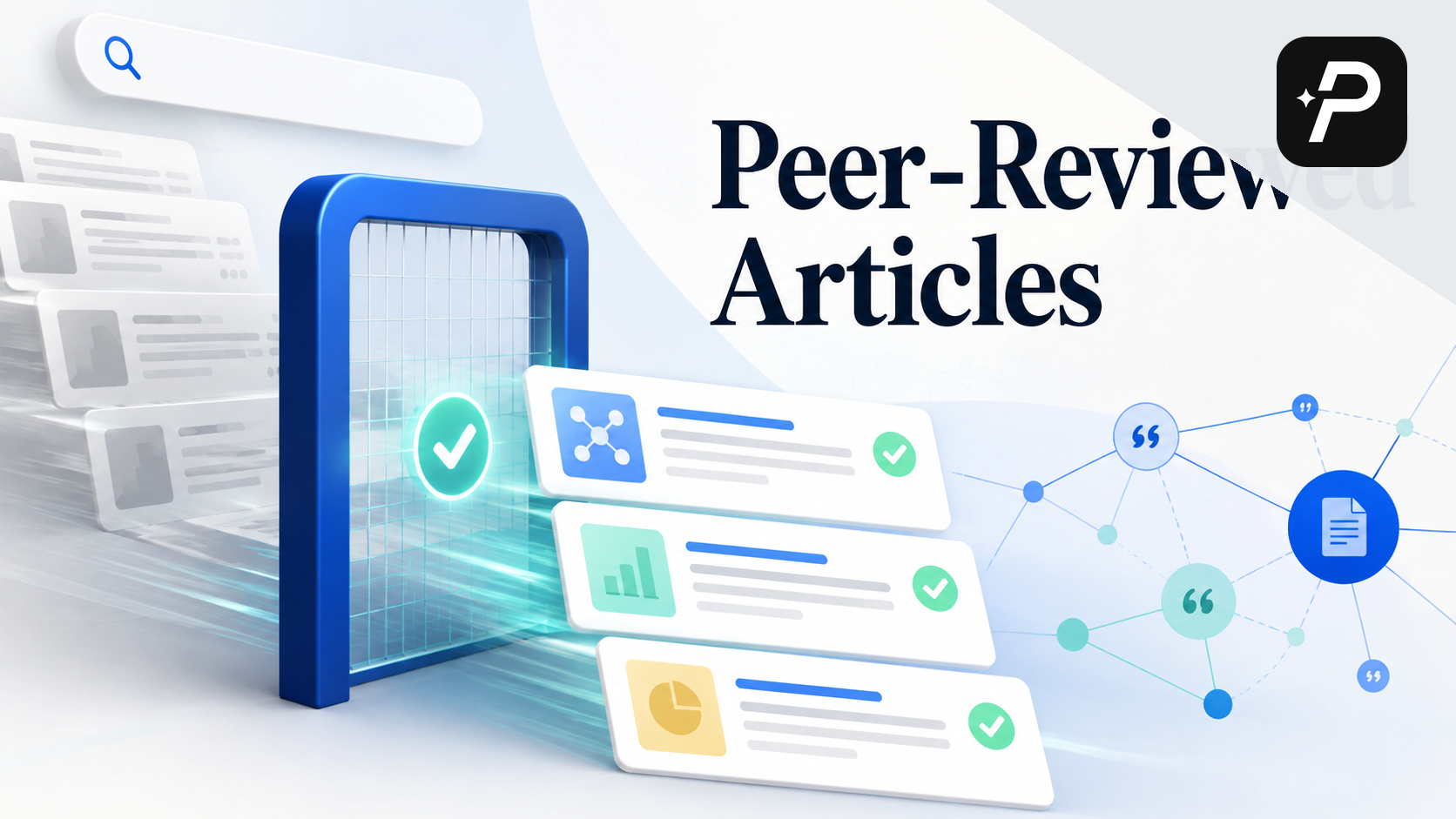
How to Find Peer-Reviewed Articles for a Research Paper
Your instructor wrote "peer-reviewed sources only" in the rubric. You need to find them, but you are not entirely sure what counts as peer reviewed or where to look. A quick Google Scholar search returns a mix of PDFs, p
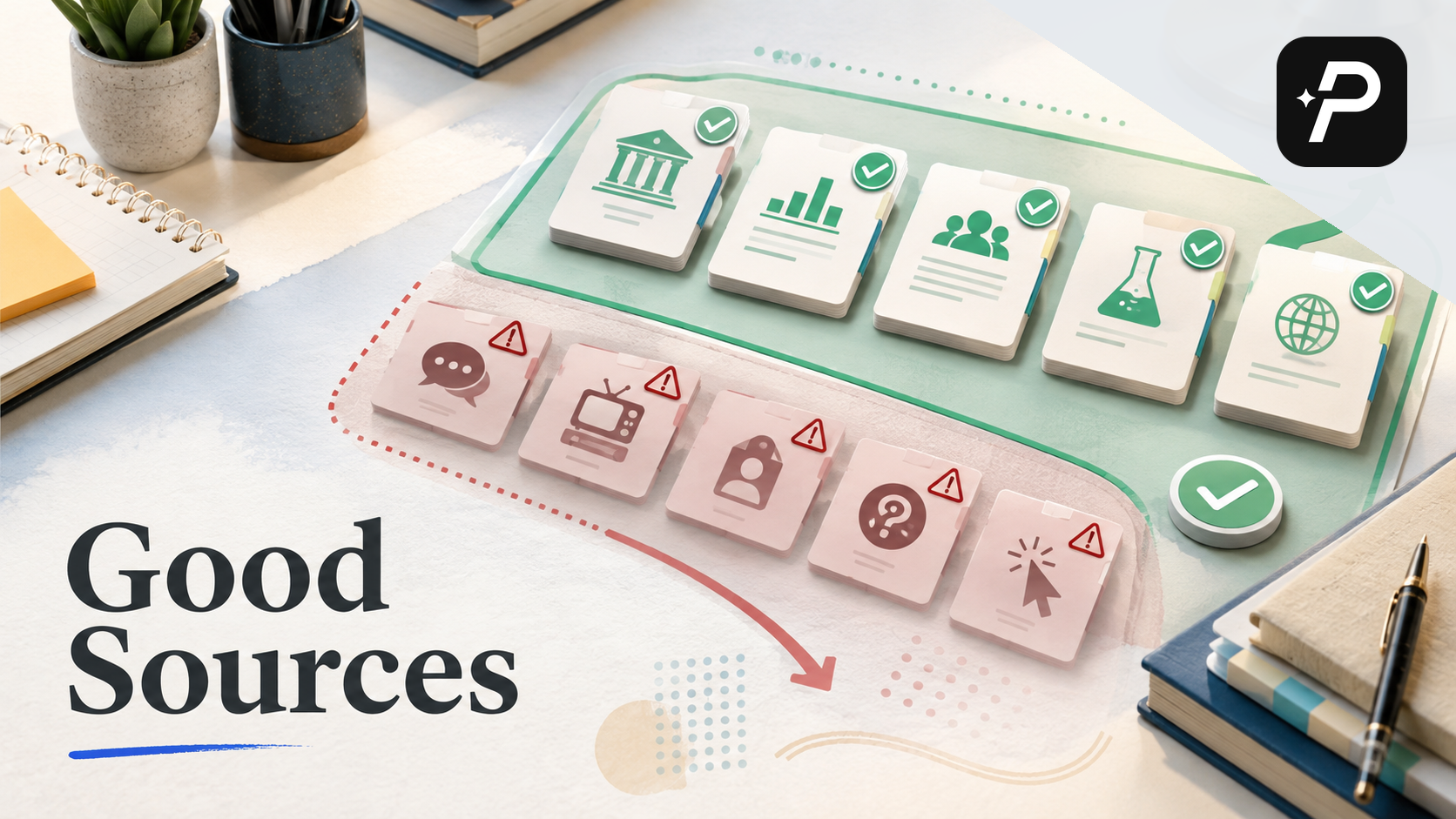
Good Sources for a College Research Paper: What Counts and What Does Not
You have a thesis, a deadline, and a blank page. The next step is finding sources, but the search results are overwhelming, and it is hard to tell what your professor will actually accept. A "good" source has to be accur