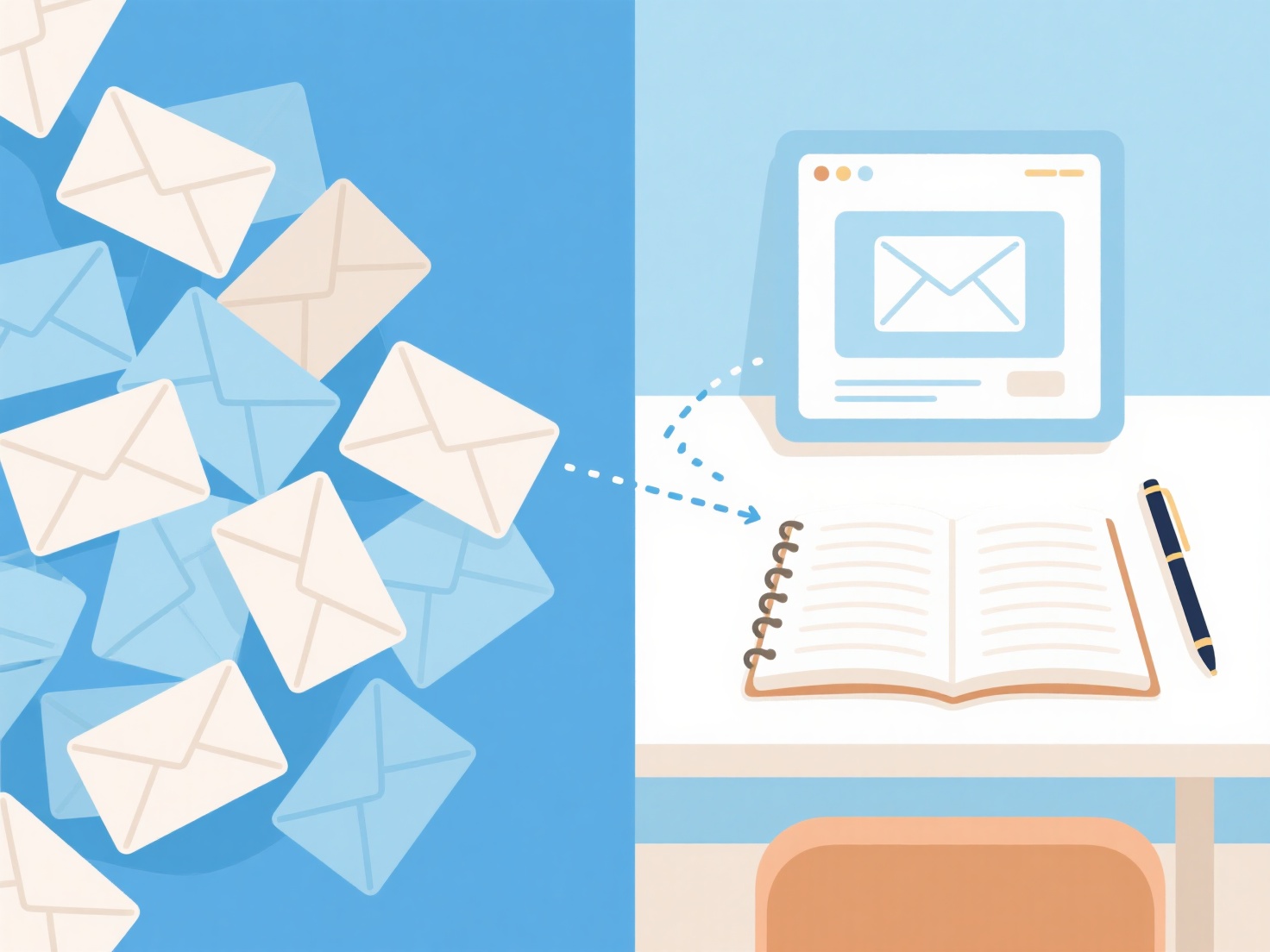
To avoid email management and simplify your research workflow, replace scattered journal alerts and newsletters with centralized, automated feeds that aggregate updates in one dedicated workspace.
As a graduate student or early-career researcher, your inbox can quickly become overwhelmed with Google Scholar alerts, publisher notifications, and calls for papers. Constantly sorting through these messages causes context switching and drains time that should be spent reading or writing. By moving research-related notifications out of your inbox, you can drastically reduce information overload.
Here are practical steps to streamline your process and keep your inbox clean:
1. Centralize Your Literature Discovery
The biggest source of academic inbox clutter is usually automated literature alerts. Instead of receiving dozens of separate emails from different journals every week, shift this process to a dedicated platform. For example, rather than relying on scattered email notifications, you can use WisPaper's AI Feeds to receive a daily, curated push of new papers matching your specific research interests right in your reading workspace. This keeps your literature search completely separate from your daily correspondence.
2. Move Collaborations to Project Management Tools
If you are working on a paper with multiple co-authors or managing a lab, email threads quickly become messy and hard to track. Move these conversations to specialized communication tools like Slack, Microsoft Teams, or Discord. For tracking manuscript revisions, data collection, and peer feedback, use centralized project boards like Trello, Asana, or Notion instead of long email chains.
3. Ruthlessly Audit and Unsubscribe
Take 15 minutes to unsubscribe from academic social network digests, irrelevant calls for papers (CFPs), and promotional publisher emails. Many researchers get trapped on mailing lists for conferences they attended years ago. If you find yourself deleting an email without opening it more than three times, it is time to hit the unsubscribe button.
4. Implement Inbox Time-Blocking
For the emails you simply cannot avoid—like messages from your advisor, students, or department—stop leaving your email client open in the background. Schedule two specific blocks of time during the day (such as 9:00 AM and 4:00 PM) to process your inbox. This prevents incoming messages from dictating your daily research schedule and helps you maintain deep focus during your deep reading and writing sessions.