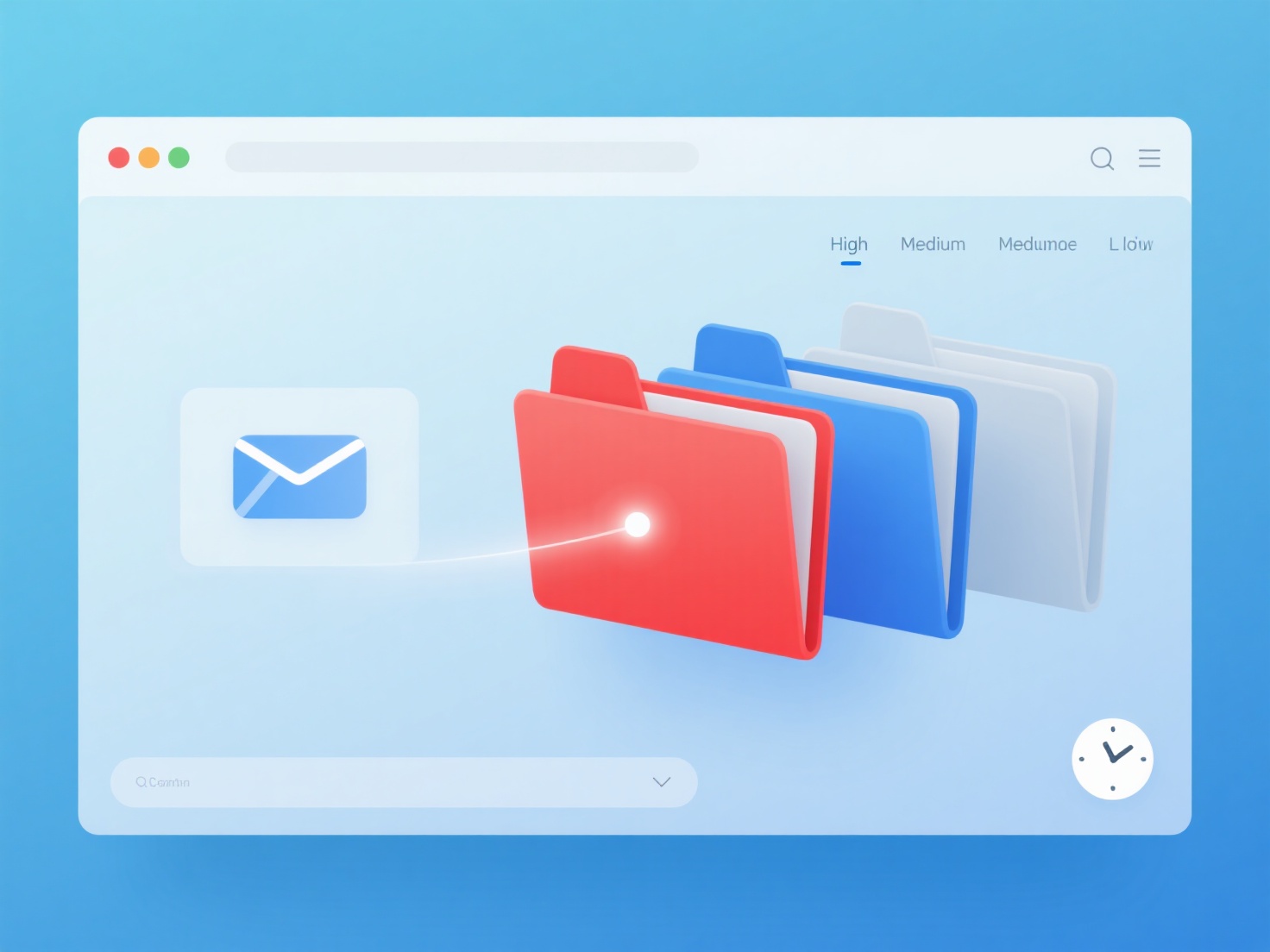
To prioritize email management and finish your inbox on time, you should batch your email processing into dedicated time blocks, apply the "touch it once" rule to immediately categorize messages, and aggressively reduce automated academic alerts.
For graduate students and early-career researchers, a cluttered inbox is a major source of distraction. Between student questions, co-author revisions, and endless journal notifications, it is easy to lose hours of deep work to email productivity drains. By building a systematic approach, you can process your messages efficiently and get back to your research.
1. Batch Your Email Processing
Instead of keeping your inbox open all day, practice time blocking. Schedule two or three specific windows—such as 30 minutes in the morning, 15 minutes after lunch, and 30 minutes before logging off—to check your messages. Turn off desktop and phone notifications outside of these blocks to protect your focus and avoid the mental cost of context switching.
2. Follow the "Touch It Once" Rule
When you open an email, decide its fate immediately using the "Four Ds" method to keep your inbox moving:
- Delete (or Archive): If it requires no action, remove it from your primary view immediately.
- Do: If you can reply or resolve the issue in under two minutes, handle it right away.
- Delegate: If the task belongs to a teaching assistant or administrative staff, forward it and get it off your plate.
- Defer: If it requires a longer response or deep thought (like reviewing a manuscript draft), move it to a dedicated "Action Required" folder or add it to your daily task manager to tackle during your heavy-lifting hours.
3. Consolidate Your Research Alerts
A massive portion of an academic inbox consists of automated table of contents alerts, preprint notifications, and keyword trackers. You can drastically reduce this information overload by shifting these updates out of your email entirely; for instance, using WisPaper's AI Feeds provides a daily push of new papers matching your exact research interests across 32 fields, keeping you updated without clogging your inbox. Unsubscribe from redundant journal mailing lists and let dedicated tools handle your literature tracking.
4. Create Templates for Repetitive Replies
If you find yourself typing the same responses to undergraduate students regarding syllabus questions, or sending standard replies for declining peer-review invitations, create canned responses. Most email clients allow you to save email templates or signatures. Using these pre-written snippets saves mental energy and helps you achieve inbox zero much faster.