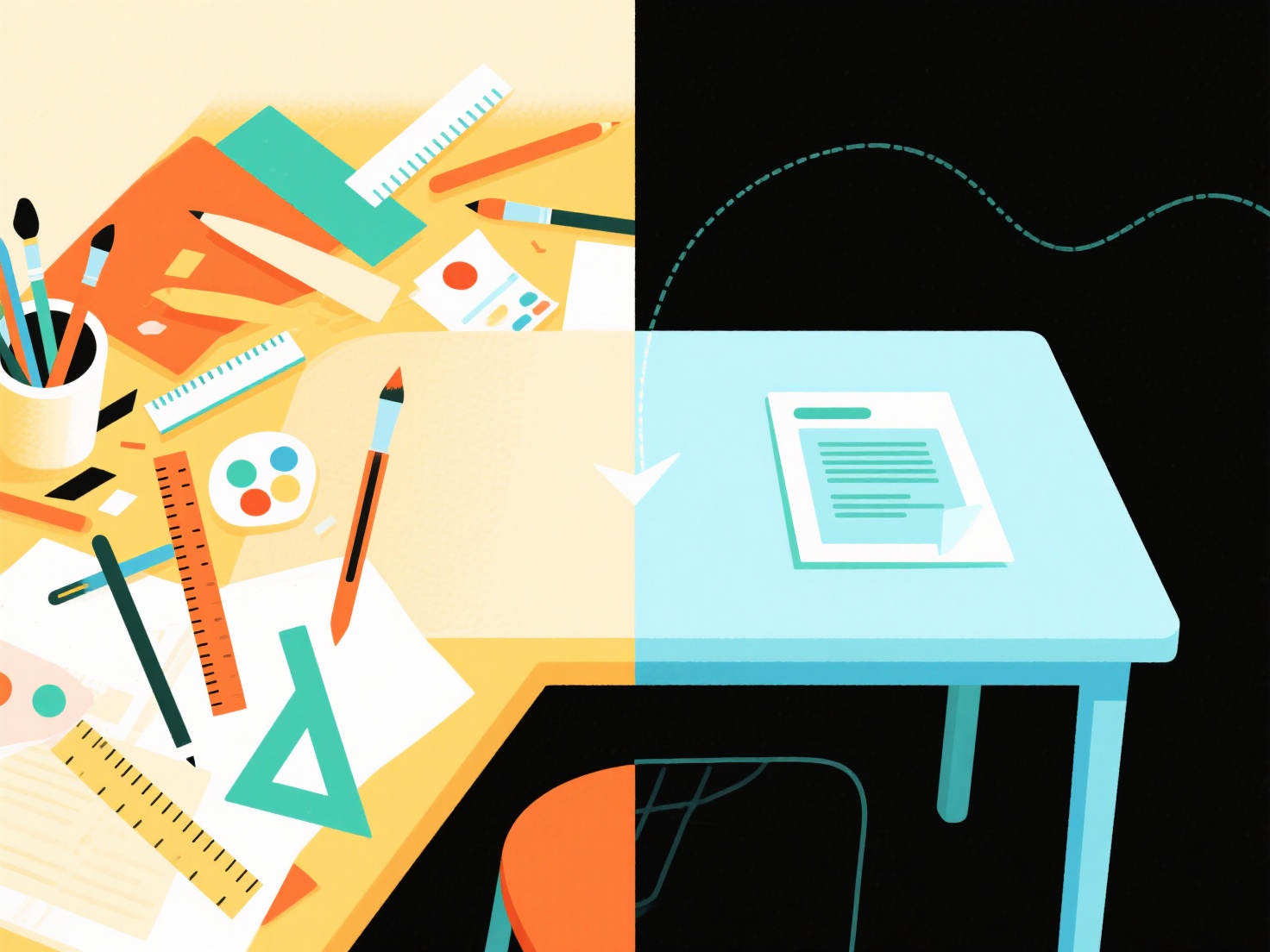
To speed up your academic writing workflow, completely separate the drafting phase from the formatting phase by writing in plain text and automating your citations.
When writing a research paper, constantly pausing to adjust margins, fix heading sizes, or format a bibliography is a massive drain on your productivity. This context switching pulls your brain out of deep focus and slows down manuscript generation. By adopting a few strategic habits, you can stop formatting prematurely and finish your drafts much faster.
1. Adopt a "Write First, Format Later" Mindset
The golden rule of an efficient academic writing workflow is to ban yourself from using the formatting toolbar during your first draft. Focus entirely on getting your arguments, literature review, and methodology onto the page. Let your document look messy. You can easily fix spacing and fonts during the editing phase, but you cannot edit a blank page.
2. Draft in Plain Text or Markdown
Word processors practically invite you to fiddle with layouts. To remove this temptation, try writing your initial drafts in a plain text editor or using Markdown. Markdown allows you to indicate headings, bold text, and bullet points using simple keyboard symbols without ever touching a mouse. Once the text is complete, you can export it to a standard word processor for final polishing.
3. Automate Your Citations and References
Manually typing out in-text citations and building a bibliography is one of the biggest formatting bottlenecks in academic writing. Instead of breaking your flow to look up APA or MLA rules, use automated tools to handle the heavy lifting. For example, WisPaper’s TrueCite automatically finds and verifies your citations as you work, ensuring your references are accurate without requiring you to manually format them mid-sentence.
4. Use Placeholders for Complex Data
Do not stop writing to format a complex data table or build a perfect graph. Instead, insert a quick placeholder like "[INSERT TABLE 1 HERE: Summary of participant demographics]" and keep typing. Leave the visual formatting of charts, figures, and tables for the very end of your project.
5. Apply Journal Templates at the End
Every academic journal has its own strict formatting guidelines. Never try to match these guidelines while you are still drafting. Wait until your manuscript is completely written and edited. Only then should you download the specific journal’s Word or LaTeX template and paste your unformatted text into their pre-set styles.
By batching all your formatting tasks at the end of the writing process, you will maintain your momentum, reduce cognitive fatigue, and finalize your research papers in record time.