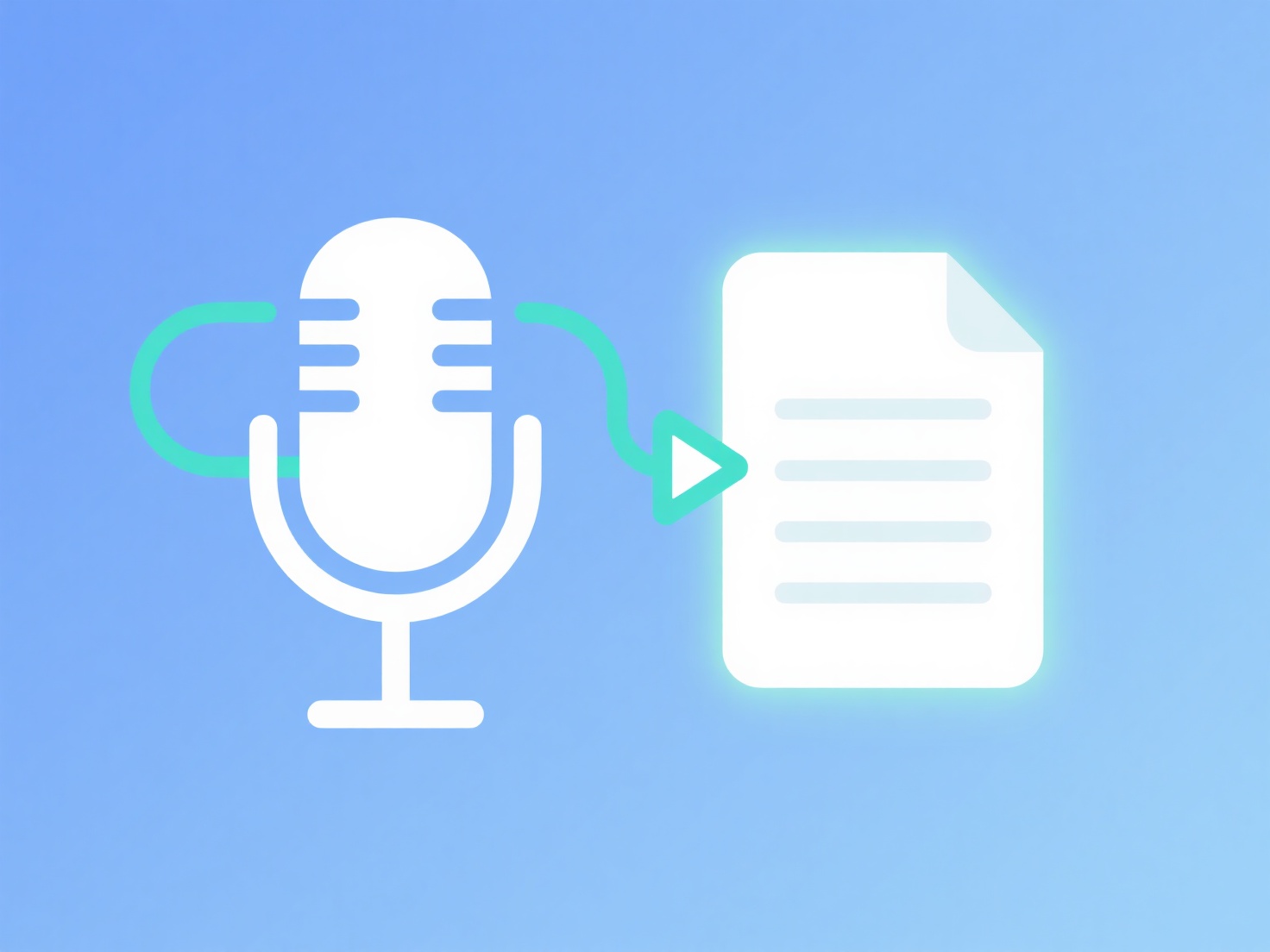
To streamline transcription without stress, use automated AI transcription software to generate your first draft, ensure high-quality initial audio recordings, and focus your manual editing strictly on the quotes you actually plan to use.
For qualitative researchers, turning hours of interview audio into text is notoriously tedious. However, adopting a few practical strategies can eliminate this bottleneck and prevent burnout.
Optimize Your Audio Quality
The easiest way to speed up transcription is to capture clear audio from the start. Background noise, echoes, and muffled voices will confuse both human transcribers and AI software. Use a dedicated external microphone, conduct interviews in quiet environments, and politely ask participants to speak clearly. High-quality audio drastically reduces the time you will spend rewinding and deciphering mumbled words later.
Leverage AI Transcription Services
Typing an interview from scratch can take four to six hours for every hour of audio. Instead of starting with a blank page, run your audio files through an automated transcription tool to generate a baseline draft. While AI won't be entirely flawless—especially with heavy accents, multiple speakers, or niche academic jargon—it provides a highly workable foundation that you only need to proofread and tweak.
Choose "Intelligent Verbatim"
Unless your specific methodology (such as discourse analysis or conversation analysis) requires you to document every pause, stutter, and filler word, give yourself permission to use intelligent verbatim. This means editing out "ums," "ahs," and false starts to create a clean, readable transcript. Focus your meticulous editing energy only on the specific paragraphs and key quotes you plan to code or include in your final manuscript.
Use Playback Shortcuts
If you are manually proofreading and editing your AI-generated drafts, constantly switching your mouse between a media player and a word processor will break your focus. Use dedicated playback software that offers customizable keyboard hotkeys. This allows you to pause, rewind, and slow down the audio playback speed without ever taking your hands off the keyboard.
Streamline Your Analysis
Once your audio is converted to text, the next hurdle is making sense of the qualitative data. Rather than drowning in dozens of disorganized documents, you can upload your finished transcripts into WisPaper's My Library, which acts as a Zotero-style manager and lets you chat with your own uploaded papers via AI to quickly locate specific participant quotes or identify recurring themes. By optimizing your workflow from the initial recording to the final analysis, you can keep your research moving forward completely stress-free.