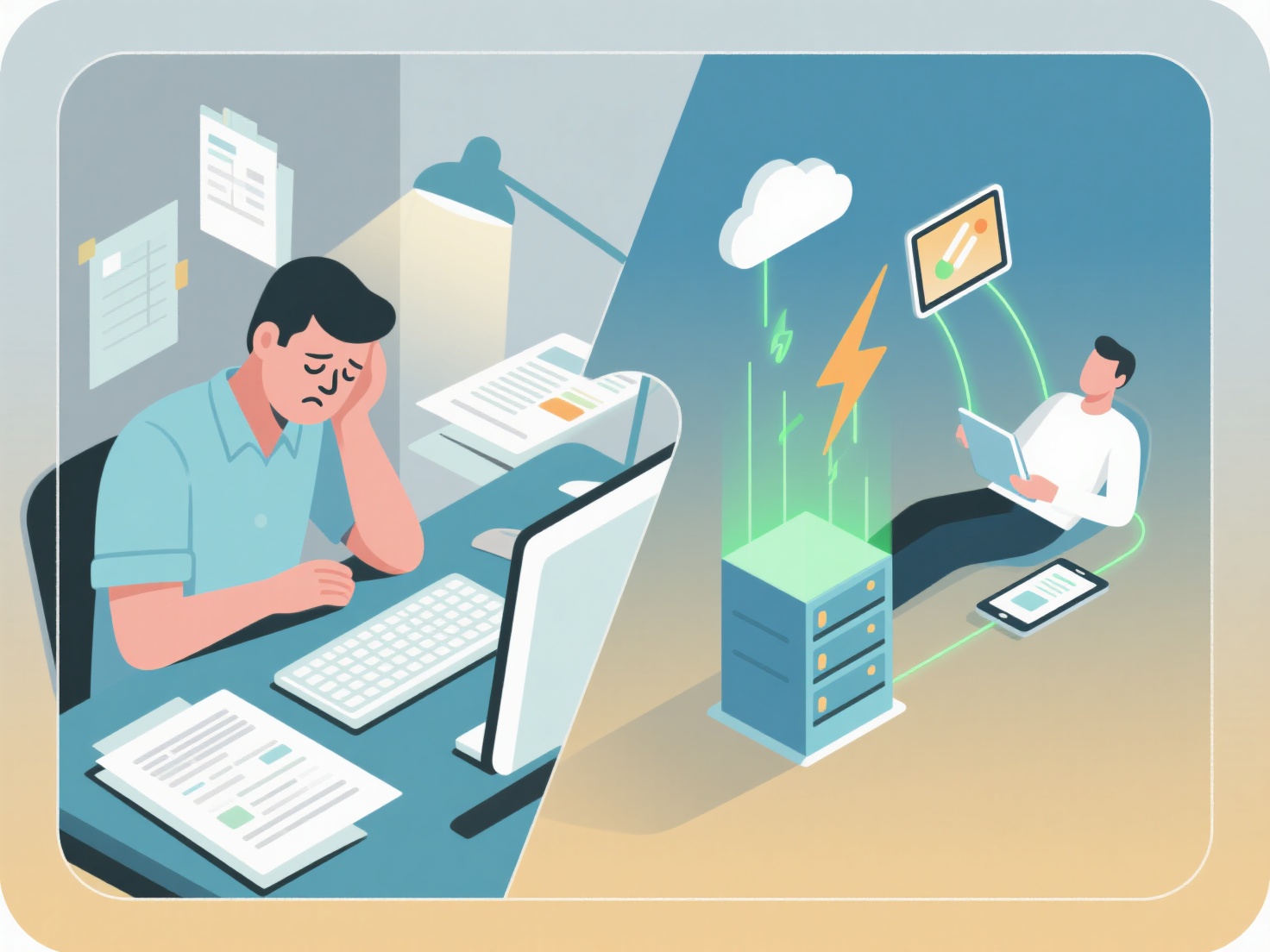
To minimize data entry and save energy during research, you should automate your workflow using reference management software, optical character recognition (OCR) tools, and AI-powered literature organizers.
Manual data entry—like typing out bibliographic details, copying long quotes, or manually formatting citations—drains your mental energy and takes valuable time away from actual critical analysis. By setting up a smart, automated system early in your research project, you can eliminate repetitive tasks and focus entirely on reading and writing.
Here are the most effective strategies to cut down on manual typing in your academic workflow:
Use a Reference Manager with Browser Extensions
Instead of manually typing author names, publication dates, and journal titles into a spreadsheet, utilize a dedicated reference manager. Most modern tools offer web importer extensions that allow you to save full paper metadata and the associated PDF with a single click while browsing academic databases.
Automate Your Literature Organization
Keeping track of downloaded PDFs often leads to tedious manual renaming and folder sorting. You can bypass this entirely by using a centralized system that automatically extracts metadata from your files. For example, WisPaper's My Library functions as a Zotero-style manager that automatically organizes your references and lets you chat with your uploaded papers via AI, eliminating the need to manually log key findings or type out document summaries.
Leverage OCR for Scanned Documents
If your literature search involves older archives, scanned PDFs, or printed books, manually typing out quotes is a massive time sink. Optical Character Recognition (OCR) software can instantly convert images of text into editable, searchable formats. You can then simply copy and paste the exact text directly into your research notes without striking a single key.
Streamline Note-Taking with Export Tools
Avoid typing out your reading notes from scratch. Instead, highlight and annotate directly within your PDF reader. Many academic PDF viewers allow you to export all your highlights and comments into a single text or markdown file. You can quickly drop these extracted notes directly into your literature review matrix or digital canvas.
Generate Citations Automatically
Never build a bibliography by hand. Sync your reference library directly with your word processor. This allows you to insert in-text citations as you write and automatically generate a perfectly formatted reference list in APA, MLA, or Chicago style at the end of your document, saving hours of tedious formatting work.