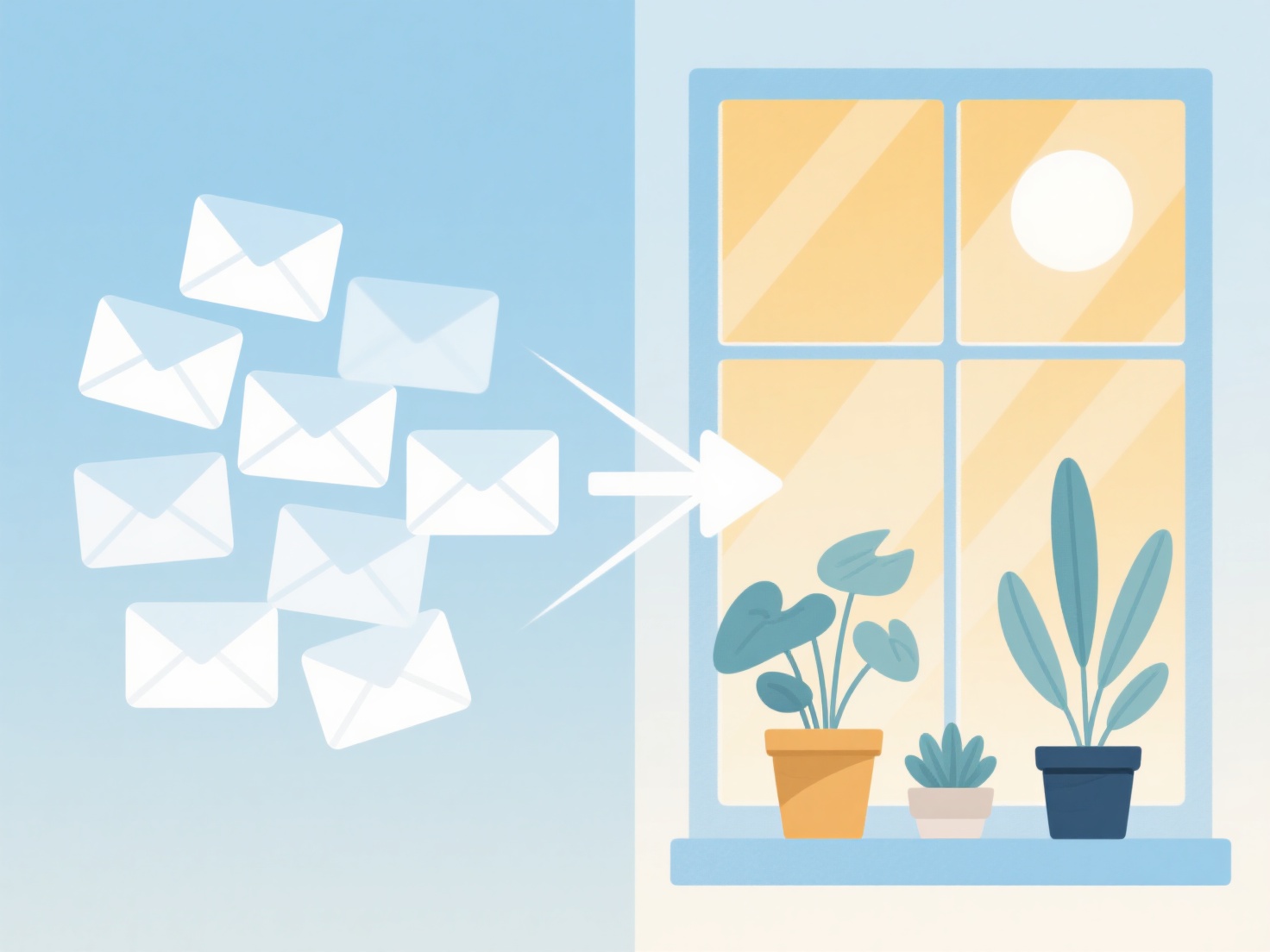
To minimize email management and reclaim your time, establish a strict daily schedule for checking your inbox, consolidate your academic alerts, and use automated filters to sort incoming messages.
For graduate students and early-career researchers, constantly monitoring an inbox is one of the biggest barriers to deep work. Every notification interrupts your focus, making it harder to write papers, analyze data, or review literature.
Here are practical steps to streamline your academic workflow and boost your productivity:
1. Practice Email Batching
Instead of keeping your email tab open all day, schedule specific blocks of time to process your inbox. Try checking your messages just two or three times a day—for example, once in the morning, once after lunch, and once before logging off. Turn off desktop and mobile notifications outside of these time blocks to protect your focus and maintain your momentum.
2. Consolidate Your Research Alerts
Academics often suffer from information overload due to endless table-of-contents alerts, Google Scholar updates, and journal newsletters flooding their inbox. You can drastically reduce this clutter by shifting how you track new literature. Instead of relying on dozens of email subscriptions, WisPaper's AI Feeds provides a daily push of new papers matching your exact research interests across 32 fields, helping you stay updated while keeping your inbox clean.
3. Implement the "Touch It Once" Rule
Also known as the OHIO method (Only Handle It Once), this strategy prevents emails from lingering in your inbox and draining your mental energy. When you open a message during your scheduled time block, make an immediate decision. If it takes less than two minutes to resolve, reply right away. If it requires more work, add it to your task manager and archive the email. If it is purely informational, file it away.
4. Set Up Automated Filters
Let your email client do the heavy lifting. Create automated rules to route incoming messages into specific folders based on the sender or subject line. For instance, you can automatically filter emails from your university administration, undergraduate students, or academic societies into separate folders. This ensures your primary inbox only contains high-priority messages that require your immediate attention.
5. Use Templates for Common Responses
If you find yourself typing the same replies repeatedly—such as declining peer review requests, answering common syllabus questions, or sharing lab protocols—create canned responses or email templates. This simple habit saves hours of typing over a semester and reduces the cognitive load of crafting polite, professional replies from scratch.
By treating email as a scheduled task rather than a continuous distraction, you can achieve inbox zero faster and dedicate more hours to the research that actually matters.