
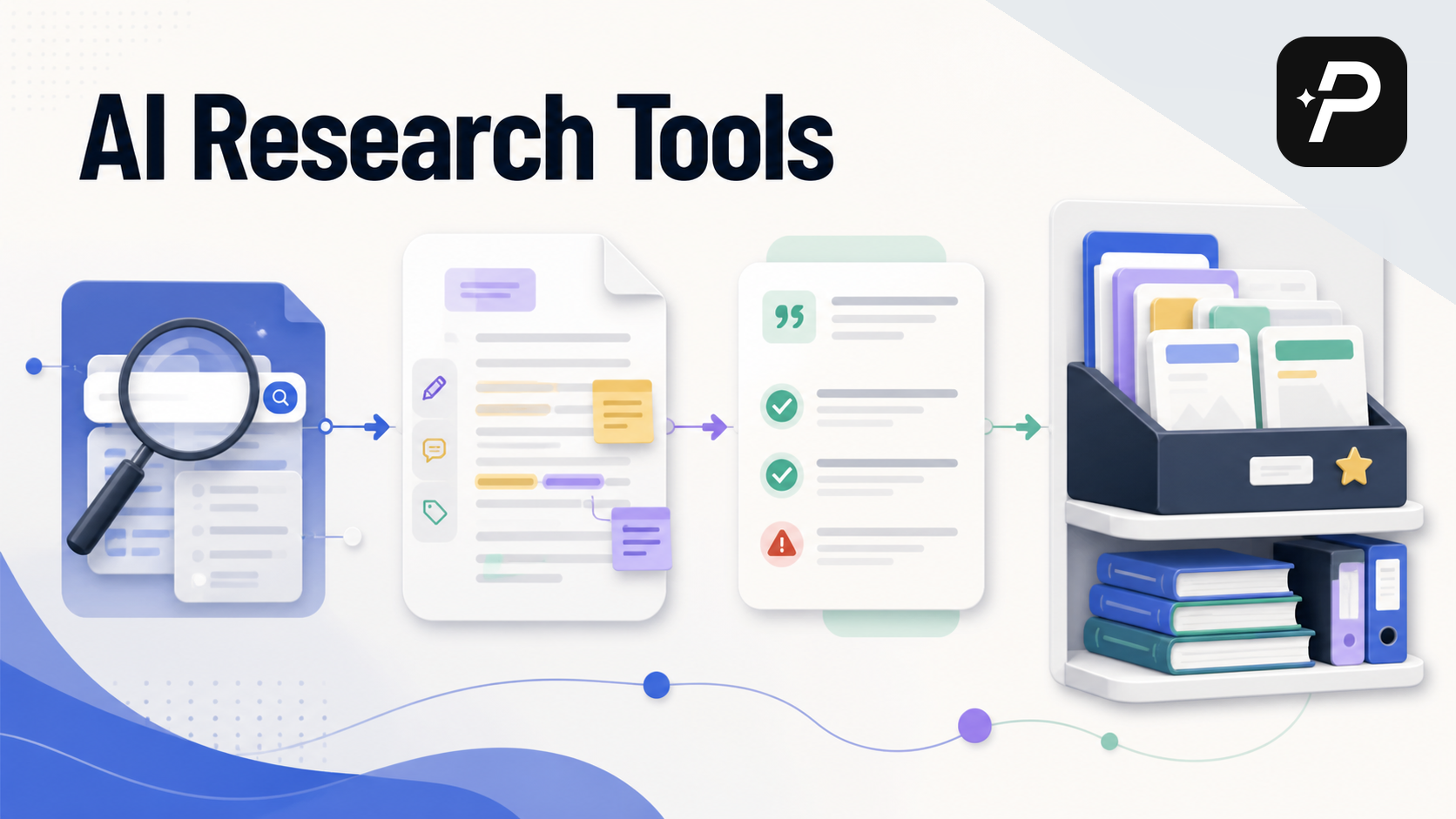
The research process often breaks down at a specific point: you have an assignment, you need credible sources, and you're not sure where to start. Maybe you've typed a question into Google Scholar and gotten thousands of results, most of them irrelevant. Maybe you found a few papers but can't tell which ones actually matter. Or maybe ChatGPT handed you references that turned out to be invented.
The problem isn't a lack of tools. It's that most advice about AI research tools for students comes as a generic list of software with no connection to how research actually works. This guide takes a different approach. Instead of ranking products, it walks through the four stages of a student research workflow—finding, reading, citing, and organizing—and shows which AI capabilities help at each step.
Why the Standard Search Workflow Fails Students
The typical student research process starts with a keyword search. You have a research question in mind, but translating it into a Boolean query for Google Scholar feels like learning a second language. You might type a full sentence into the search bar, only to get thousands of irrelevant results. Or you find a few papers but have no way to know if they're the most important ones in your field.
Traditional search engines and library databases are powerful, but they require you to think like a librarian. You need to know which keywords will return the best results, which databases cover your topic, and how to narrow a search that's too broad. Students who haven't internalized those skills often end up with either too many sources or too few.
AI research tools address this gap by letting you search the way you think. Instead of constructing a complex query, you can ask a direct question. That shift matters most in the early stages of a project, when you're still figuring out what your topic actually is.
Finding Sources: Search with a Question, Not a Query
The first hurdle in any research project is discovery. You need to find the right papers when you're starting with a broad topic or a vague idea. AI tools change the search experience in three concrete ways.
Use Natural Language Instead of Boolean Operators
A typical Boolean query for a paper on AI in education might look like this:
("artificial intelligence" OR "machine learning") AND ("student engagement" OR "academic performance") AND "higher education"
That works if you already know the field's vocabulary. But if you're new to a topic, you don't know which keywords matter. AI research tools let you skip that step. Instead of building a query, you type a question: "What is the impact of AI tools on student engagement in higher education?"
WisPaper's Deep Search is built for this. It accepts a natural-language research question and finds relevant academic literature without requiring you to master search syntax. That's useful when you're exploring a topic and aren't yet sure which keywords will yield the best results. You can start with a question, just as you might ask a professor or librarian.
Refine a Topic That's Too Broad or Too Narrow
Sometimes the problem isn't finding sources—it's finding the right sources. A topic like "climate change" returns millions of results. A very specific idea might return almost nothing.
AI tools can help you navigate both extremes. WisPaper's Inspiration Discovery surfaces related angles and subtopics you might not have considered. If your topic is too broad, it suggests ways to narrow it. If it's too narrow, it points to adjacent fields or broader concepts that connect to your initial idea. This helps you refine your research question before you get stuck with an unmanageable search result list.
Chase Citations Instead of Keywords
Keyword search is only one way to find sources. Citation chasing works differently: you take a highly relevant paper, look at its references to find earlier foundational work (backward citation chasing), and check which newer papers have cited it (forward citation chasing). This approach maps the conversation around a topic and helps you find the seminal papers in a field.
AI tools can automate parts of this process by showing citation networks and suggesting papers based on their connectedness to a seed paper. For a detailed comparison of these methods, see our guide on citation network search vs keyword search for literature reviews and our practical guide to backward and forward citation chasing.
Reading Papers: Screen First, Read Second
Once you have a list of potential sources, the next challenge is reading them. Academic papers are dense, full of jargon, and often 20 to 30 pages long. Reading every paper in full from the start is a poor use of time, especially when many won't be relevant to your final argument.
Use Paper Cards for Quick Screening
Before committing to a deep read, you need to screen papers for relevance. AI research tools typically display results as paper cards that show the source label (PubMed, arXiv, IEEE, and so on), a concise summary, publication details, authors, and preview information.
This lets you scan a list of results and decide which papers deserve your attention without opening each PDF. You can assess relevance based on the abstract and key findings in seconds. That preview stage is what keeps your reading list manageable.
Ask Questions of Your Saved Papers
After you've identified the key papers, you may need specific details about methodology or findings. Instead of re-reading entire PDFs to find one piece of information, you can ask questions of your saved papers.
WisPaper's Library QA answers questions based on the papers you've saved in My Library. For example, you could ask, "What sample size did the study by Smith et al. use?" or "What are the main limitations mentioned in these papers?" The tool scans your saved papers and returns answers with references back to the source text. This turns your personal library into an interactive database, making the reading and comprehension phase faster and more targeted.
Citing with Confidence: Verify Before You Submit
One of the biggest concerns with using AI for research is the risk of hallucinated citations. Students have submitted papers with references that don't exist. That risk is real, but it's manageable with the right habits.
Why General Chatbots Invent Citations
General-purpose chatbots are designed to predict the next word in a sequence, not to verify facts. When you ask for references, they can produce confident-sounding but completely fabricated sources. This is why a ChatGPT reference list needs manual checking before you use any of it.
AI research tools are built differently. They search and retrieve real academic literature from connected databases, so they're less likely to invent sources. But even with these tools, you must verify your citations. For a data-driven look at how often different tools produce hallucinated citations, see our comparison of AI citation hallucination rates.
A Three-Step Citation Check
The golden rule: never cite a paper you haven't seen. When an AI tool returns a source, you should be able to click through to the original paper or its database entry. If you can't find the paper on Google Scholar, the publisher's website, or your library's database, treat it as suspicious.
Run every citation through these three checks:
- Check the DOI. A Digital Object Identifier is a unique code assigned to academic papers. If the AI tool provides a DOI, look it up at doi.org.
- Search for the exact title. Copy the title and search for it in Google Scholar or your library's catalog. If it doesn't appear, it likely doesn't exist.
- Look at the source. Is the paper from a well-known, reputable journal or publisher? An obscure or unknown source is a red flag.
These steps let you use AI to find leads and then confirm their validity yourself. That process is essential for maintaining academic integrity.
Organizing Your Research: One Library Instead of Twenty Tabs
Finding and reading papers is only half the battle. The other half is keeping track of everything you've found. A chaotic system of downloaded PDFs and browser bookmarks becomes unmanageable fast, especially for a large project like a thesis or literature review.
Centralize Your Sources in One Place
A good AI research tool offers a personal library where you can save and upload papers. Instead of files scattered across your computer, you collect all relevant sources in one location.
WisPaper's My Library works this way. You can save papers directly from search results, organize them by project, add tags, and keep notes. When it's time to write, all your key sources are in one accessible place. This organizational step prevents source overload and ensures you can find the right reference when you need it.
Explore Research Directions While You Build Your Library
As you collect papers, you may still be refining your research question. A Scholar Agent can help with that. Think of it as a research assistant that explores different directions and paper possibilities inside the search workflow.
You can use it to brainstorm related concepts, ask for suggestions on what to read next, or get a quick overview of a new subtopic. This helps ensure your research is thorough and that you're not missing important angles before you finalize your paper's direction.
A Complete Student Workflow: From Question to Reference List
Here's how these pieces fit together in practice. Suppose you have an assignment to write a paper on the effects of social media on adolescent mental health.
- Search with a question. You open your AI research tool and type: "What are the recent findings on social media use and anxiety in teenagers?" Deep Search returns a list of relevant papers from academic databases, displayed as paper cards.
- Refine your focus. The topic is still broad. You use Inspiration Discovery to see related angles, such as "the impact of specific platforms" or "the role of sleep disruption." This narrows your focus to something like "the impact of Instagram on body image and anxiety in adolescent girls."
- Screen and read strategically. You scan the paper cards and identify ten papers that look relevant. You save them to My Library. After a quick skim, you have questions about methodology. You use Library QA to ask, "What research methods were used in the papers I saved?" and get a synthesized answer with citations.
- Organize and verify citations. You have your sources, your notes, and a clear understanding of the literature. You write your paper, using your library to track your arguments. Before submitting, you verify every citation in your reference list by searching for the title or DOI.
This workflow shows how AI tools support each stage of the research process. They don't replace your thinking—they remove the administrative friction that gets in the way of it.
Academic Integrity: Where the Line Is
A common question is whether using AI for research counts as cheating. The answer depends on how you use it. Using AI to find and organize sources is generally acceptable—it's similar to using a librarian or a reference manager. Submitting AI-generated text as your own work is plagiarism.
The distinction comes down to what you do with the sources you find. You should always:
- Read the original papers. Don't rely only on AI summaries. You need to understand the full context of the research.
- Write your own analysis. Use the information you gather to form your own arguments and conclusions.
- Cite properly. Always cite the sources you use, whether you found them through an AI tool or a traditional search.
- Follow your institution's guidelines. If your school has specific rules about AI use, follow them.
For a deeper discussion of this topic, see our article on whether using AI for a literature review is cheating. The goal is to use AI to become a better researcher, not to take shortcuts that compromise your learning.
How AI Tools Compare to Traditional Research Methods
AI tools don't replace traditional research methods. They change specific parts of the workflow.
- Search experience: Traditional search requires learning complex syntax. AI tools accept natural-language queries, which are more intuitive.
- Discovery: Traditional search is mostly keyword-based. AI tools help you discover related topics and papers through citation networks and inspiration features, leading to a more comprehensive literature review.
- Reading: Traditional reading means opening PDFs and manually scanning for information. AI tools provide summaries and answer specific questions about your saved papers.
- Organization: Traditional organization relies on folders and reference managers. AI tools integrate organization directly into the search and reading workflow.
A robust research process often combines both approaches. You might use Google Scholar for a quick search and then use an AI tool to explore the topic more deeply and manage your findings. For a detailed comparison, see our article on AI academic search beyond Google Scholar.
Start Your Next Assignment with a Smarter Workflow
The research process improves with the right tools and techniques. AI research tools for students are not a replacement for your own intellect or effort. They help you search more effectively, read more efficiently, cite with confidence, and organize your work.
The next time you face a research paper, a literature review, or a thesis, don't open a blank document and start searching. Set up a workflow that integrates AI assistance at each stage: search with a question, screen papers before reading them, verify every citation, and keep everything in one library. The process becomes less daunting and more productive when the tools match the task.
FAQs
Keep Reading
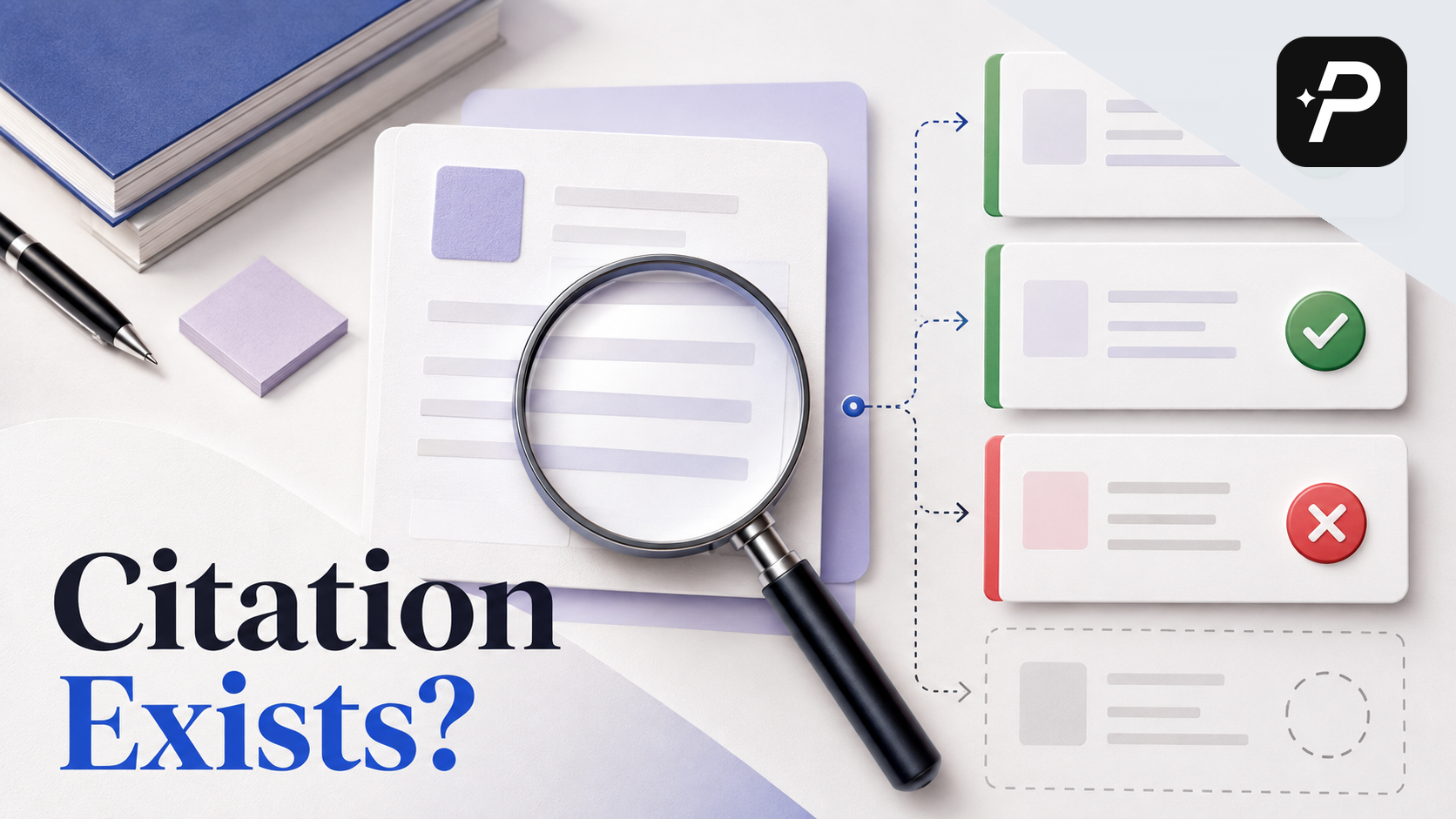
How to Check Whether an Academic Citation Actually Exists
You found the perfect reference for your literature review. The author, title, and journal all look right. Then you try to open the source and the DOI leads nowhere. The journal page returns a 404. A search across databa

Why AI Invents Academic Citations and How to Catch Them
You ask ChatGPT for sources on your thesis topic. Within seconds, it returns a list of references. The authors sound right. The journal names are familiar. The years and volume numbers look plausible. Then you search for
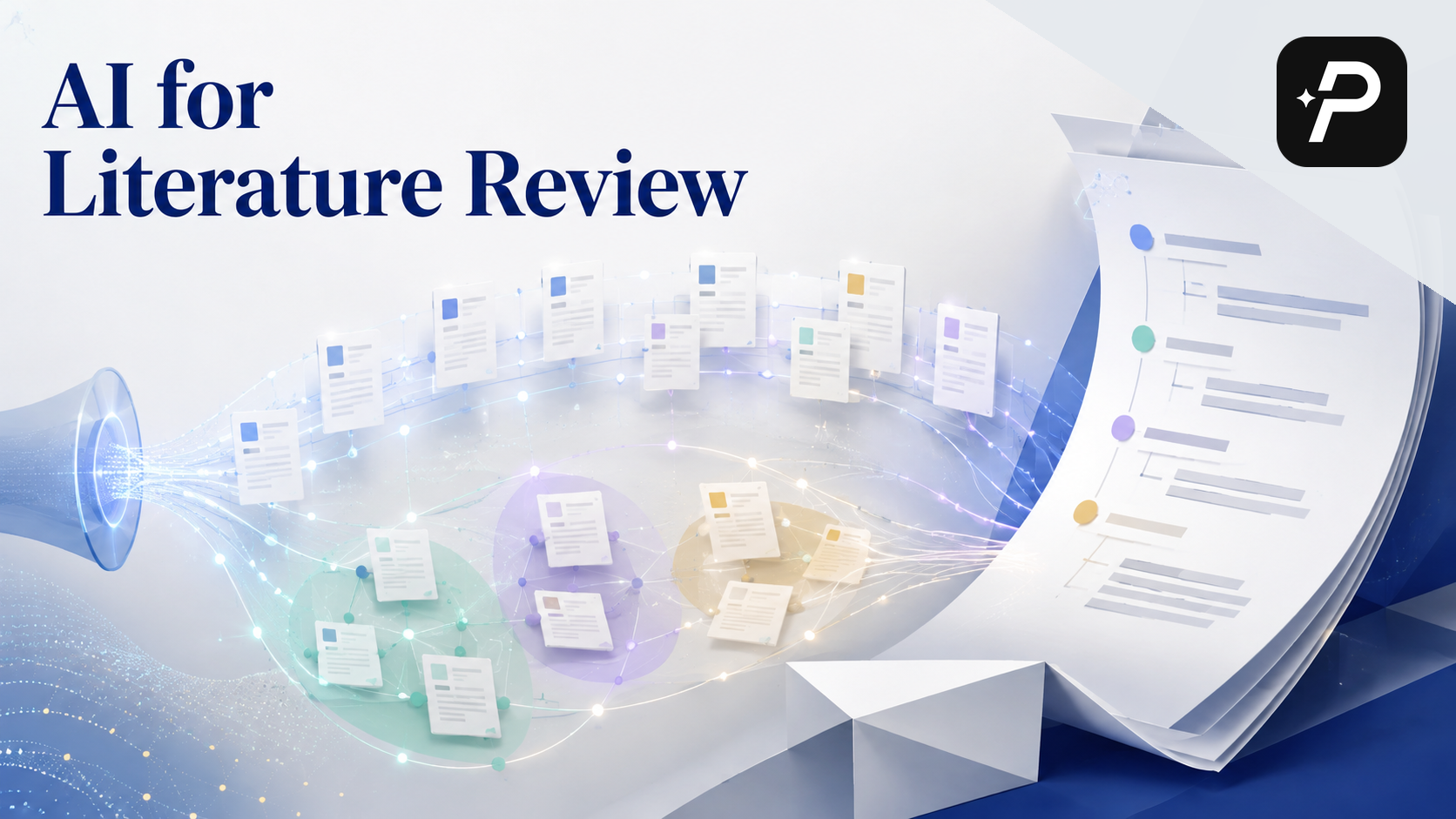
Can You Use AI for a Literature Review?
Yes, you can use AI for a literature review—but the useful question is which parts of the task you hand off and which parts you keep. A literature review is not a summary of what you found. It is an argument about what t